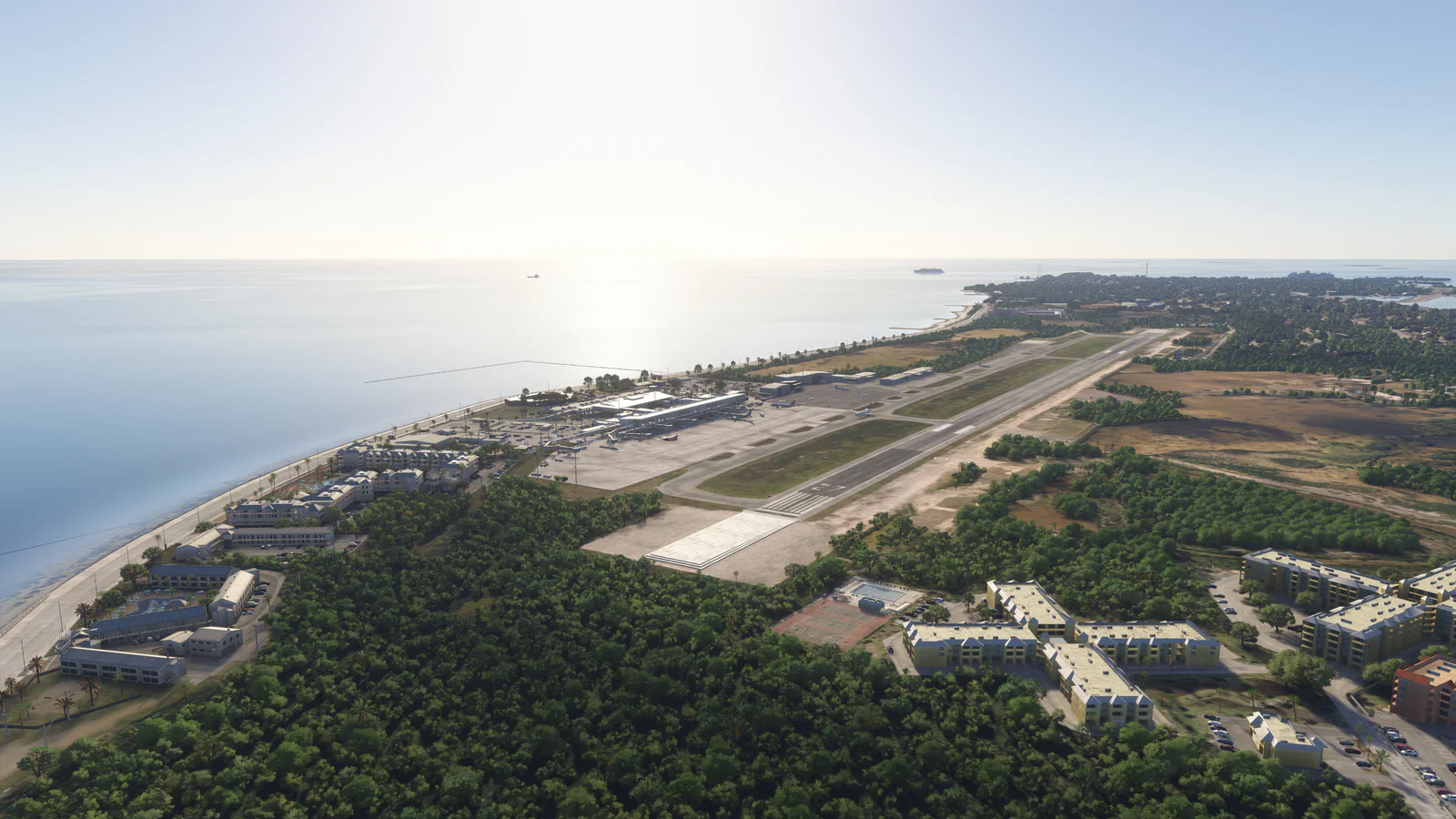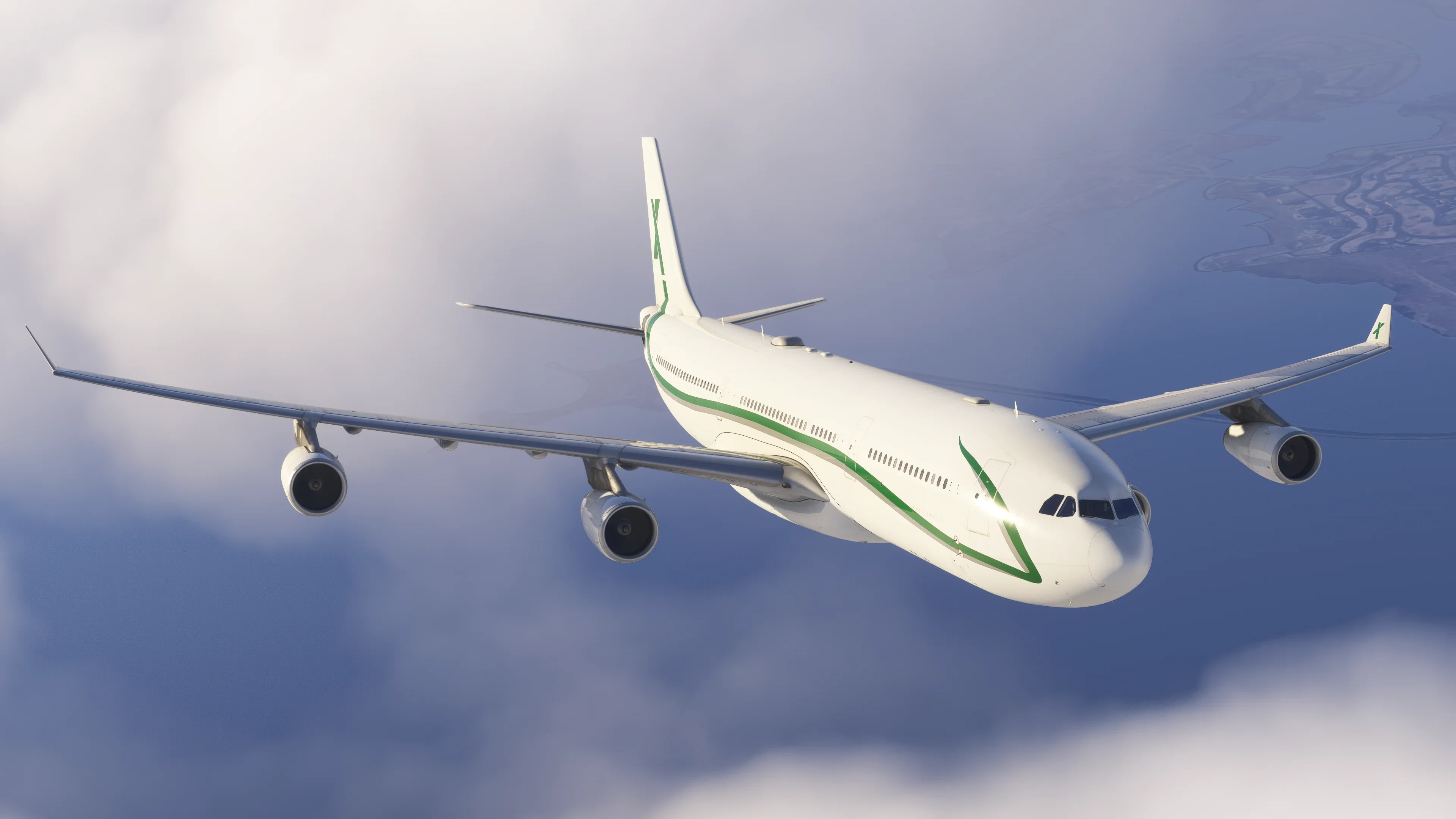
iniBuilds Updates A340 Airliner for MSFS 2024
iniBuilds has released an update for their A340 Airliner for Microsoft Flight Simulator 2024, bringing the aircraft to version 1.0.7. This update includes the addition of the VIP variant of the A340 Airliner, along with various other changes, fixes, and improvements. The aircraft is now available at the iniBuilds Store, whereas it was previously only accessible through the Marketplace.
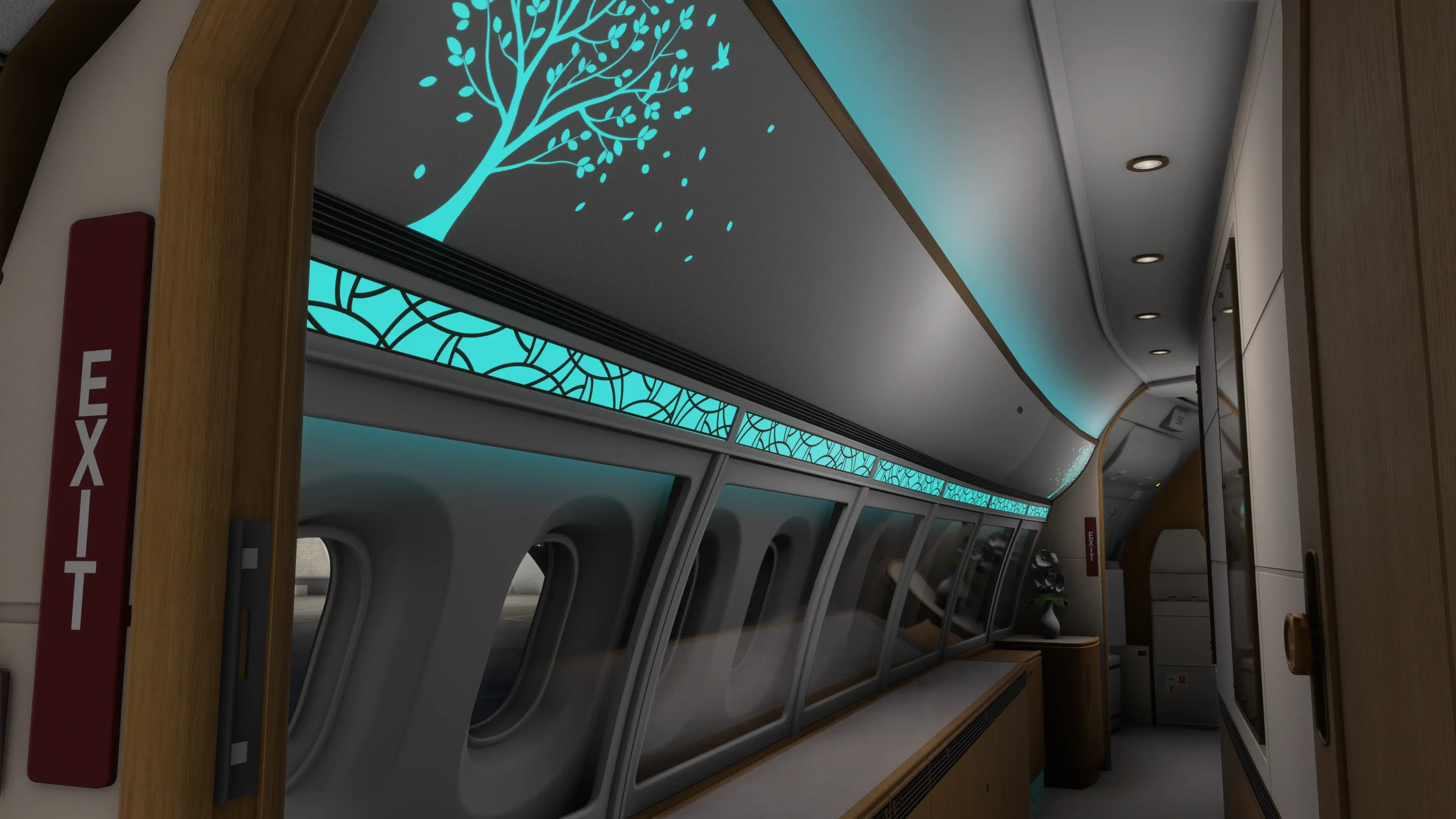
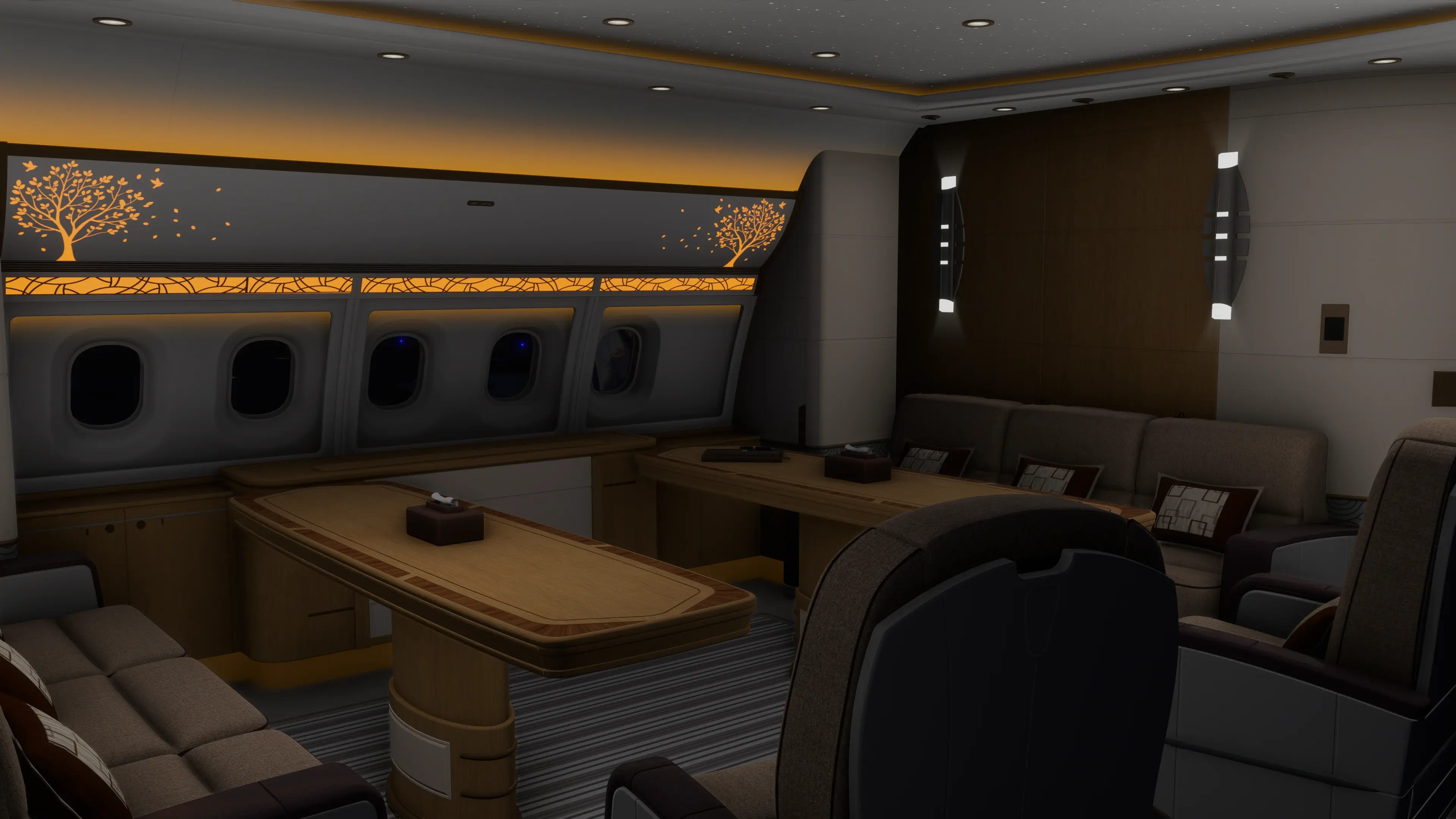
The new VIP variant of the Airliner is packed with features, including a controllable Flight Attendant Panel, ambient multi-colour cabin lighting, and animated faucets, showers, and toilets.
The latest version includes a comprehensive changelog, which can be found below:
V1.0.7
SYSTEMS ⚙️
FIXED ND ETP not drawing on ND consistently
FIXED Electrical system behavior with BAT only on ground
FIXED AOC WX request showing invalid data when CPDLC source set to BeyondATC
FIXED MCDU ATSU/ATC page formatting refinements
FIXED Issues with along-track waypoints
FIXED ENG ECAM page, Engine 1 N2 vibration
FIXED Live PLD/ZFW too high on spawn
FIXED Long press of the CLR button not clearing the entire scratchpad
FIXED Brake fans operating with gear up
FIXED FPLN A page SID name missing above departure runway
FIXED PFD track diamond offset
FIXED AOC free-text send triggering incorrect received message reply
FIXED HDG bug missing in PFD
FIXED ACARS TO PERF message corrections
FIXED BRK fan pushbutton not displaying HOT
FIXED Direct to clearing flight plan causing WASM crash
FIXED Replicable WASM crash when entering LAT/LONG coordinates into MCDU stored waypoints page
FIXED Default camera views not aligned
FIXED TO PERF invalid altimeter import values when using SYNC WX in inHg
FIXED Side quickviews not aligned to 90 degrees from pilot POV
FIXED TO PERF below MTOW limits shown on EFB but inconsistent after changing units
FIXED Inserting DIR TO wiping flight plan
ART 🎨
FIXED Passenger windows overly tinted
FIXED Horizontal stabilizer dihedral angle
FIXED Net texture inverted
FIXED Curtains clipping in forward galley
FIXED Wall ambient occlusion striping
FIXED Removed clickspot for crew rest door near 3L (Cabin and Freighter)
FIXED LOD issue with exit signs in the cabin
FIXED Icing effect transparency at ~50% intensity
FIXED Strobe effects missing physical double-flash
FIXED Clickspots for door 4L/R added to FA panel
FIXED Snow accumulation heavy-snow visibility threshold
FIXED Snow on wings texture shading
FIXED Cabin door handles inhibited in-flight
FIXED Pilot model not visible in exterior view
FIXED VIP crew bunk floor gap
FIXED VIP Door 4L/R curtain clickspot too large, preventing door handle access
FIXED FC seat small screens incorrectly affected by color scheme routine
EFB💻
FIXED Options not persisting across future simulator loads
FIXED GPS jamming option not saved
FAP Door status indications not matching actual door state
ADDED Full FA Panel Simulation
ADDED VIP variant SimBrief profile
SOUNDS🔊
FIXED Missing “five” altitude callout
FIXED GPWS audio tweaks
FIXED No smoking sign missing tone
ADDED VIP cabin interactive sounds
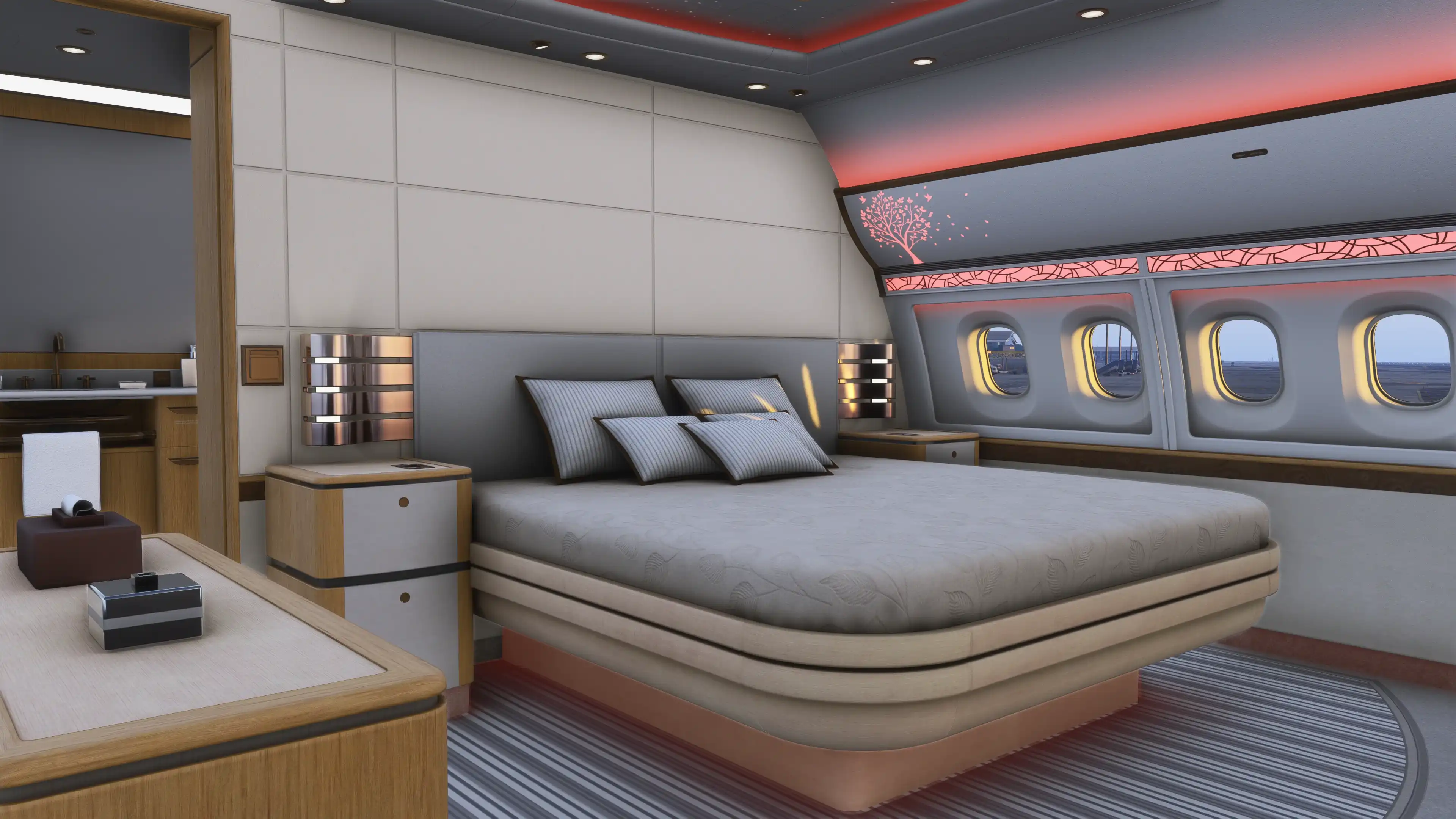
The latest update is available for all current owners or can be purchased through the Marketplace or the iniBuilds Store for approximately $59.99.
For the latest flight simulation news, remember to stay tuned on Threshold!
If you enjoy our content and want to support Threshold, consider joining us on Patreon!
Share this page

COMMENT ADVISORY:
Threshold encourages informed discussion and debate - though this can only happen if all commenters remain civil when voicing their opinions.