No Money Mondays: Xa-Snow
March 2, 2026
Freeflight
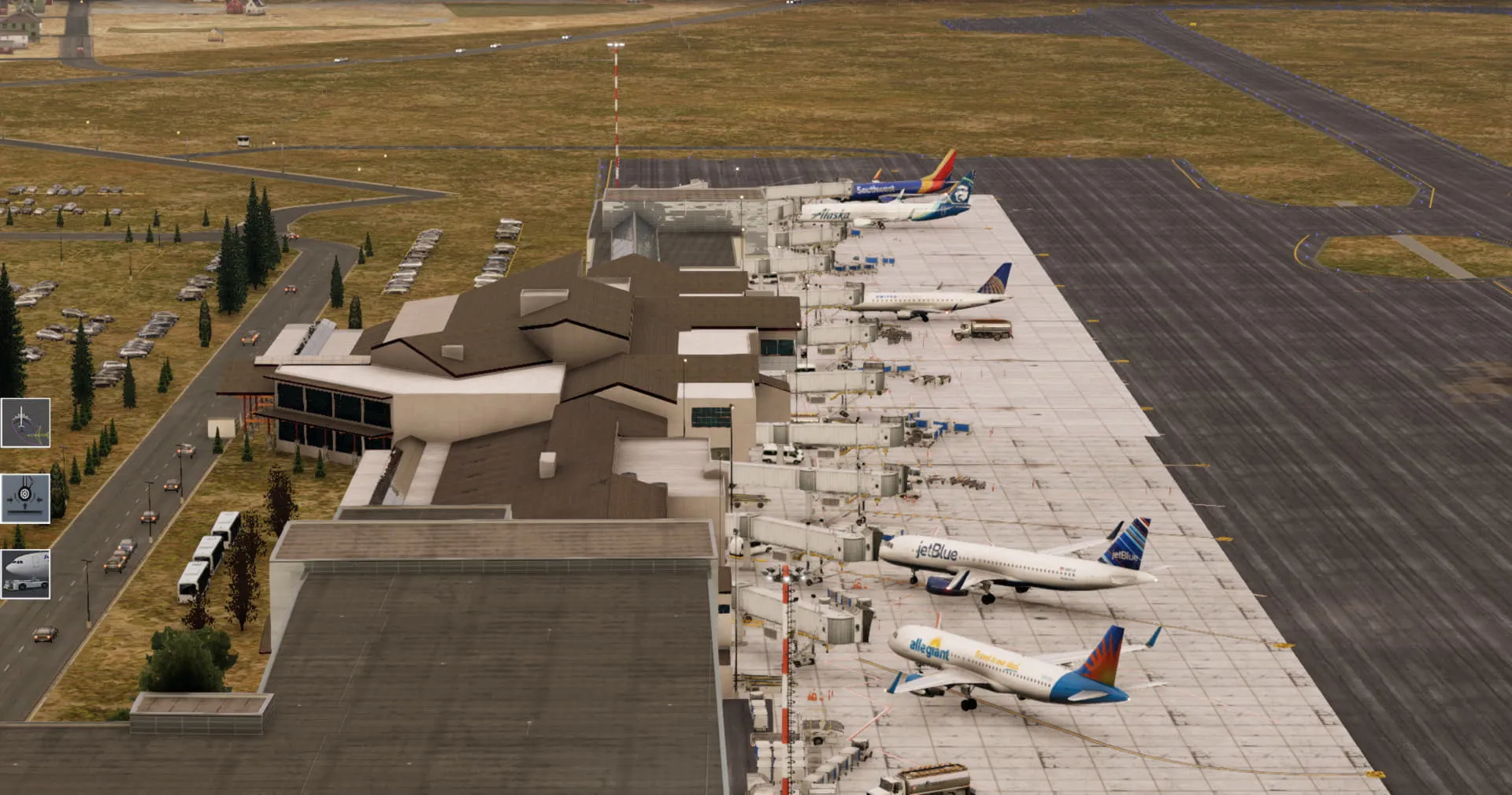
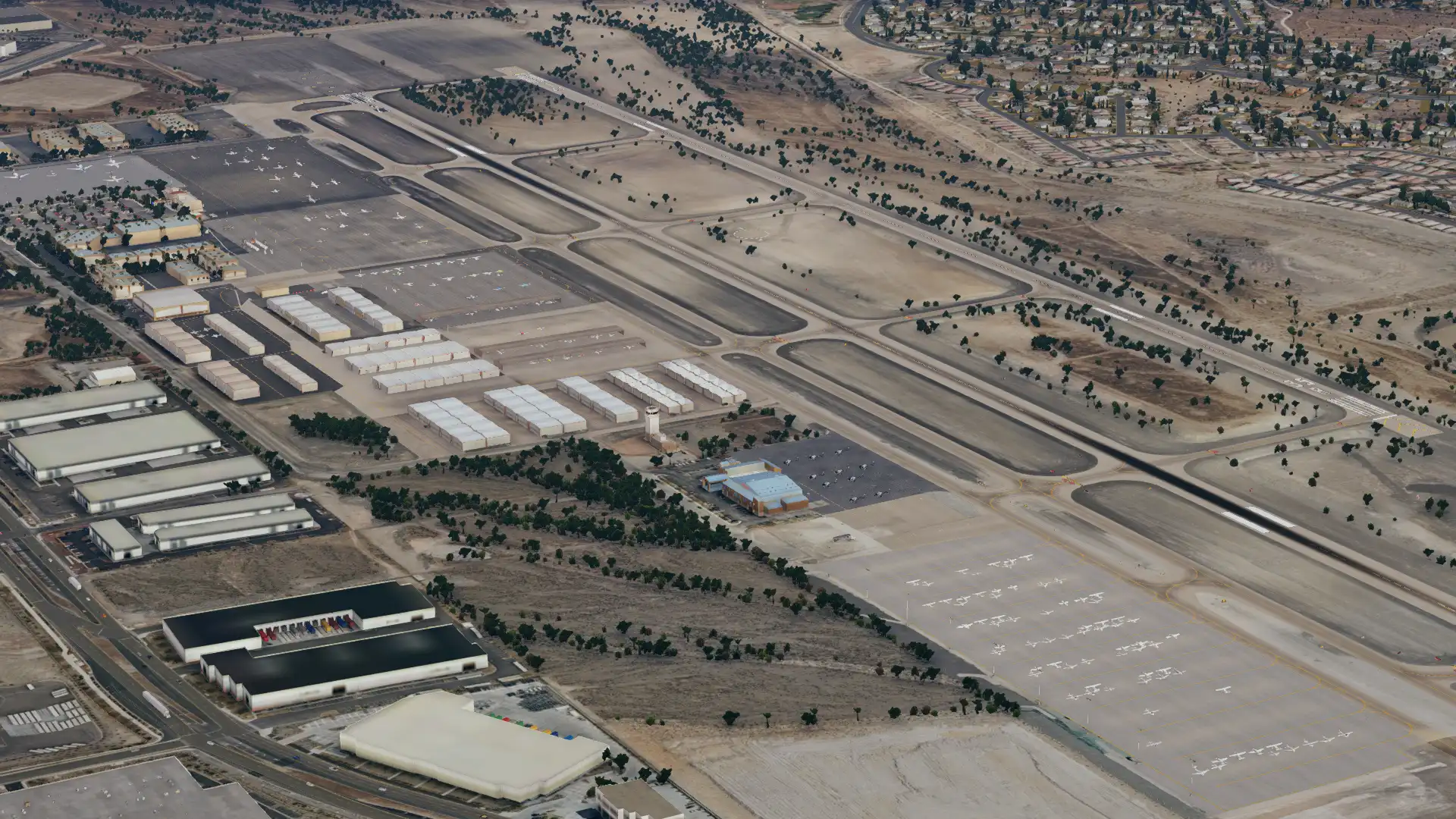
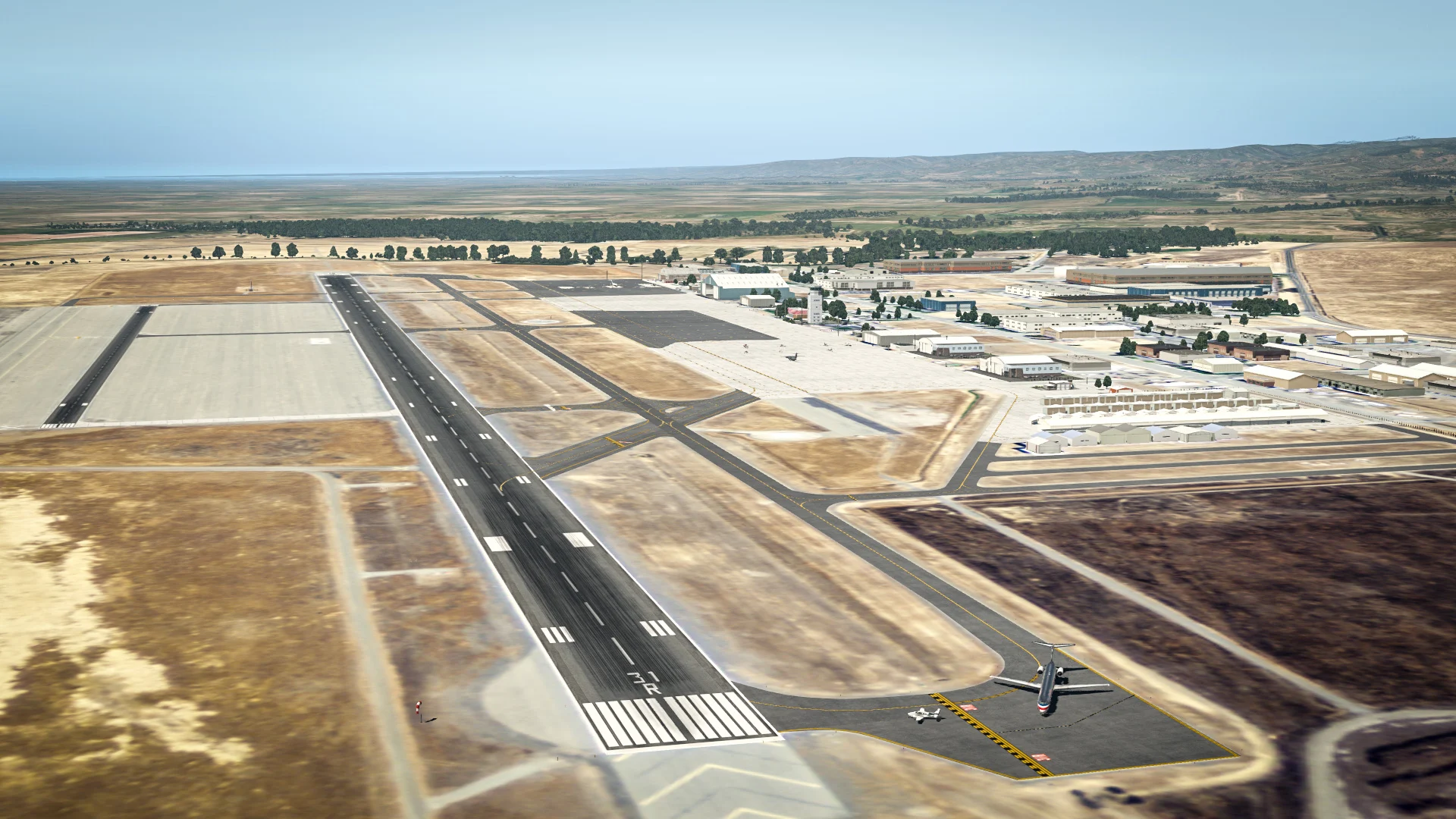
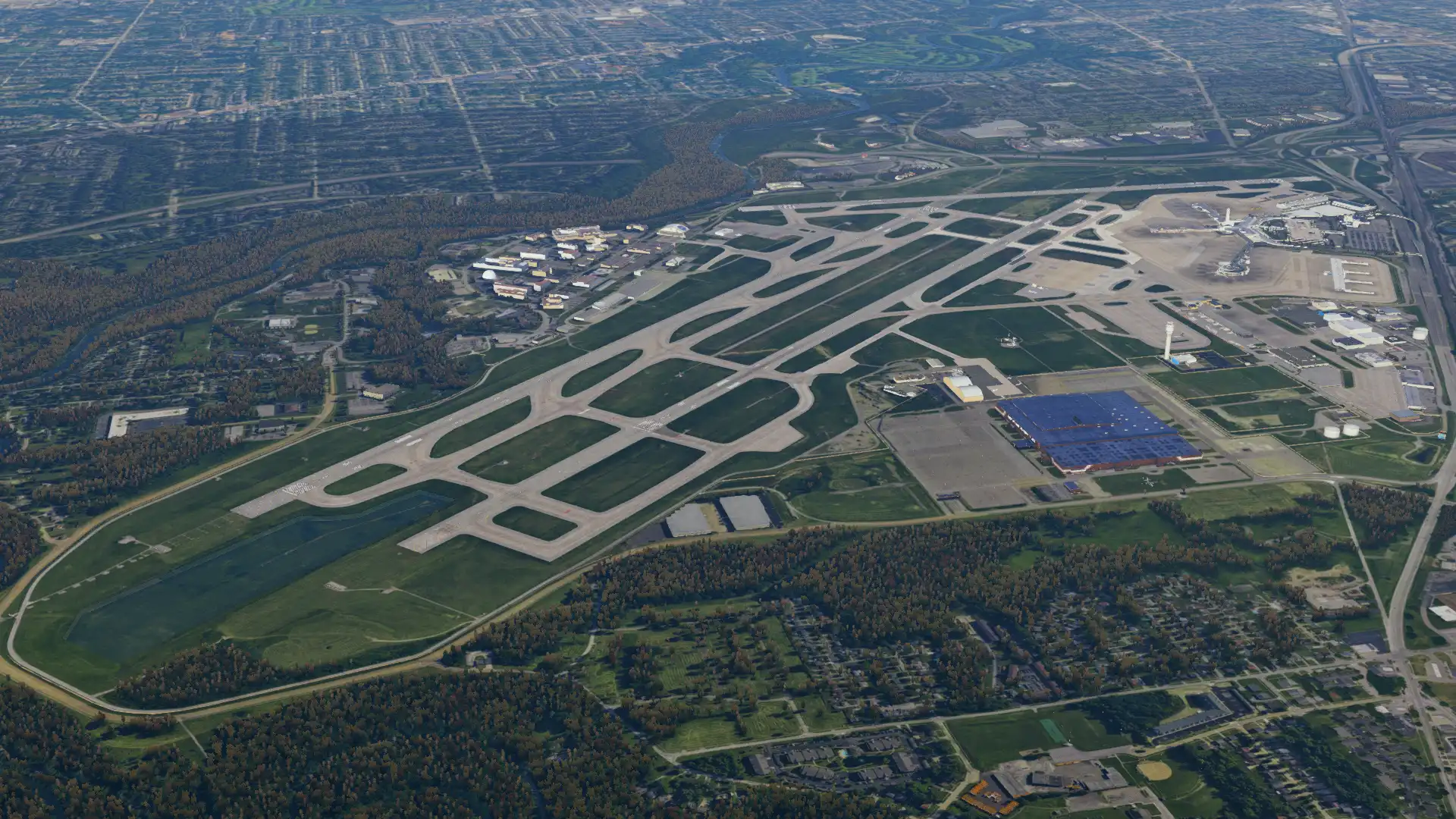
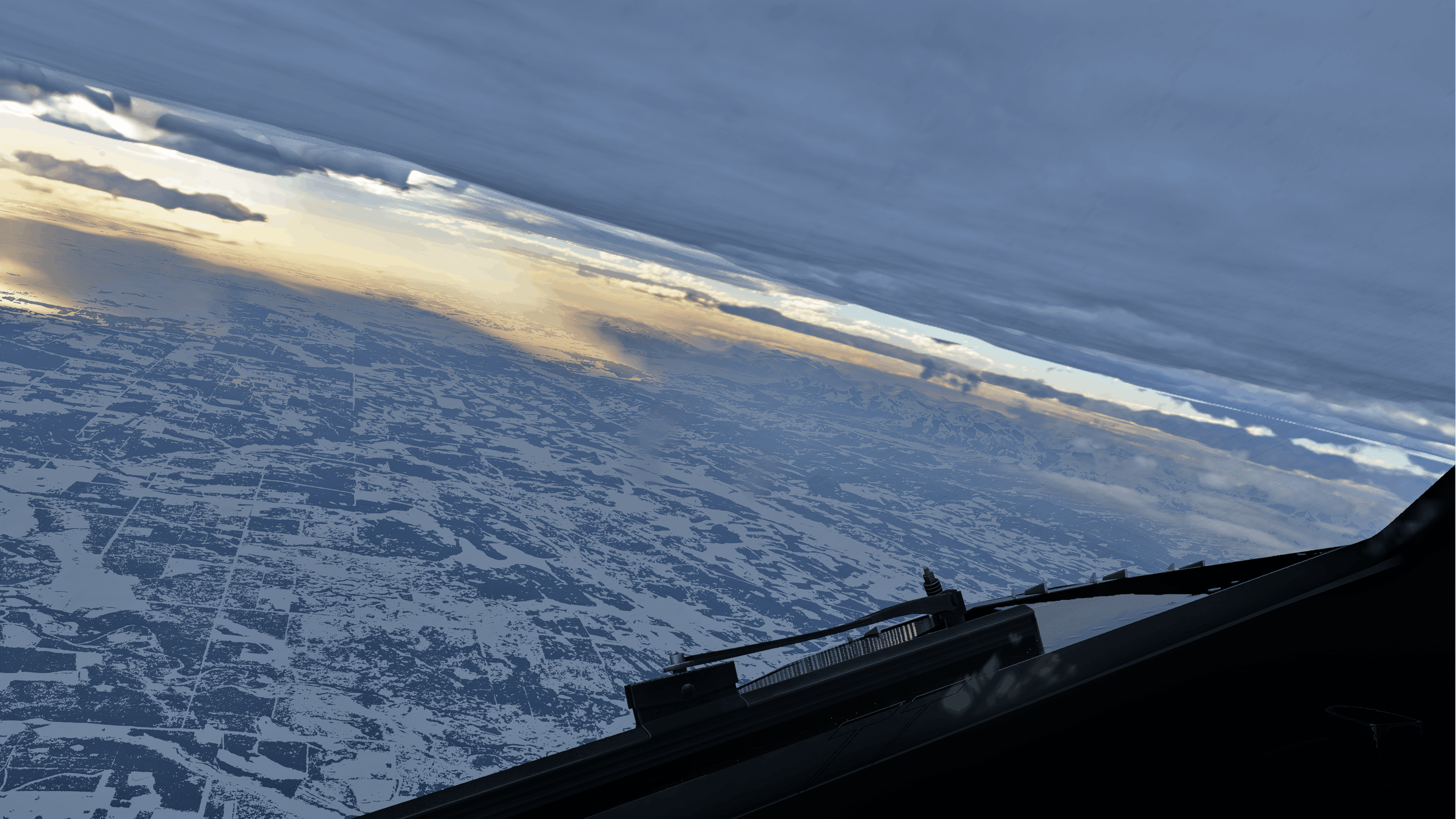
If you have ever flown in X-Plane during winter time, you may have noticed a distinct lack of snow. There have been multiple times when I have been flying in Canada during winter and the simulator looks like its summer time, however, in real life, the area would be snow covered. Thankfully, the Xa-Snow plugin aims to fix this issue, by providing real world snow depth to X-Plane 12, allowing your winter flights to actually look like its winter.
The accumulated snow plugin works by downloading NOAA data and transferring it into X-Plane 12. Every 6 hours, NOAA uses satellite IR imagery and snow forecast models to create a worldwide snow cover model. Then, the plugin uses the closest 6 hour forecast to inject the most accurate snow cover into the simulator, in order to provide as accurate of a representation as possible.
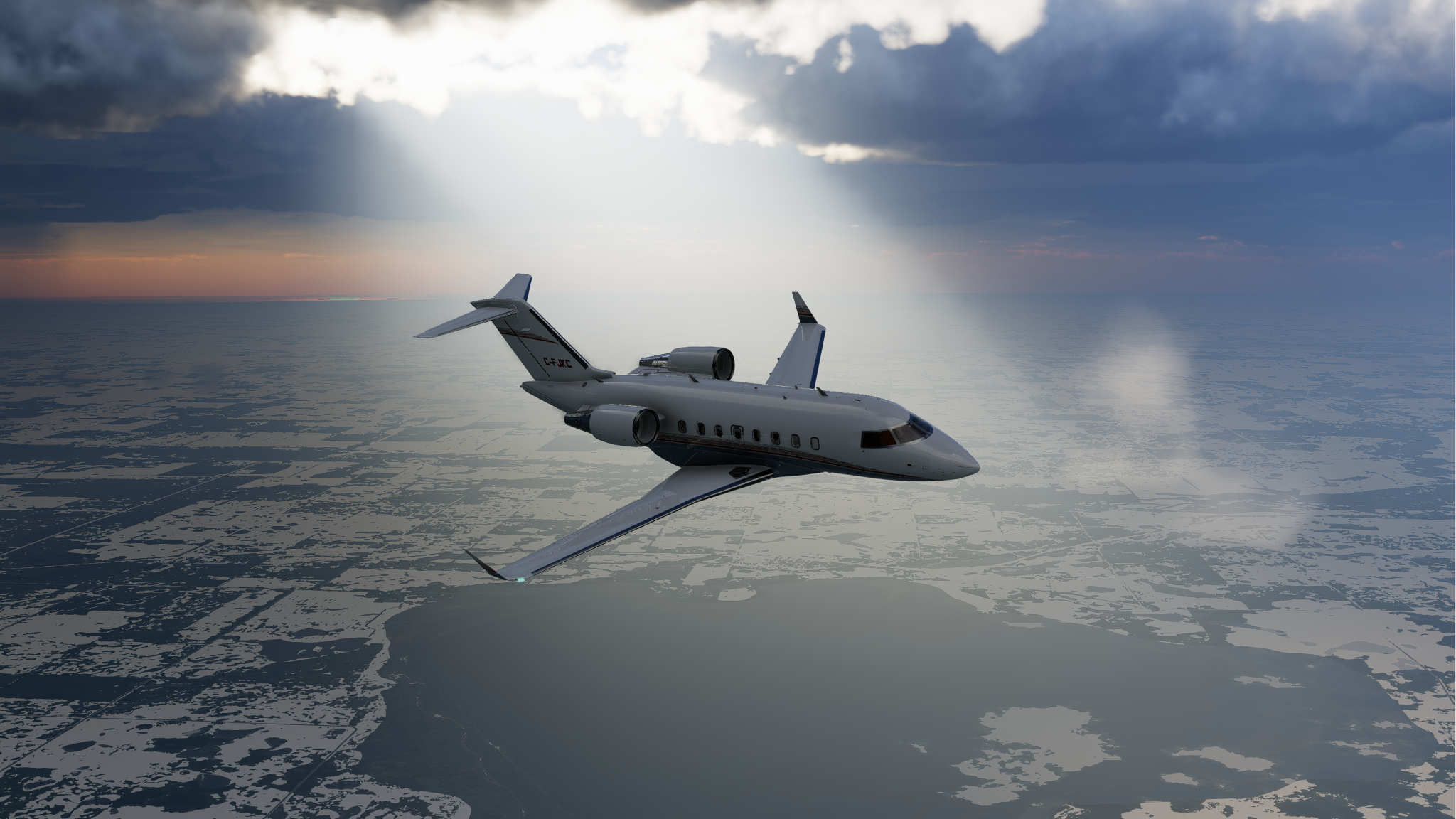
Unfortunately, there are some limitations in X-Plane that the addon has to overcome. Firstly, X-Plane depicts snow cover as regional weather, meaning if there is snow in one spot, there is snow everywhere. As a result, the developer stated that they use spatial and temporal interpolation in an attempt to overcome this issue. Secondly, due to issues with NOAA’s collection methods, snow at shorelines is typically inaccurate and underreported. To attempt to fix this, the addon will extrapolate close inland snow to shorelines to estimate snow coverage. Lastly, since the plugin uses the snow below your aircraft for depiction, when you fly over water towards the shoreline, you will not see snow, as snow will not exist over the water (which is directly under your plane). To overcome this, the plugin will find the nearest point of the shoreline and use the extrapolated snow value at that point to generate accurate snow depth.
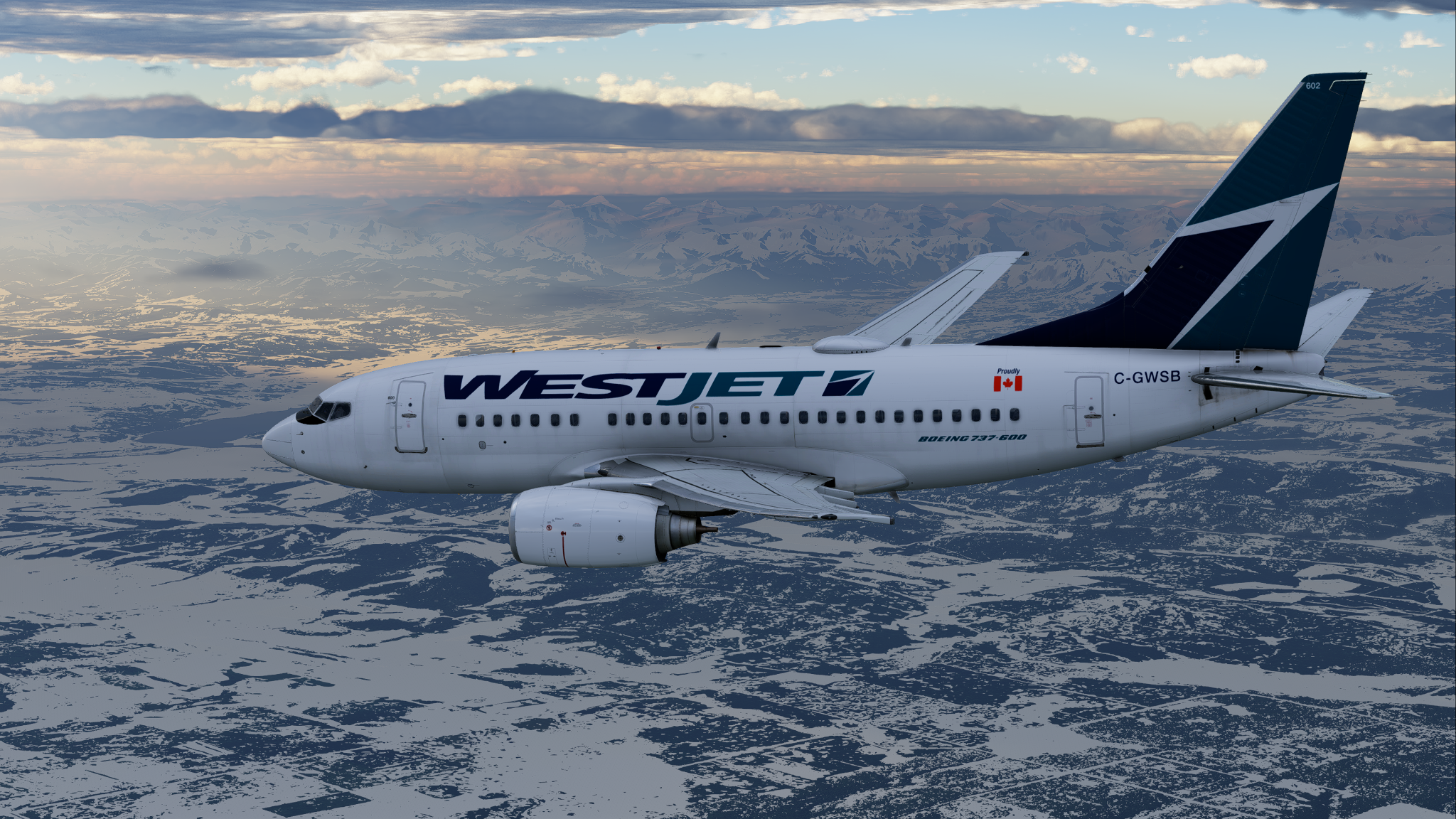
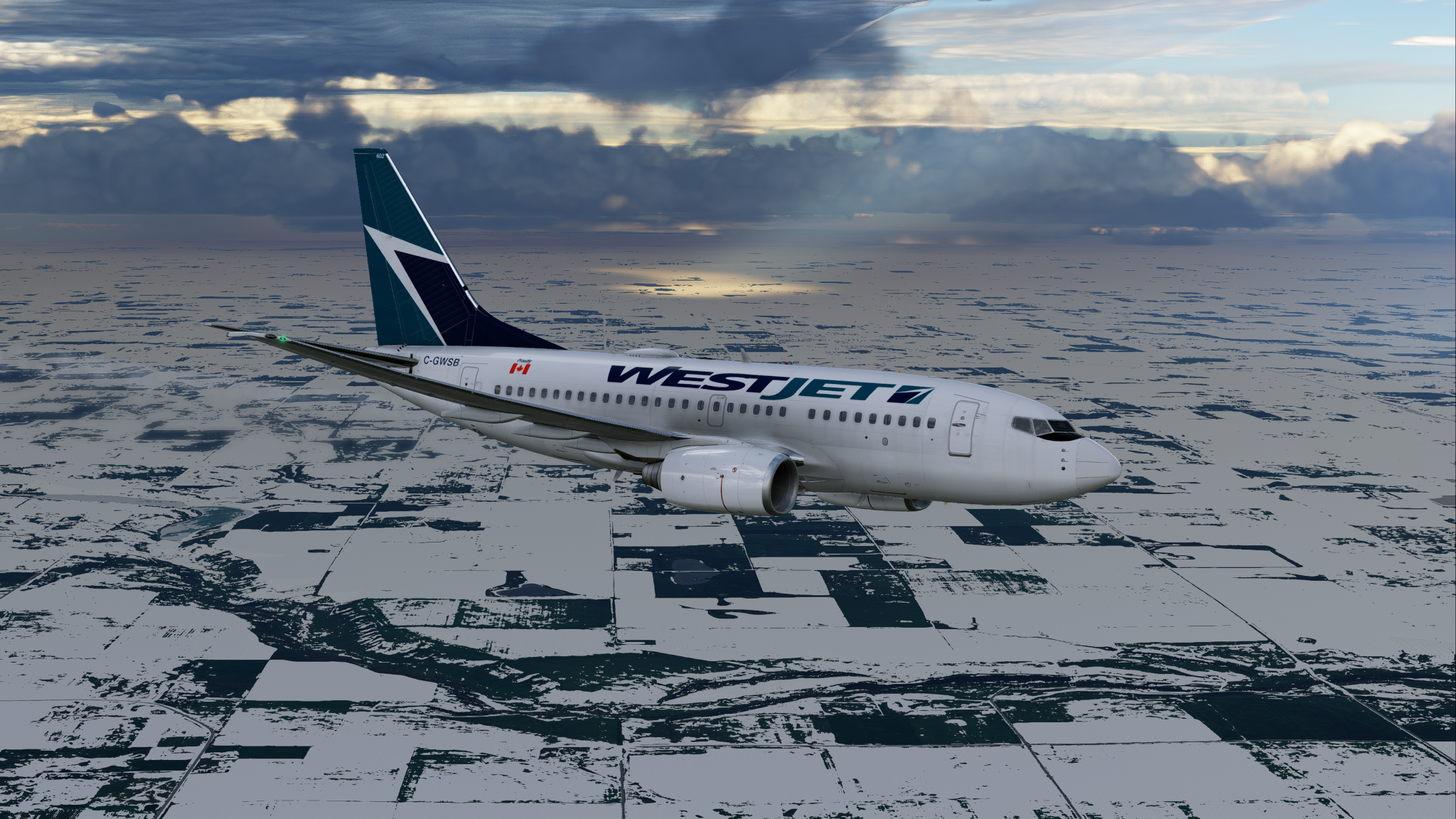
Using the plugin is incredibly simple, as you simply drag and drop it into your plugins folder. However, the skunkcrafts updater is required, though that is also very easy to use. Nevertheless, there are various settings included to fine tune your needs. Firstly, “toggle override” is for users who use ASXP, as with this option off, snow will not work using ASXP. Next, “Lock Elsa up” is a humorous name for an option that reduces ice on runways and taxiways, as it can get excessive in X-Plane 12. Another option included is “enable historical snow” which allows you to go up to 365 days back and get the snow depth for that day, though it is not guaranteed to work according to the developer. Furthermore, “enable snow depth auto update” is included, which for longer flights, will update snow depth data during your flight, instead of before. This is not recommended to be turned on, as it could cause performance and stability issues. You can also enable “temperature correction for extended snow,” which can be used if you get unwanted snow on shorelines when the temperature on the ground is high. Lastly, legacy (X-Plane 11) sceneries do not feature properly simulated weather textures, resulting in too much snow making taxiways and runways impossible to see, so an option to exclude those airports from receiving snow is available.

Although there are some limitations to the plugin due to X-Plane itself, this is still a fantastic freeware plugin and I highly recommend using it. Ever since I discovered this plugin, my winter flying in X-Plane has significantly improved, becoming much more immersive and enjoyable. There have been multiple flights that I have done that have been made more memorable due to this plugin, as having snow where it should be really amplifies the experience of the simulator and provides a true winter flying experience in X-Plane 12. Most importantly, If you are someone who enjoys flying in snowy areas in the simulator, then you will find this will improve your experience massively, as winter will finally feel like winter.
To download this plugin, head over to the Xa-Snow GitHub page, where you can also receive further information about the plugin.
Share this page


COMMENT ADVISORY:
Threshold encourages informed discussion and debate - though this can only happen if all commenters remain civil when voicing their opinions.

.webp)