Threshold Review: X-Crafts ERJ Family 2.0
February 25, 2026
Introduction
Almost 7 years after the initial release of the ERJ Family for X-Plane 11, X-Crafts have finally released the improved 2.0 version. Aside from fully custom aircraft systems, the ERJ now features reworked interior and exterior models and textures, an EFB and AirComms, and an interface with tutorials and tips on how to properly operate the jet in case you find it a bit too complex.
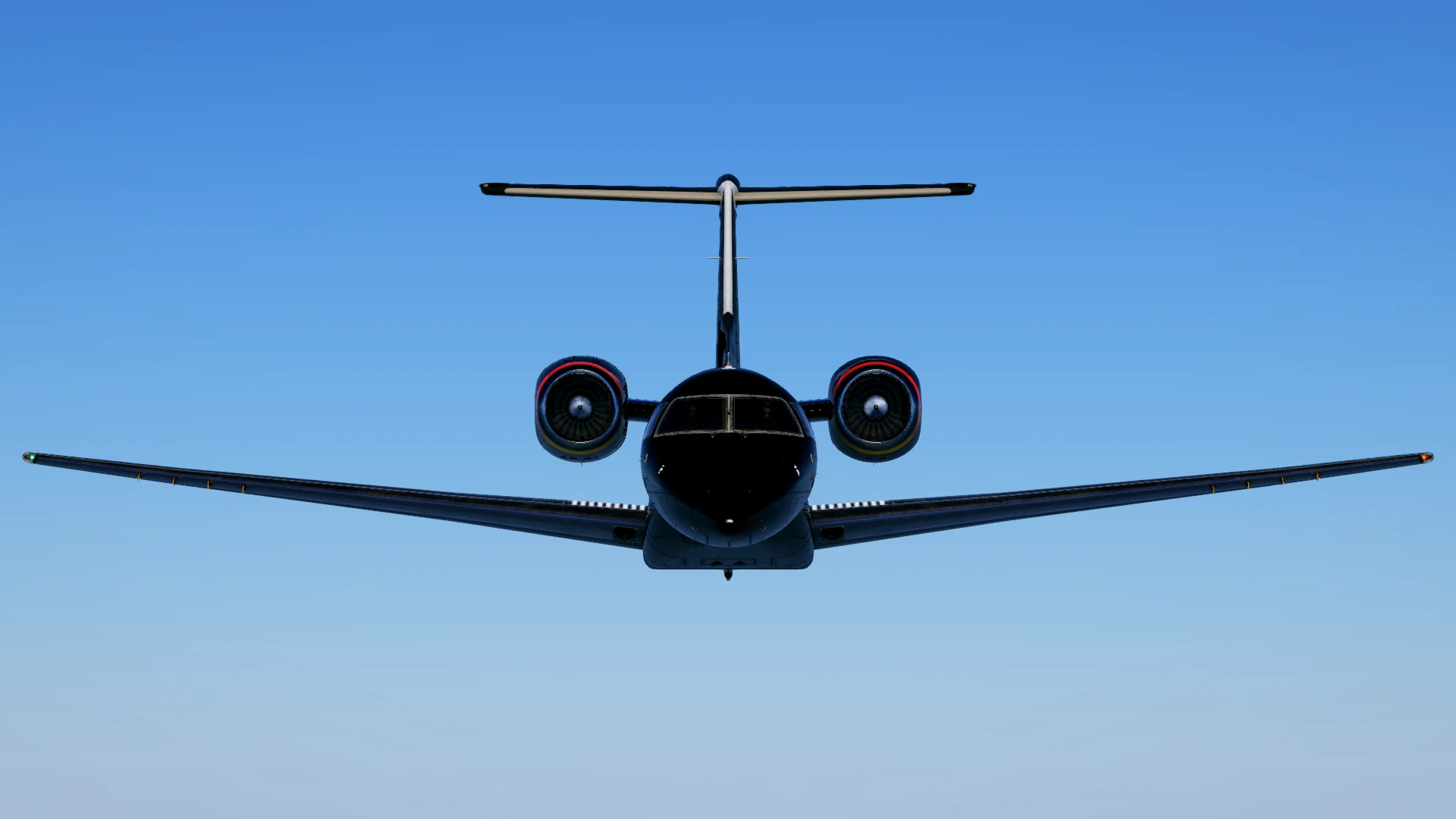
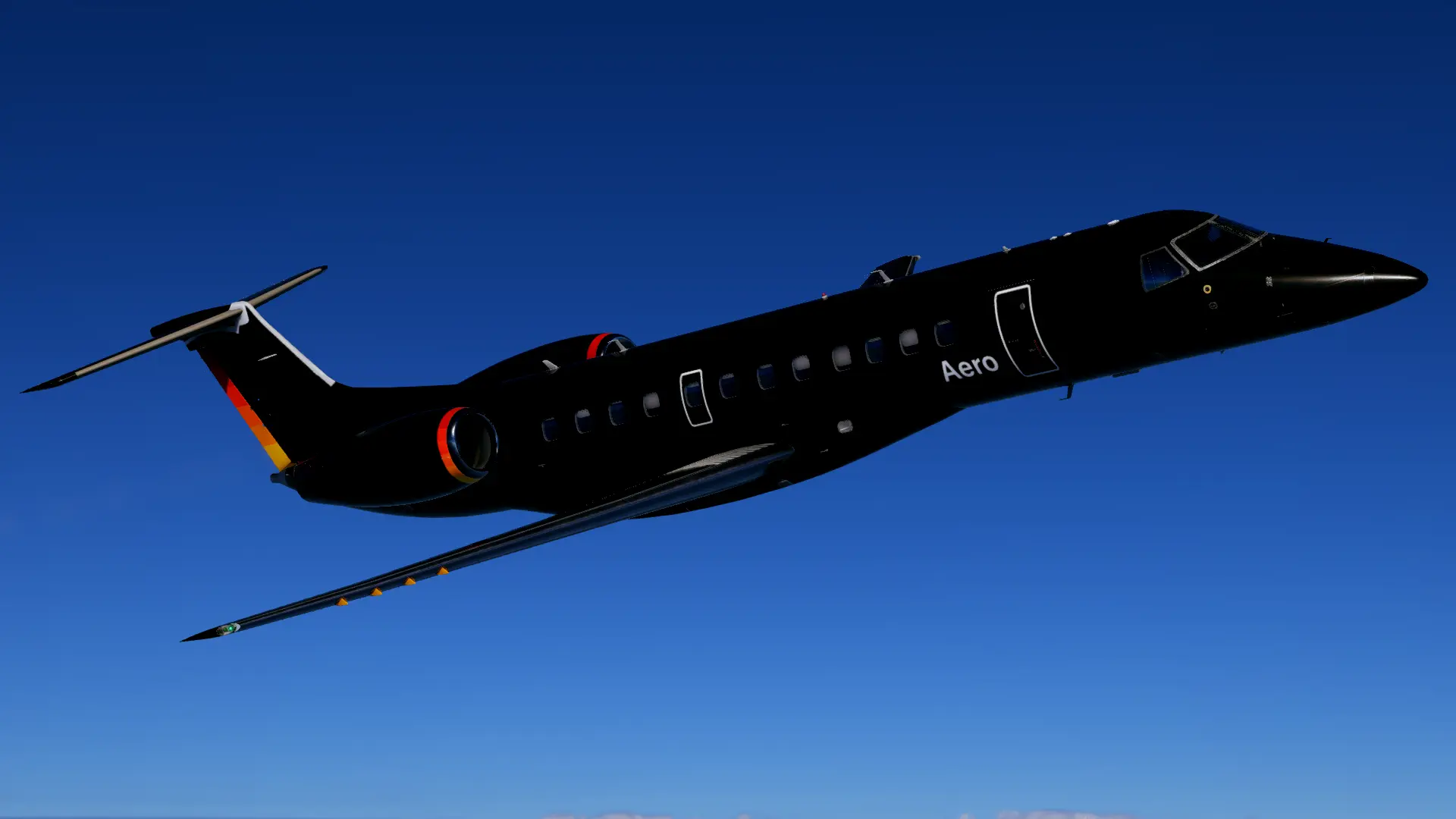
With its development launched in 1989, the ERJ145 was supposed to have an elongated fuselage of the EMB-120 Brasilia, but with turbofan engines mounted below the wing. After a temporary suspension of the project due to the lack of funding and economic difficulties, Embraer resumed the progress on the ERJ in 1991, except this time, it was decided that the new regional jet would have two engines mounted on the rear of the fuselage, as that design had the best results in the wind tunnel.

Only four years later, the ERJ145 flew for the first time, and by then, the Brazilian manufacturer had already collected a significant number of orders, along with over 100 letters of intent for the type. Just before the new millennium came around, Embraer expanded the ERJ family with two new models: ERJ140 and ERJ135, both being the shortened variants of the 145. The whole family ended up being an absolute success, with 1240 numbers built, making it the most produced regional airliner of all time.
First Impressions
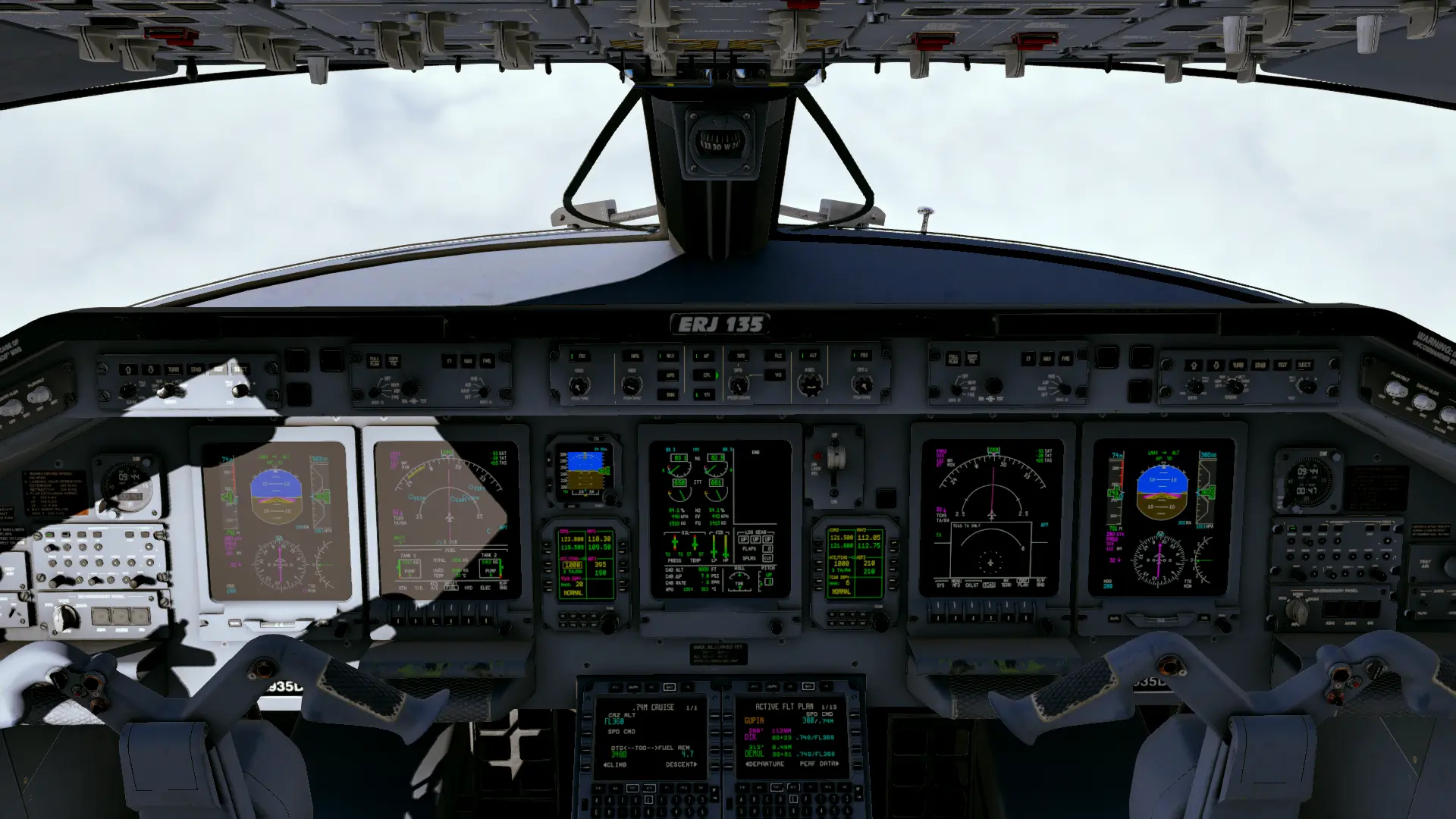
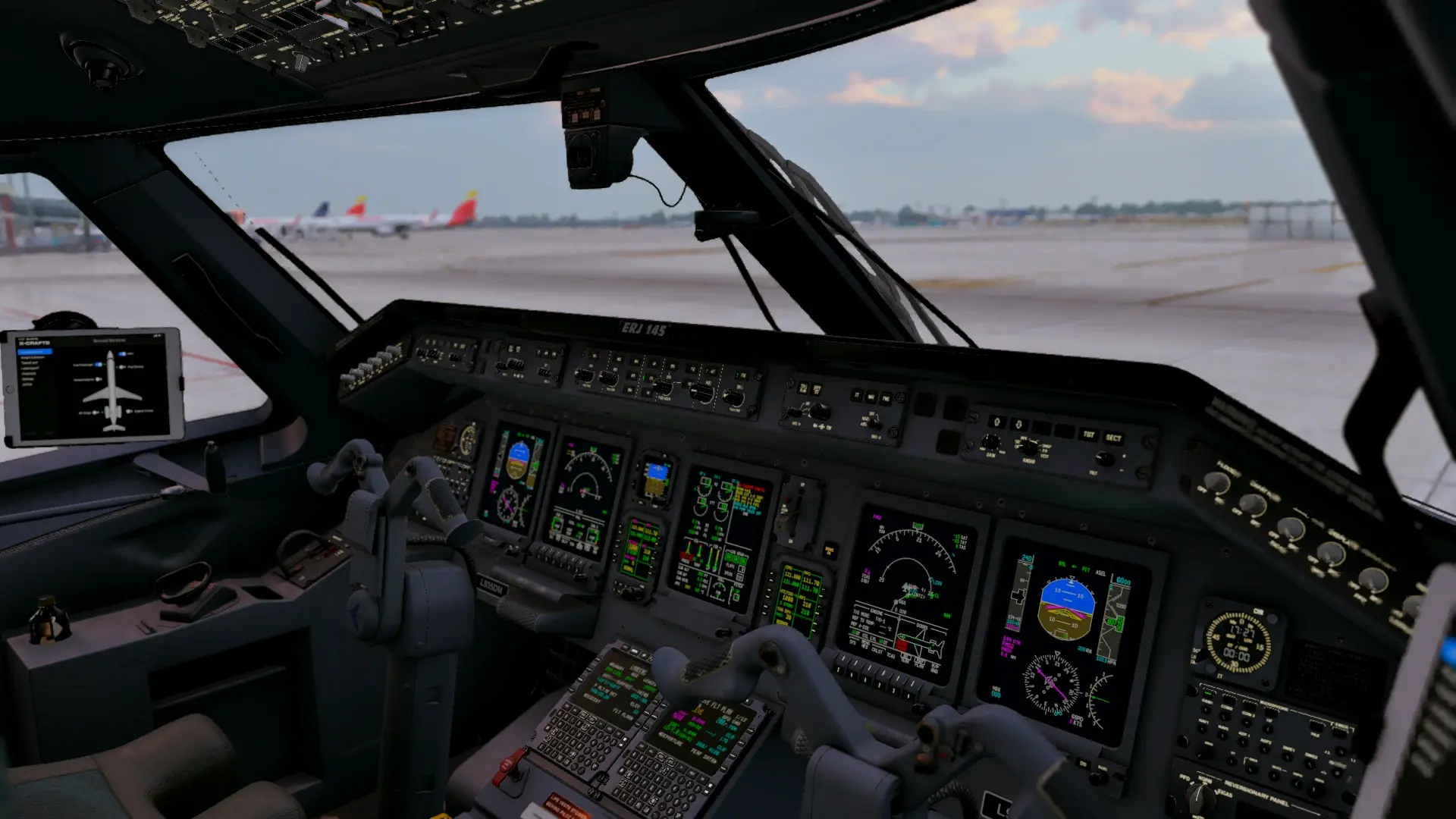
While it was my first time flying an Embraer jet in a sim, the ERJ’s cockpit is quite small and not complex at all, so it wasn’t that hard to get the hang of it. However, if you want to get a deeper knowledge of all the systems before the first flight, two manuals are provided along with the aircraft: the Expanded Checklist Guide and an FMS manual, and aside from them, one of the X-Crafts team members is an ERJ captain, who has released multiple full-flight videos, as well as a video explaining all the systems of the aircraft, and how to operate them properly.
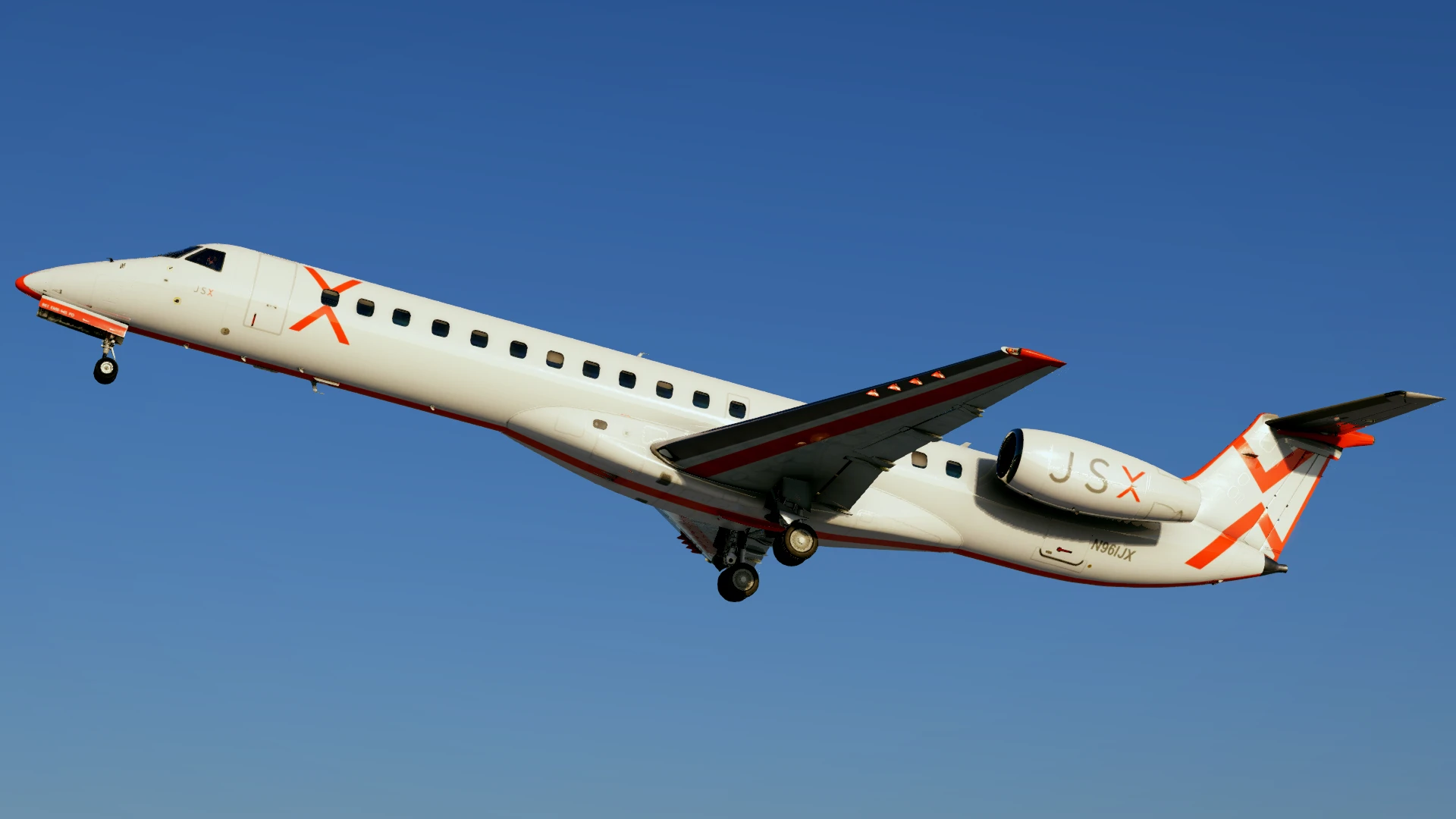
It didn’t take me long to get fully used to the Embraer philosophy, and quickly enough, I found the ERJ to be one of my favourites to fly around in the sim! It is quite easy to set it up for a flight (with my record time from cold-and-dark to engine startup taking a bit more than 7 minutes!). The only downside was, of course, the lack of auto-throttle, but eventually you get used to flying without it. The plane’s autoflight systems behaved great on all my flights, with the only hiccup being the infrequent sharp banks initiated by the autopilot, in order to stay on the lateral path.
Modelling and Texturing
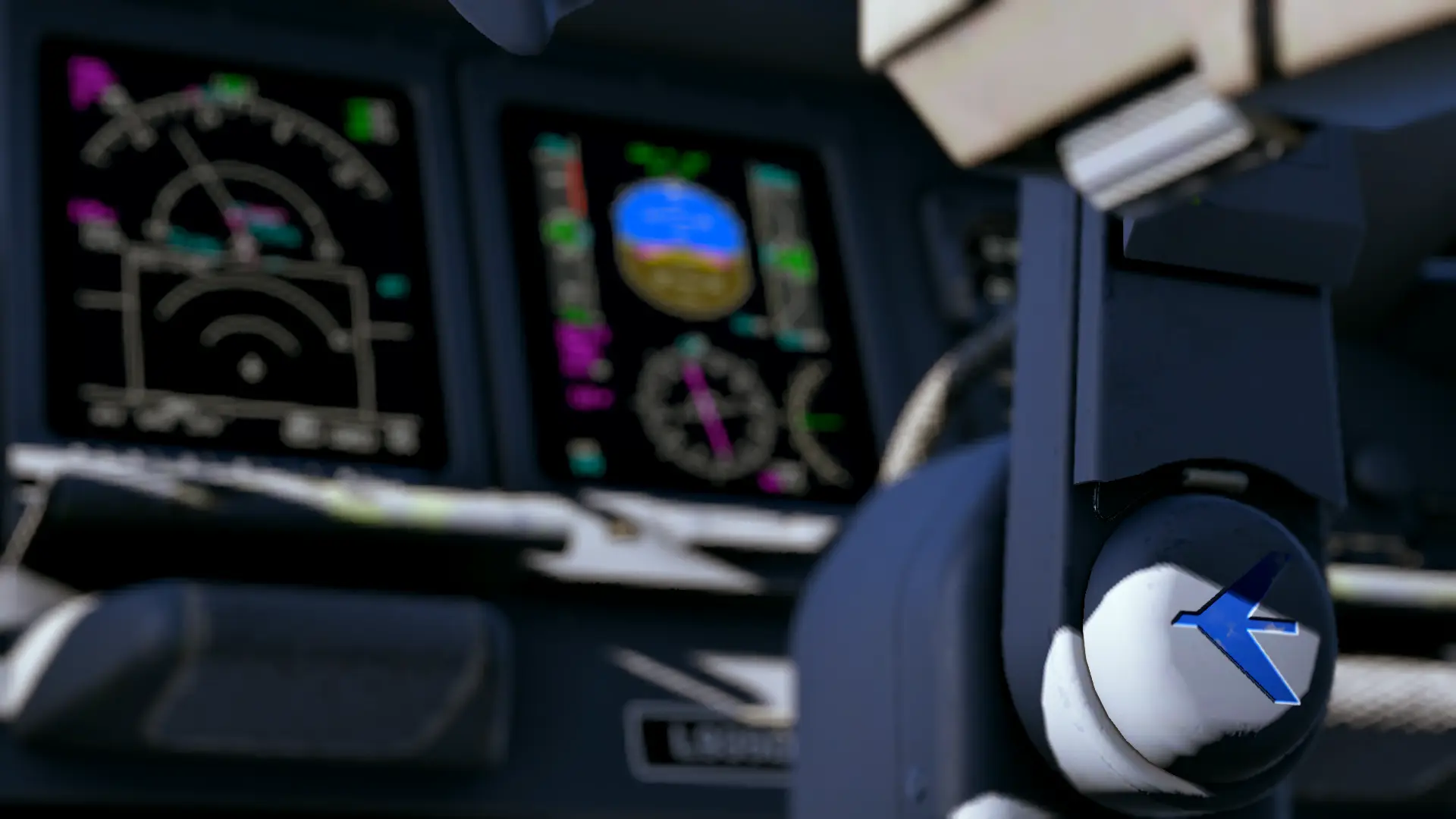
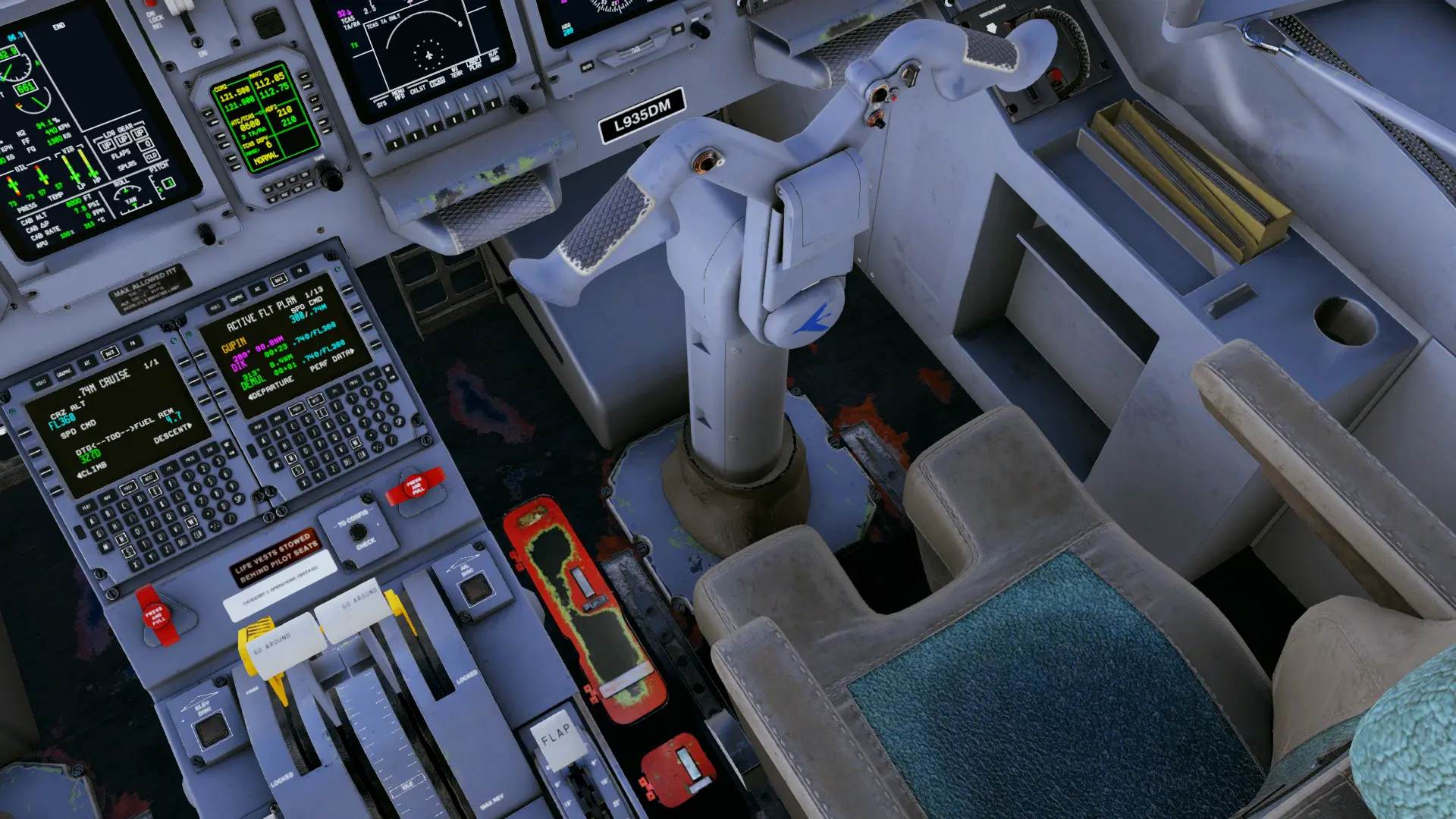
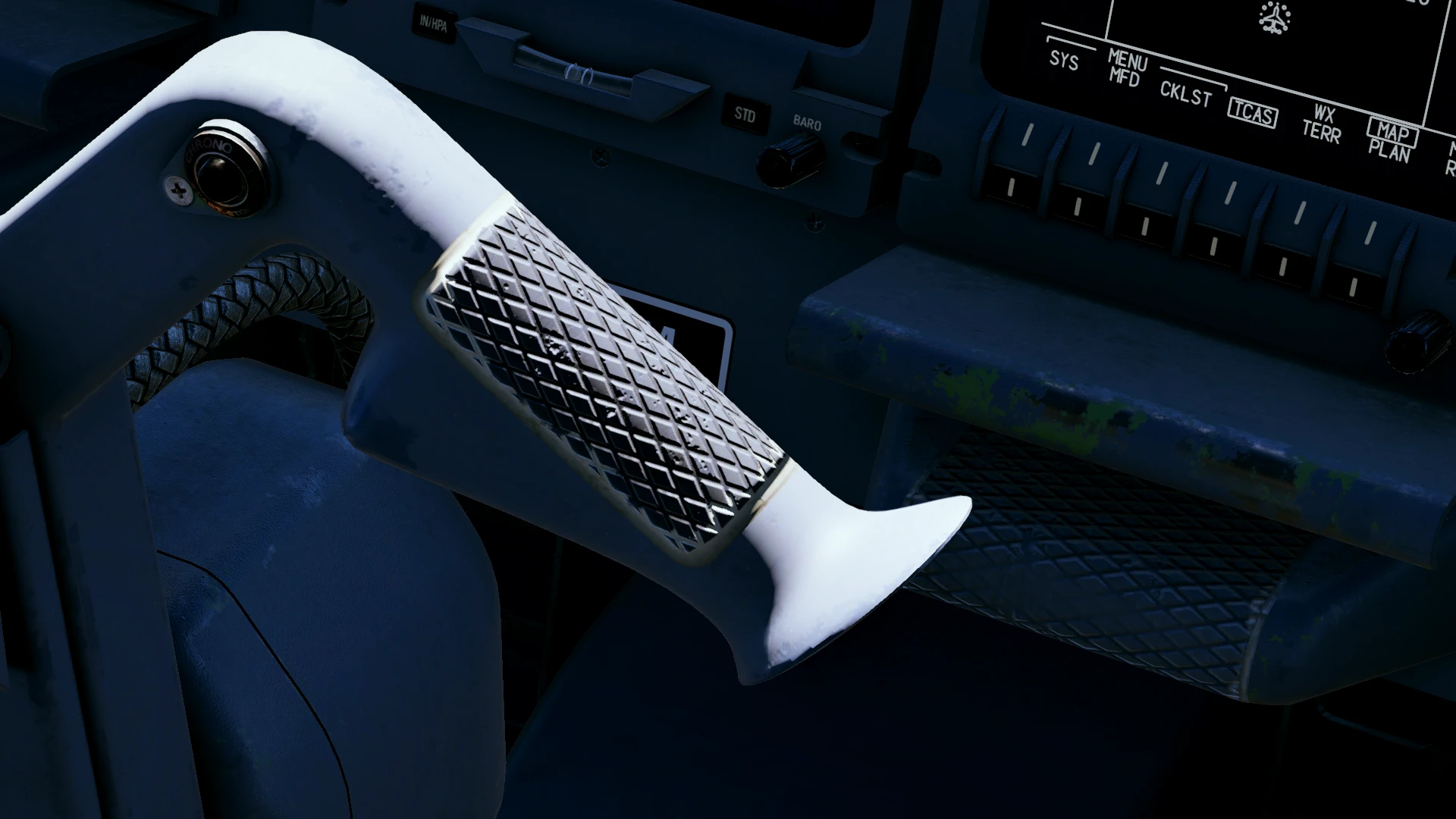
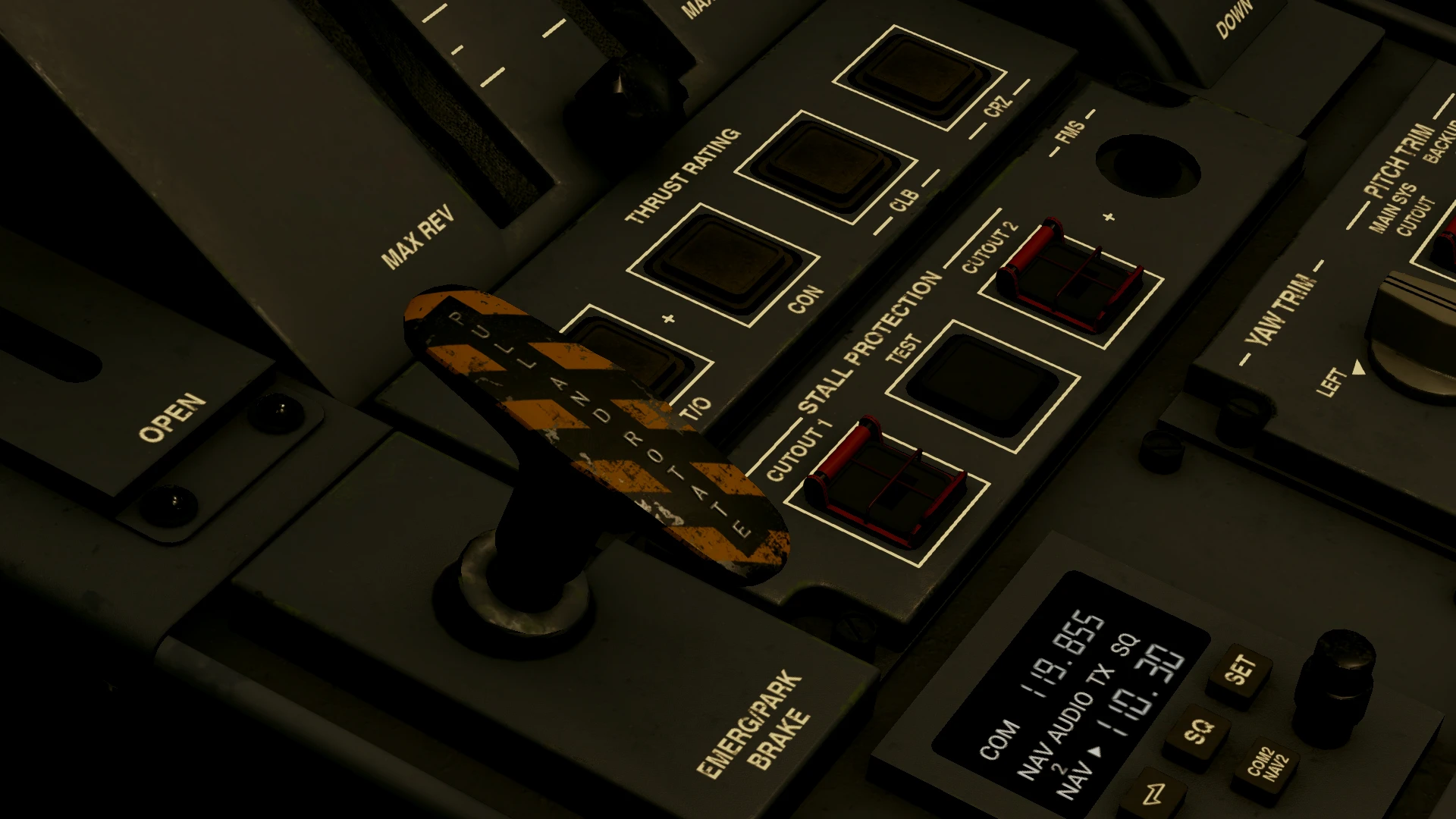
One of the elements that really stand out in this addon are the textures. The developers have done an amazing job at recreating the realistic wear and tear you’d expect from a workhorse regional jet: paint chipping off the footrests, handlebars and the parking brake handle, and the worn-out grip on the yoke, little paint imperfections on buttons and panels, and scratches on placards and on the glareshield.
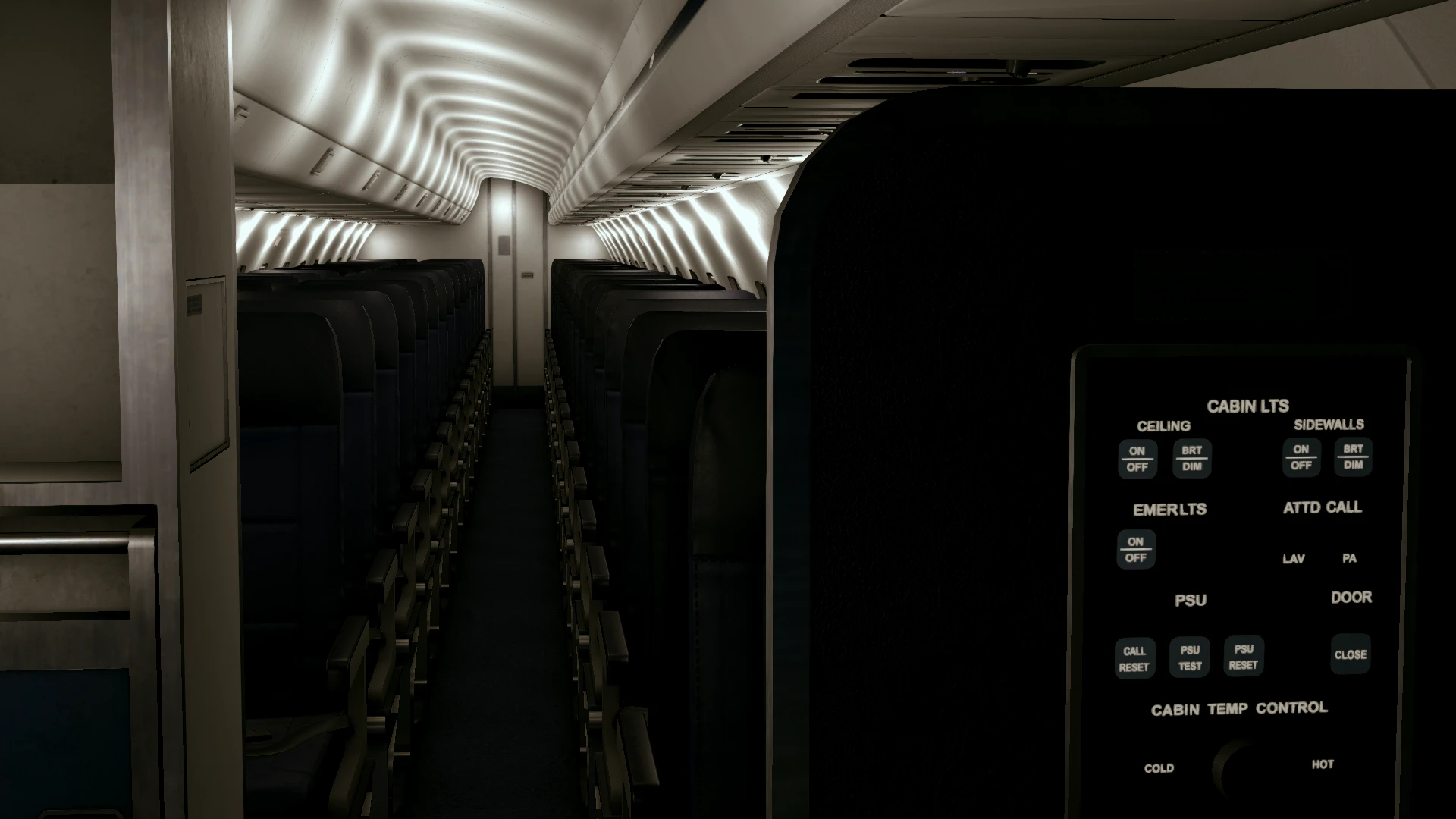
The passenger cabin is also nicely modelled and textured. However, unlike the E-Jets, the window blinds and tray tables are not interactive. There are controls for cabin lights, though, right beside the left forward doors, where you can adjust the cabin lighting to your liking.
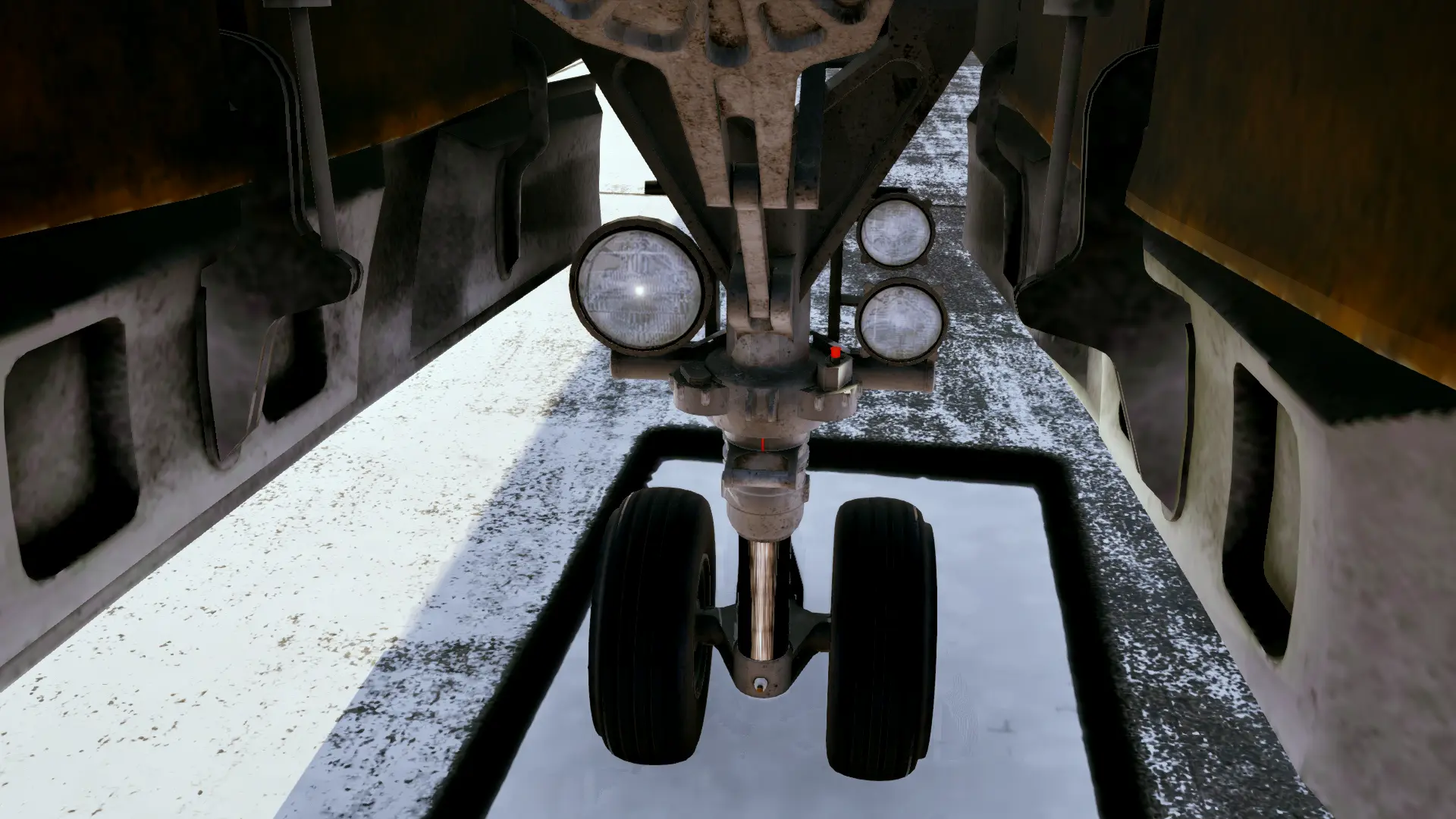
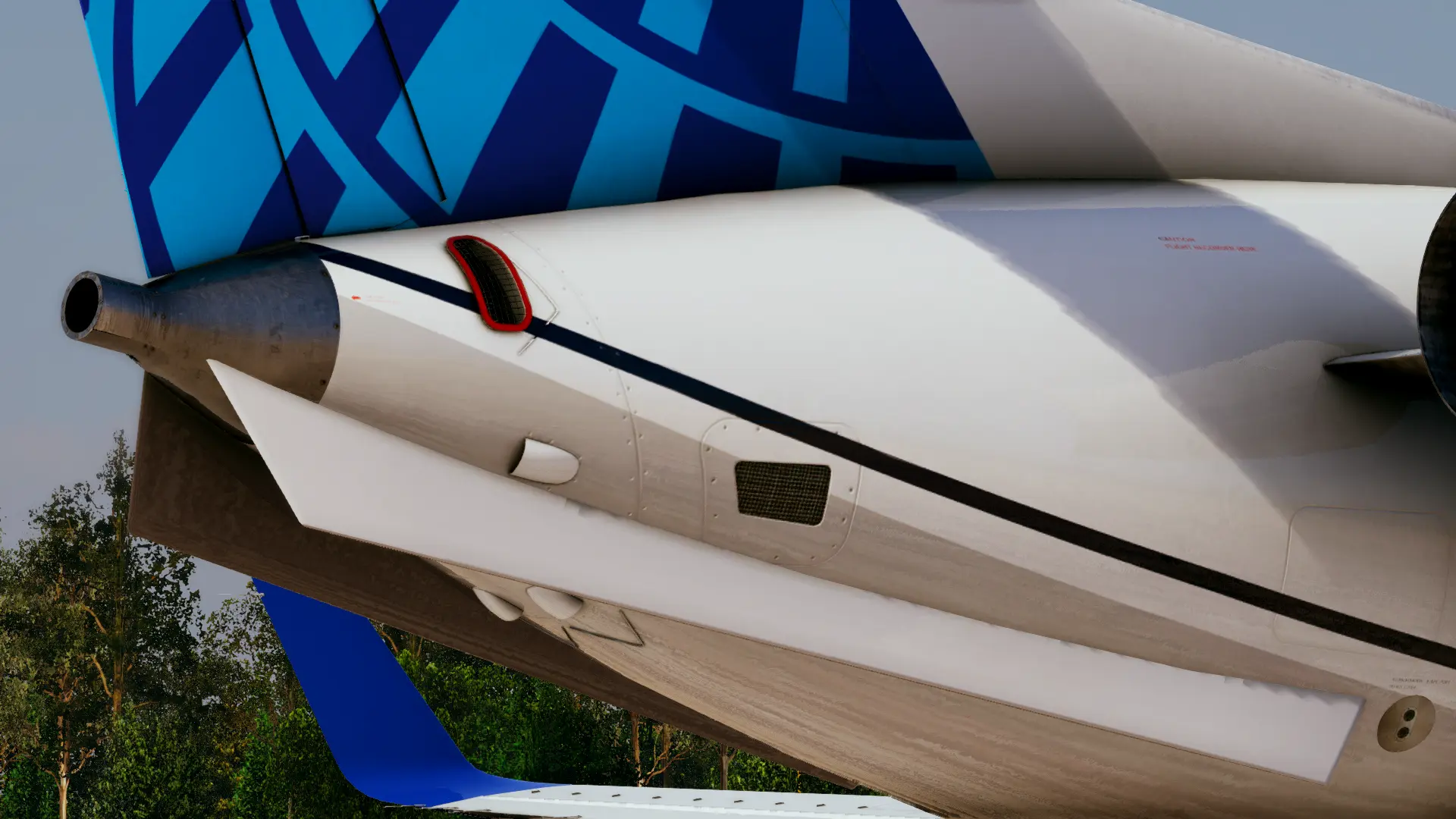
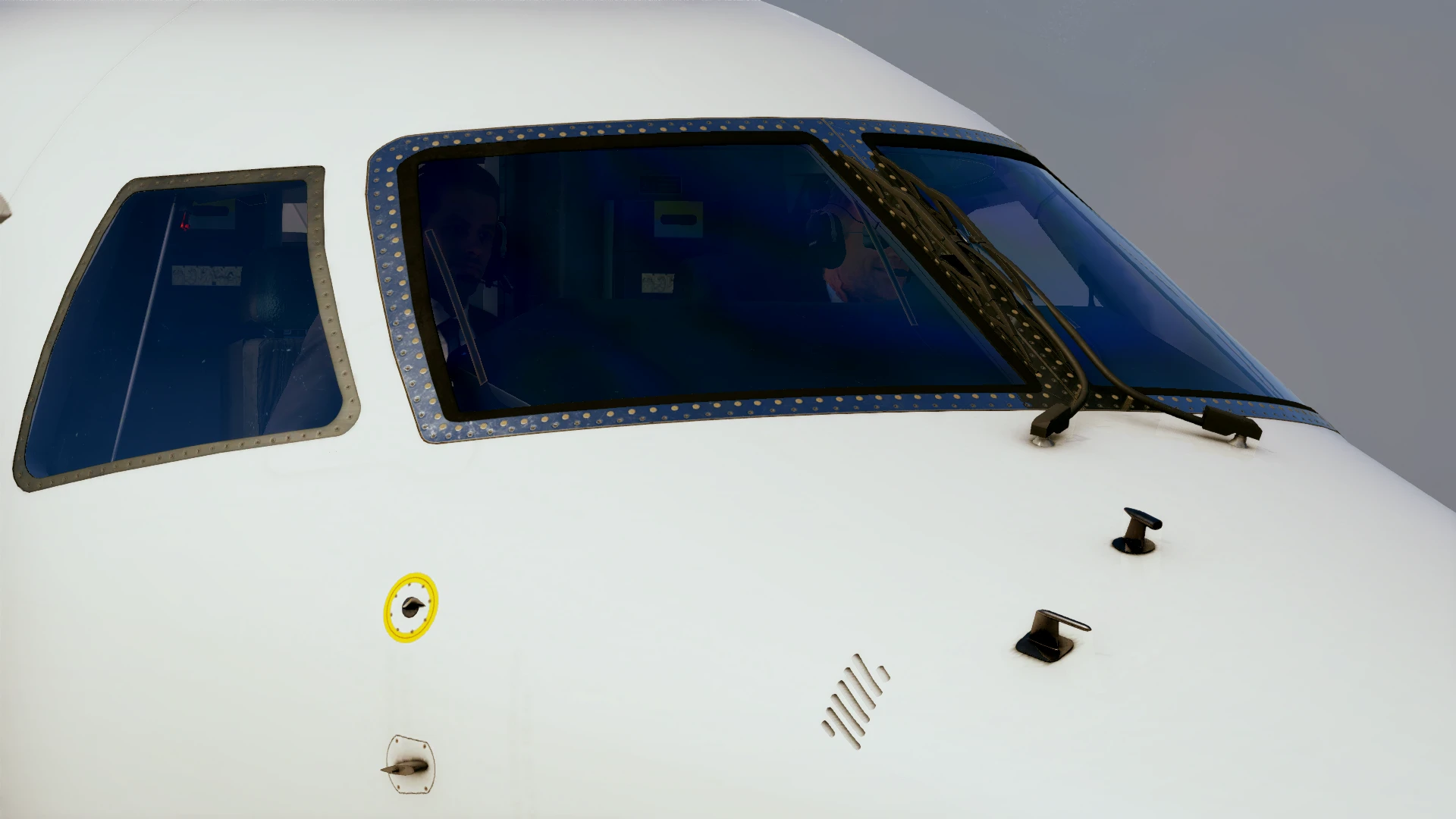
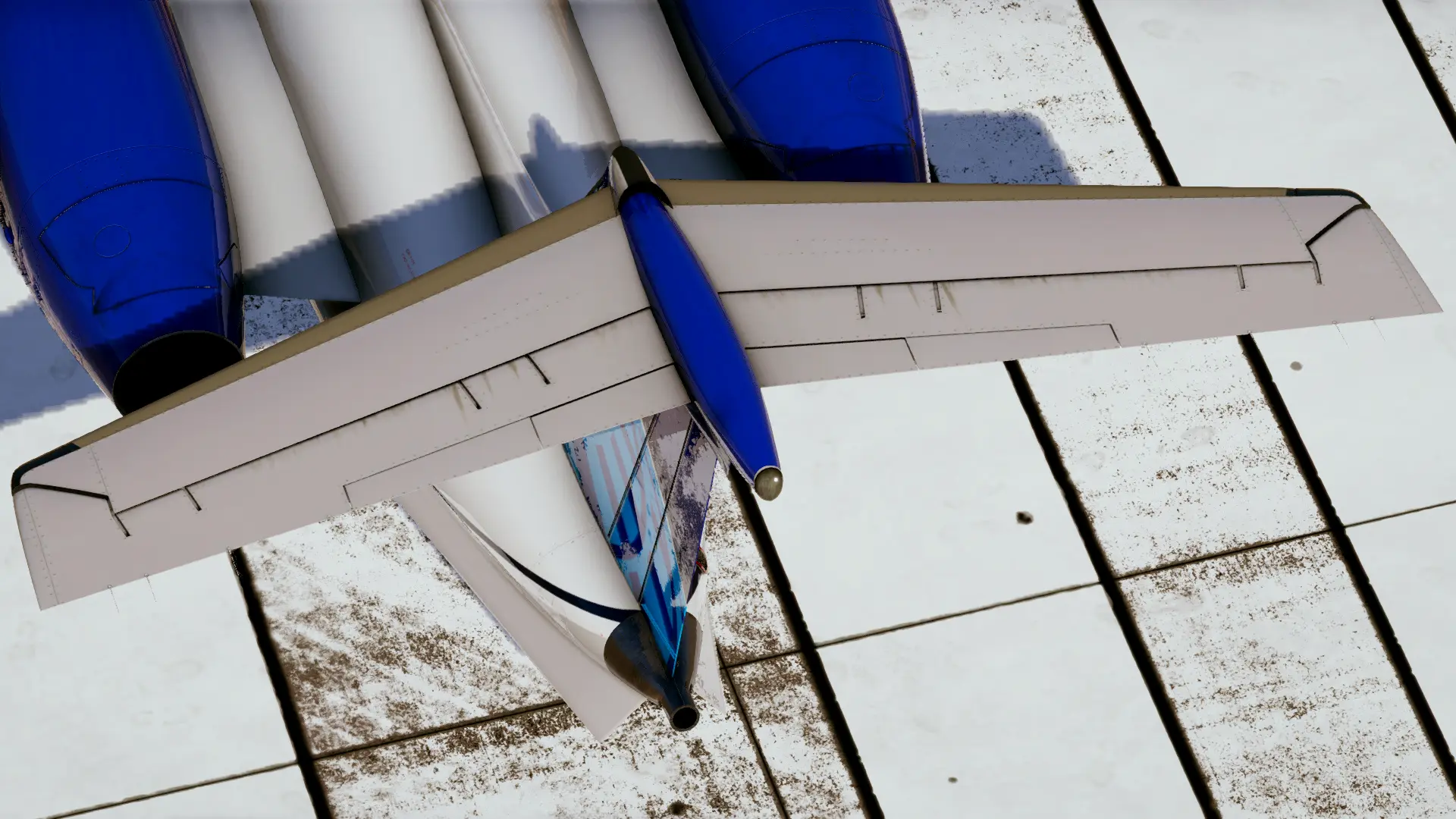
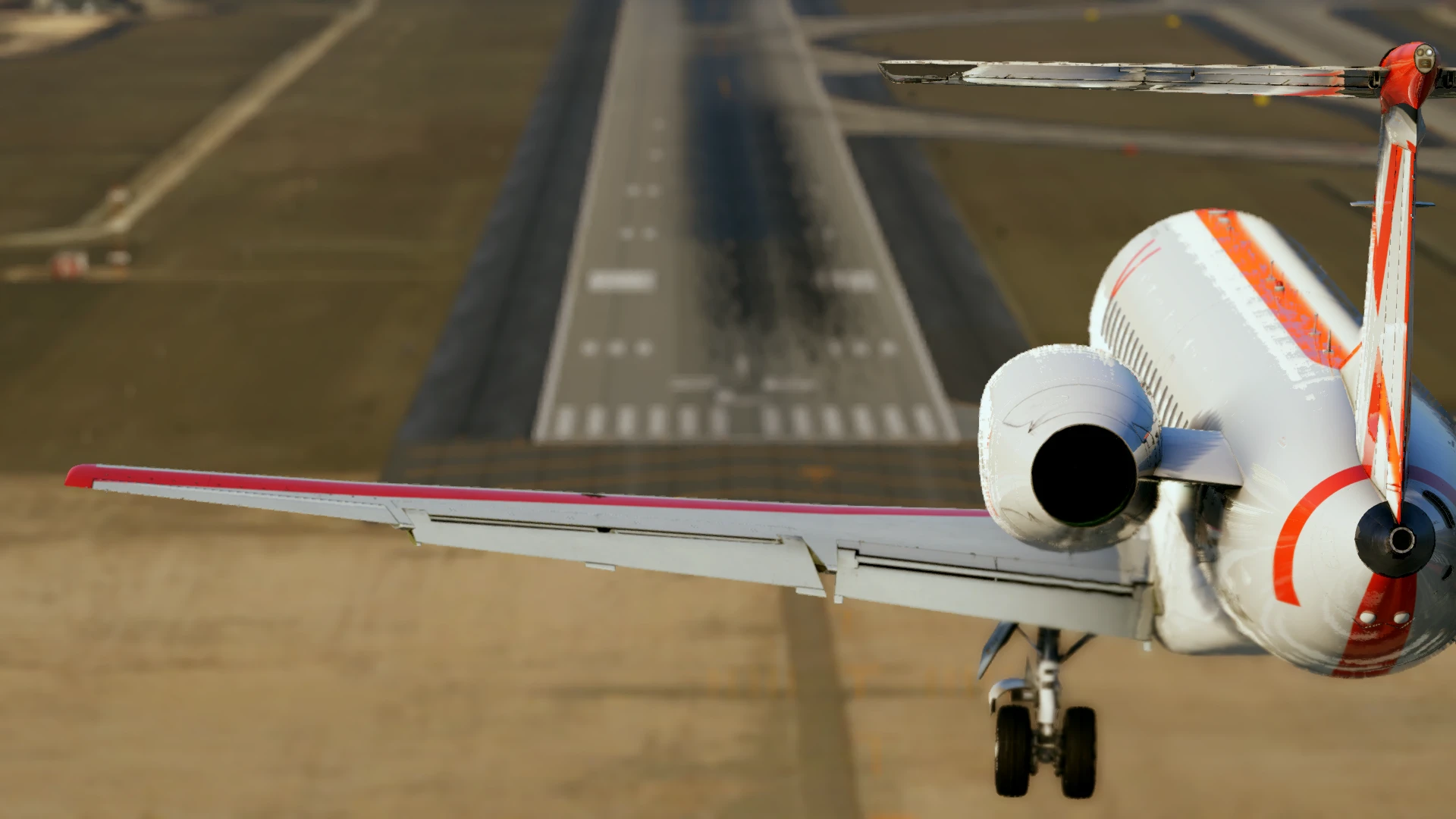
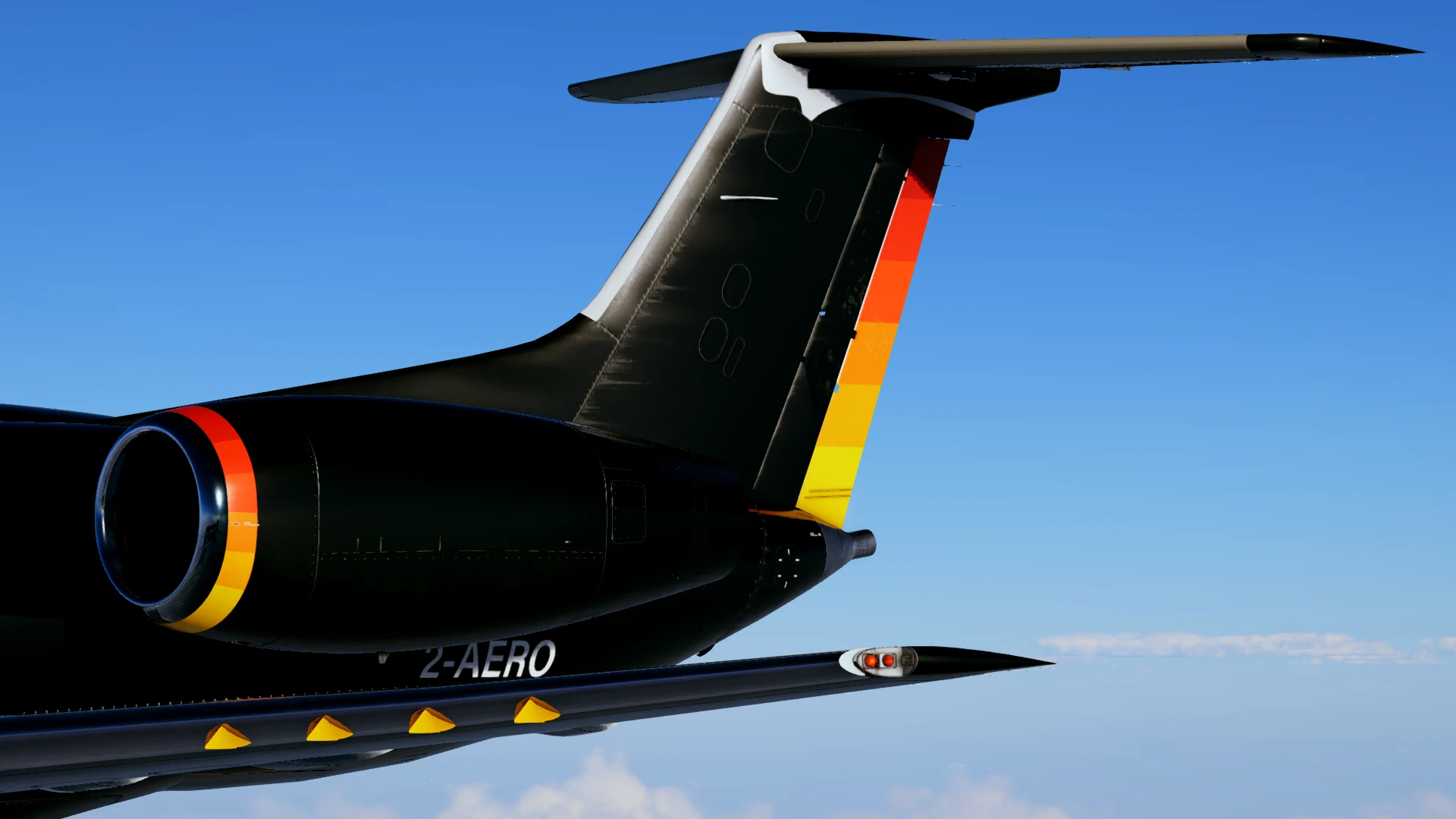
Moving on to the exterior, it follows the same level of detail as the interior, especially on the wings. Again, just like with the cockpit wear, the same can be found across the fuselage, with streaks of oil on the horizontal stabilisers, around the reverser buckets and the edges of the ailerons, or stains of leftover fuel around the fuel cap on both wings. Another area with lovely attention to detail is the gear compartment, where you can see the amount of work put into modelling the gear. Also, the Settings section in the EFB has an option to choose whether your ERJ will have clean or dirty wheels.
While the cabin of the passenger version is decent, the Legacy 650's cabin takes things to a whole new level, especially when it comes to cabin interactivity and detail. It features a completely remodelled cabin, with impressive texturing of the seats, tables and the side panels. The window blinds and tables are interactive in the Legacy, and the cabin includes three TVs that display slideshows of the X-Crafts executive jets, but they have the option to display AviTab too, if your virtual passengers like to see their current location on the map (or if they are avgeeks, you can also show them the charts you’re going to be using for the flight).
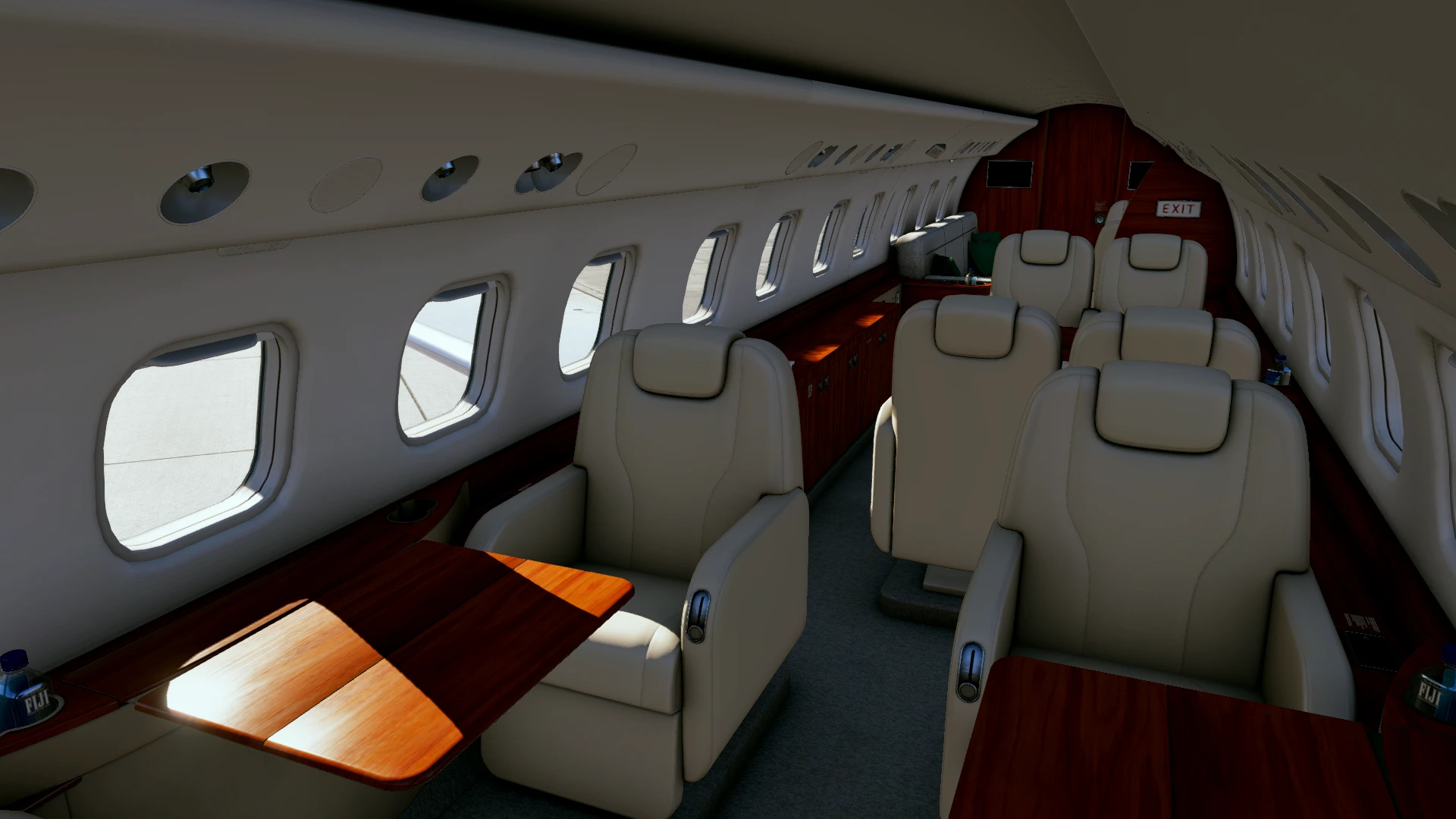

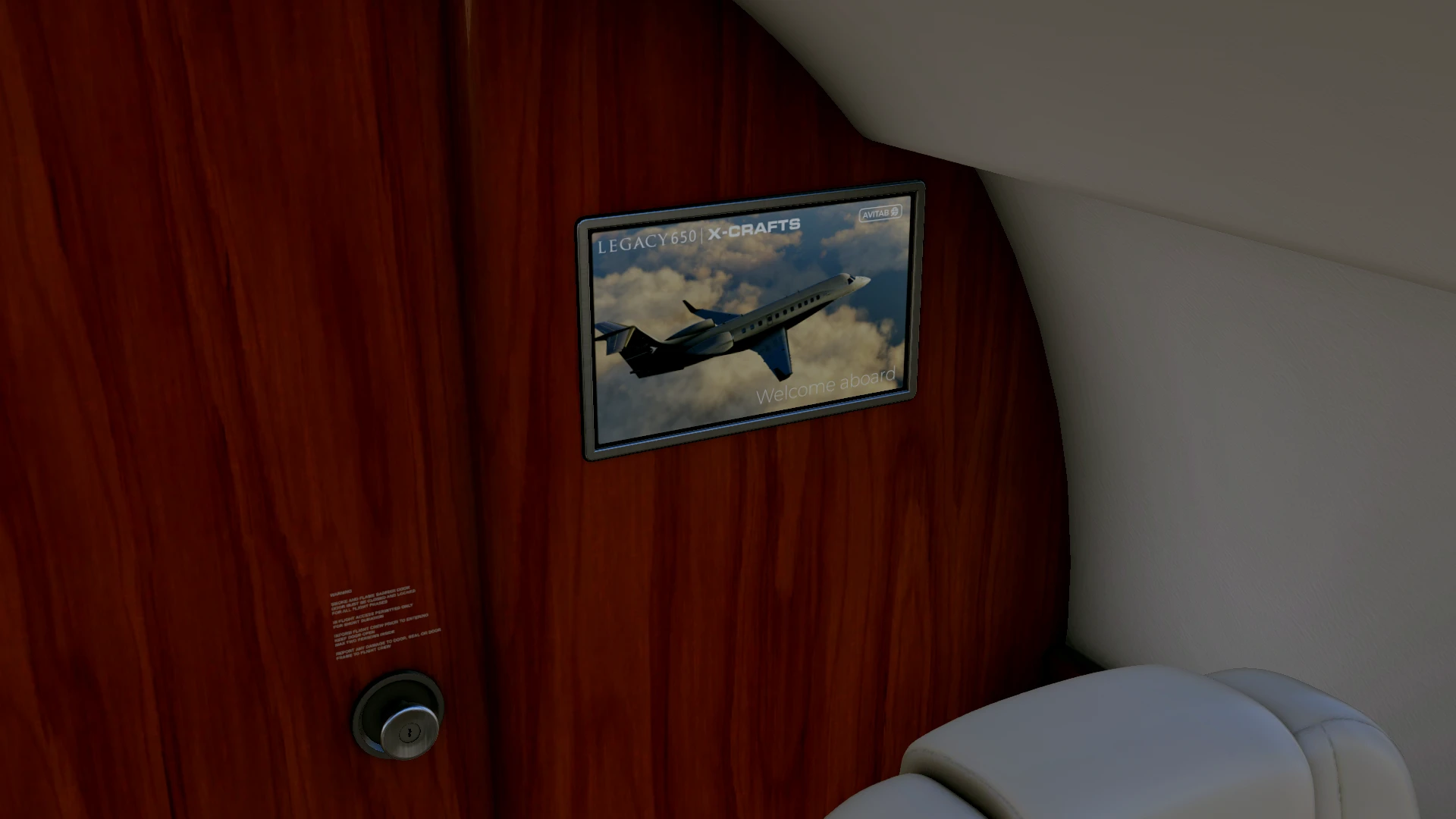
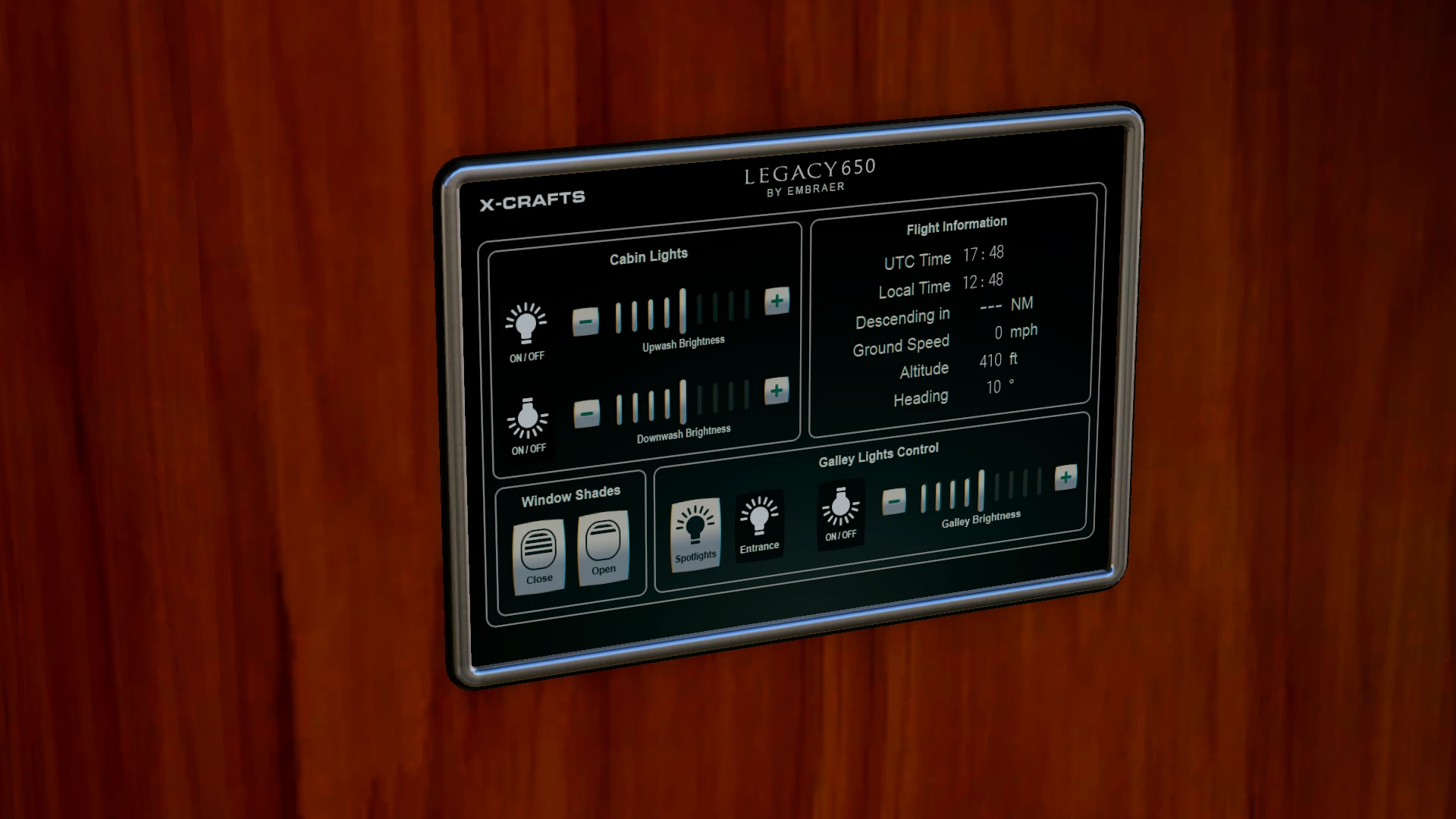
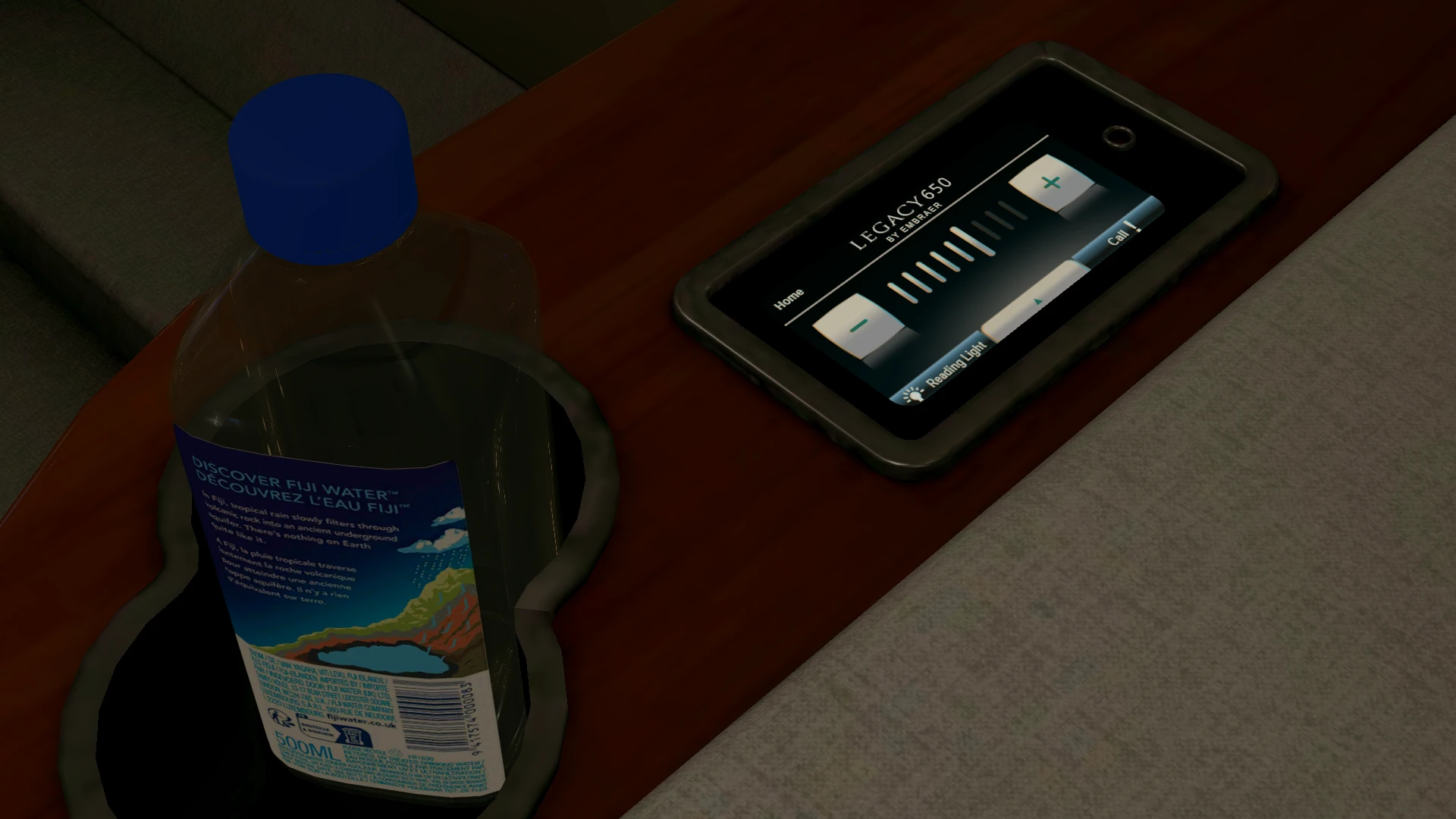
The business variant also features a control panel beside the entry doors (exact same position as the passenger version, except a bit more modern and premium looking), where you can see some information about the flight, control the cabin lights' brightness, and open or close the window shades. You can also find a screen next to each seat that allows for manual adjustment of the brightness of the reading light over the seat.

Systems
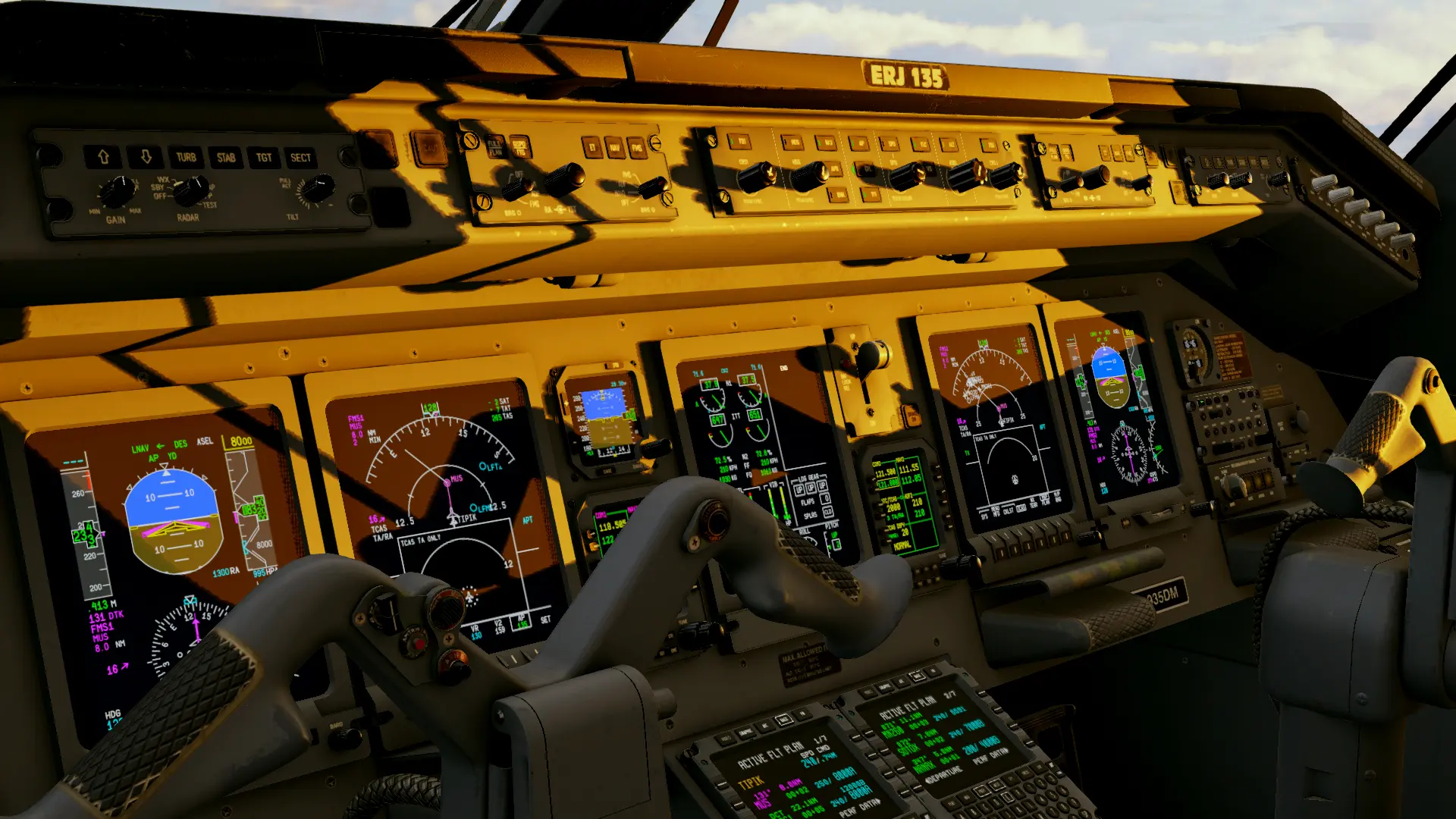
The X-Crafts rendition of the ERJ features the more modern version with the Honeywell FMZ Flight Management System (compared to the older ERJ models that were equipped with the UNS-1 FMS). Now, the really fun part about this regional jet is that it doesn’t have an A/T nor does it have proper VNAV, so you will have to pay extra attention to multiple things throughout the flight, such as the airspeed during both the cruise and descent, as well as on descent management, which is a nice challenge if you’re used to flying bigger and more modern airliners. The only help you can get for vertical navigation is the VPI (Vertical Path Indicator), which provides advisory VNAV based on the FMC vertical profile calculations.
The FMS might seem a bit basic at first, but it has everything that one might need for an A-B trip, and a little bit more! It also includes hold functionality, the ability to save the flight plan, or activate one from the FMS plans folder, a performance section, where you can calculate your Vspeeds, review performance data (estimated fuel burn, estimated flight time, required fuel for the active route, and many more), and a progress page.
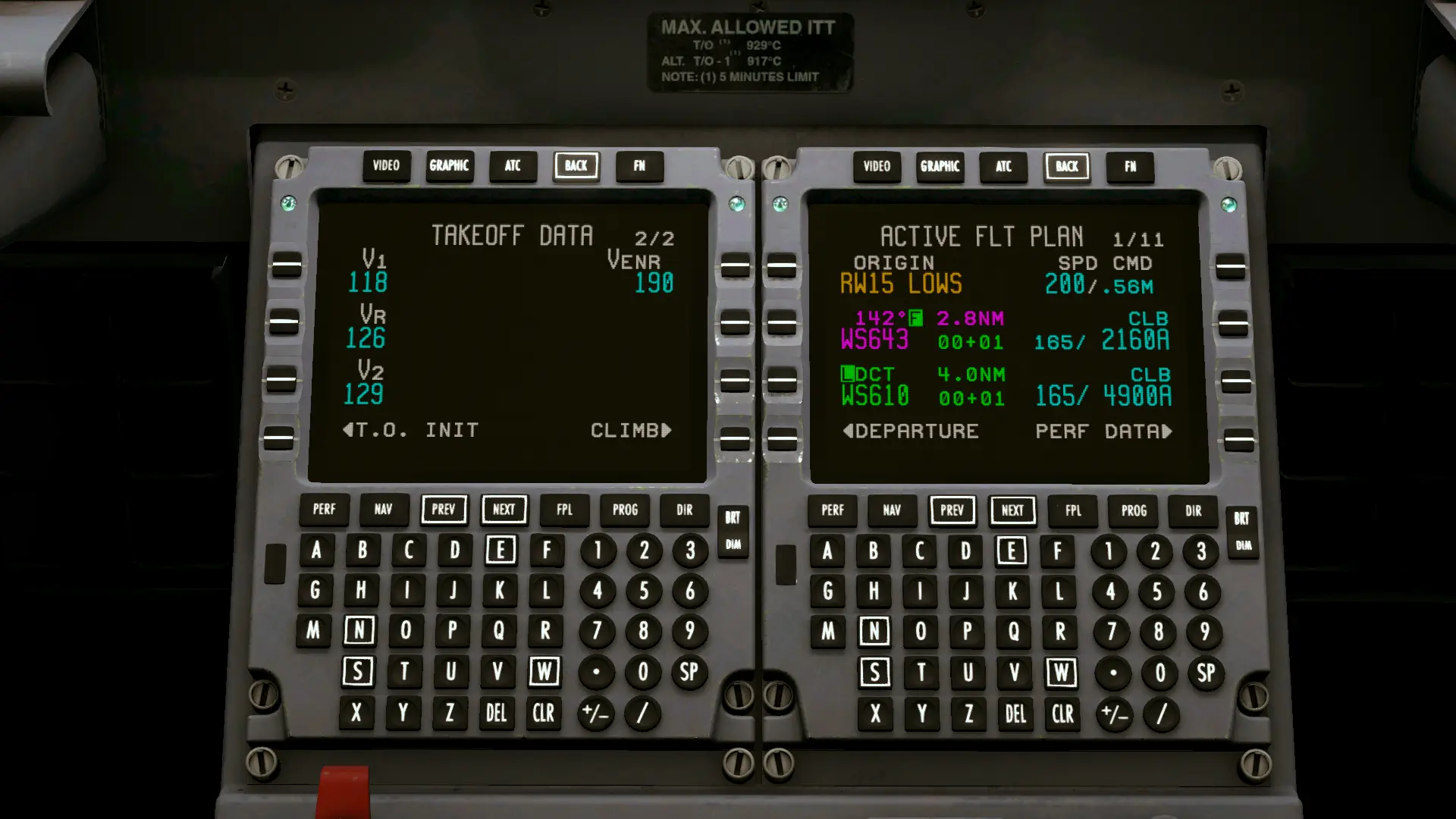
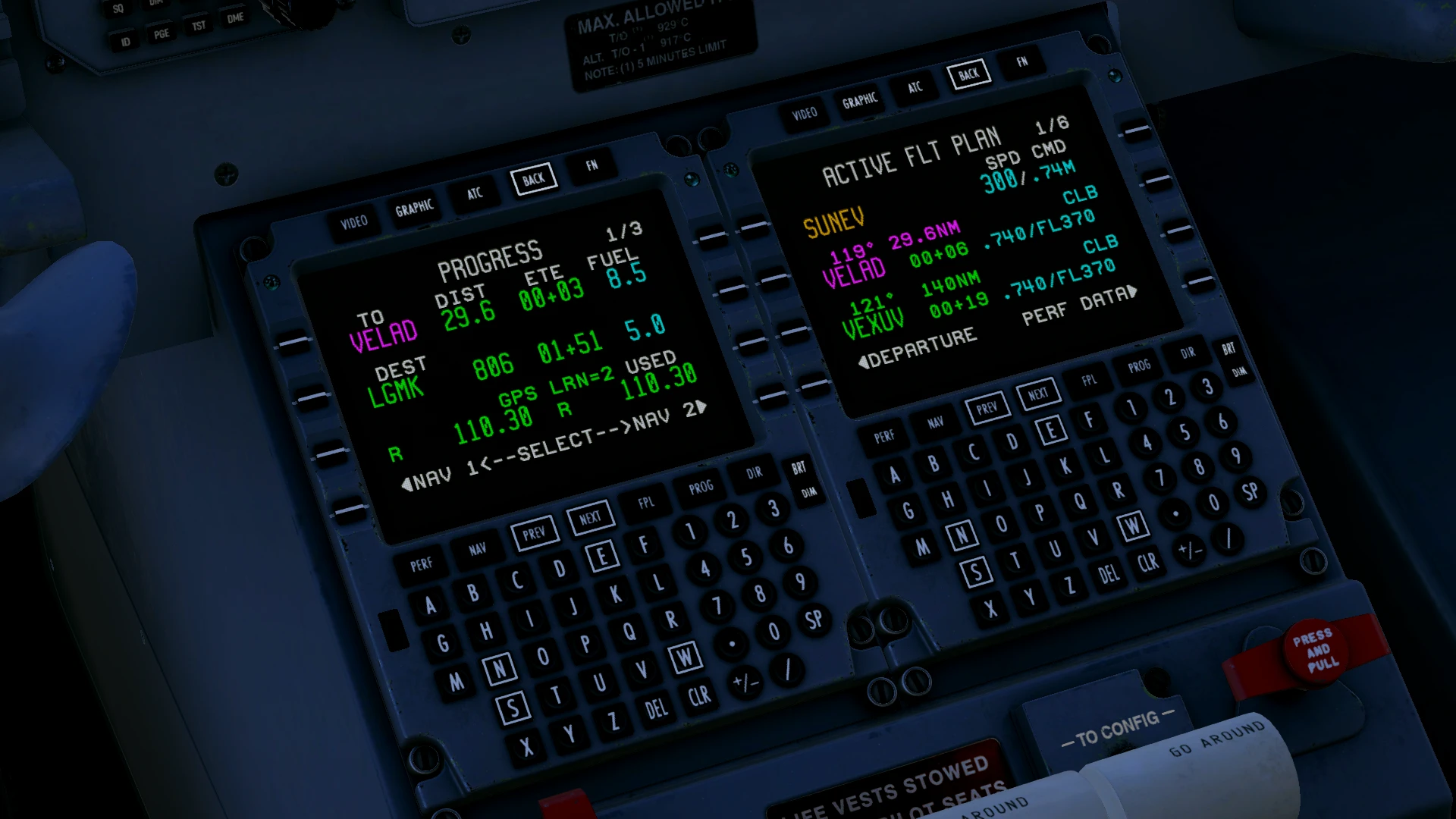
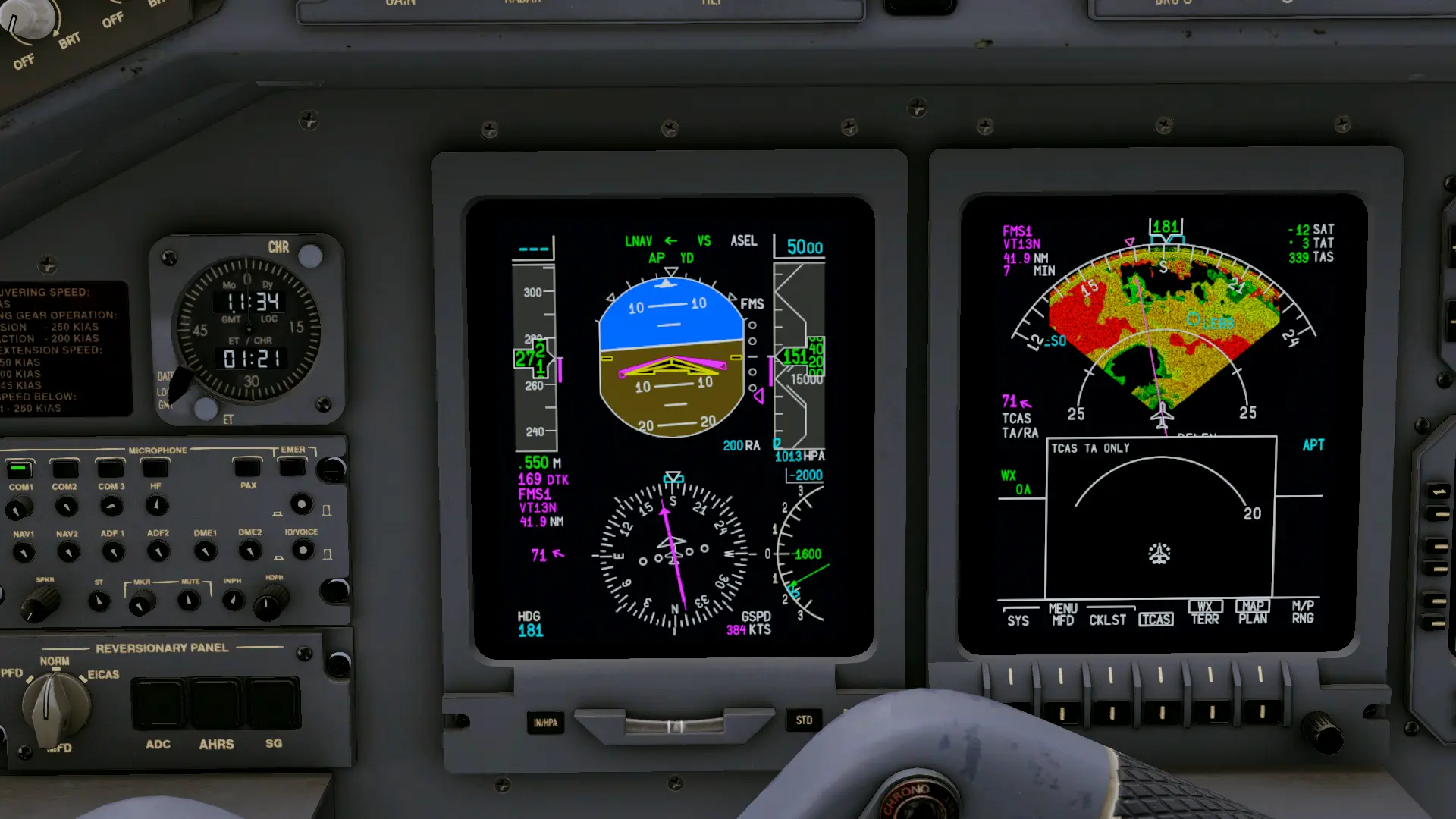
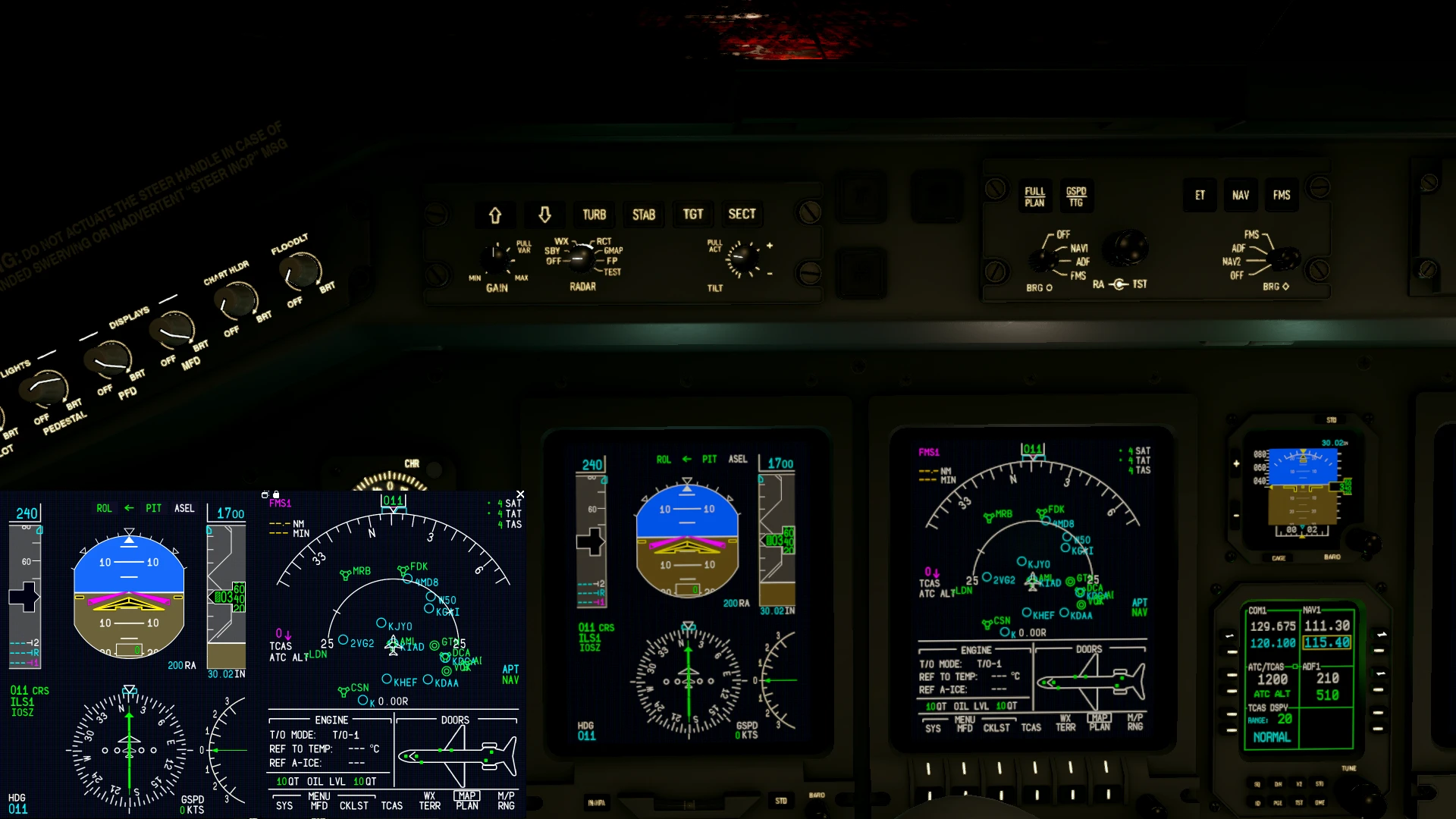
In contrast to the older ERJ version, where screen pop-ups would float in front of the actual display, the 2.0 handles pop-ups in the same way as most other aircraft. When hovering over the top edge of a pop-up, three icons appear: one allows you to undock the in-sim pop-up into a separate window, another one lets you lock its position, and the third one closes it. The pop-up can also be closed by left-clicking the real screen or right-clicking the pop-up itself. Another useful feature is that speed, altitude, heading, course, radio minimums, barometric pressure, and the NAV source can be adjusted using the mouse wheel or by clicking above the selected parameter on the PFD pop-up. You can also access the different SYS pages on the ND the same way.
Flight Model
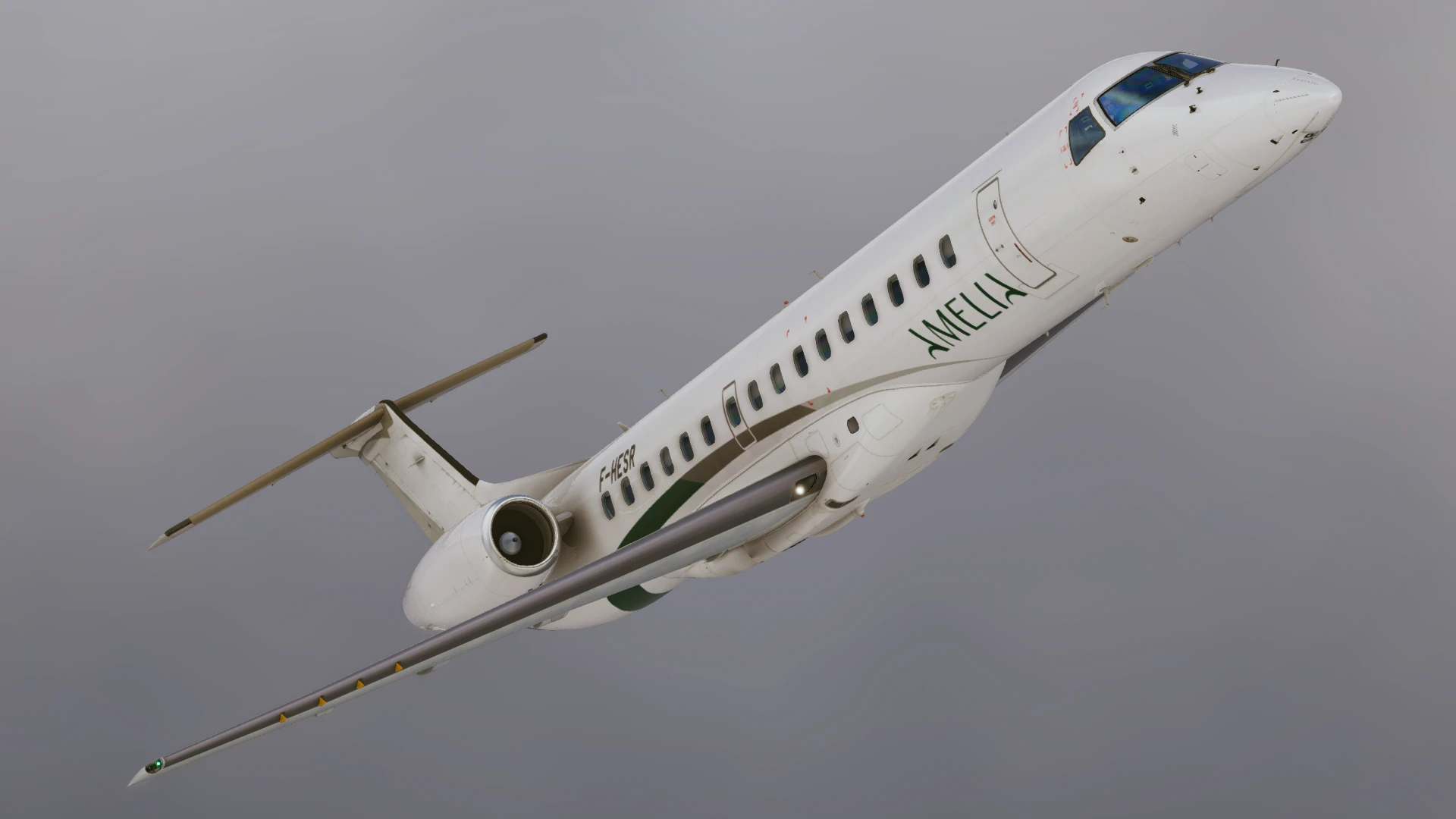
What I really like about this jet is the flight model. Now, keep in mind, I am not a type-rated ERJ pilot, but hand-flying the plane is an absolute dream. The aircraft feels very light on controls and really is a joy to fly. What really took me aback was the climb performance. I’d often reach insane numbers, most of them north of +3500fpm (reaching up to +5000fpm in some cases!). Also, I’d recommend that you have your trimming switches binded, because you’ll need them during the initial climb-out. Landing this plane is also very easy, just keeping it stable, and slowly cutting the power around 30-20ft does the job, with the plane gracefully gliding down to a nice and smooth touchdown. After getting used to flying the bigger airliners, getting to fly this thing was definitely an experience.
Audio
The soundscape pleasantly surprised me. It for sure is one of the better ones I've heard. The cockpit sounds are great, and hearing the avionics fans start to spin as the aircraft slowly comes to life actually gives you the feel of sitting inside the cockpit. The sounds of knobs turning, opening guarded switches and opening the engine start switch covers are very satisfying, although my personal favourite would be the sound of electrical bus bars switching, which has been perfectly replicated.
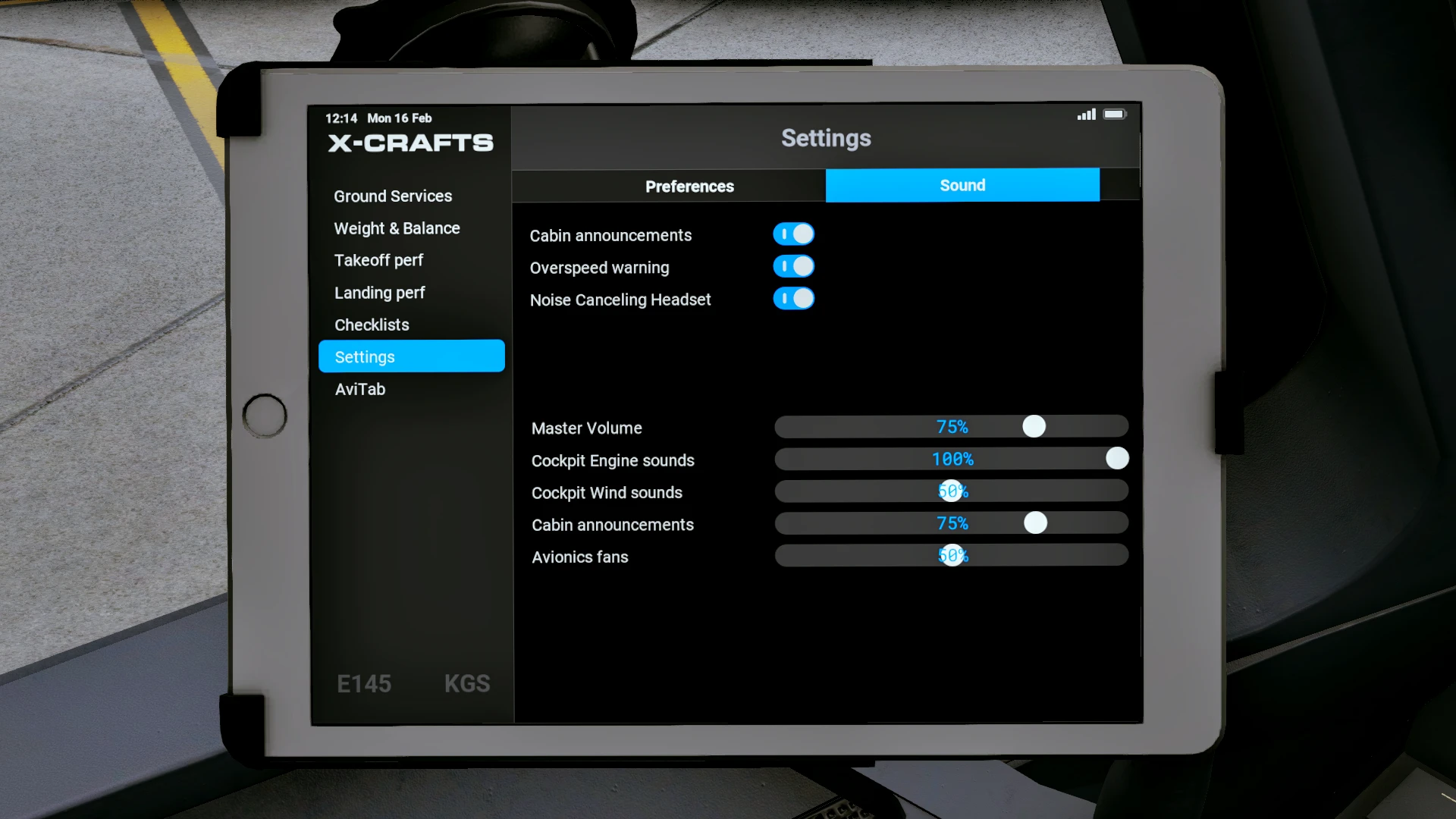
Aside from the cockpit sounds, the engines might sound a little underwhelming sometimes, but they are pretty quiet in the real one as well. The sounds of flaps extending and retracting are also beautifully reproduced, but you’ll only be able to hear them properly in the external view! For those who aren’t big audiophiles, X-Crafts has you covered! In the EFB, there’s an option to use noise-cancelling headphones that do a pretty good job at cancelling the background noise (although listening to the aural alerts and RA callouts will be a bit harder).
Performance
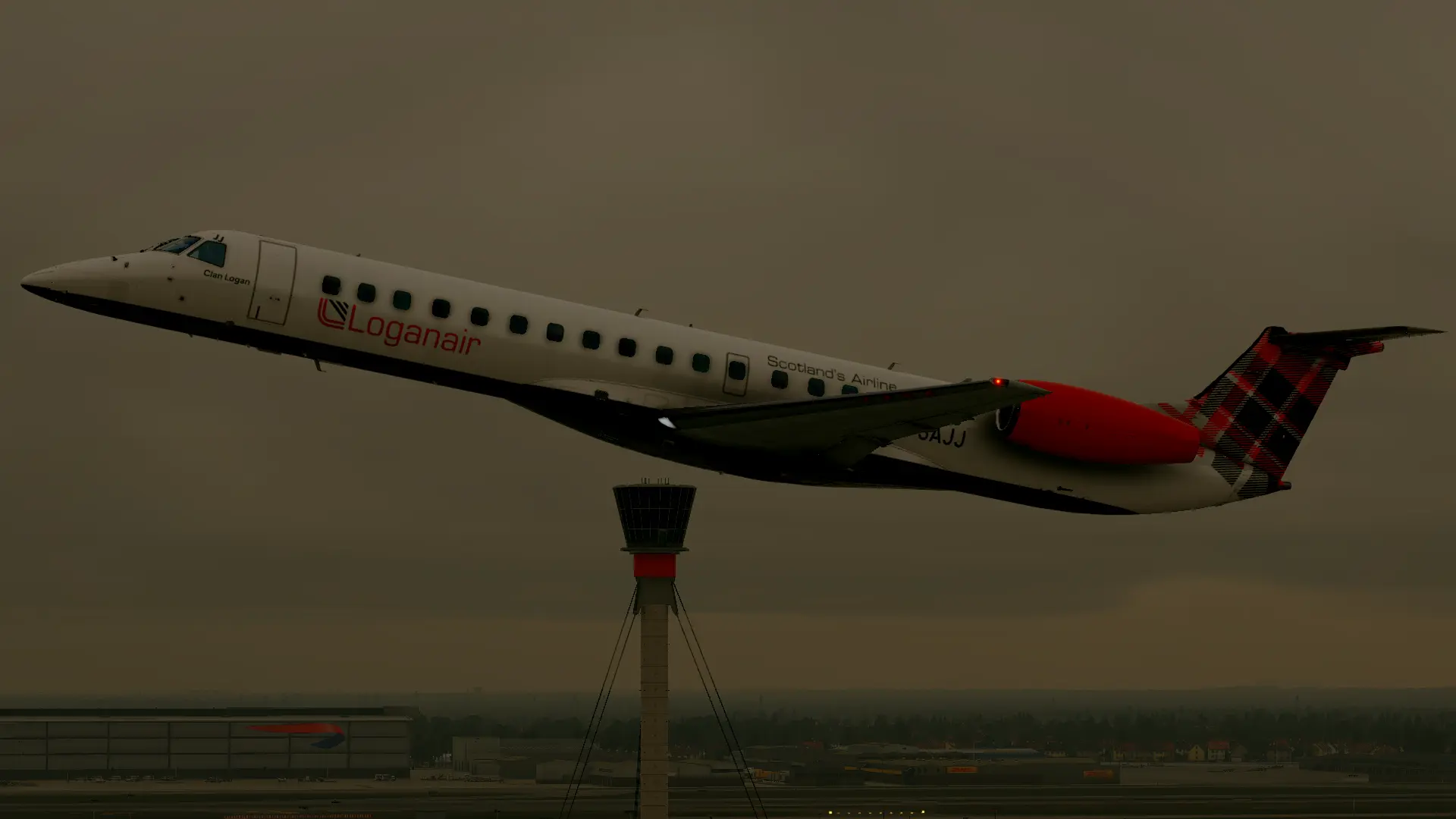
The X-Crafts ERJ performed great on my system (RTX3060 12GB, i5-10400, 16GB RAM), with FPS averaging around 35-40fps in less demanding areas, while in performance-heavy areas (such as Heathrow and New York), I experienced a really subtle drop, where the FPS averaged around 30fps (which is barely noticeable to be fair).
EFB and AirComms
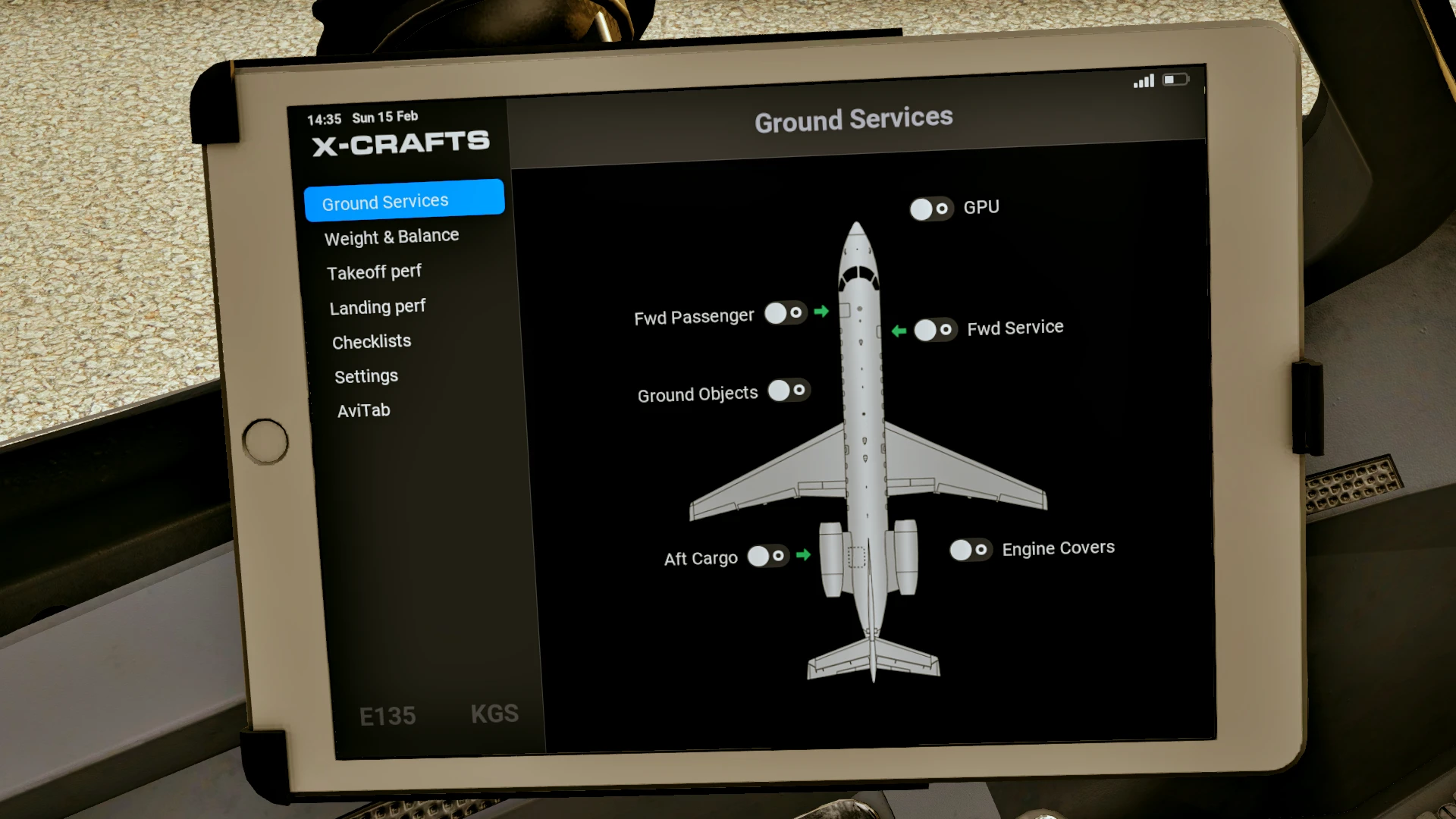
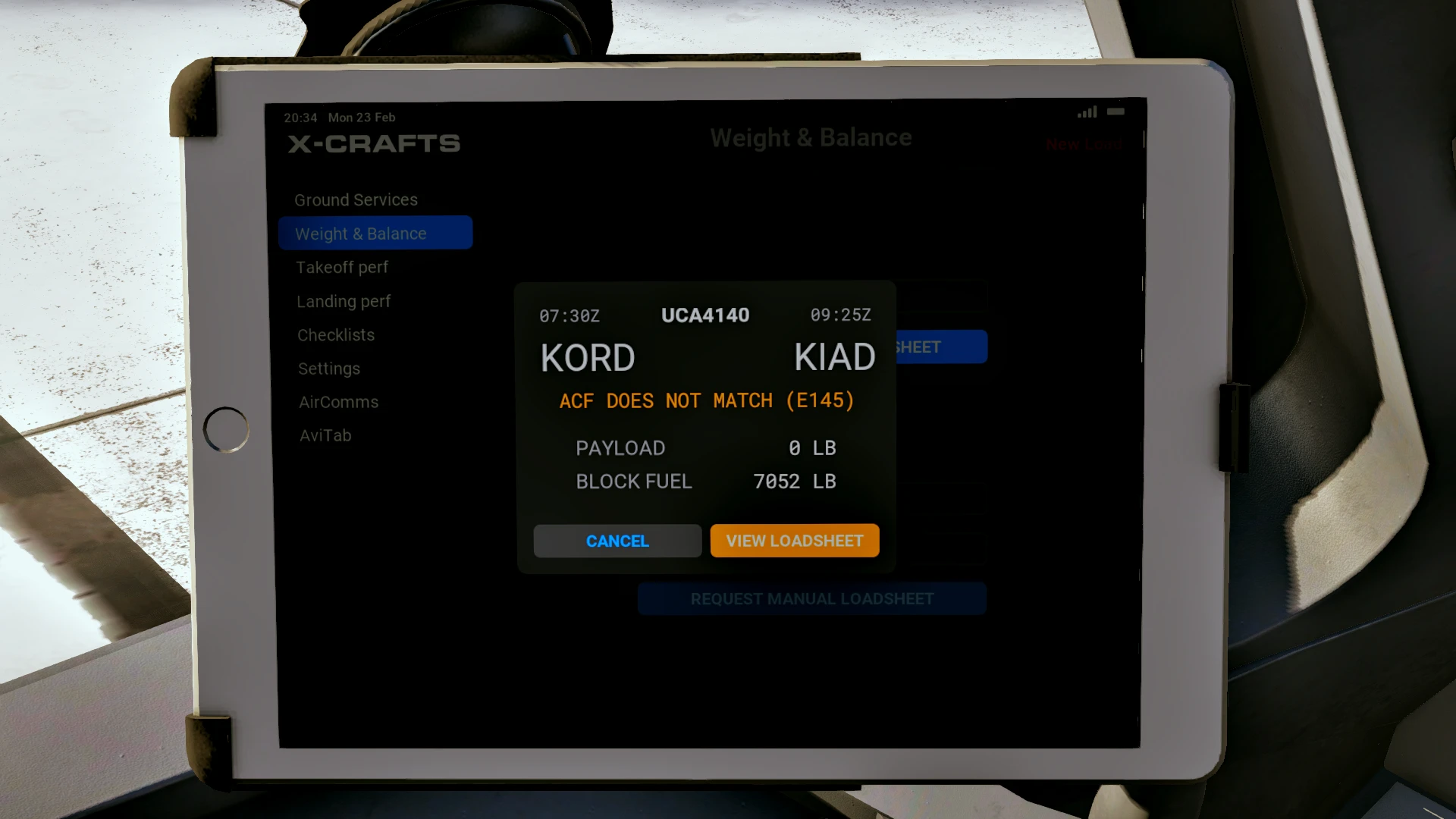
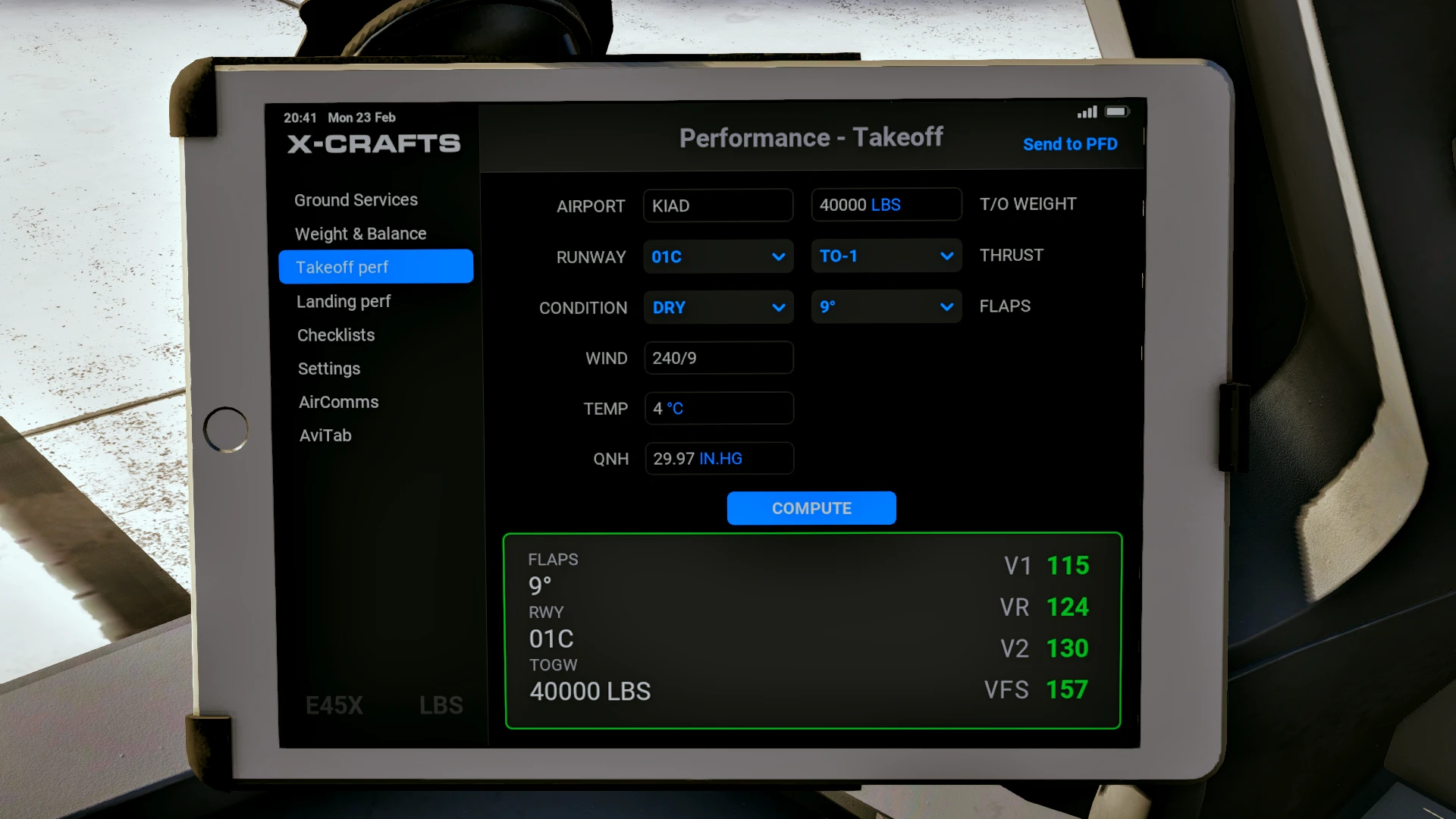
The EFB, although rather basic in terms of functions, is a nice addition and very easy to use. There are 7 tabs in total: Ground Services, Weight & Balance, Takeoff perf, Landing perf, Checklists, AirComms (more on this later), and Settings.
- Ground Services: You can open passenger, service or cargo doors, (dis)connect the GPU, and remove the engine covers.
- Weight & Balance: Uplink the loadsheet from your SimBrief OFP, or make a manual one by inputting the wanted fuel weight and payload.
- Takeoff perf: As the name suggests, here you can insert performance data and receive takeoff Vspeeds.
- Landing perf: Same as Takeoff perf, except for landing perf data.
- Checklists: Includes checklists for all phases of flight.
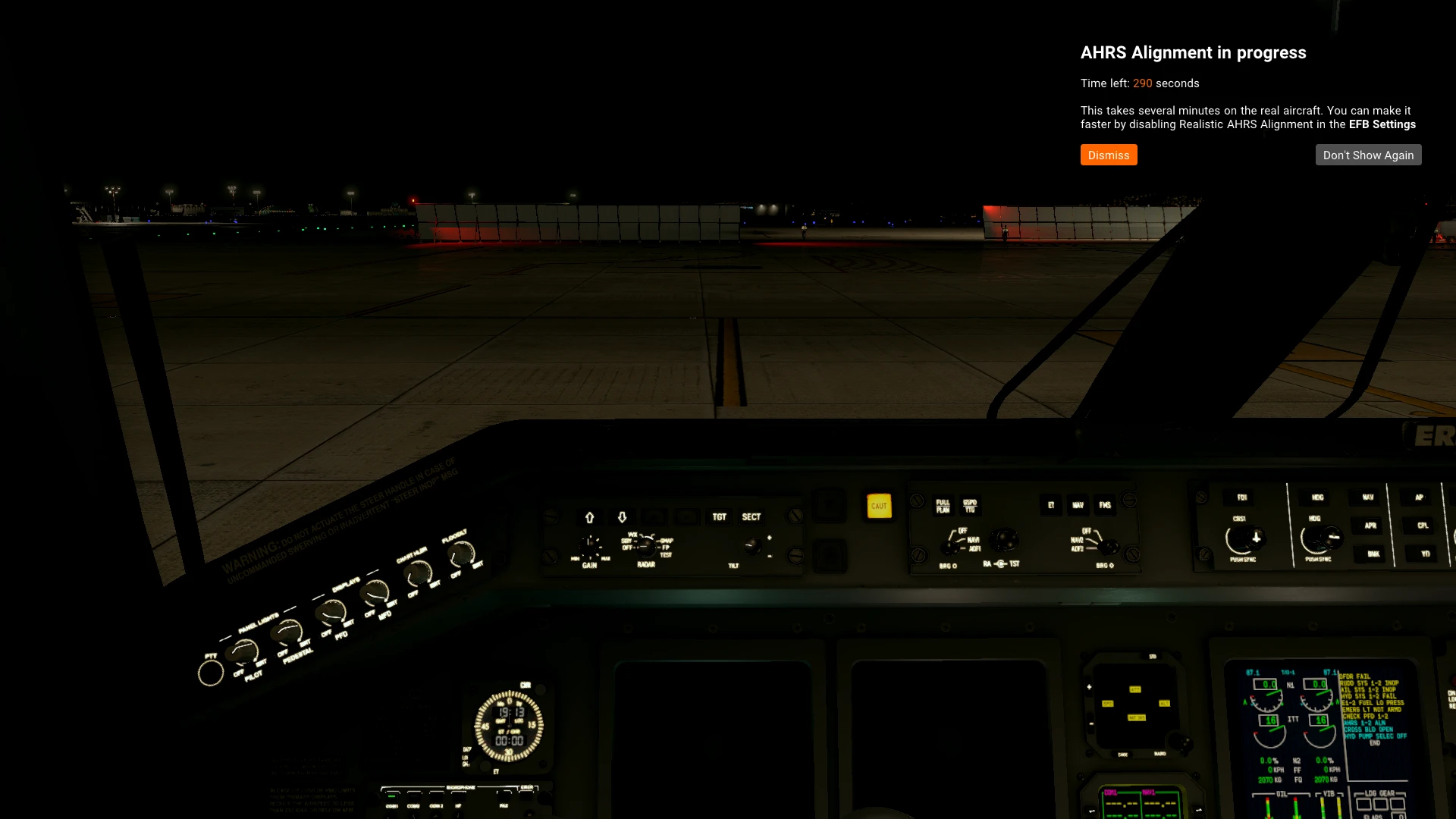
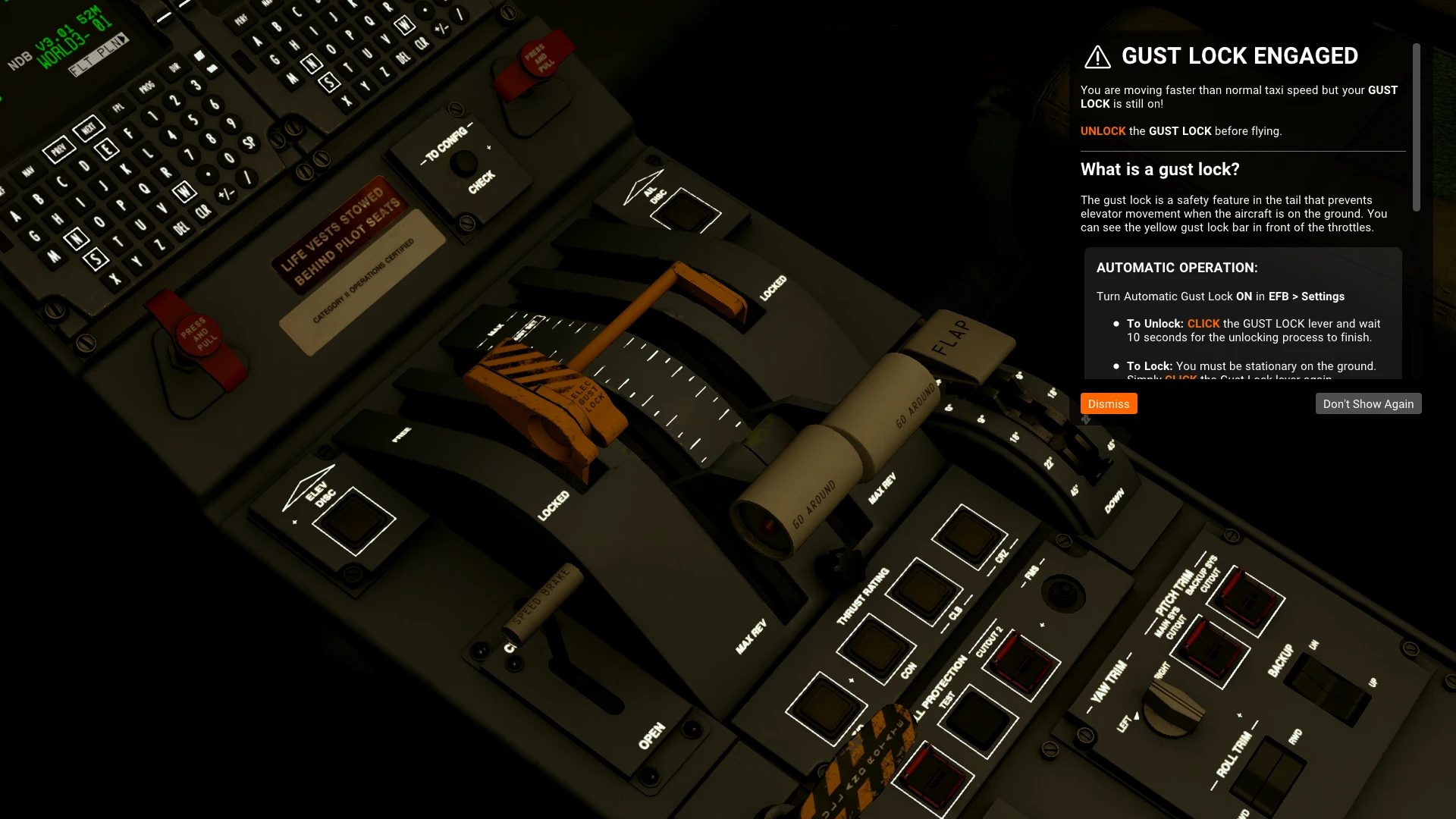
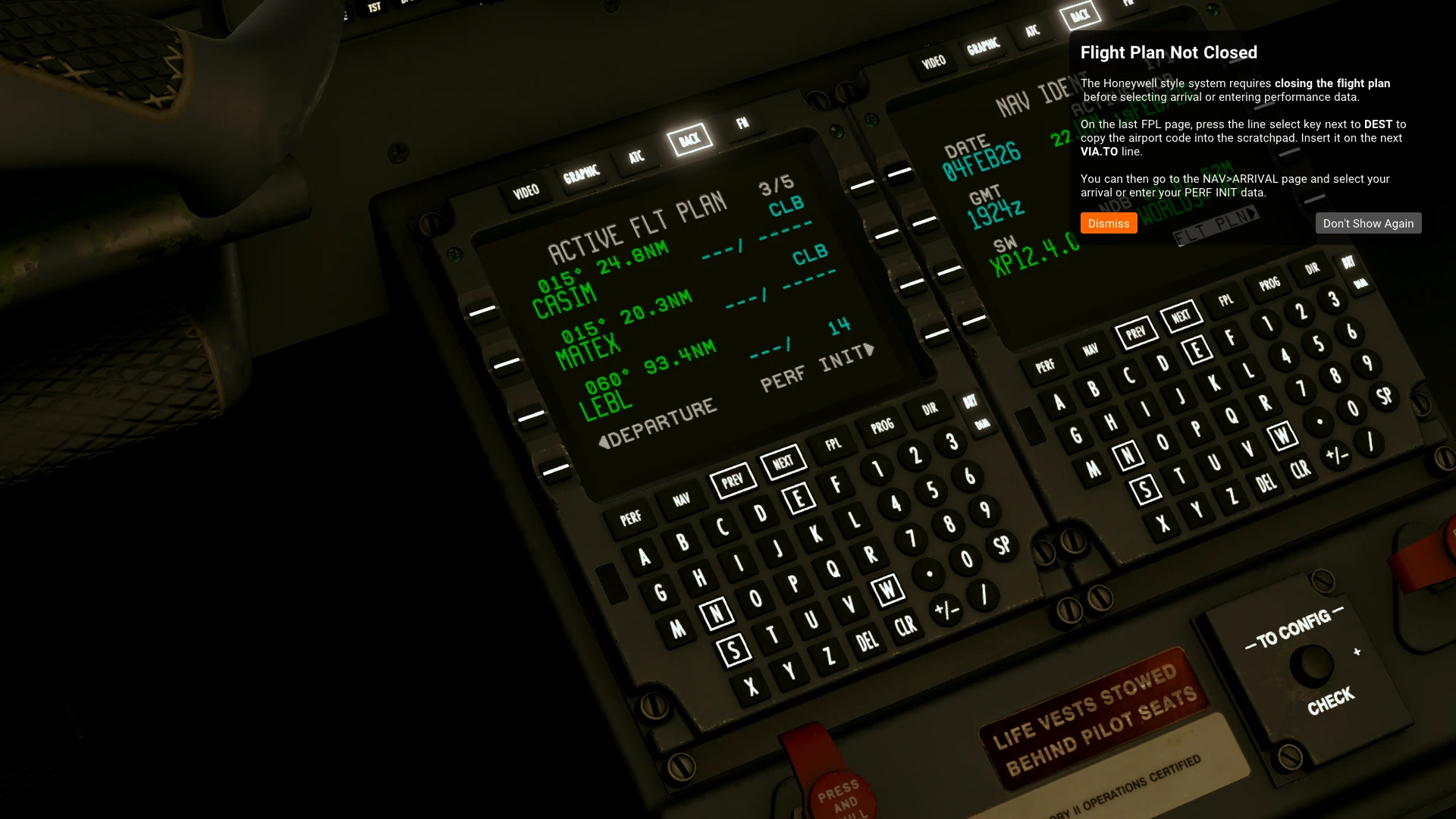
As mentioned at the beginning of the review, AirComms is an interactive interface that can guide you through the tutorials and the demo flight if you’re a total beginner, but it can also give you tips or warnings if you’ve skipped an important step of a procedure. You can, of course, disable both the tips and the warnings if you feel that you’ve mastered the basics.
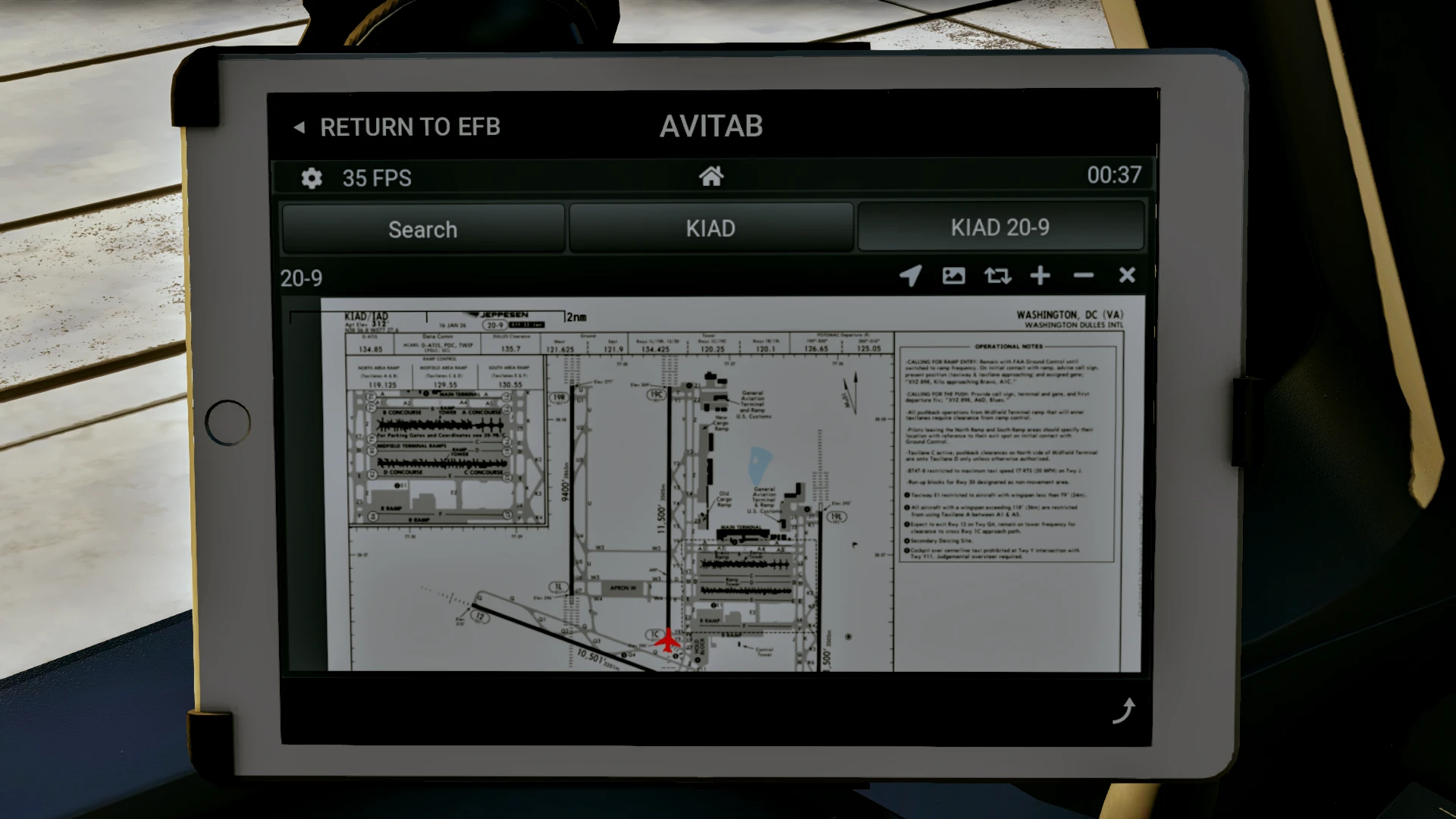
My only complaint about the EFB is the lack of full SimBrief integration and direct Navigraph chart implementation (although Charts can be accessed via the AviTab, albeit the quality isn’t the greatest), and I do hope that it will get implemented soon in future updates.
Conclusion
Overall, the X-Crafts ERJ Family 2.0 establishes itself as one of the best regional jets currently available for X-Plane, especially considering its qualities. While it may not be for those who like to set up a flight and forget about it until TOD, it definitely is a fun aircraft to fly, and it will definitely sharpen up your descent planning and management, and thrust management skills! So if you’re looking for a challenge or just want to brush up on your flying skills, this might be the plane for you.

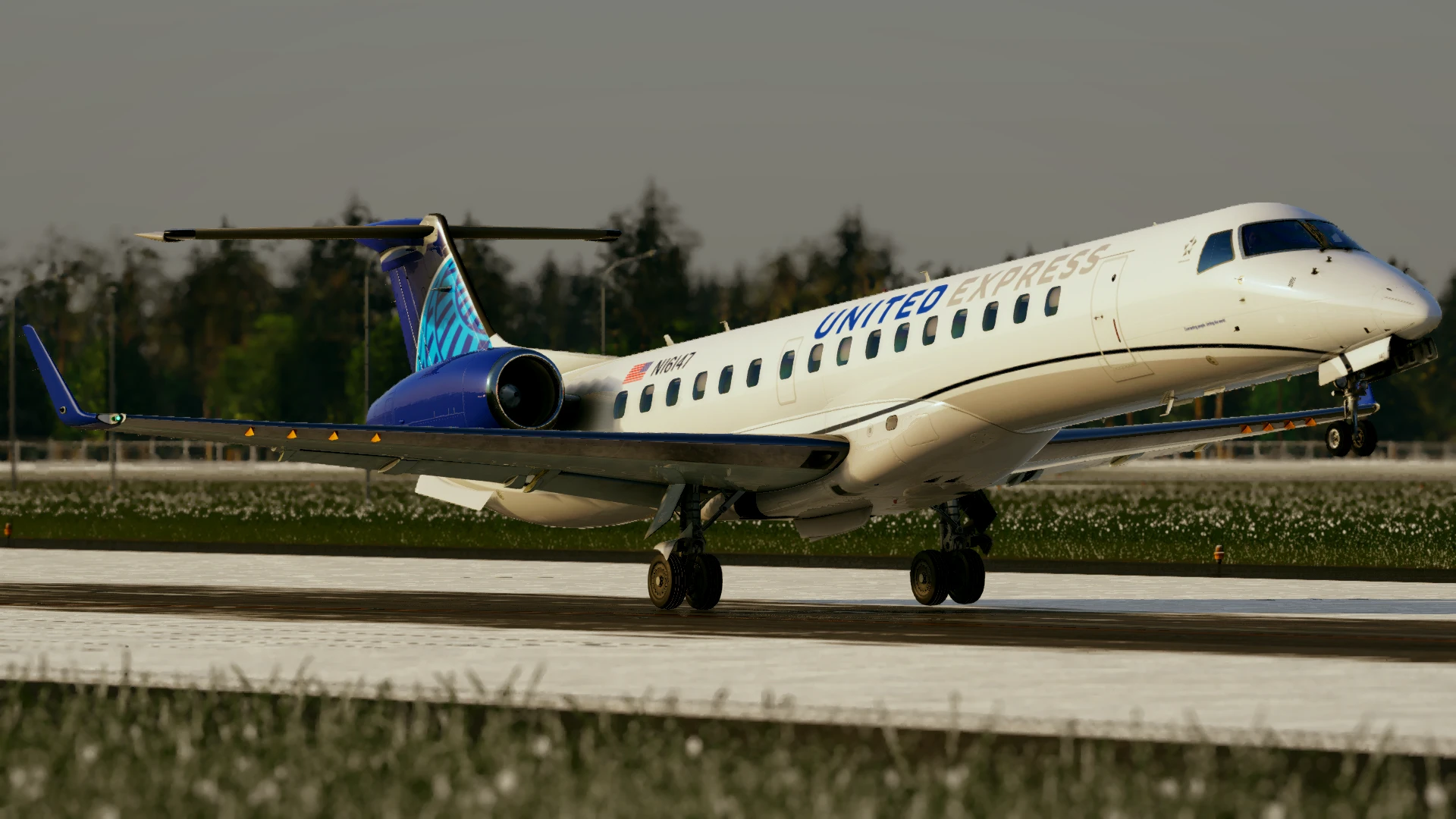
Regarding the pricing options, there are three of them: Standard, Advanced and Full Family. The “most” basic one is the Standard, which includes a single variant, E135 or E140, and costs $59.95. The next step up would be the Advanced, where you can choose between two paths: a passenger-focused option that includes the entire passenger family (E135, E140, E145, and E145XR), or a business-focused option which, in addition to the E135 and E140, also includes the Legacy 650, with a price of $69.95. However, if you really can’t decide which path you want to go, or if you just like both, then the Full Family would be your best bet. While it's priced at $139.99, which in my opinion is a bit on the higher side, it includes all 5 variants of the ERJ, and lets you fully experience and enjoy the whole family.

Huge thank you to X-Crafts for providing us with a review copy!
If you enjoy our content and want to support Threshold, consider joining us on Patreon!
Share this page

COMMENT ADVISORY:
Threshold encourages informed discussion and debate - though this can only happen if all commenters remain civil when voicing their opinions.