Threshold Review: FSLabs' A321neo for MSFS 2020/2024
July 8, 2025
Introduction
The neo (New Engine Option) family of A320 aircraft was announced in December 2010. It promised fuel efficiency and modern—and silent—engines while retaining commonality with the CEO (Current Engine Option) family, meaning airlines would not need to spend extra money training their pilots to fly the new airplanes.

Sporting either the CFM LEAP-1A or Pratt & Whitney PW1000-JM engines, the A321neo is up to 20% more fuel efficient per passenger than the A321 while also having more range (an additional 930km) and more payload carrying capabilities (another 2,000 kg). The fuel efficiency in itself would make it consume the same amount as an A320ceo would—although carrying more passengers—making it very interesting to many carriers around the globe.
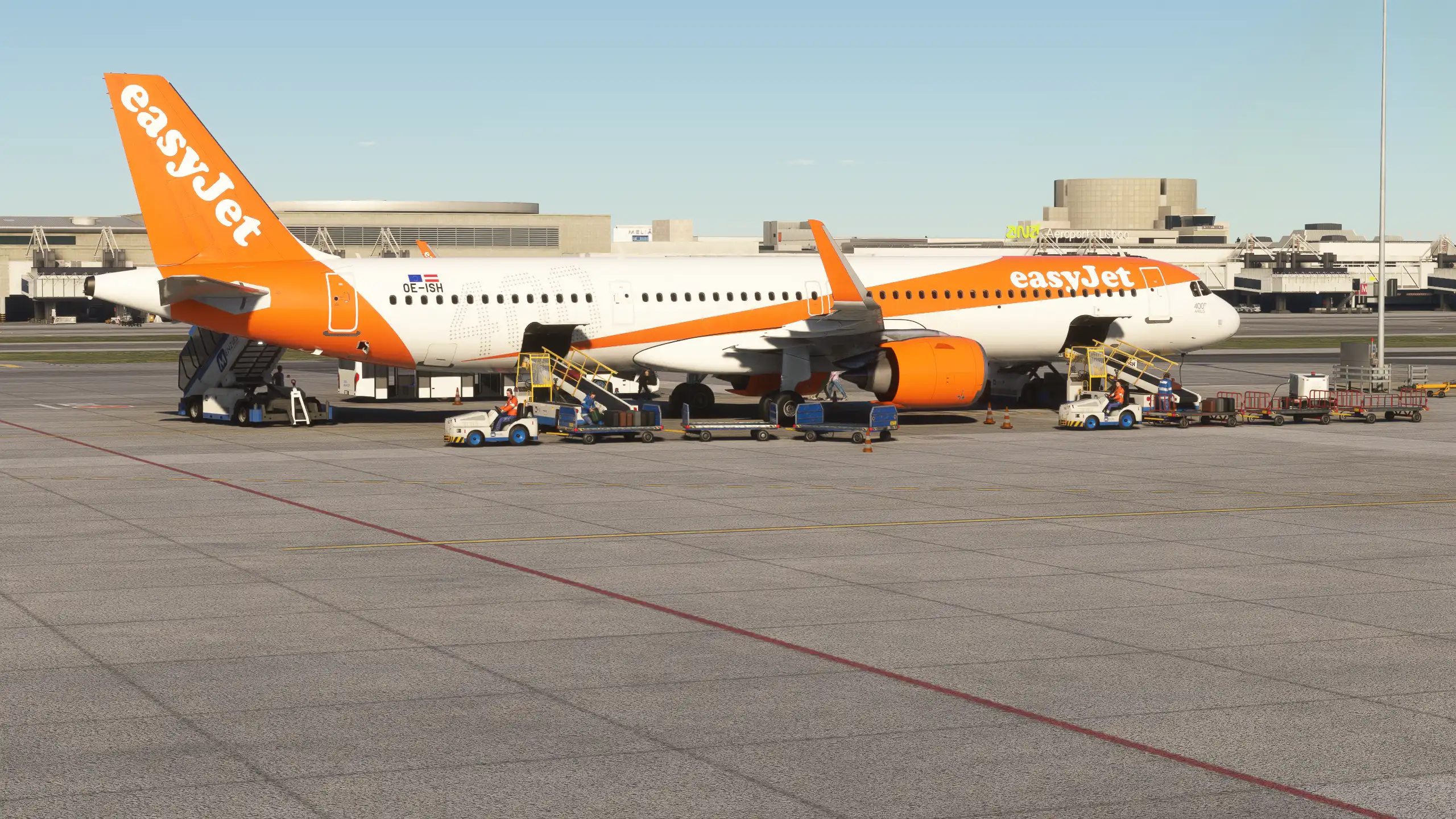
Unsurprisingly, the fuel efficiency allied to retained commonality made it pretty popular. As of early 2025, 7,017 orders had been placed, with 1,729 already delivered to their respective operators.
A six-year span separated the start of the development and the first flight. It went on relatively quickly for airliner standards due to retaining most of the design and systems of the previous model. The only major differences were the engines, the winglets, and the extended fuselage fuel tanks, which allowed for greater range.
There are four variants of the A321neo so far: the standard, the ACF (Airbus Cabin Flex), and its two sub-variants, LR and XLR. These variants focus on increased range, allowing operators like JetBlue to fly between New York and London Heathrow, for example.
FSLabs promises to capture the full range of technological and operational advancements that define the A321neo, with accurate engine behavior, extended range capabilities, and a realistic fuel management logic to ensure an immersive and realistic experience throughout.
The developers have opted to divide the release between two phases, with the first being the LEAP engines (A321-251N and A321-251NX equipped with CFM LEAP-1A32 engines, the A321-252N and A321-252NX featuring the LEAP-1A30 variant, and the A321-253N and A321-253NX with the LEAP-1A33), and the second delivering the PWs (A321-271N and NX, powered by Pratt & Whitney 1133G-JM engines, and the A321-272N and NX, powered by the 1130G-JM engine). At the time of this review, only the LEAPs were available, on which this review will be based.
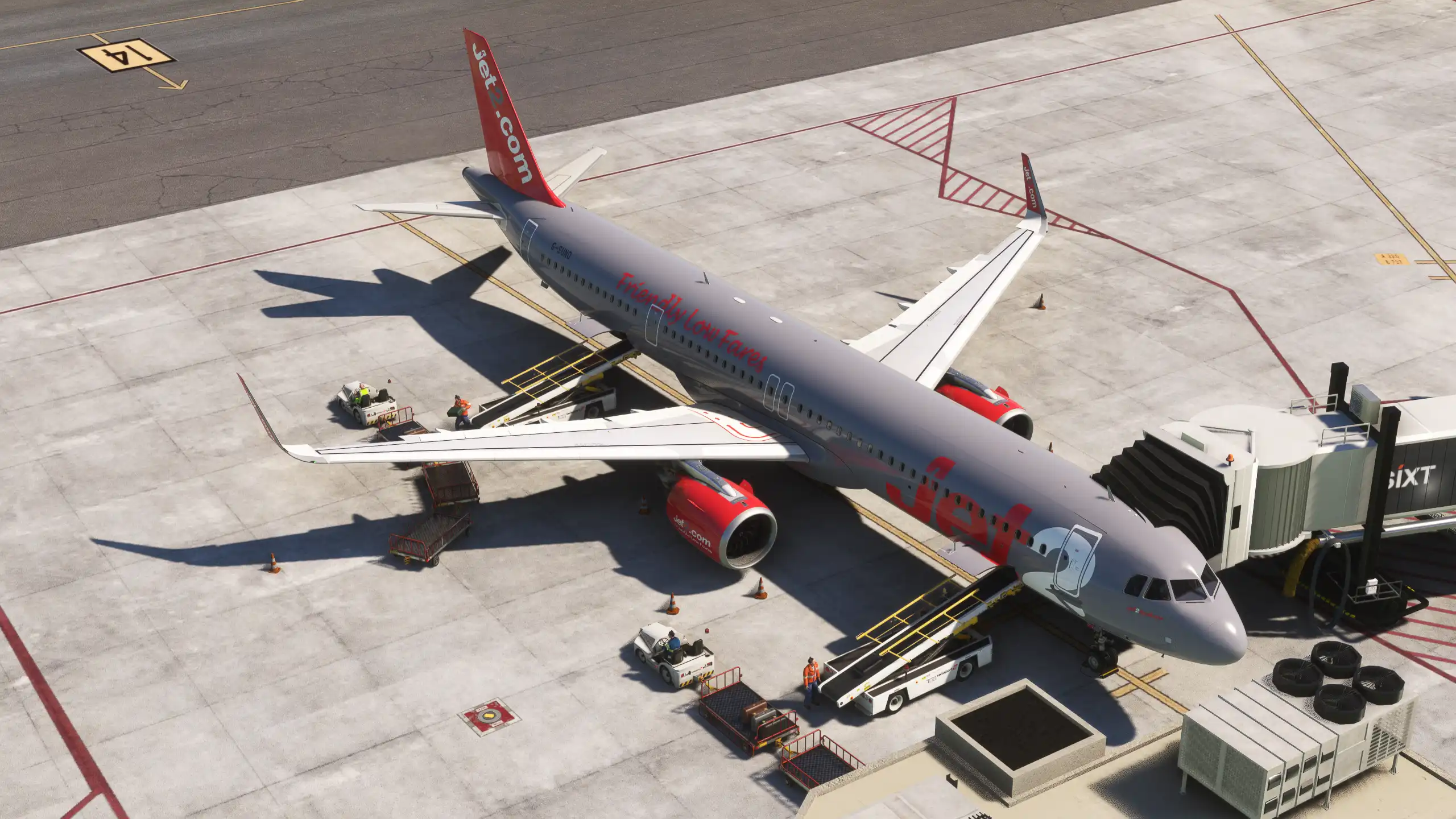
The multi-phase split was done to streamline development, testing, and delivery. The PW update will come at no extra cost once ready.
Distribution
The product is distributed solely via their website and installed through their Control Center software.
First Impressions
To say the release caught me off guard on the 19th would have been an understatement: I was getting ready to turn my computer off and head off to sleep at 9 in the morning when I noticed a ping on Discord, and it turned out only to be an A321ceo at first. "I'll cover that when I wake up", I thought to myself, while my right hand was already minimizing the window, only to be stopped by an "and the neo is out, by the way". Nonchalantly, just like that.
I did not go to sleep at nine that day, as I wanted Threshold to be one of the first portals to cover this very important release. Upon getting that out, I headed to bed, but not before asking for a review copy.
I expected an official release date announcement first, then watching Twitch streamers fly it while wishing it could be me, only to have it become widely available, as that is generally how it goes with most significant releases for Microsoft Flight Simulator. FSLabs completely broke that protocol, releasing one of the most awaited add-ons of the year on a Thursday like it was no big deal.
After sitting on my rig that night, the first course of action was to look up a route and get the new shiny plane soaring the virtual horizons of Microsoft Flight Simulator 2020. Conveniently enough, I had just done a London Gatwick to Faro with an A321ceo the night before, and there was a departure to Heathrow with a neo just a few hours prior. Not only that, it was their newest A321neo, with merely a month of service life so far. What a way to start!
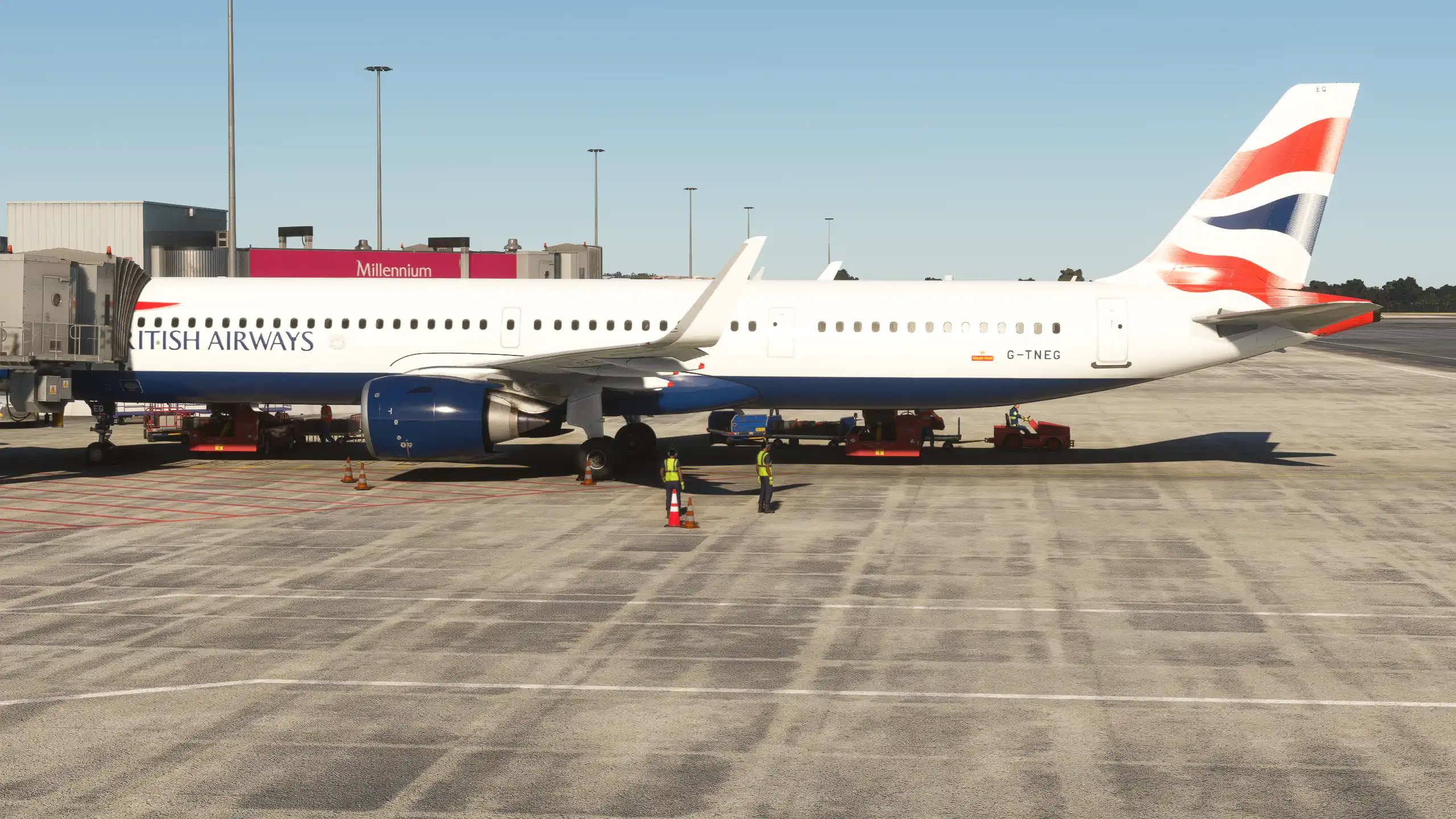
Loaded into G-TNEG at the stand in Faro (LPFR) and was presented with a model I was pretty familiar with as I had been flying the A321ceo for a while, albeit with a significantly larger pair of engines, and a substantially more modern radio stack – the DRAIMS (Digital Radio and Audio Integrating Management System) –, which is all the rage in Airbus land these days.
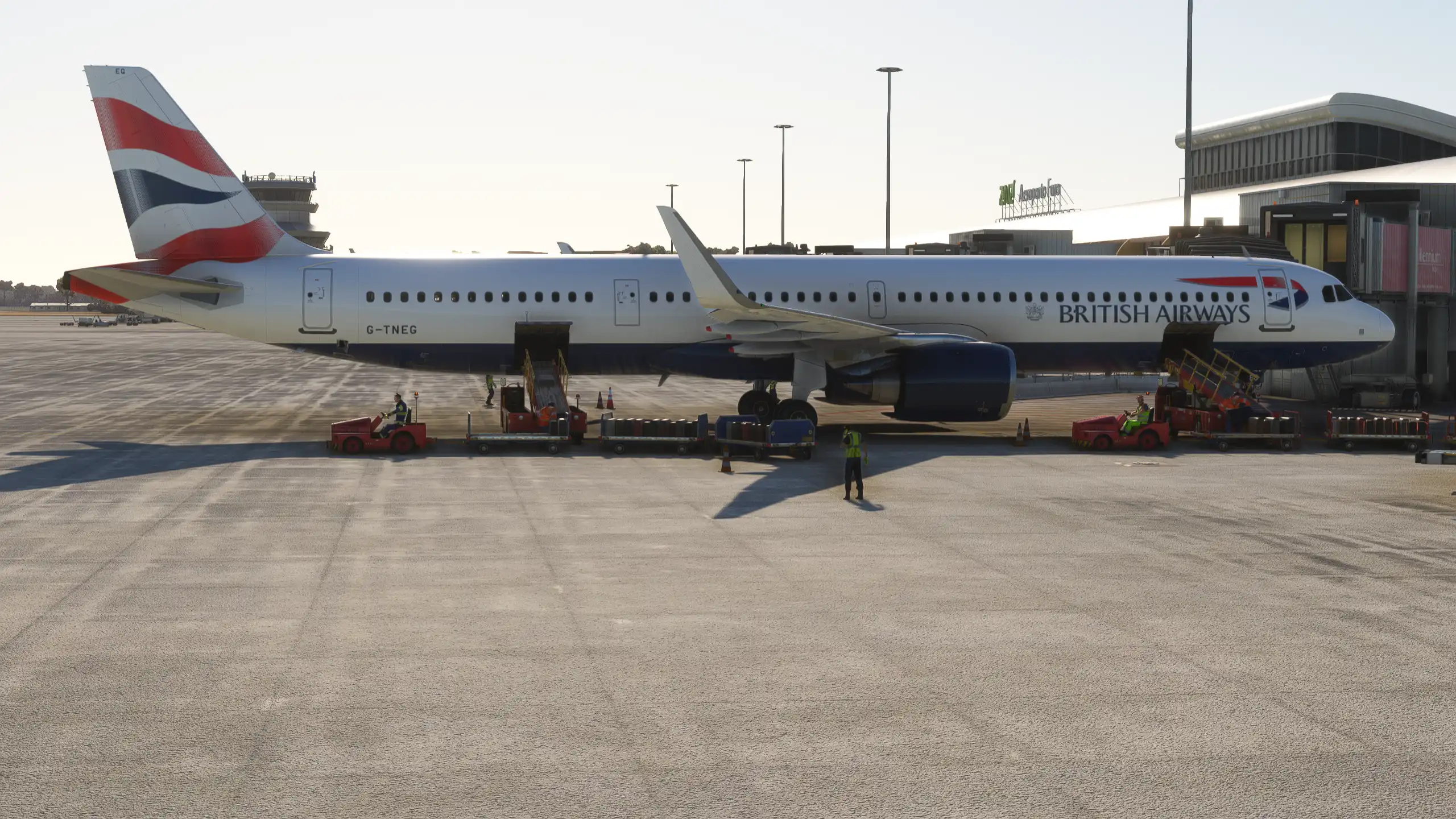
After years of waiting for a study-level Neo airplane, I must admit it took me a bit to have it sink in properly that I was, in fact, flying the latest and greatest as far as Airbus narrowbodies go. Not only that, but perhaps one of their most successful contraptions yet, with over 7,000 orders and counting.
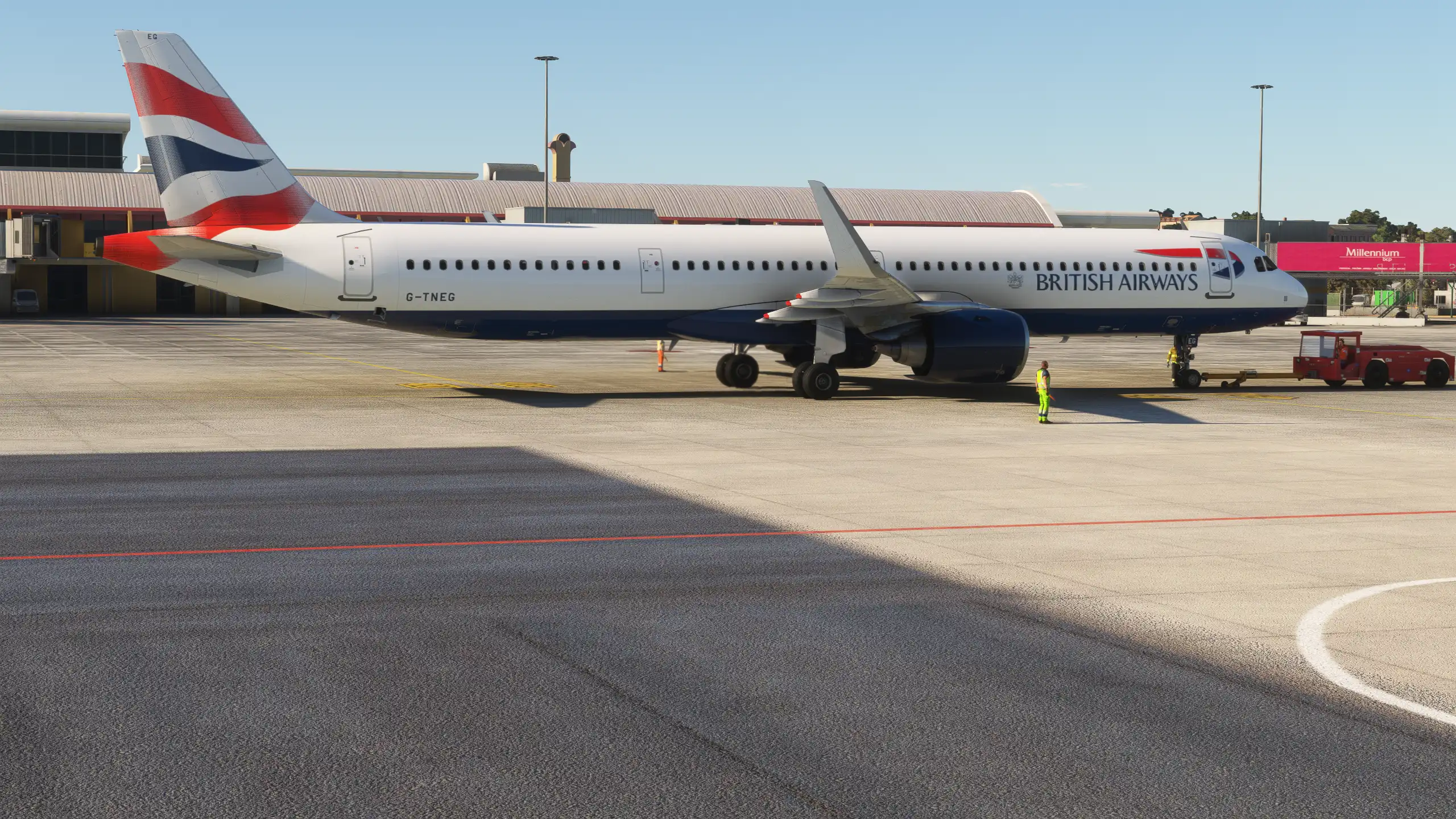
There's no better combination than a new add-on and a new airframe all at once: it just feels right! Both are fresh out of the oven and just about to be thrown into a two-hour-plus route that could either end super well or terribly, depending on the landing behavior.
I must admit I was a bit afraid of how that would turn out eventually, as the A321neo is said to be a bit tricky to land in real life due to how big the engines are and the amount of drag added, not to mention the new flare logic, which theoretically further complicates things. There are so many haunting reports of people saying they had never had a smooth landing as an A321neo passenger, Turkish Airlines pilots' tail striking it left and right, and so on. As someone overly fixated on landing rates, I was not looking forward to the potential slammers that could eventually come up.
Initial tension aside, setting up the flight and getting things up to speed was as seamless as possible, mainly because it shares most of the settings with the A321ceo, meaning you don't have to go into the MCDU and set up a default cockpit state to your preference, or put in your Hoppie, Pushover codes, as that is all carried from the previous add-on. New customers, though, will have to set a few things up to get the best experience possible in terms of immersion (I highly recommend Pushover, for instance, as you can "print" the ACARS messages and stuff to a mobile app).
That retained "setting commonality" saved me a lot of time, which I then spent on reading the documentation instead (read the manual, kids), to get properly acquainted with all the new features that were included such as the aforementioned DRAIMS, the ROW/ROPs (Runway Overrun Warning / Runway Overrun Protection), which is also available for the ceo but also relatively new all things considered, as it was added in a later update.
On that documentation note, FSL did a commendable job providing the manual, covering all the important bits and bobs, and adding a tutorial flight that unfamiliar pilots can follow through and get their first A to B done without much effort.
It also includes a MEL (Minimum Equipment List) and a QRH (Quick Reference Handbook), which come in extremely handy given the airplane has a service based failures system, meaning it can have stuff fail at any given time, based on real-world data tied to airframe age, flight hours, and cycles.
The service-based failures alone make no flight ever the same, making the FSLabs A321neo feel like a living, breathing aircraft that can have the brake sensors or the APU die on you when you least expect it. There is never a dull day on the flight deck!
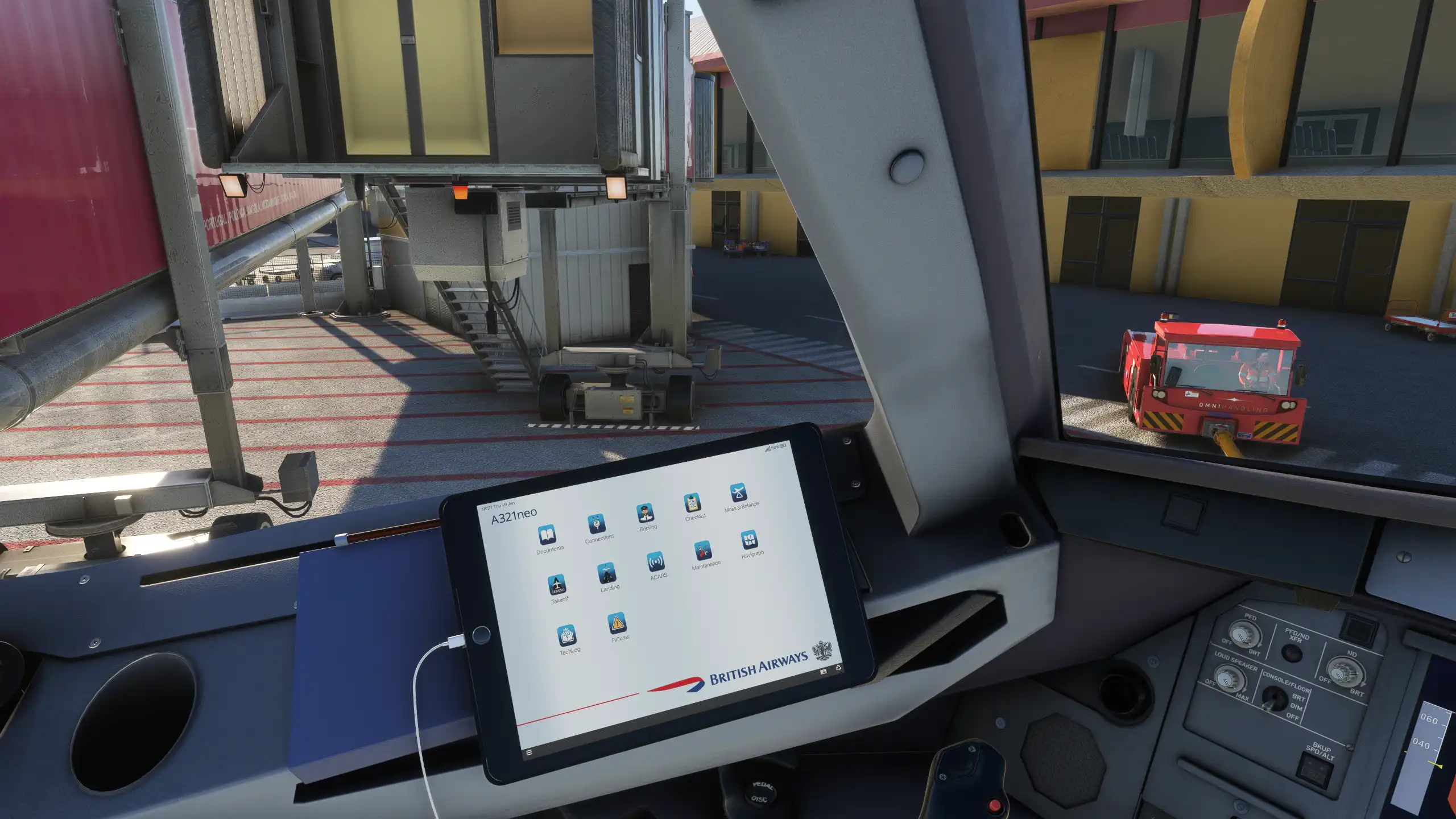
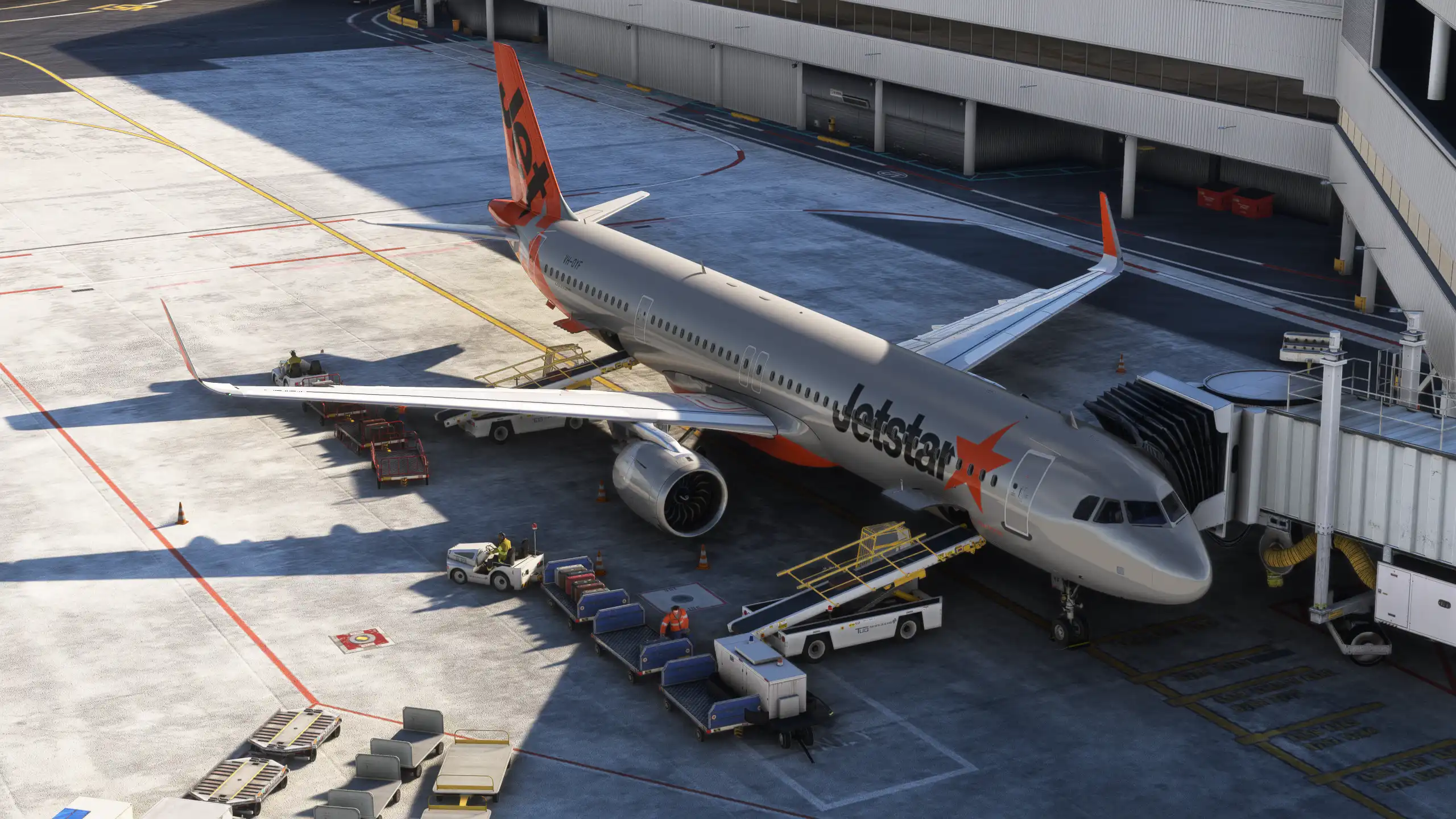
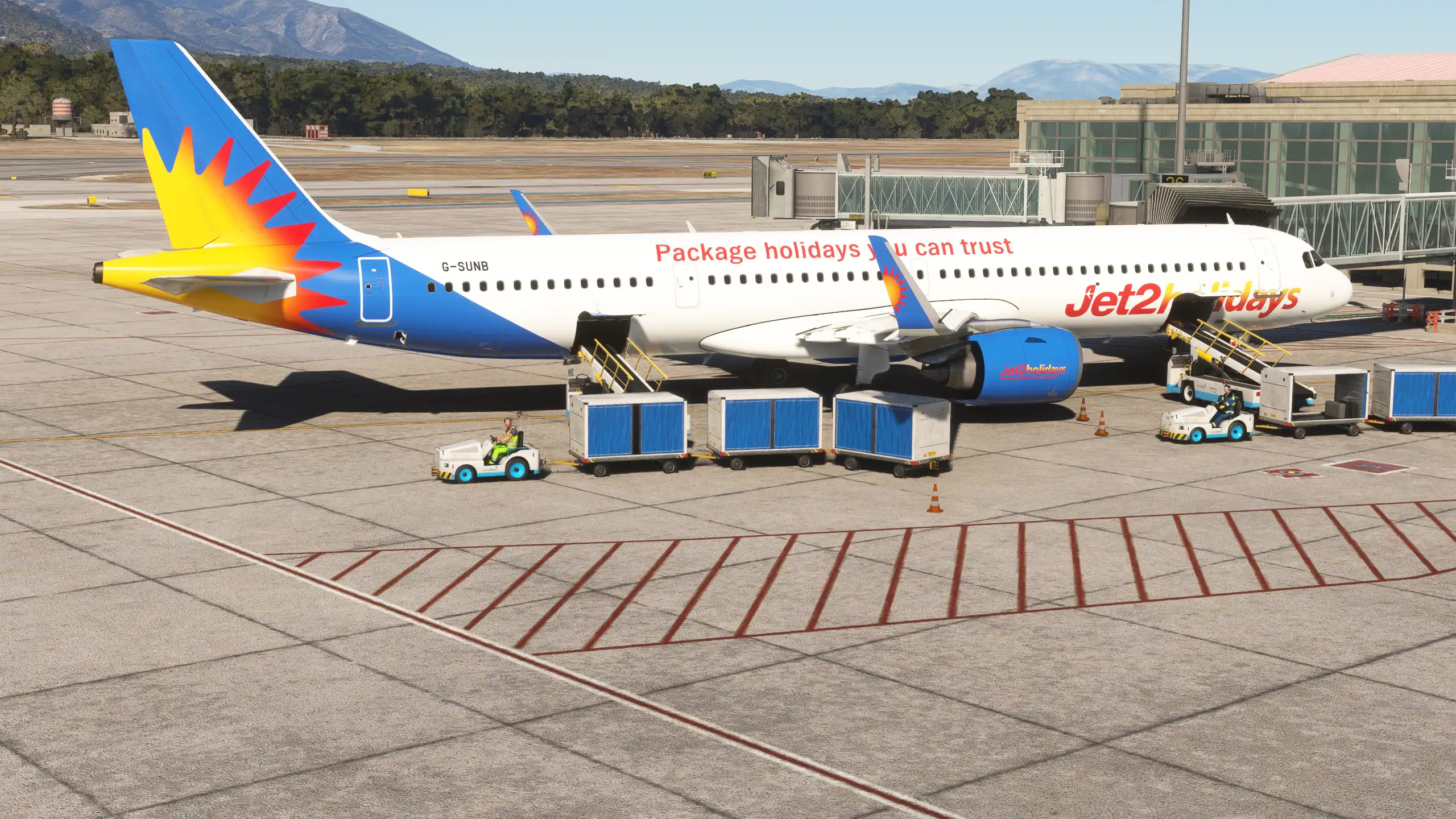
The in-depth GSX integration that I appreciated in the A321ceo review is still present, working just as well as it did. Not once did I have to summon the GSX menu (which, by the way, takes you to the electronic flight bag, as it's remotely controlled from there!) to get anything done. It's all automatic, driven by the ATSU flows (fueling, boarding, catering, everything!). You can even pre-select a stand at your destination airport and have it automatically assign the ground handling crew for you.
The remainder of the preparation went rather uneventfully, for it is still an A320 family aircraft at the end of the day (it would have been weird if I did not feel right at home). I surely did, though. I was already pushed back and had my engines on before the thirty-minute mark, ready for an on-time departure from Faro. A busy Heathrow waited for me.
I'm happy to report that the ground physics felt largely the same, which I appreciate: if you set up a binding for the tiller, the ground steering will be stellar; if you steer with your rudder, it's going to be miserable. That's why a lot of people tend to think the FSL is weird during taxi—nothing but a misconfiguration (which is mentioned in the manual, by the way).
The take-off roll was outstanding, and the aircraft's advanced flight model introduces itself as soon as the landing gear no longer embraces the tarmac, making you feel like you are flying an 80-ton machine rather than a floppy sausage with engines like some non-study-level add-ons out there. On top of the weight, the much larger pair of engines add drag, but that's mainly noticeable on landing rather than during take-off.
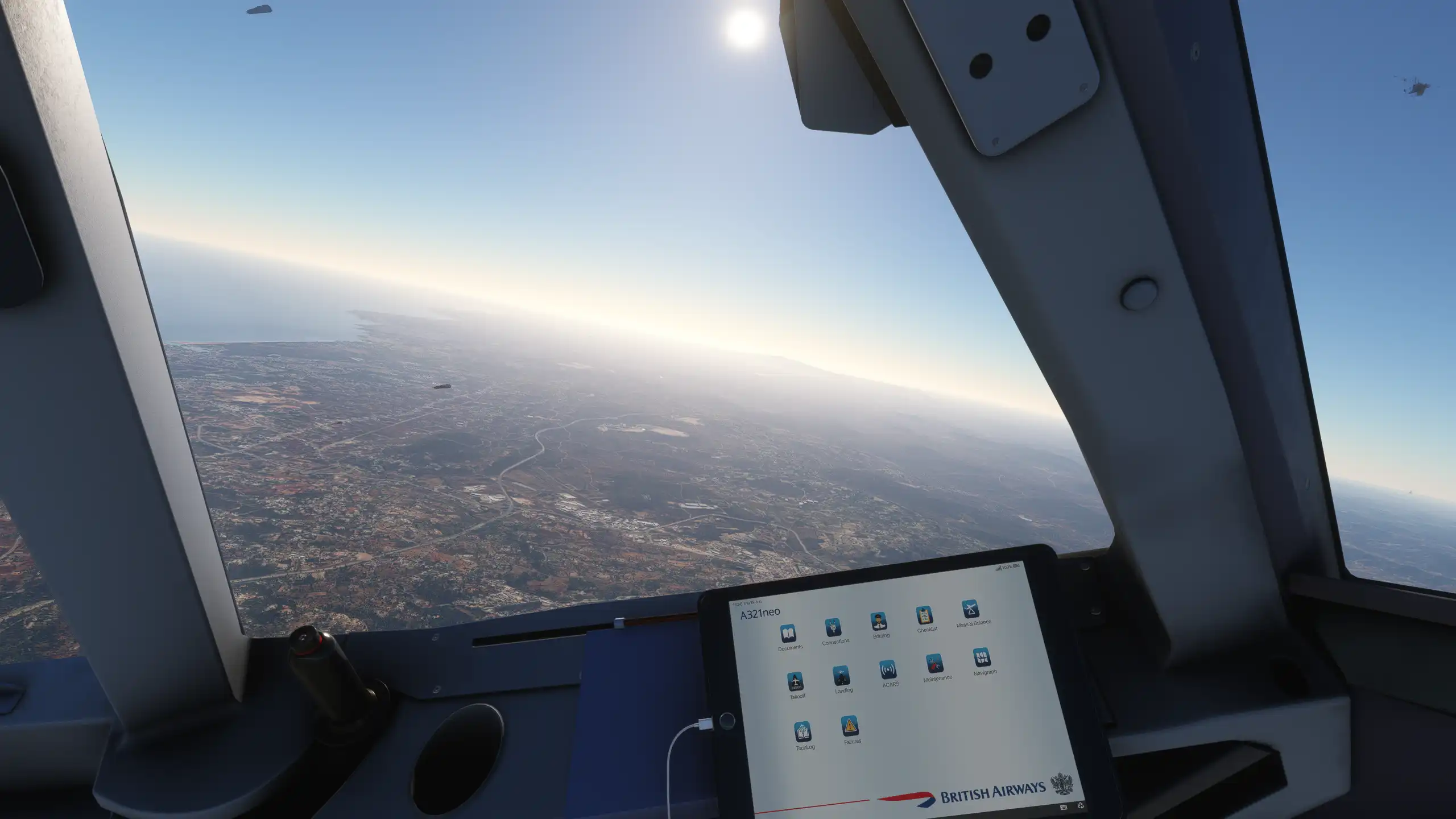
We were finally off to Heathrow, the crusher of processors and graphics cards. Little did I know I'd get a pretty stuttery experience indeed. However, to no fault of either the add-on or the scenery, but mostly on my end (hardware level): it so turns out my USB 3.2s are borked and only going up to 350 MB/s of read and write, leading to stutters around more demanding airports as it tries to load everything (although I only learned it was the storage much later). I won't ever assume a drive is running at its advertised speed again.
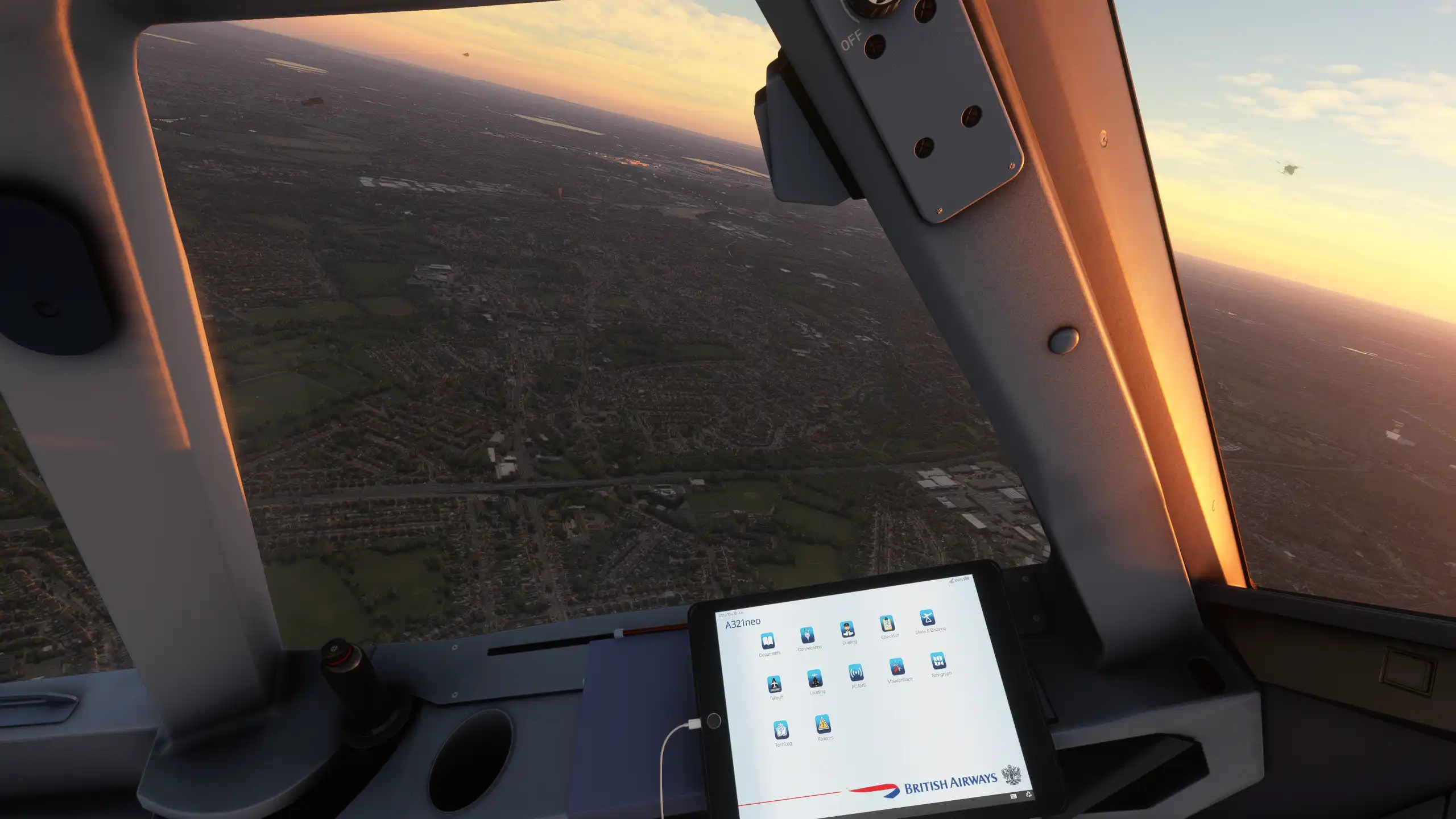
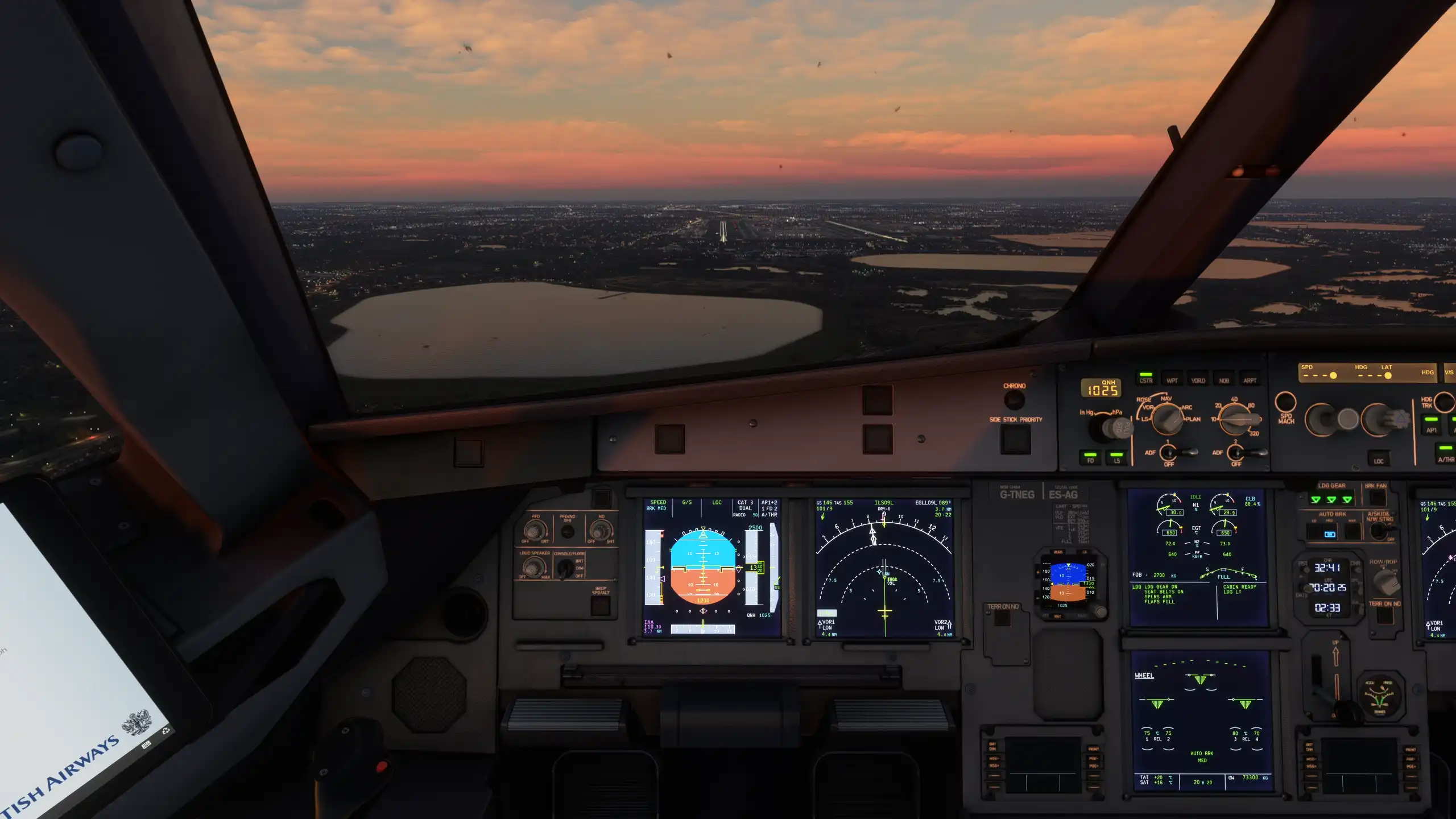
While cruising went pretty well, and so did the final approach, my borked SSD struggled a little bit during flare, leading to a temporary freeze that completely ruined my flare. This forced me to either go around or, perhaps, give Heathrow a crater on the aim point. I chose the former, of course. Upon the second attempt, I did not have it freeze again, but my complete unfamiliarity with the Neo's flight model became quite evident as I landed a bit harder than usual, although not to crater-opening extents.
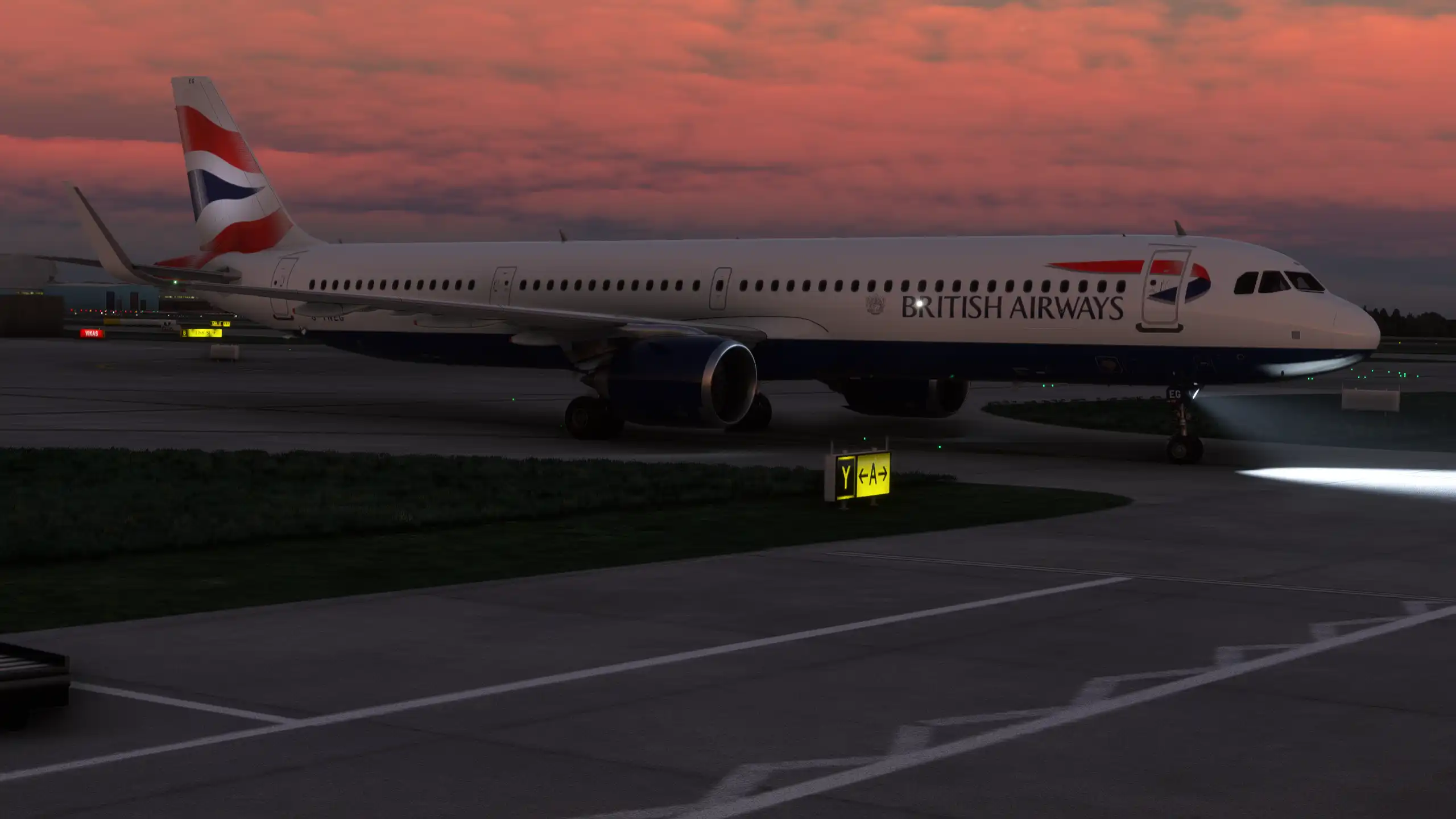
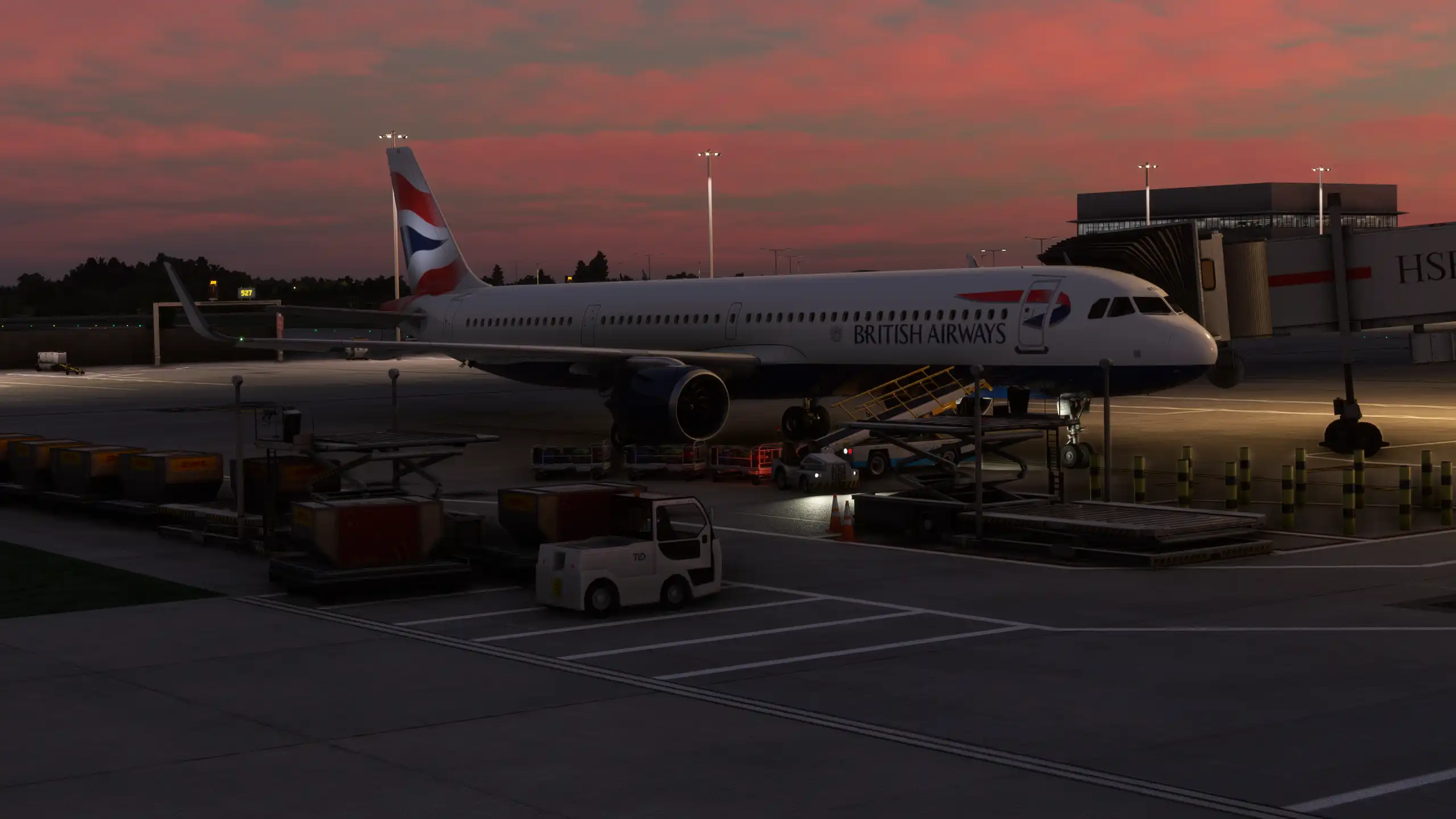
With my pride destroyed, I waddled to stand 519 to call it quits for the night. I looked forward to taking nice screenshots of the deboarding phase, but GSX refused to load on arrival. Of course, this must be a user error.
Modelling & Texturing - Flight Deck
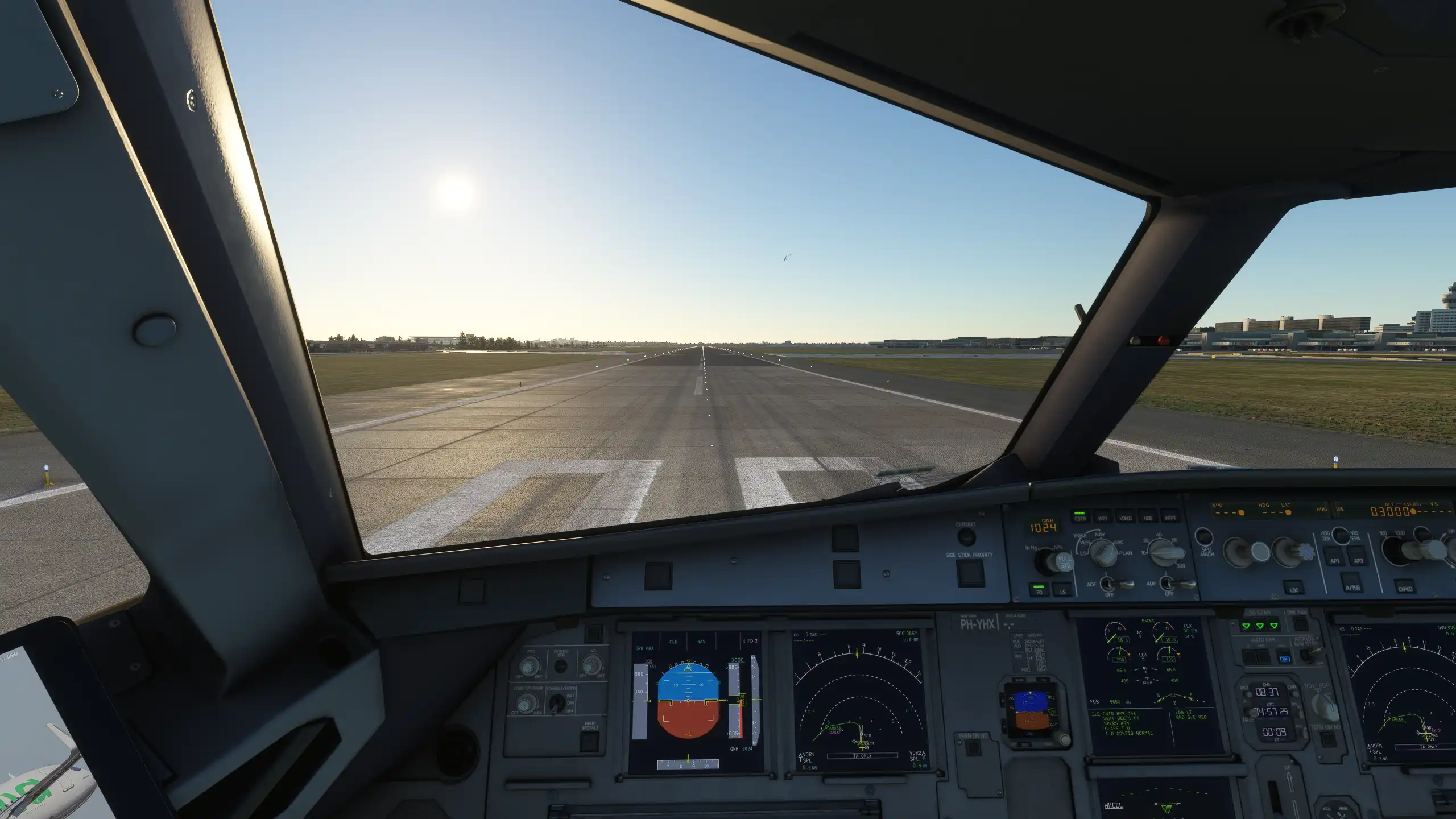
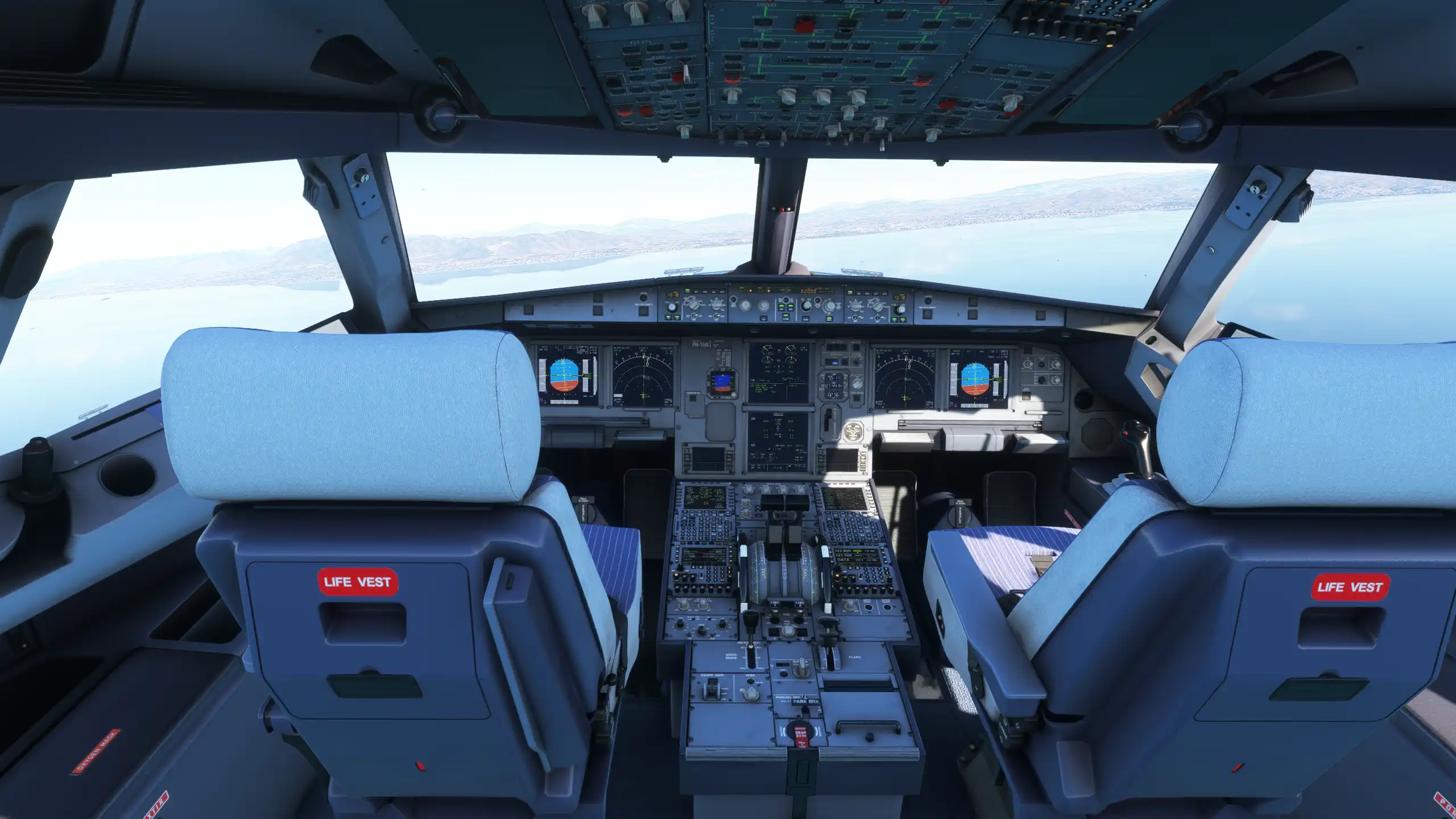
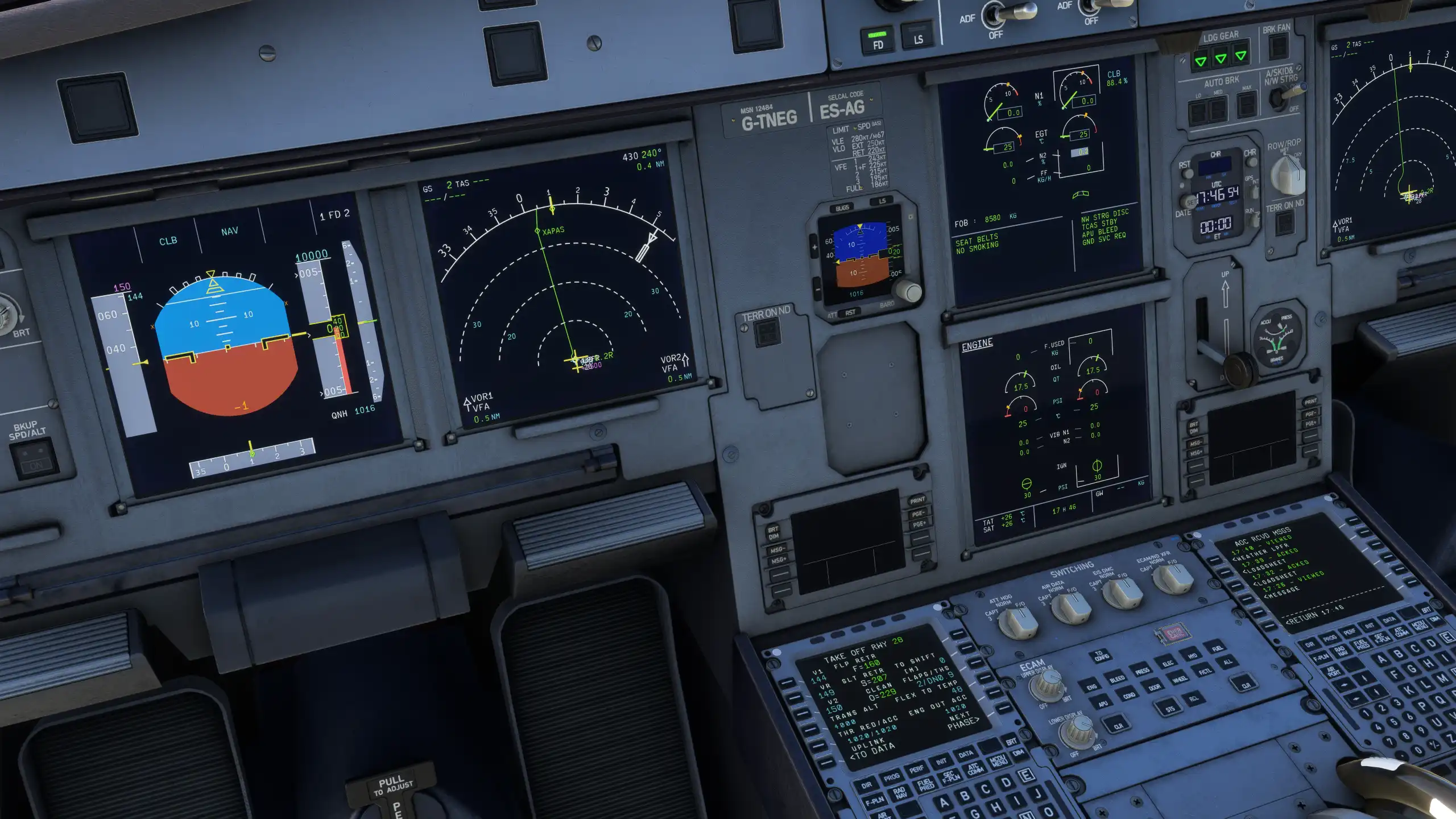
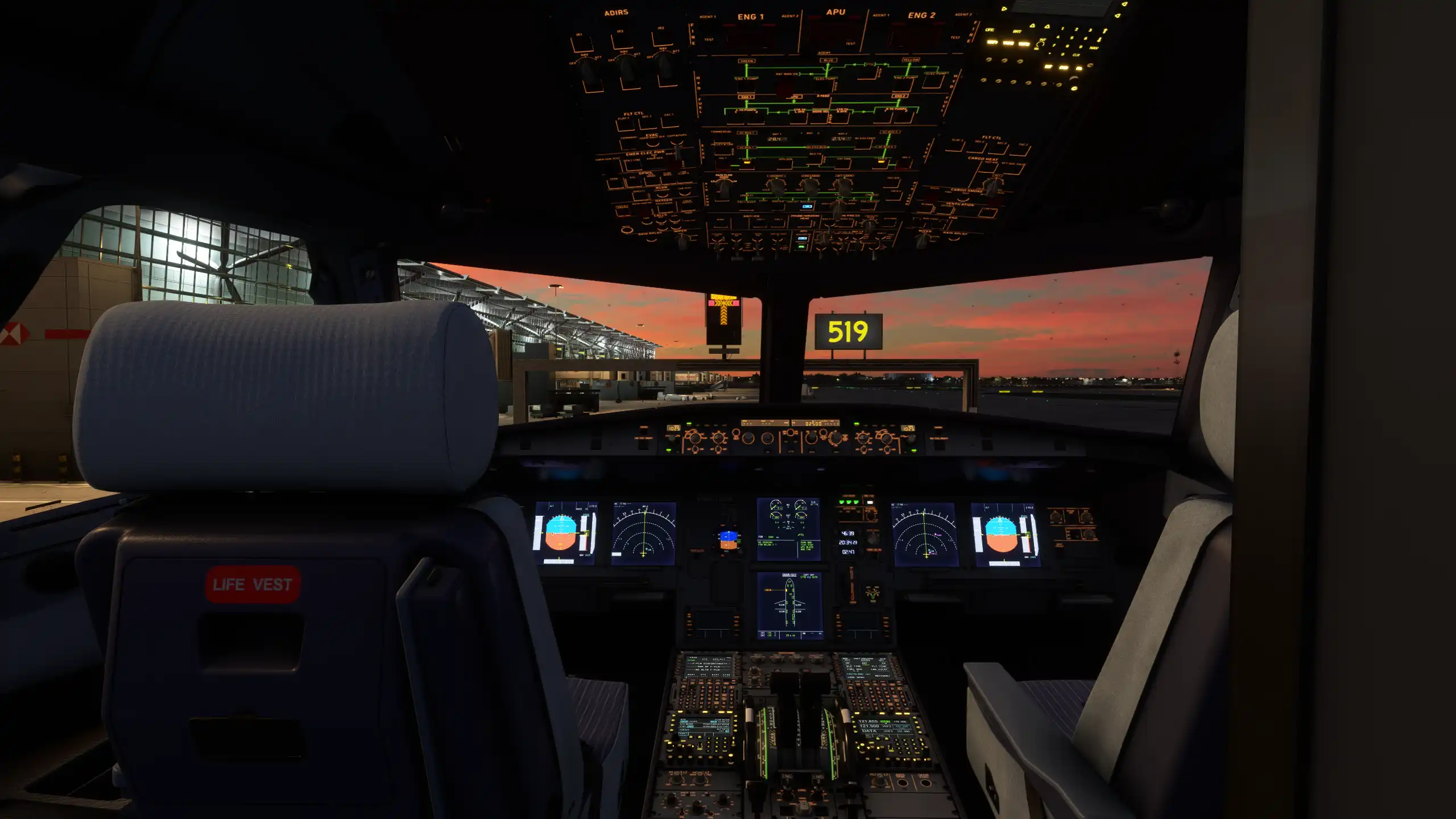
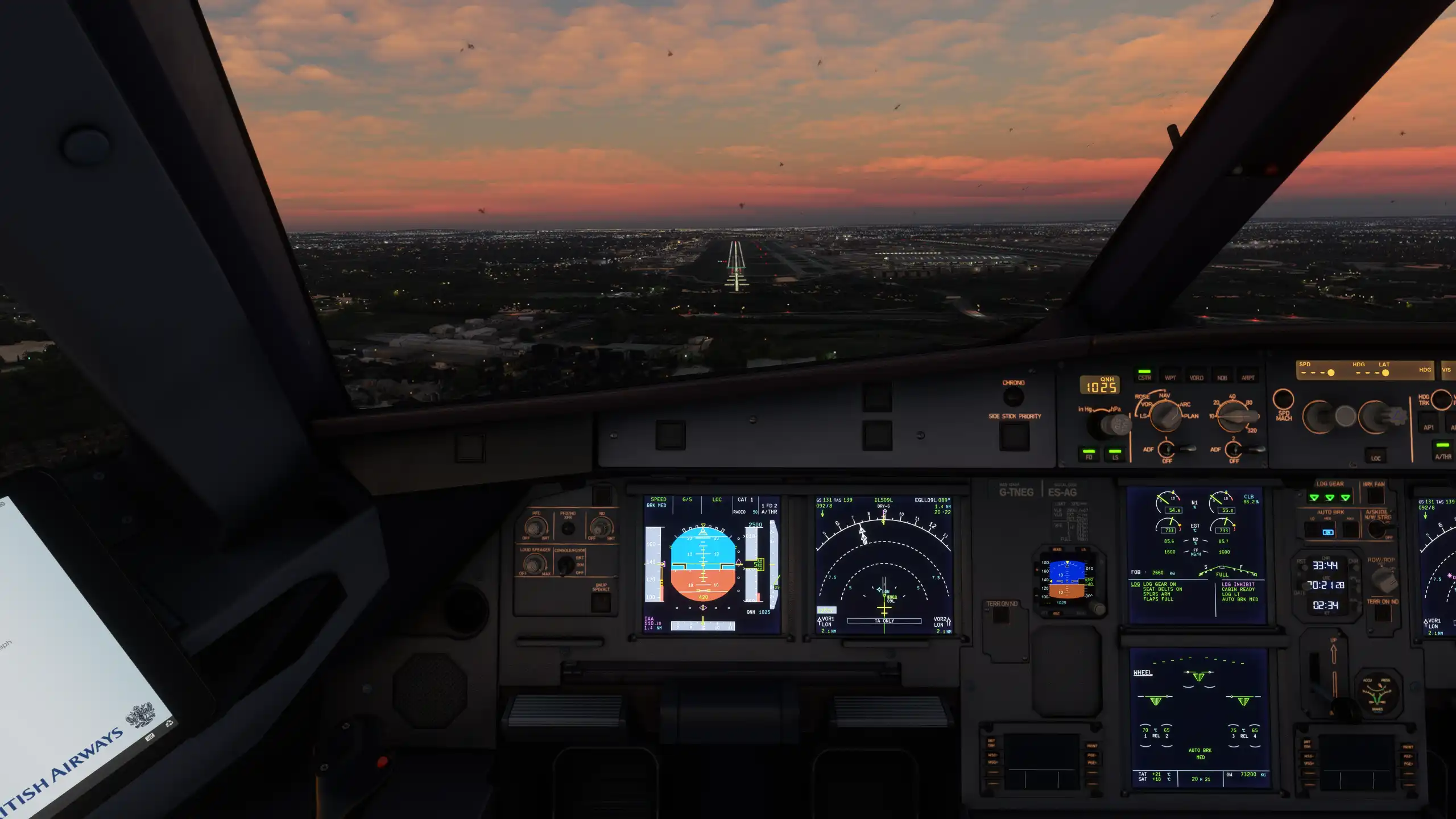
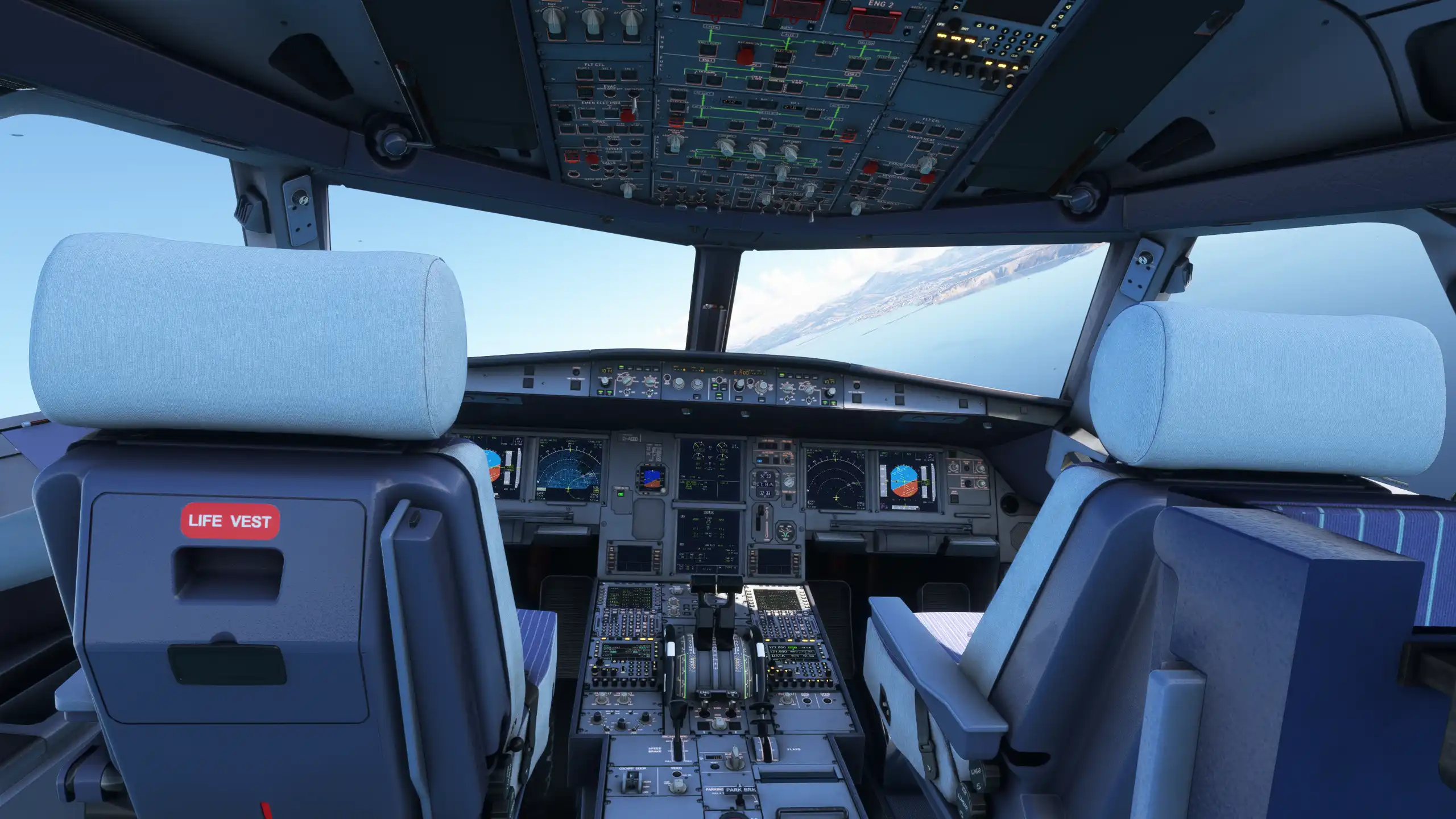
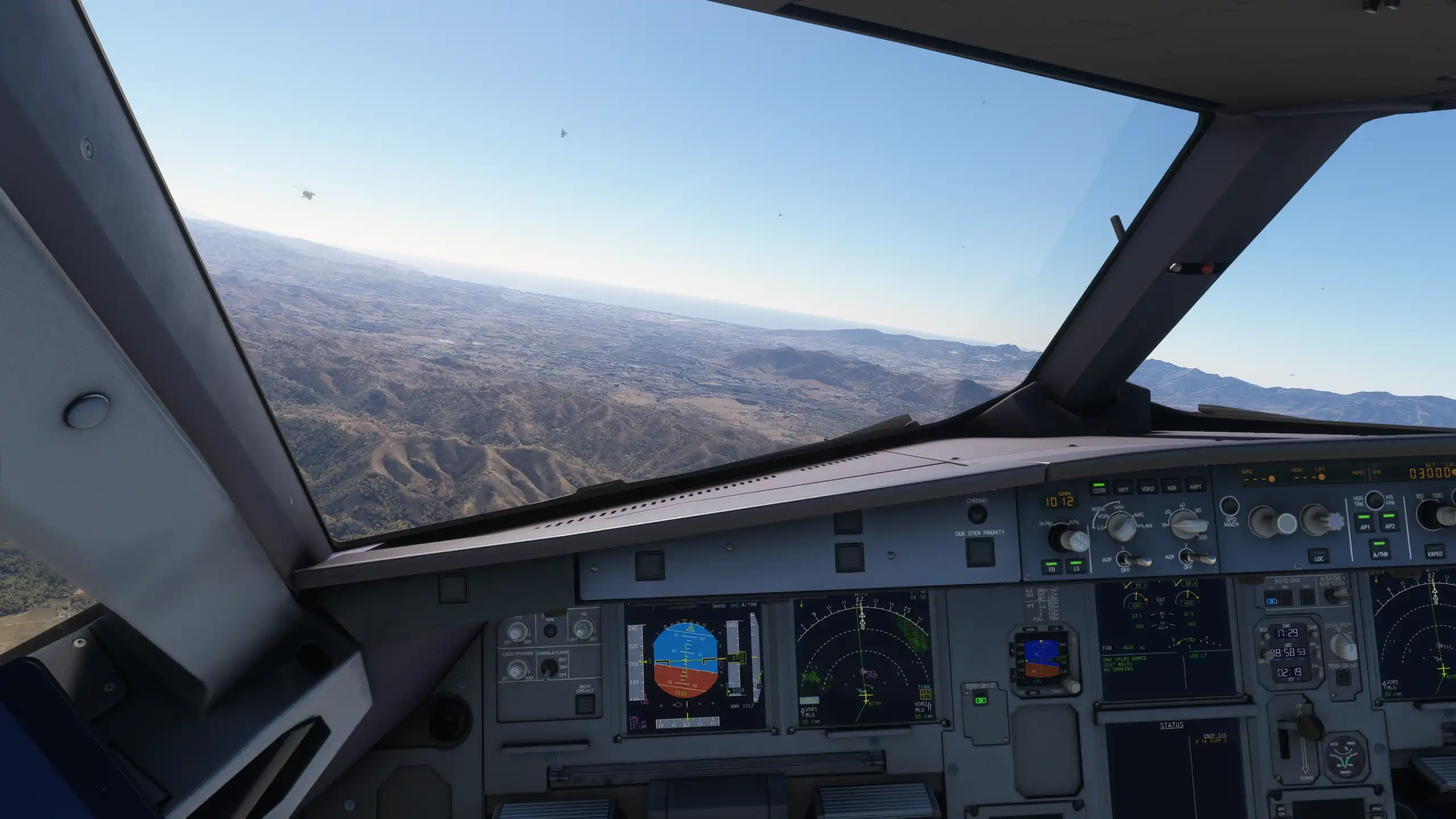
The flight deck 3D model is essentially the same as the previously reviewed A321ceo, being well within the expected standard, without impressing, and not disappointing. Surely enough, it includes some changes to accommodate neo-only features like the DRAIMS system.
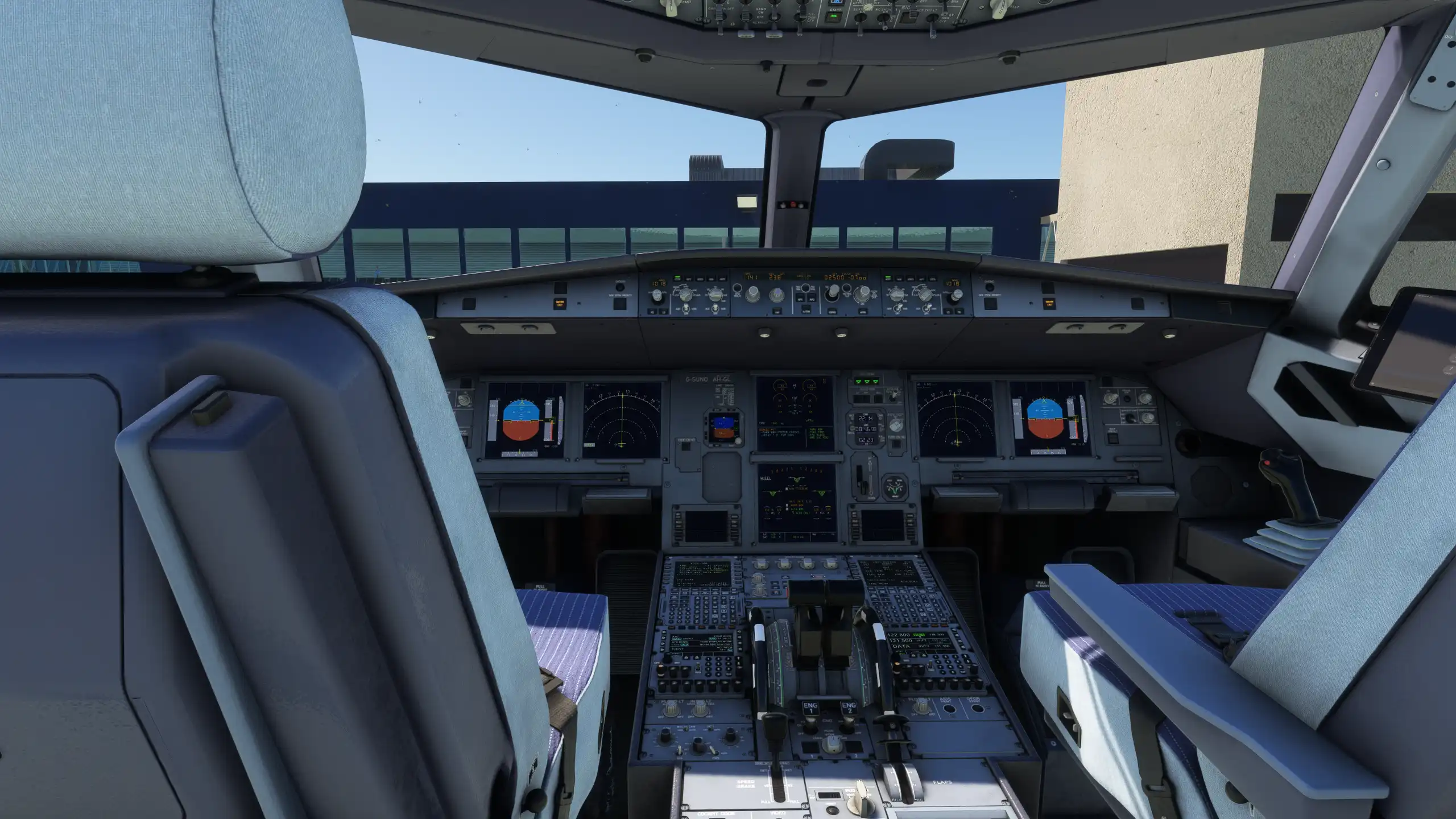
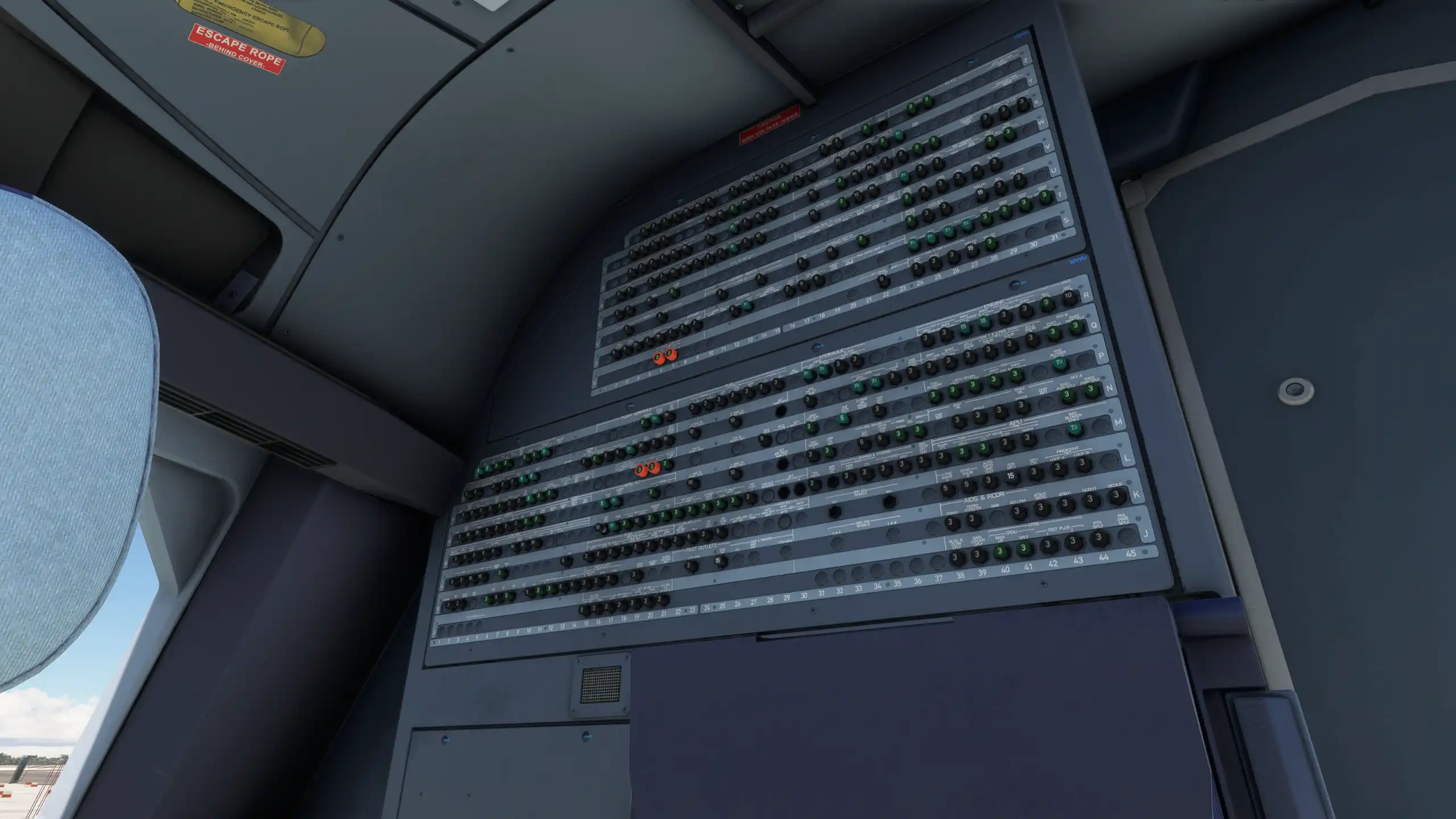
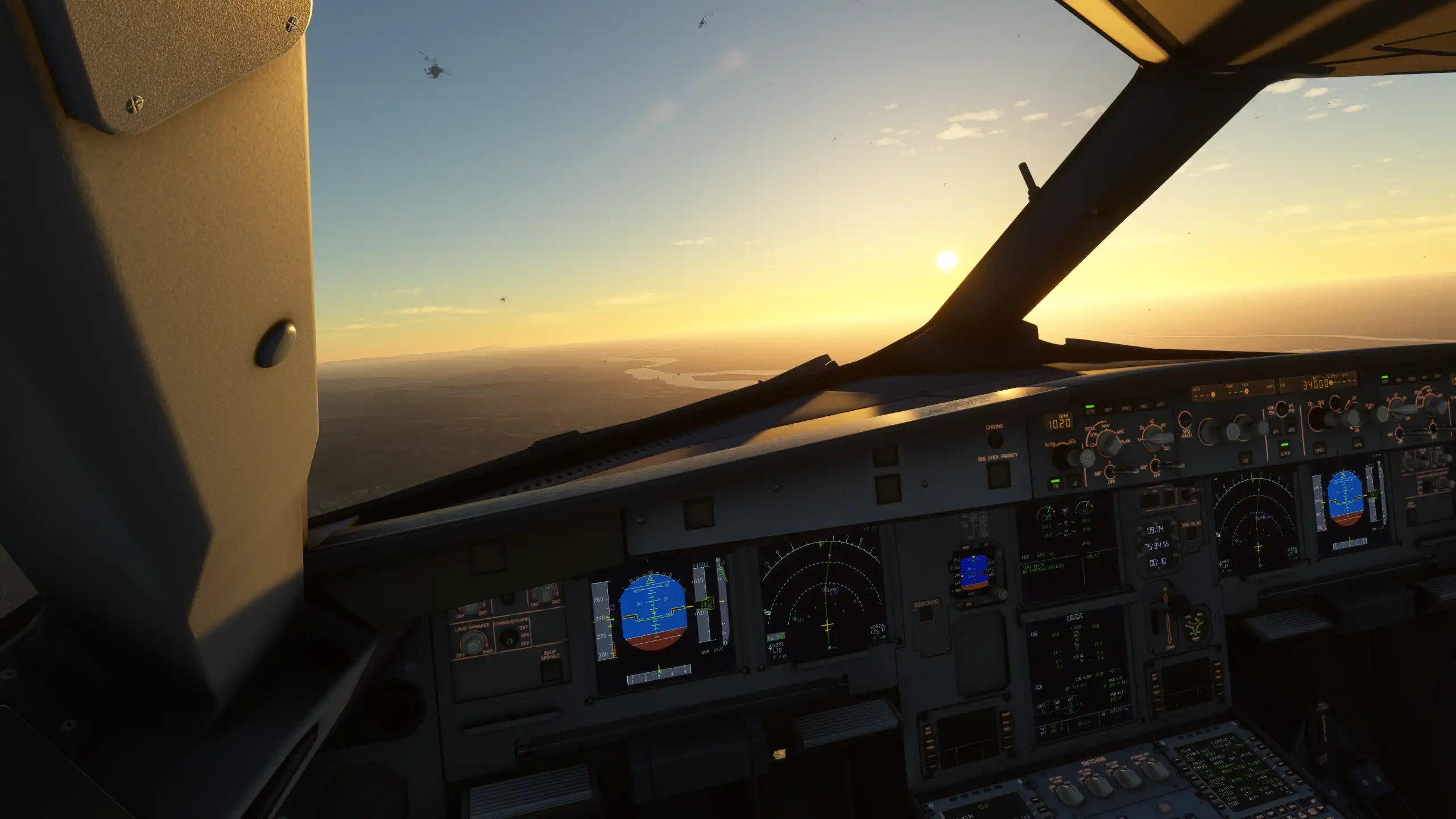
The color palette is probably one of the most accurate in the Microsoft Flight Simulator realm, looking really close to the real deal, regardless of the lighting conditions. I have no complaints there.
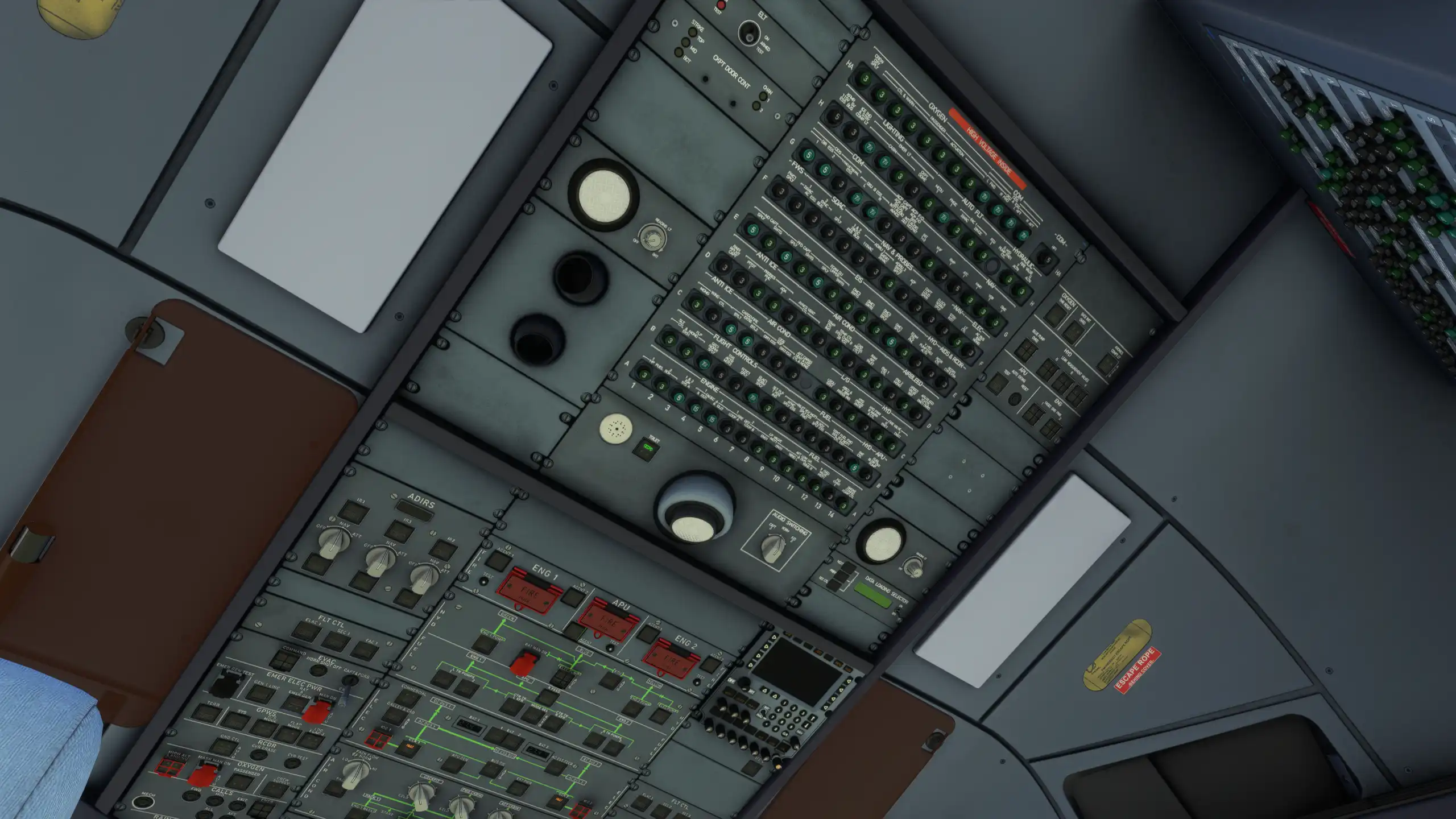
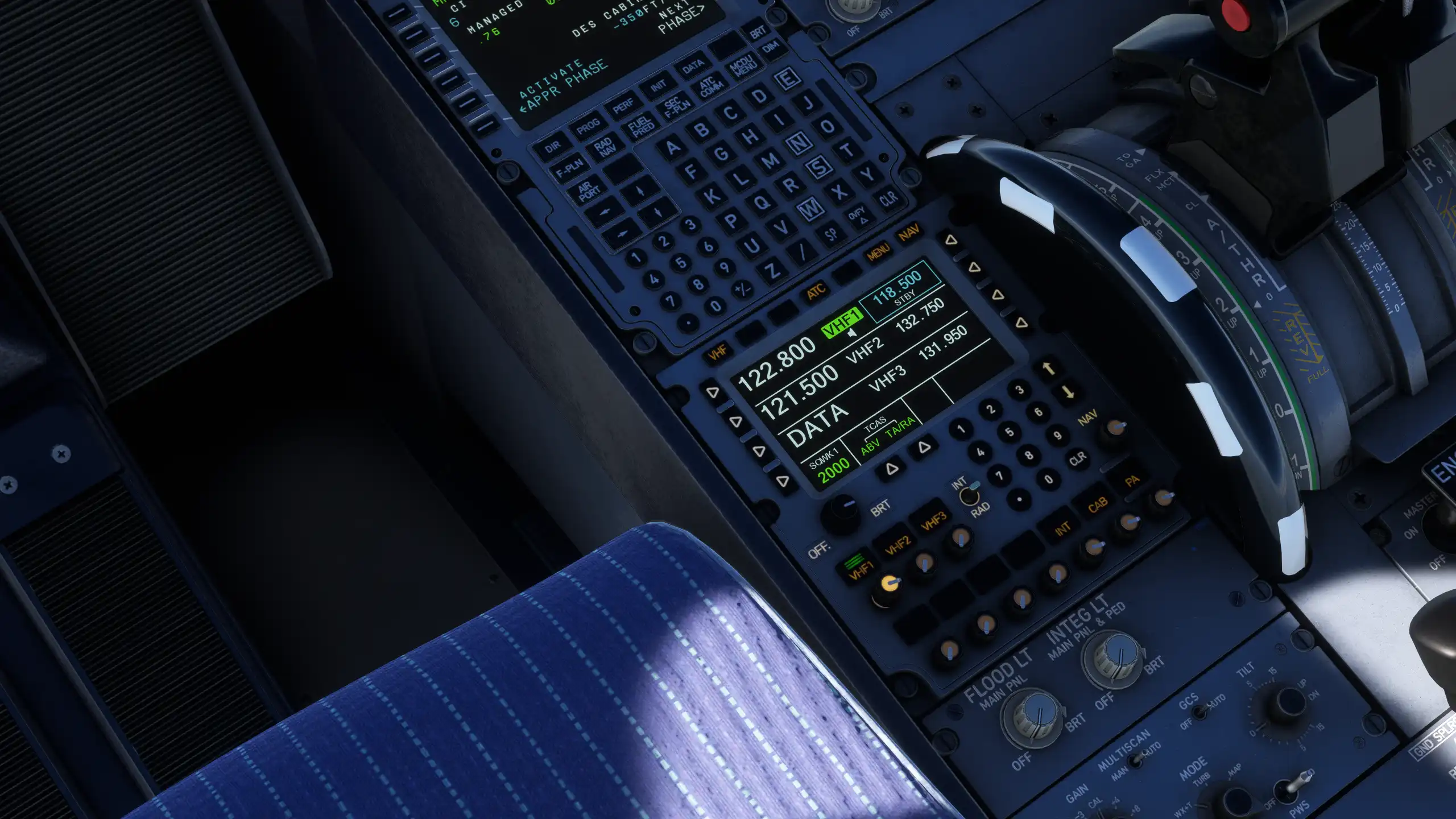
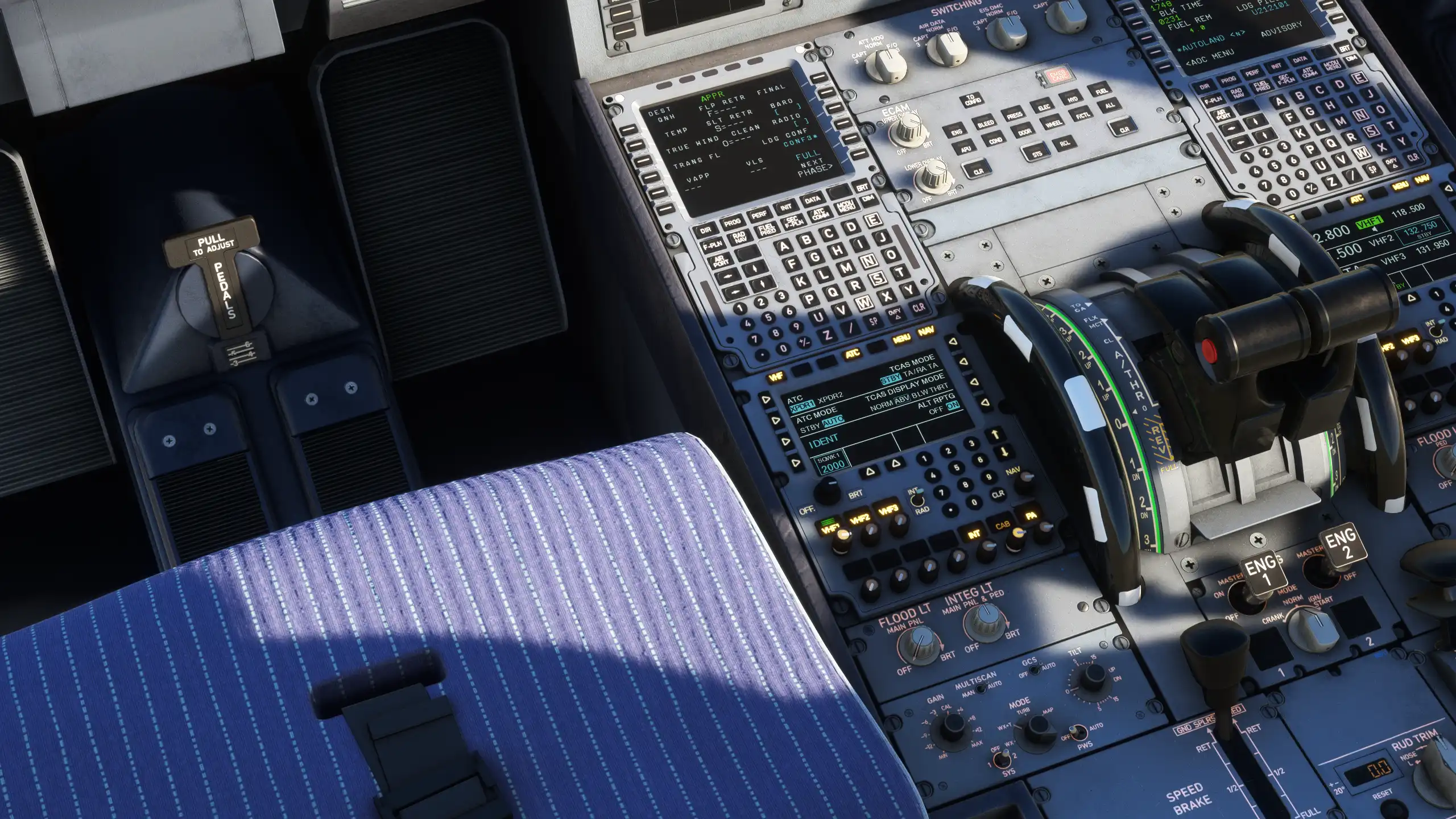
The modeling of the switches, knobs, levers, circuit breakers, MCDU and so on is done very well, with very high-quality texturing to boot and very subtle weathering, as you'd expect from a relatively brand new airplane.
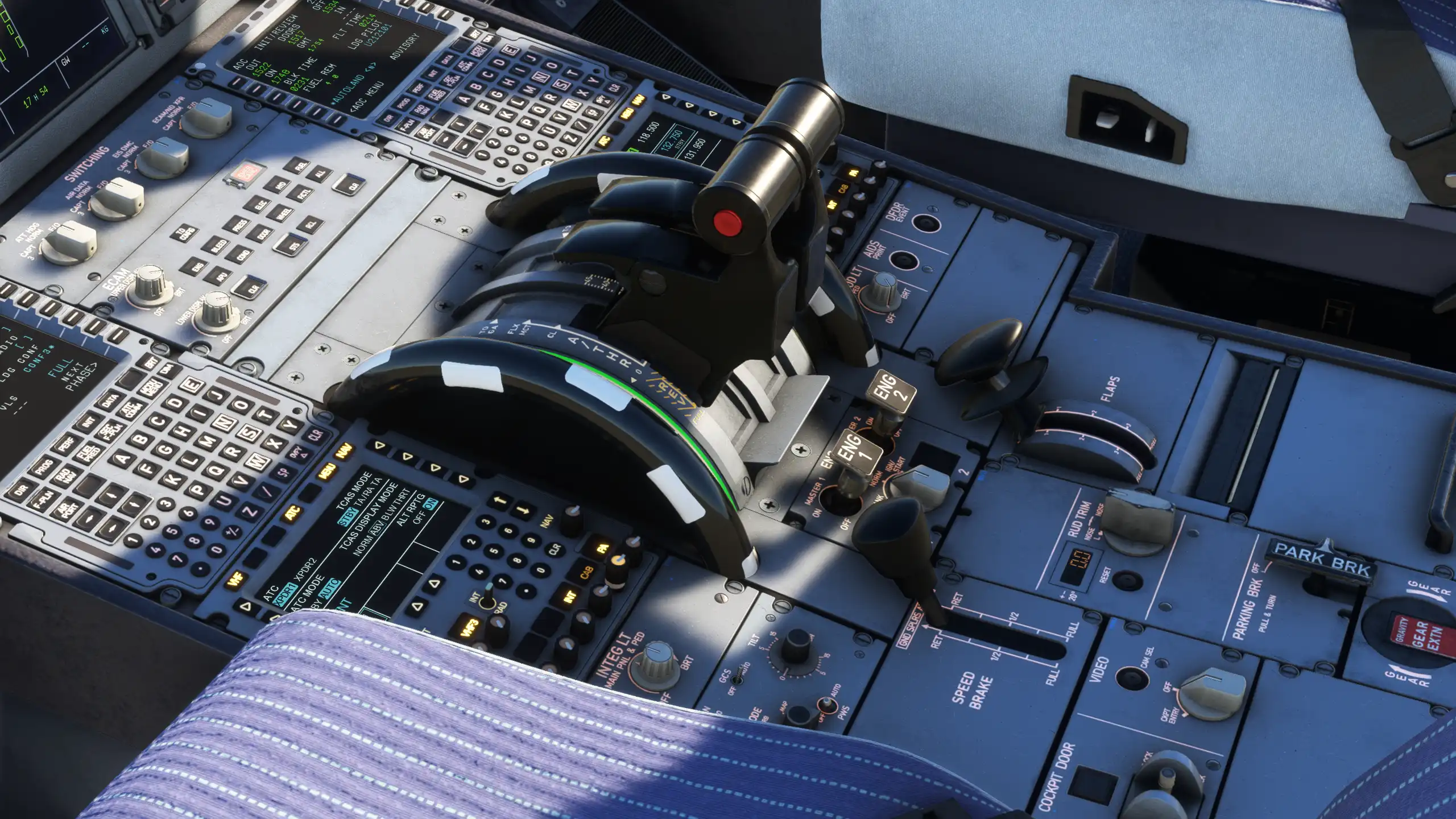
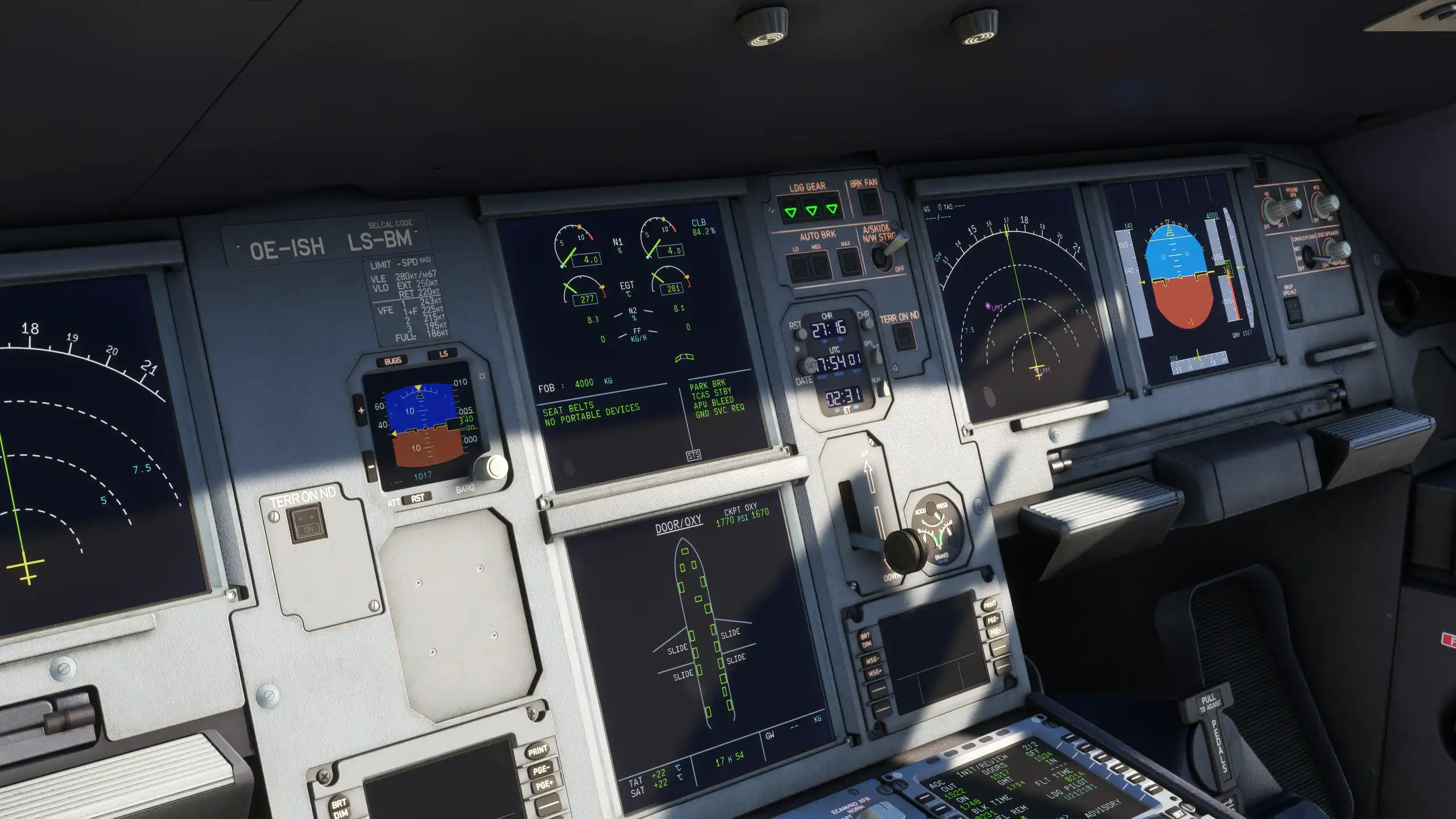
The texture quality is consistent throughout the entire flight deck, with everything being wholly readable regardless of how important or unimportant it might be. Helps a lot with the immersion factor.
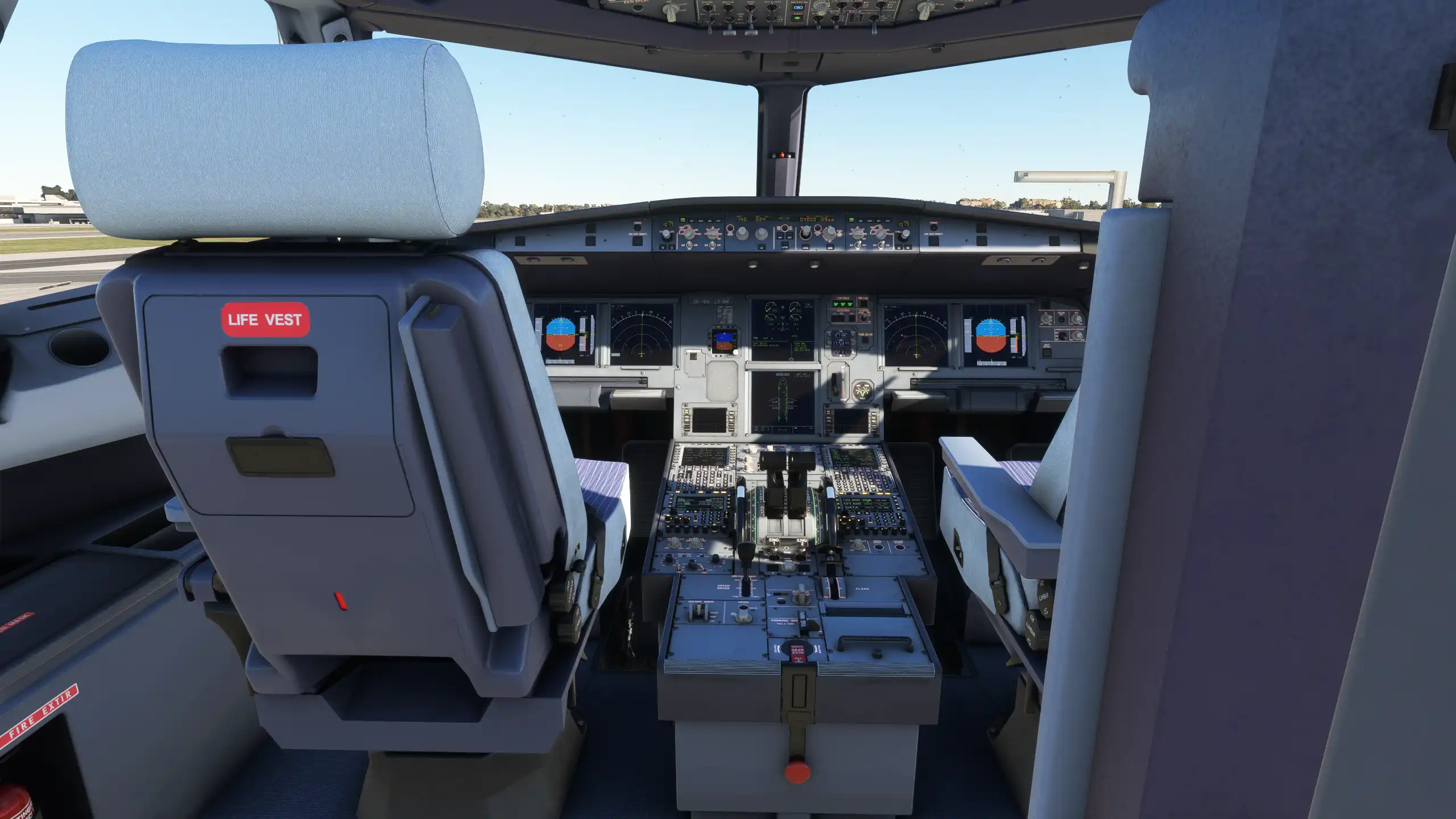
Like their A321ceo, the smudges on the windshield dynamically build up as you fly the same airframe, especially if the weather is hot. It can get messy within a couple of legs if you don't take care of it regularly.
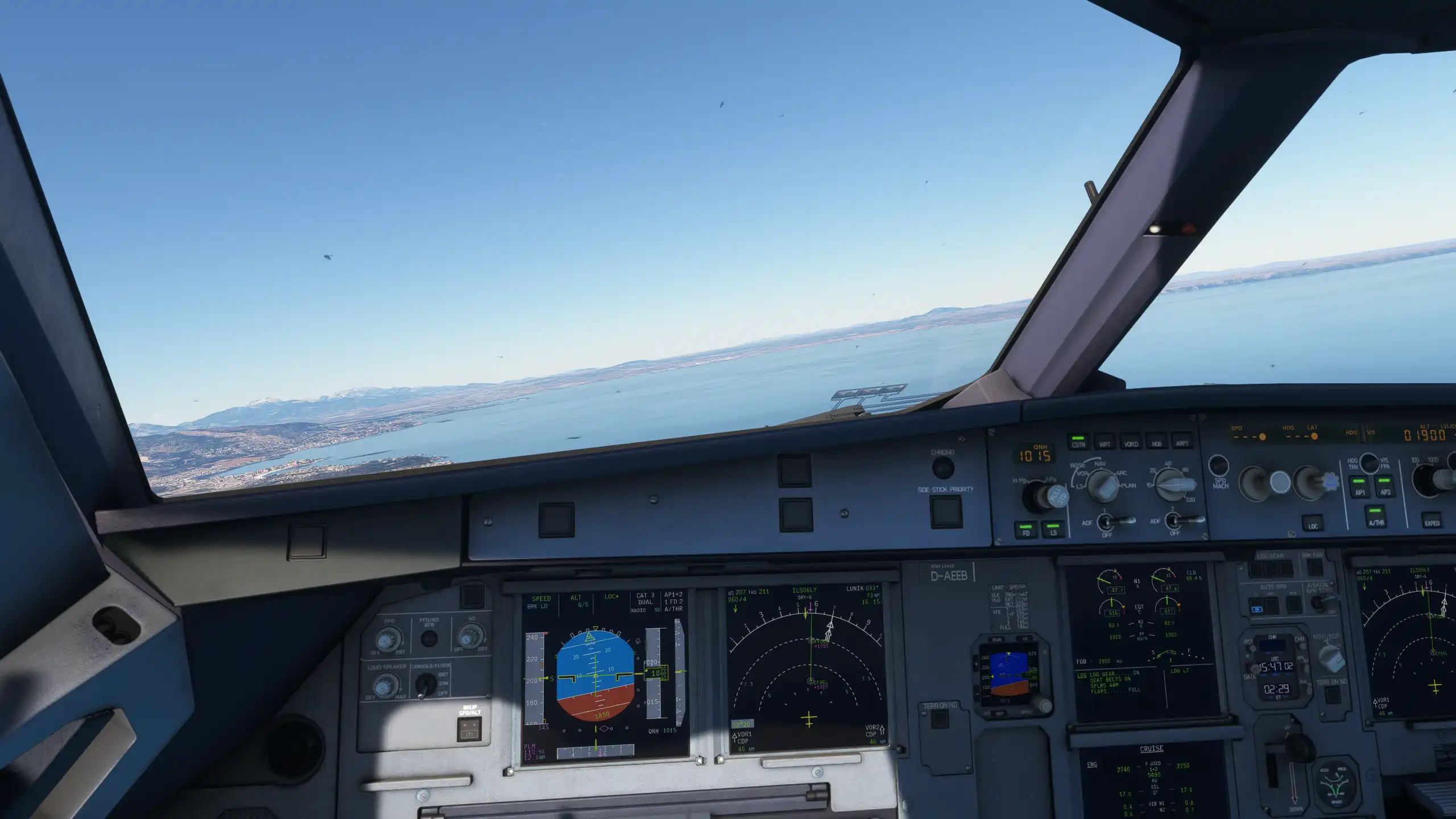
Overall, the flight deck accurately represents what one would expect an A321neo cockpit to be, with very natural colors. This performant 3D model will not make your GPU suffer too much (aside from the VRAM, more on that later), and readable labels everywhere.
Modelling & Texturing - Airframe
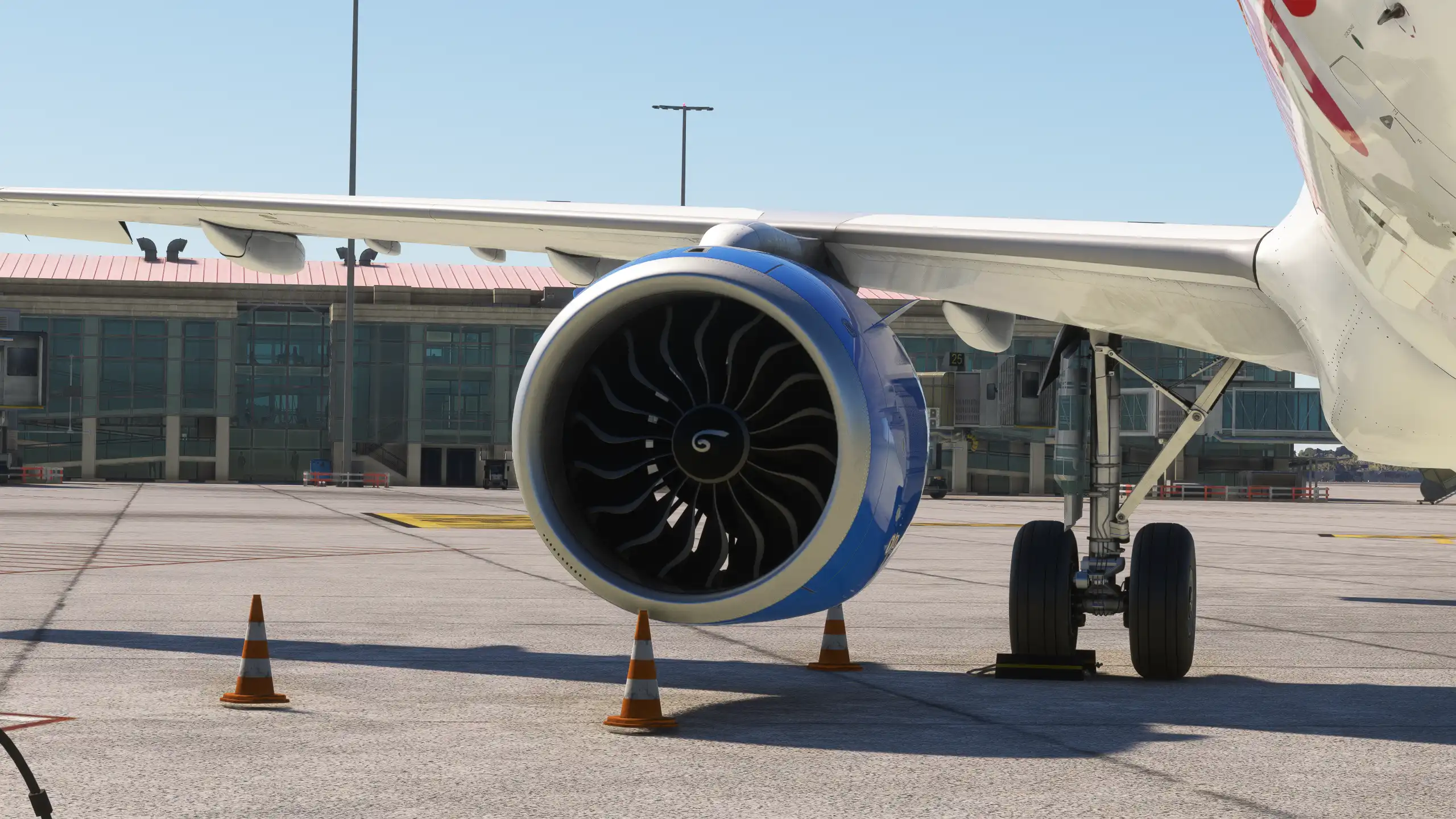
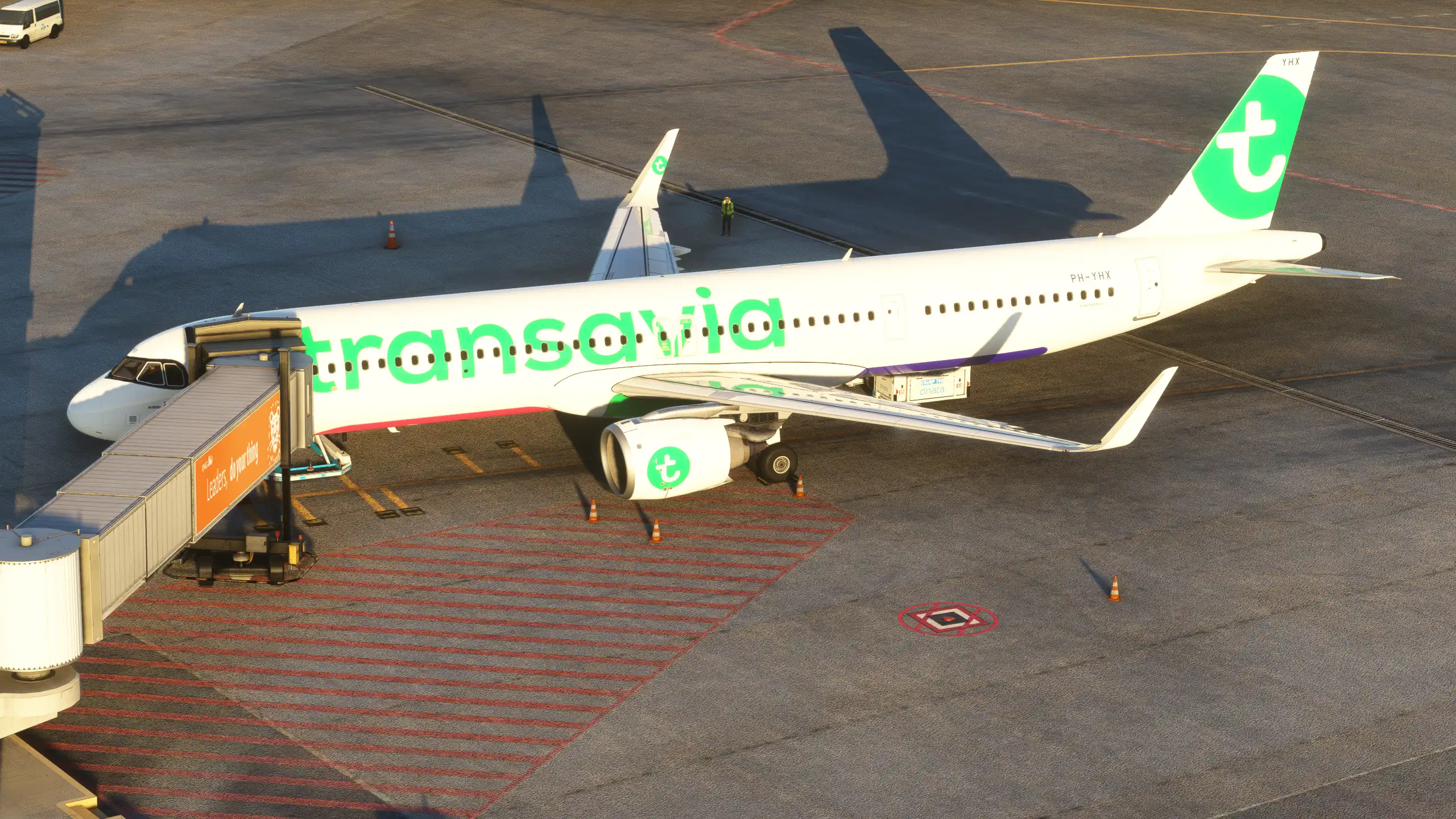
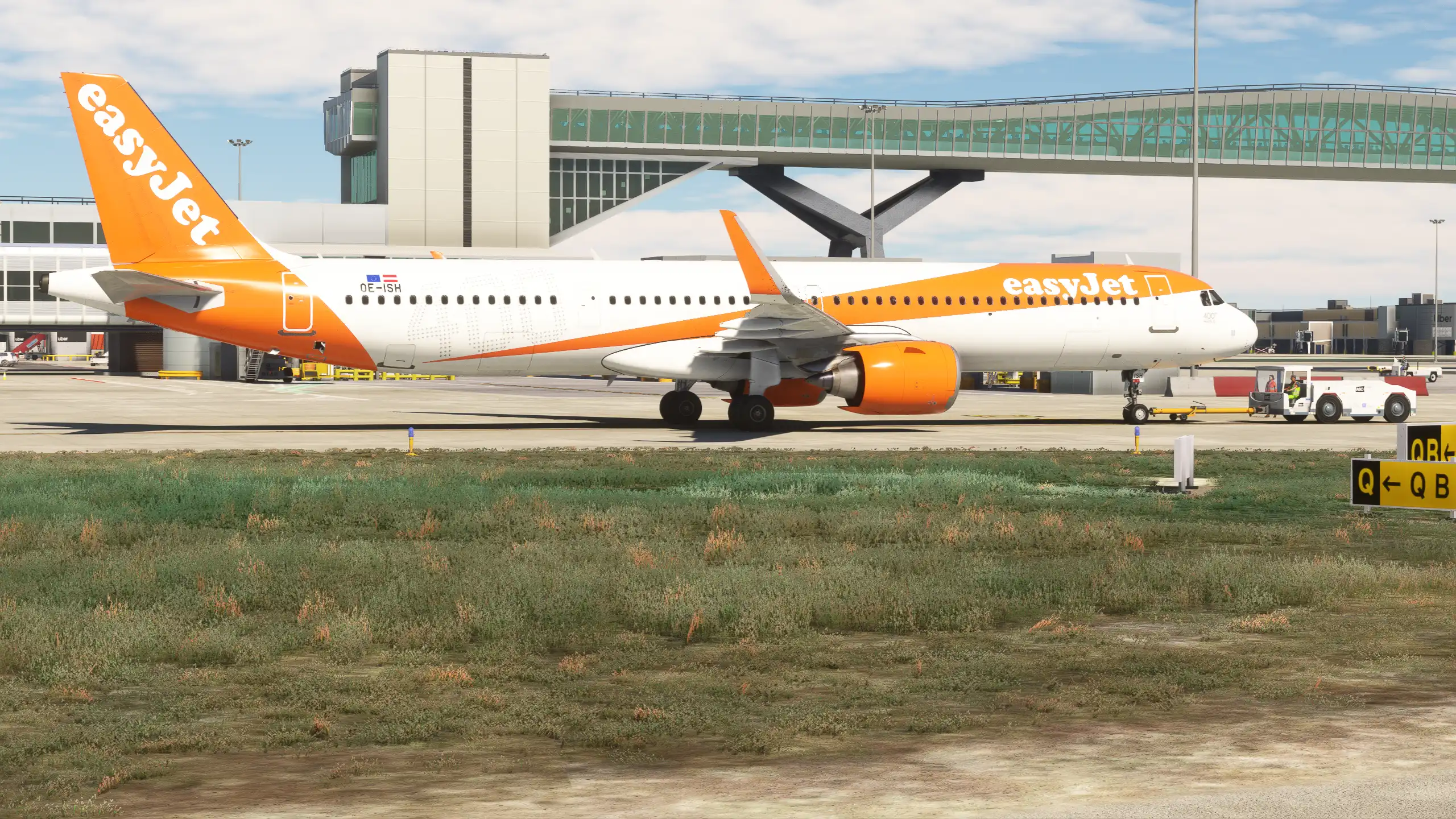
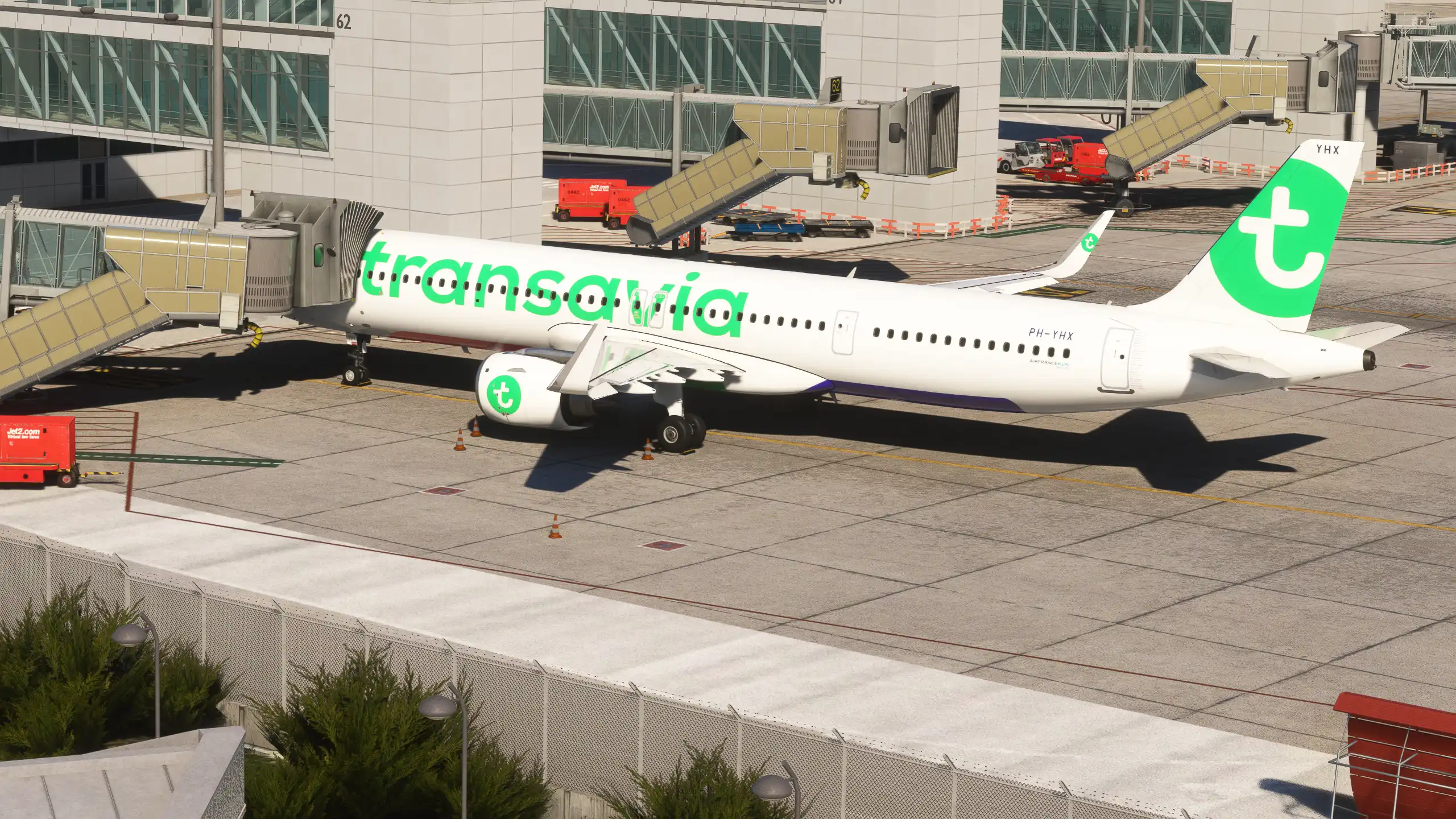
The externals are perhaps the weakest point of the add-on, with a few reported inconsistencies here and there, like the window frame being allegedly out of scale, but it's far from awful and entirely within the overall standard.
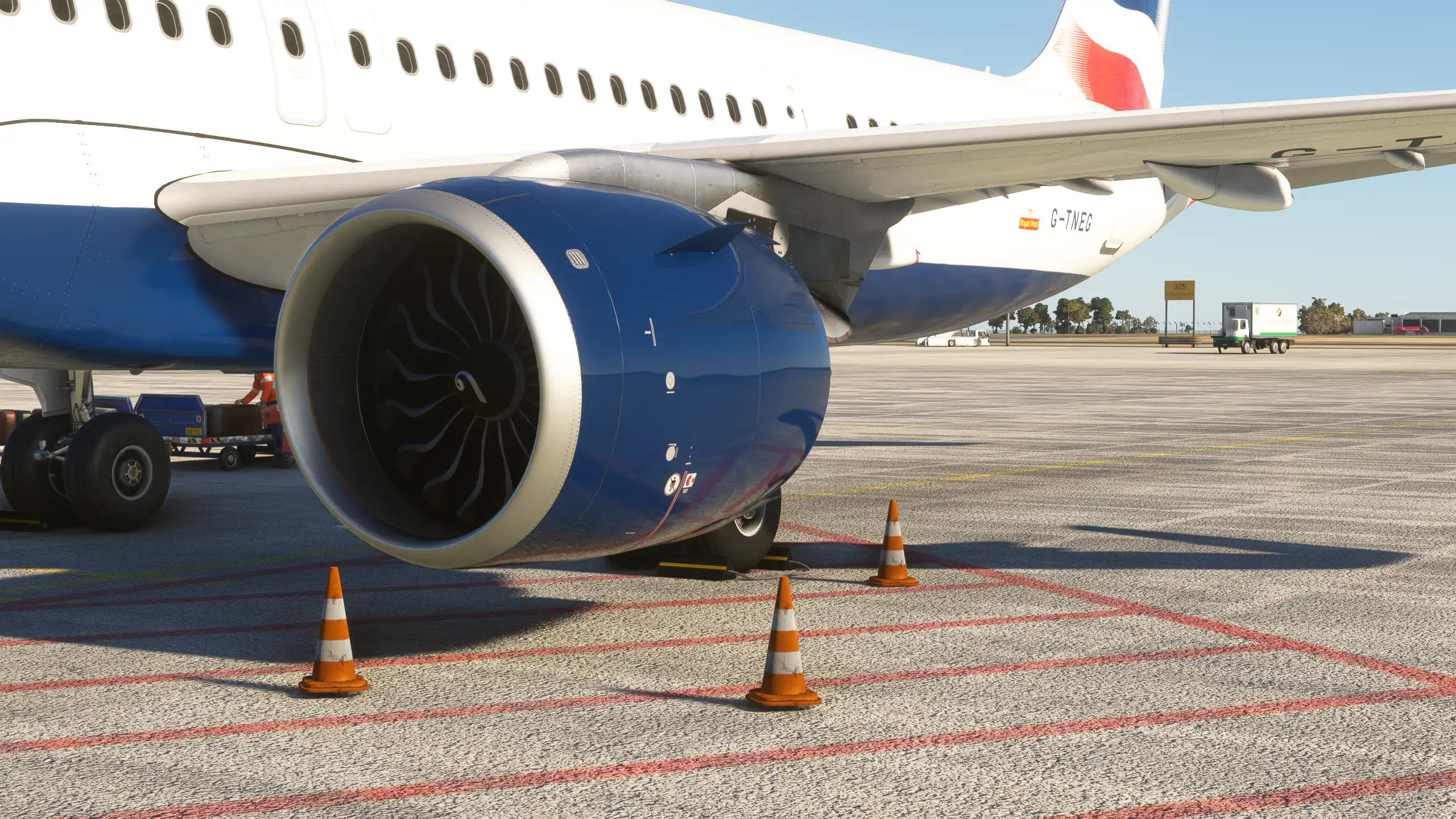
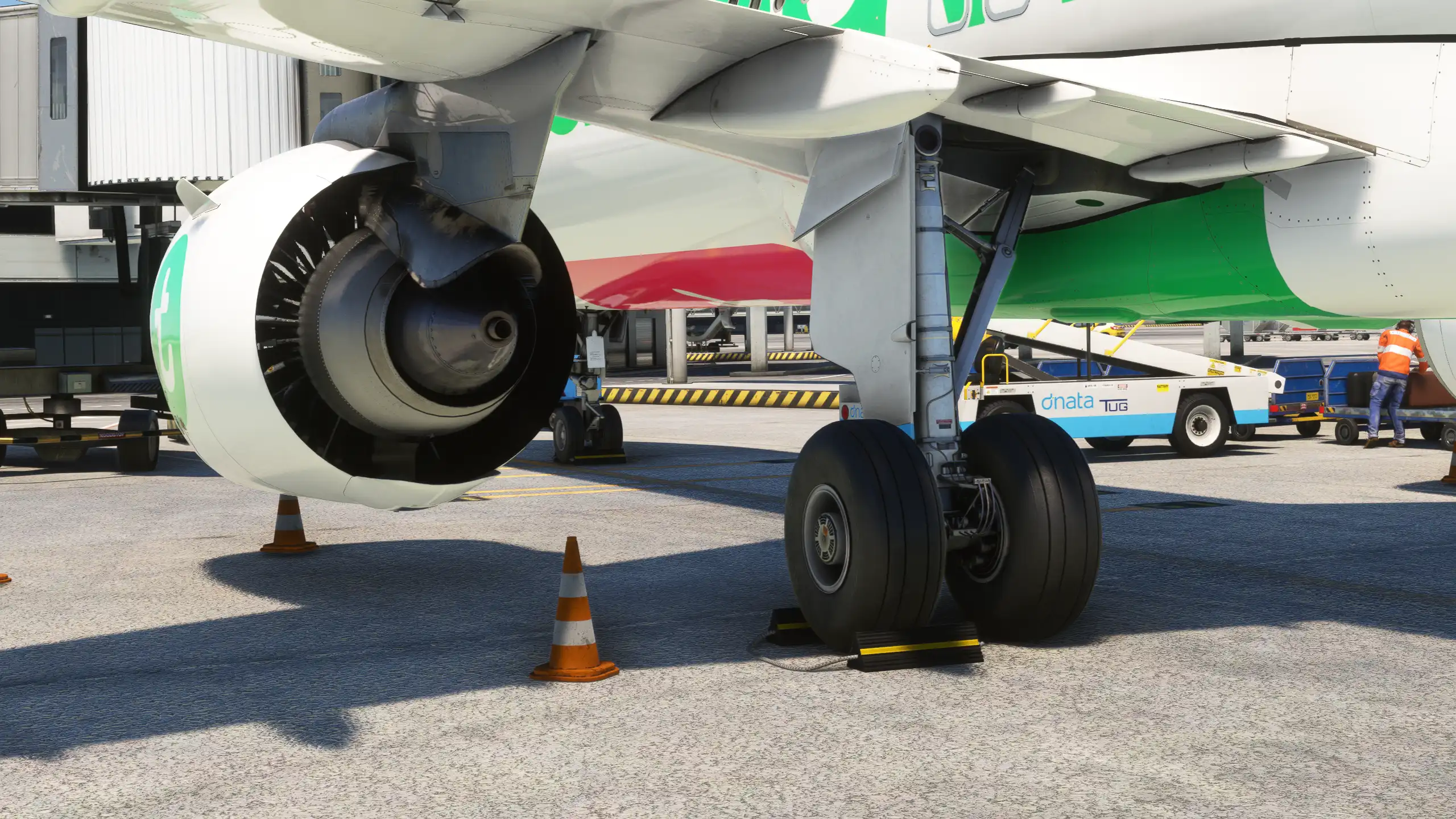
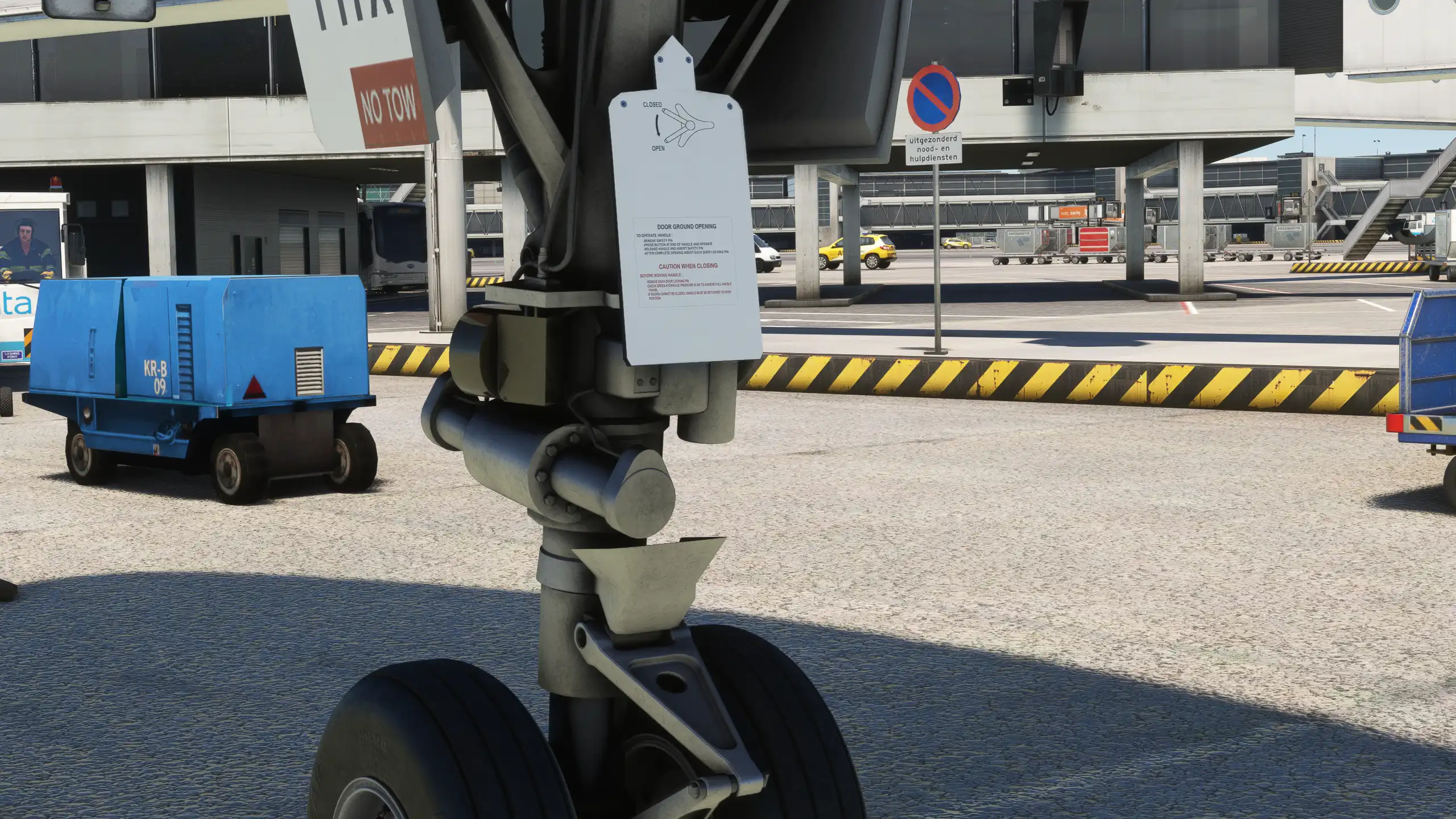
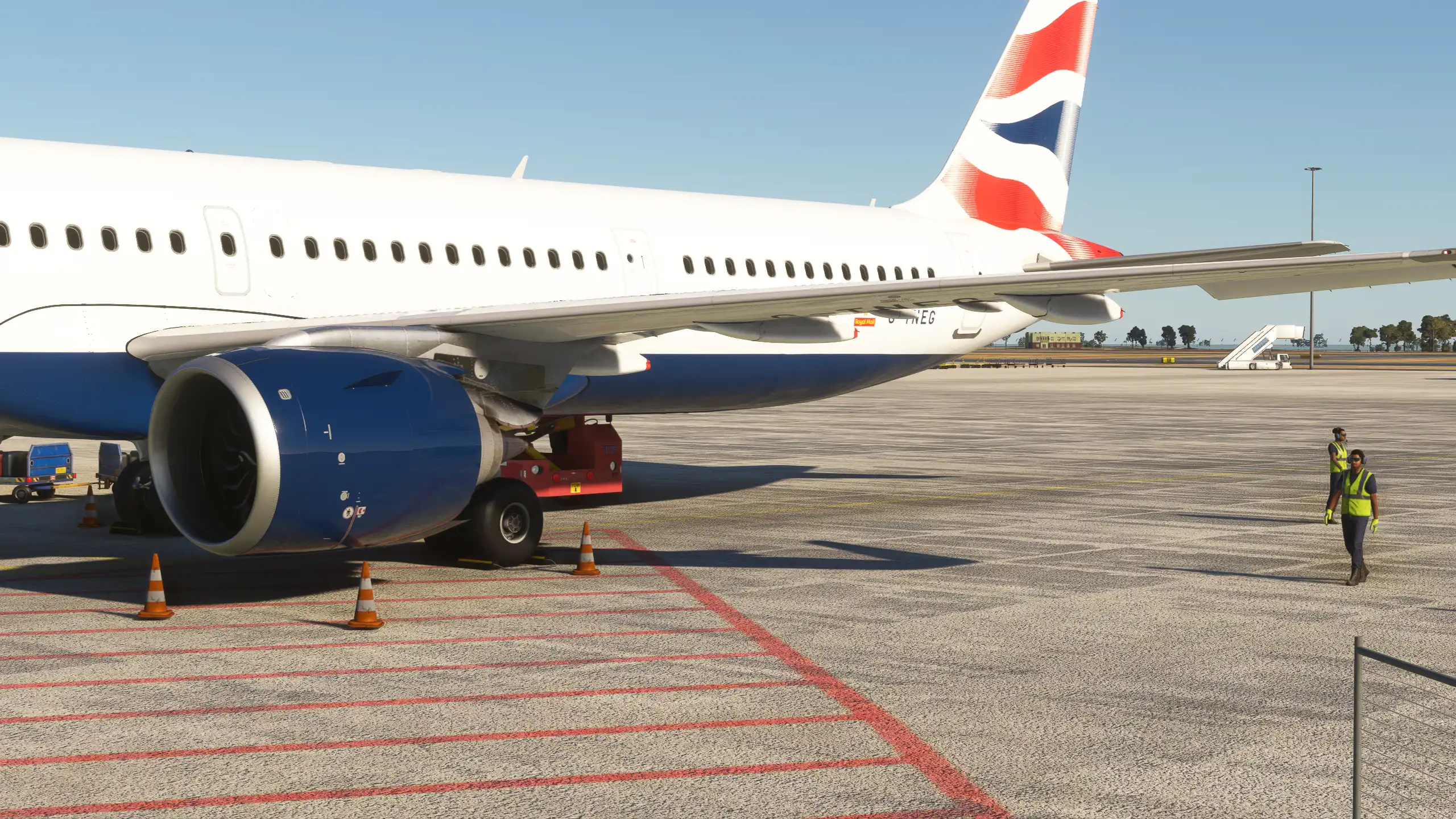
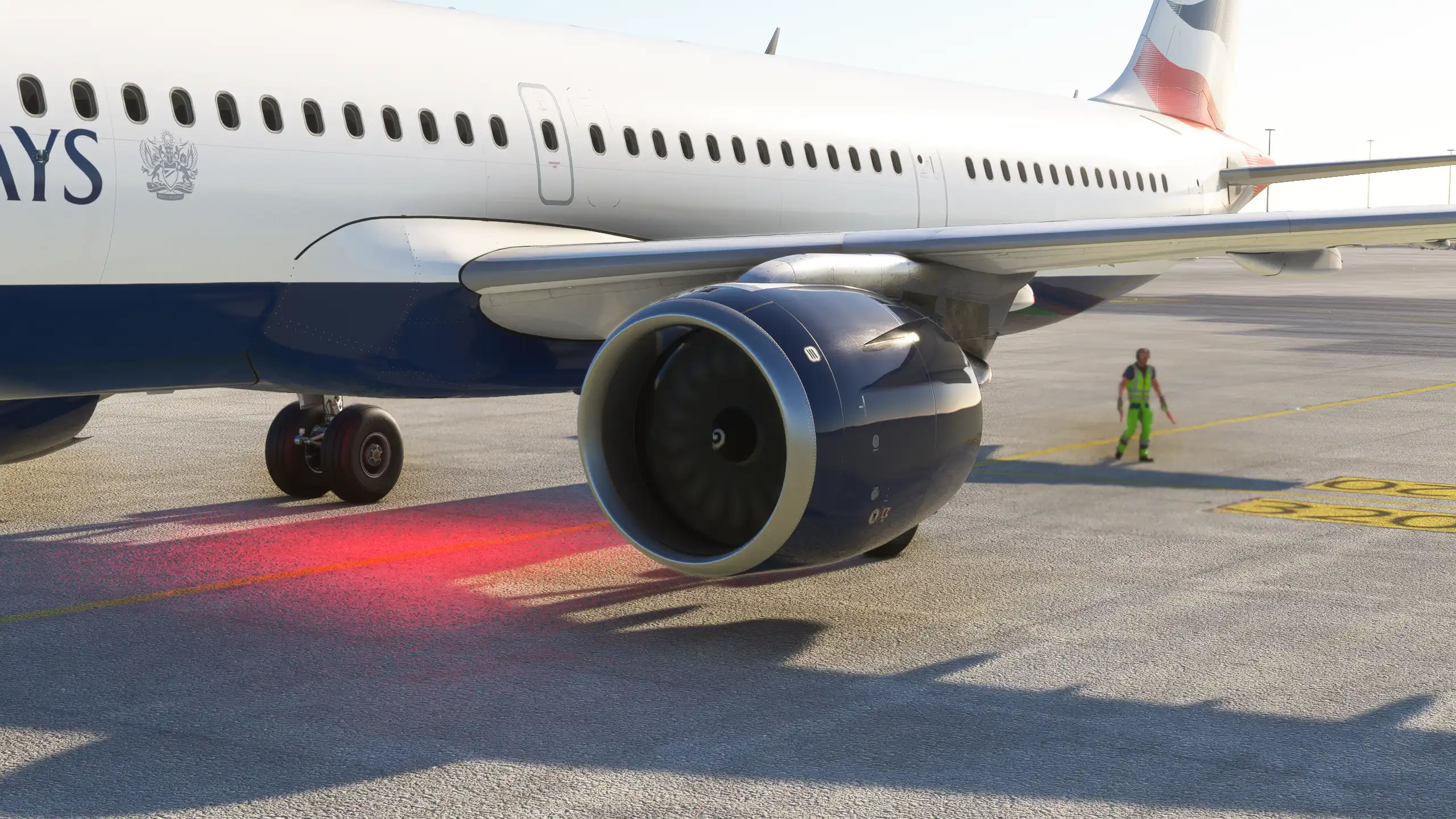
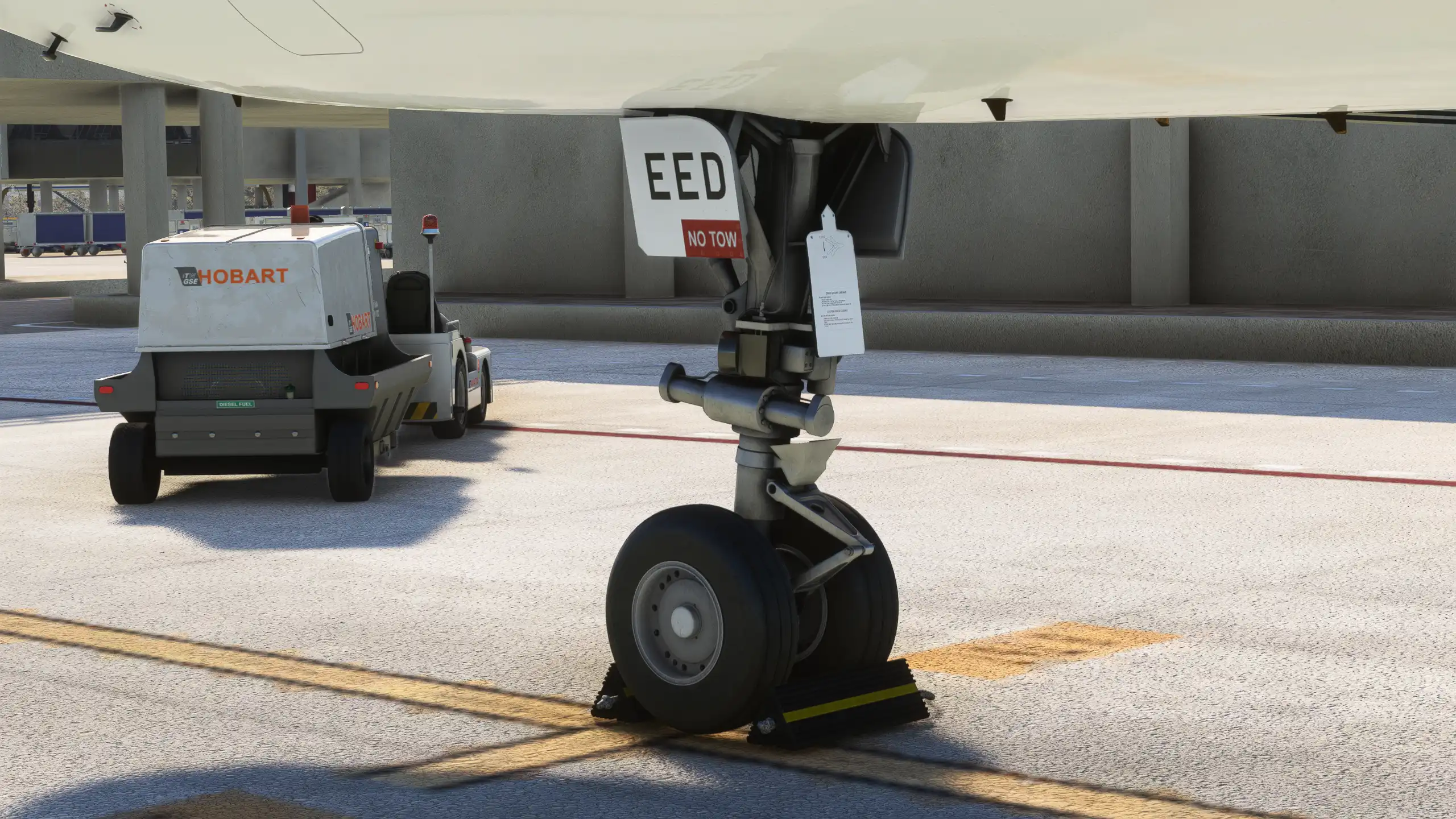
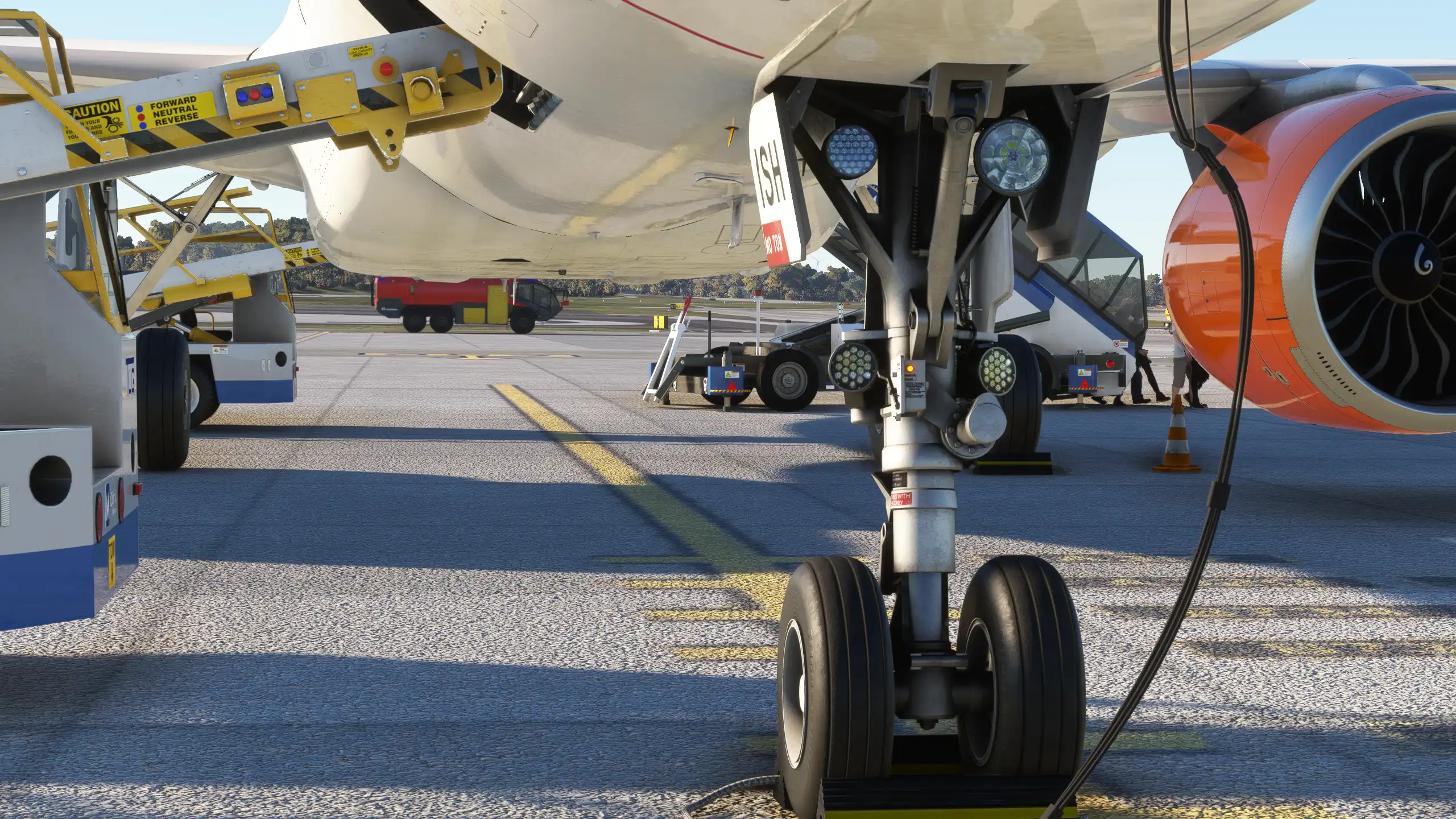
While the airframe itself is a bit rough in some areas, there are certain aspects where it truly shines, like the landing gear structure, for instance: there's a jaw-dropping amount of detail, both on the model itself and in the texture work. Every label is present in its full glory and thoroughly readable.

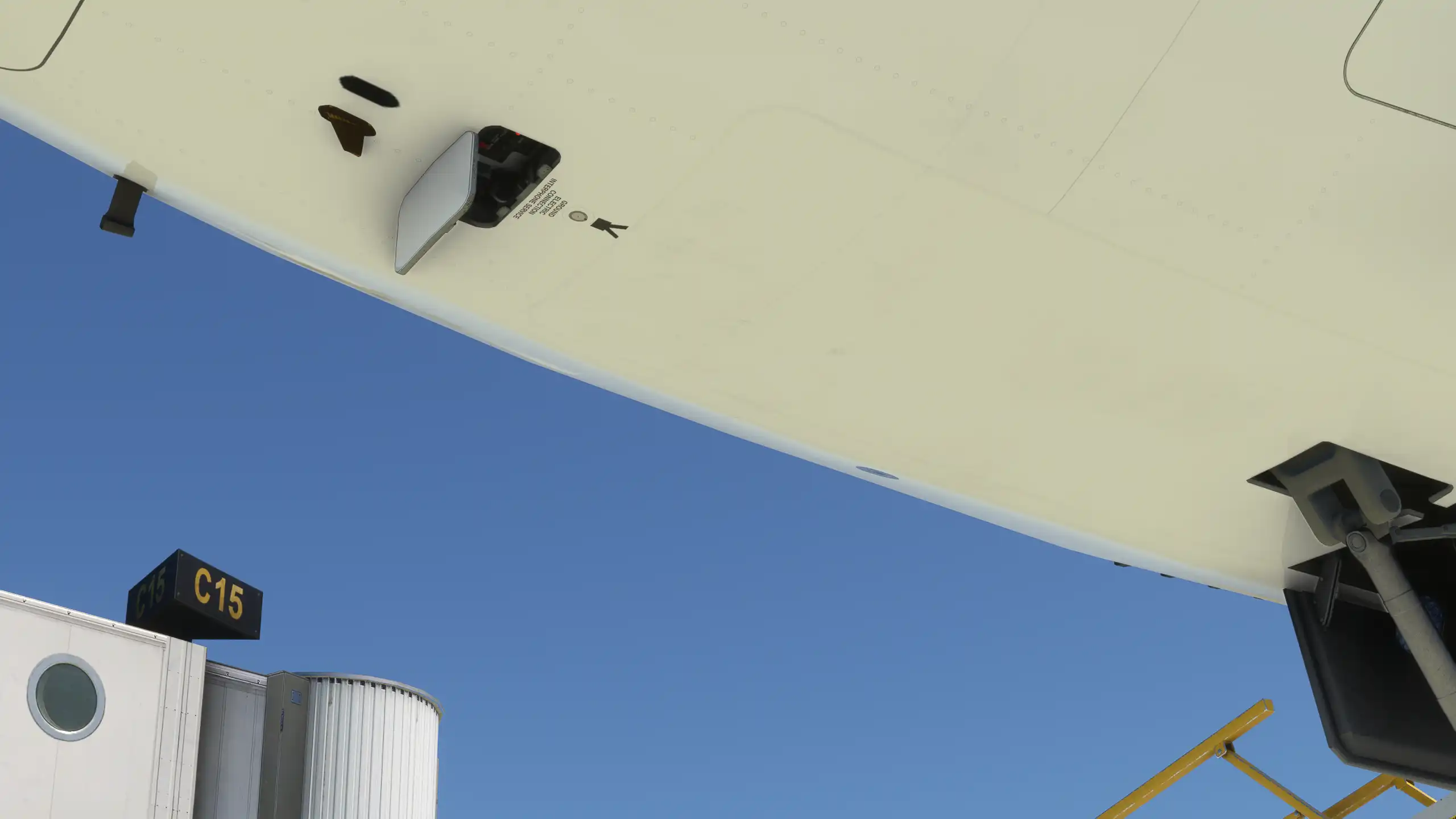
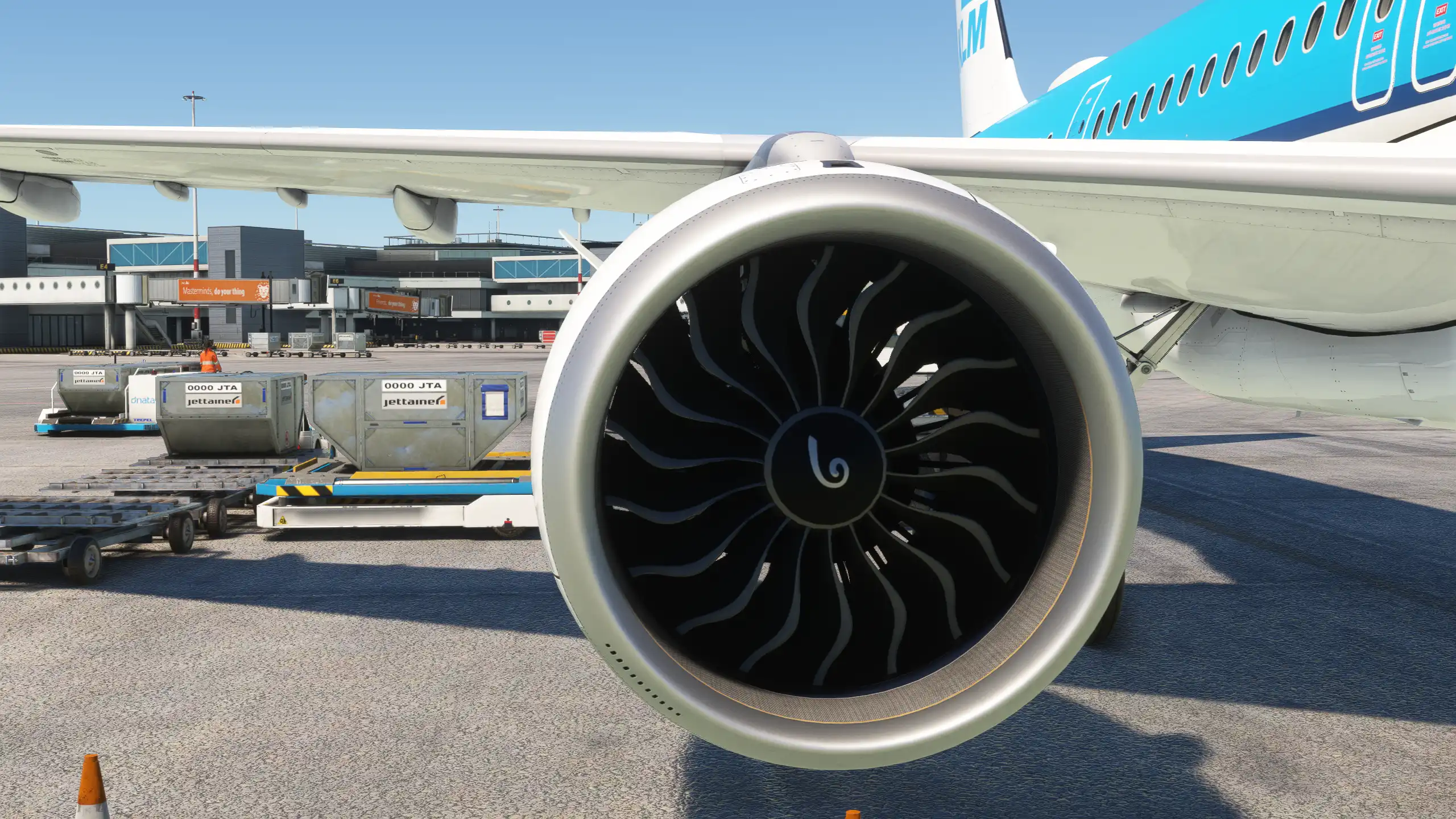
The textures around the airplane don't disappoint, with crisp rivets, wear and tear around susceptible areas, dirt (optional), and no compromise on the label department. If it's there, you can read it. Their liveries are all in 8K, which helps with the clarity.
Modelling & Texturing - Cabin
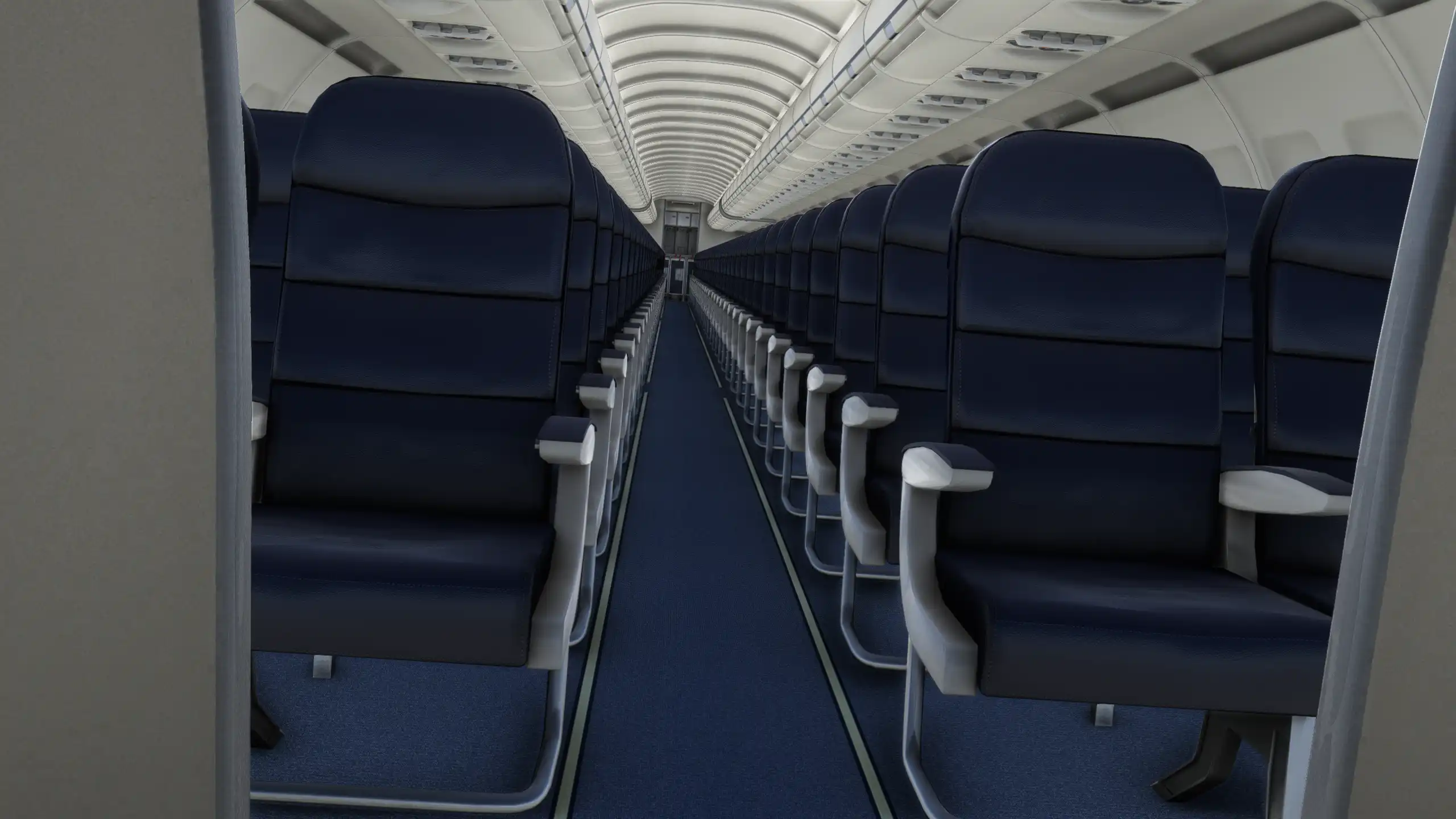
Unlike the CEO, the cabin is now accessible via the flight deck, no longer requiring you to wander in with the drone camera. The model, though, is still very much a placeholder, so do not expect state-of-the-art quality there.
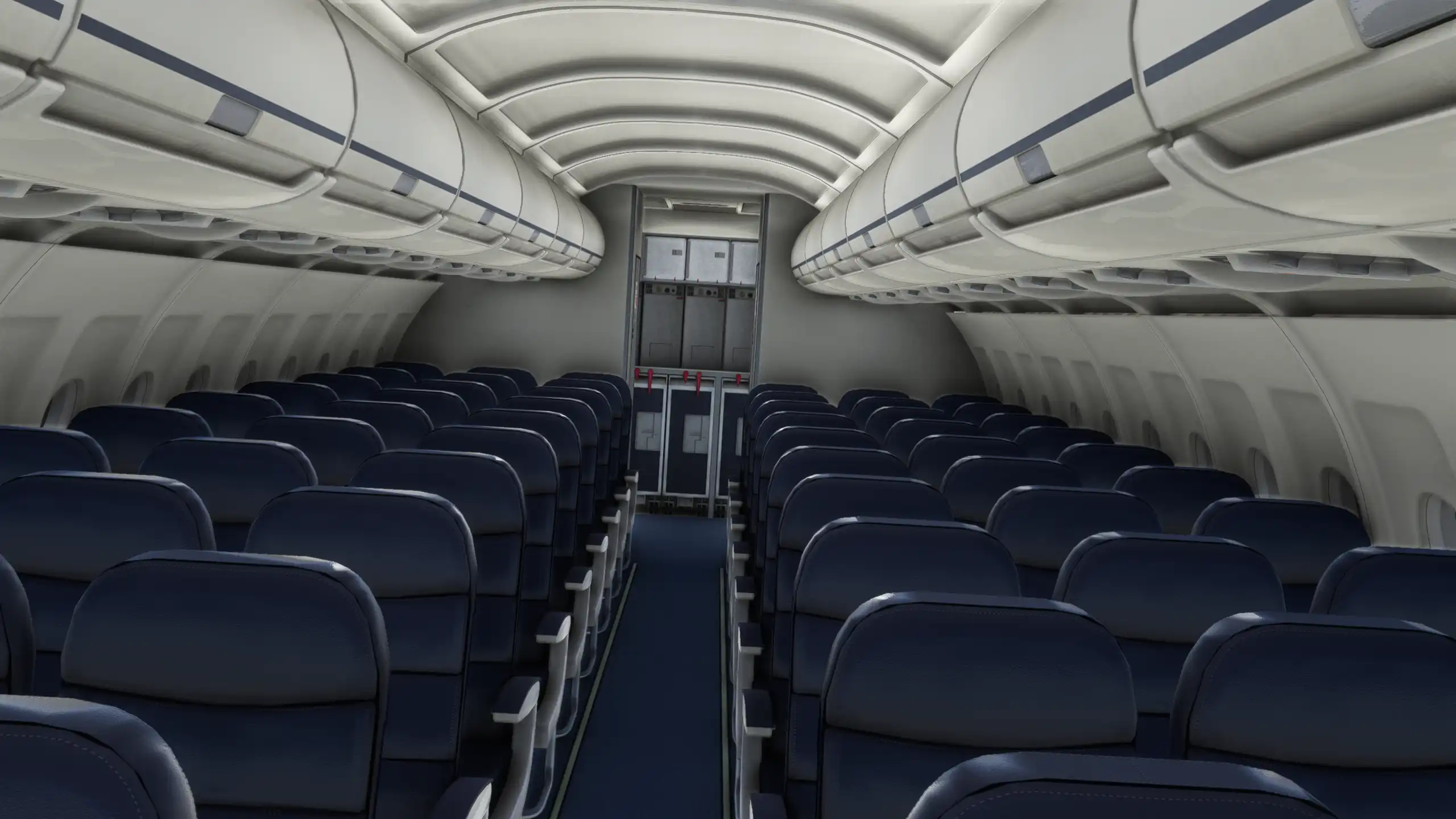
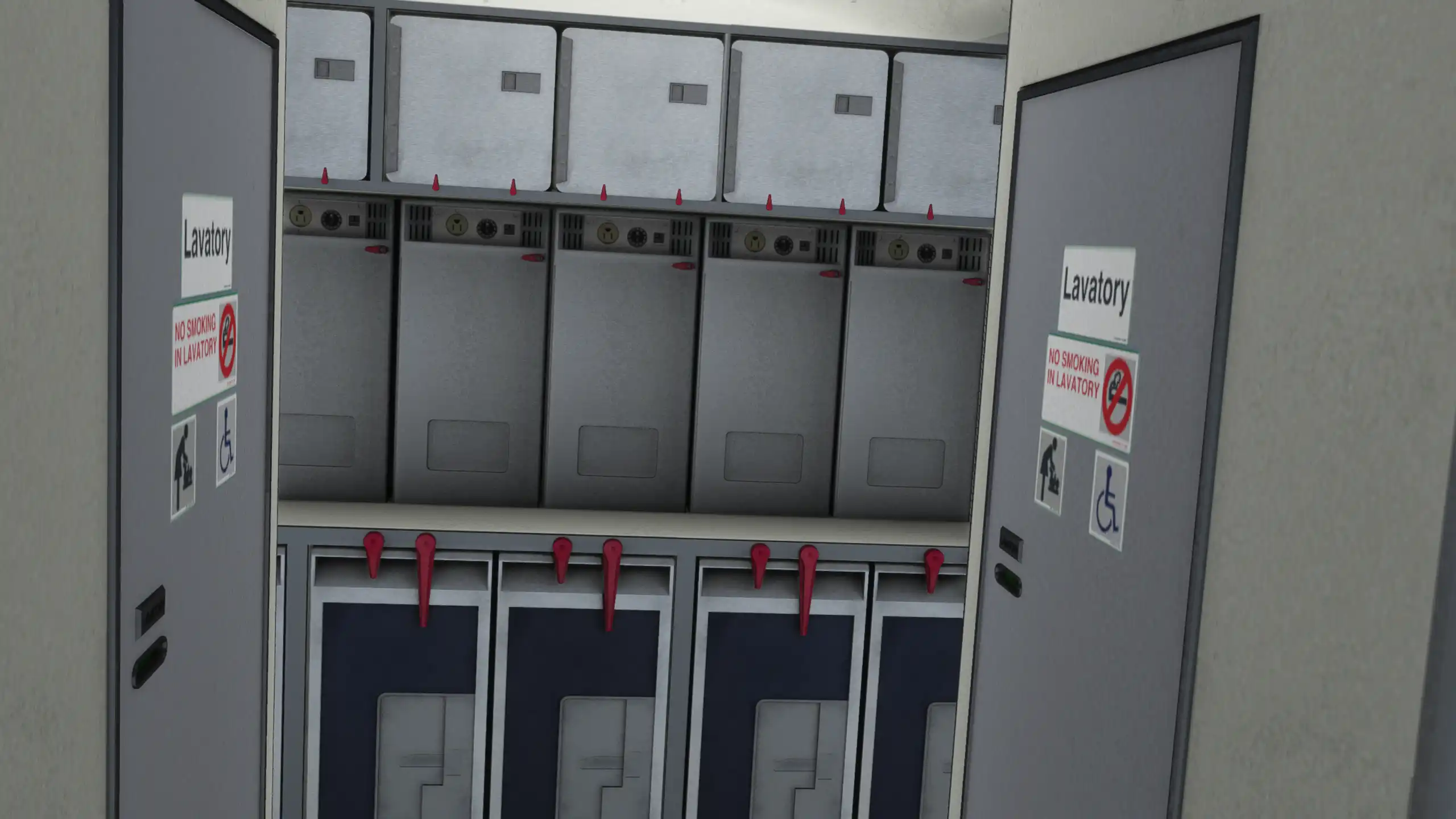
The fact that it is now linked to the flight deck, though, allows you to set custom wing cameras from within that you could not beforehand, which is a big plus for wing-view screenshot aficionados.
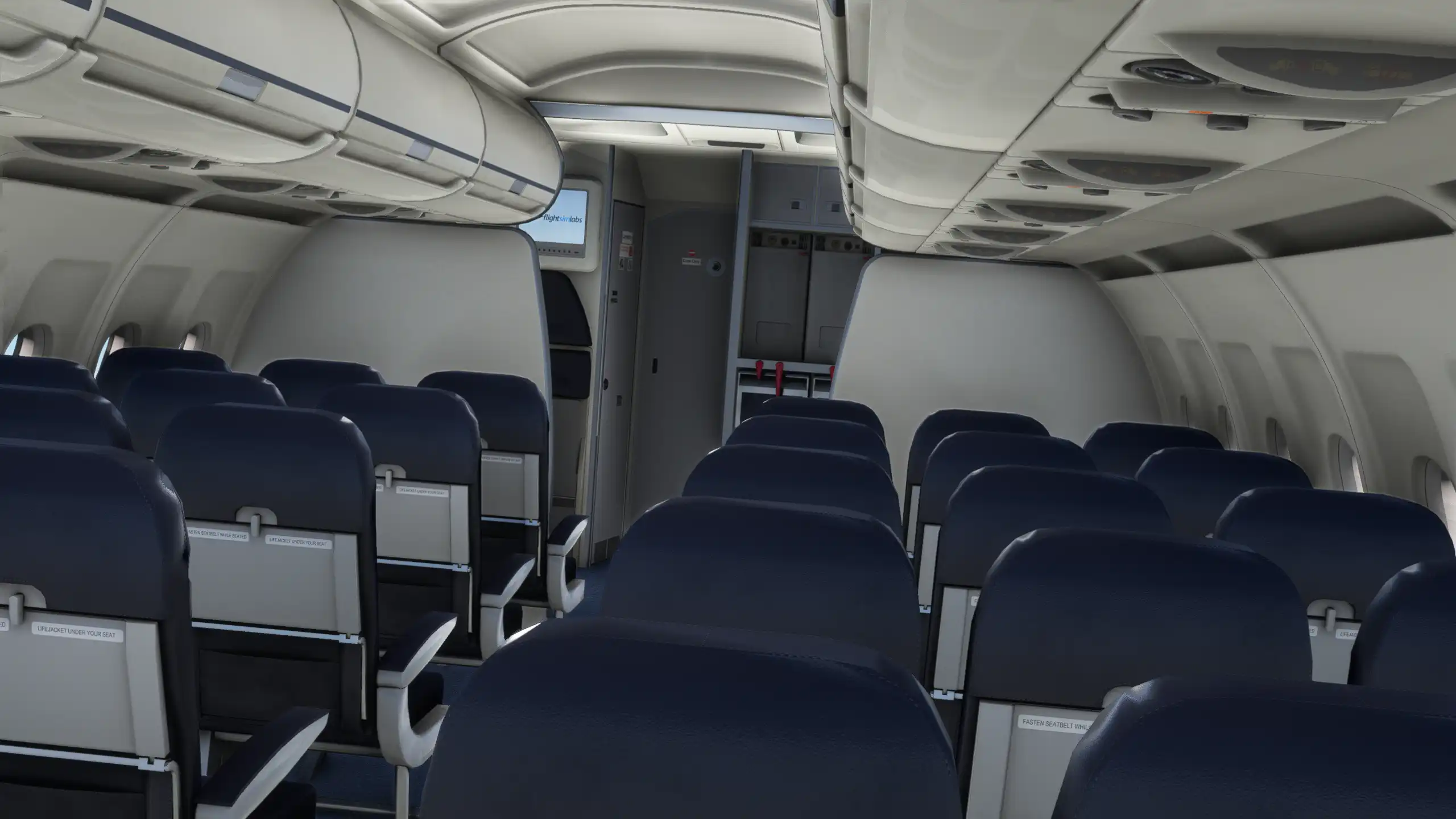
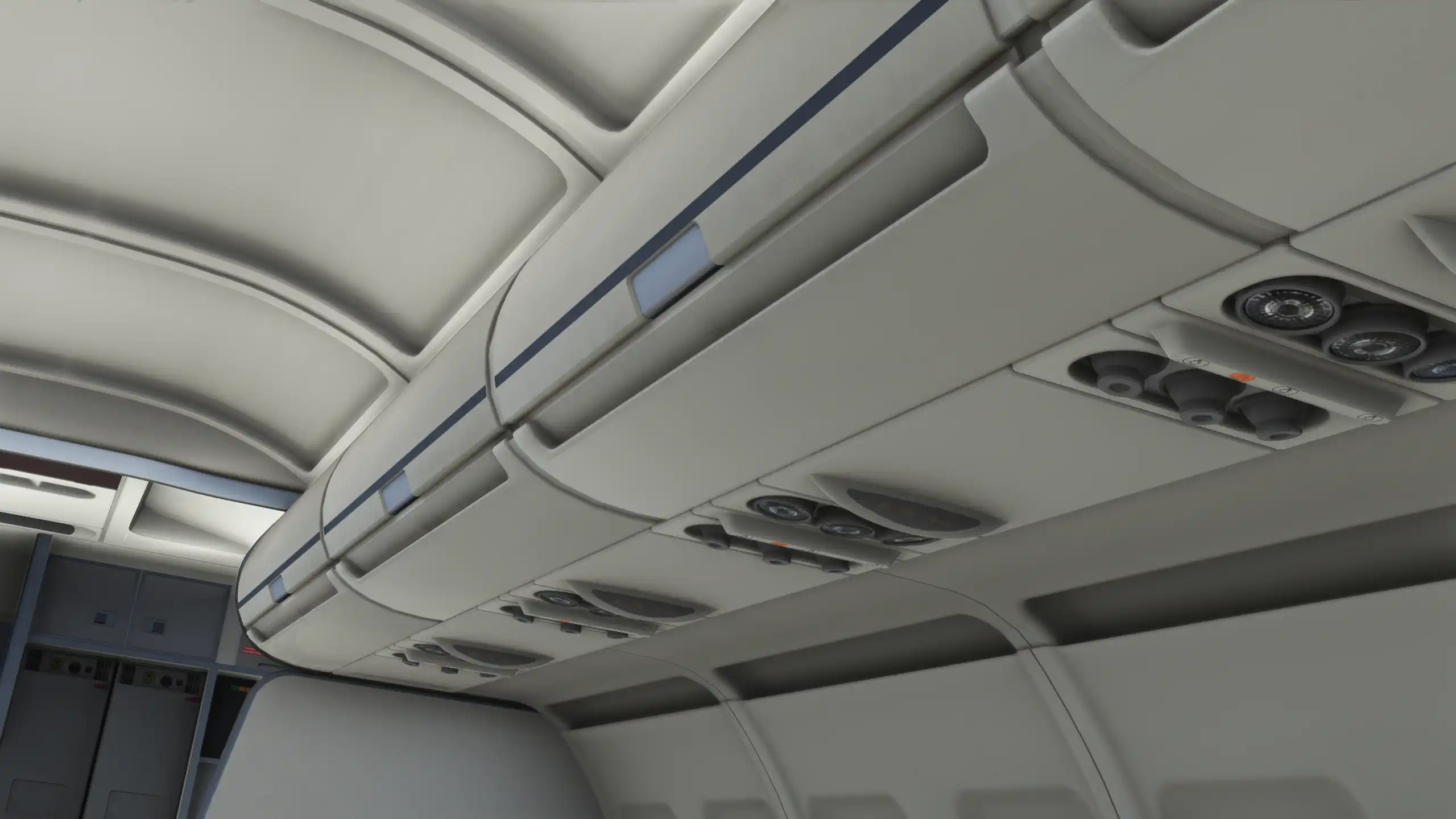
The developers promised to revisit the cabin and eventually bring a brand new model.
Sounds - Internal
The sound mixing is pretty convincing, especially after the last experimental update where they tuned the overall balance and dialed down on the rattling and main landing gear touchdown sounds, which made every landing sound a bit rough.
The LEAP engines sound amazing when spooling up and screaming at the top of their lungs during the take-off roll and initial climb. It's very satisfying. Modern technology might have ruined how cars sound, but new planes still sing wonderfully.
They paid close attention to the relatively less important sounds—which are actually more important than one would think, given how much they add to the experience—like the rattling when taxiing to the runway and the trolleys shaking like there is no tomorrow as your speed builds up (and so do the vibrations). The atmosphere is there!
Sounds - External
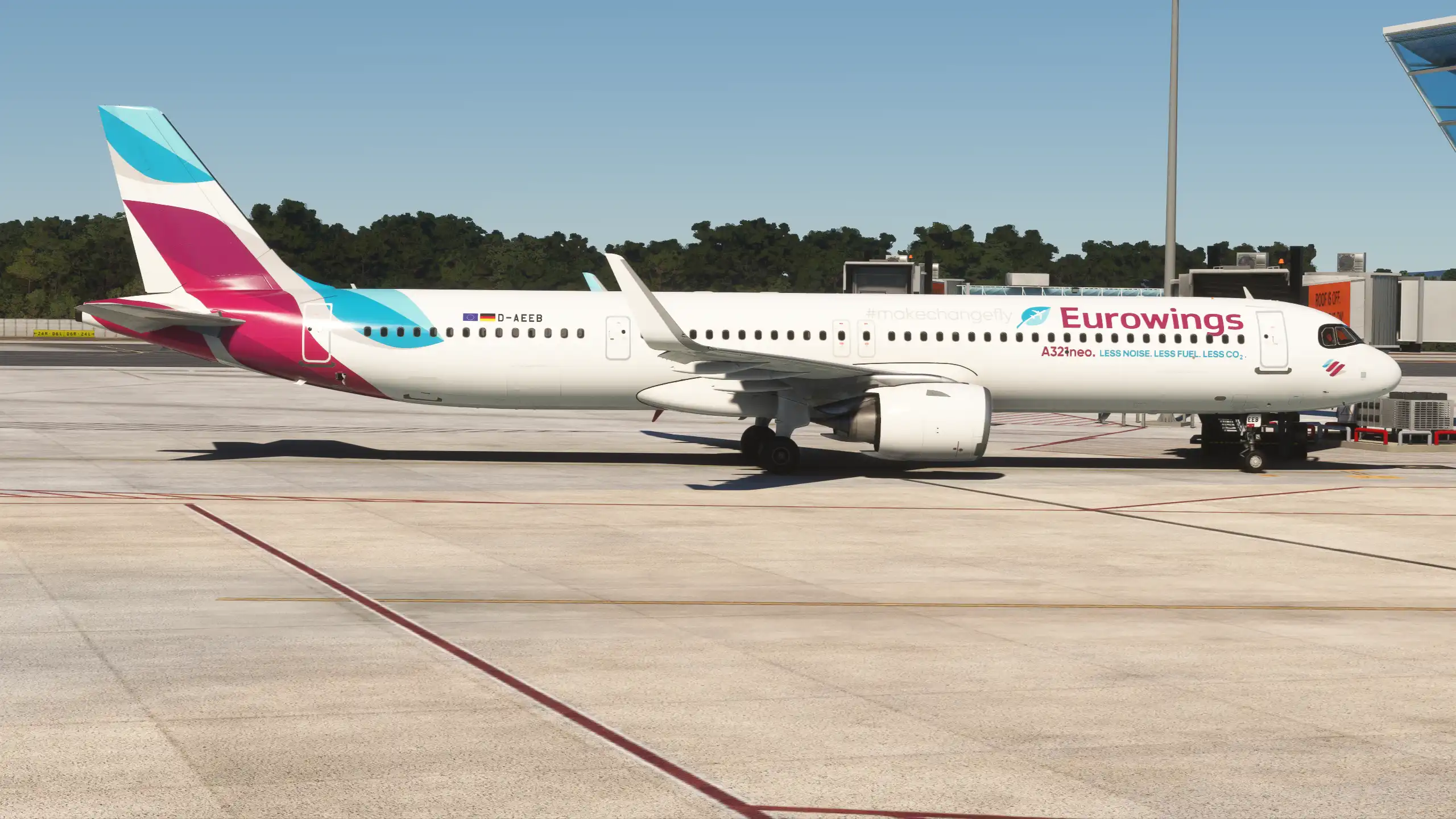
The external sounds, very much like the A321ceo, are outstanding. I recommend doing your first engine start from the external camera to enjoy the sweet scream of a modern CFM LEAP. It is glorious!
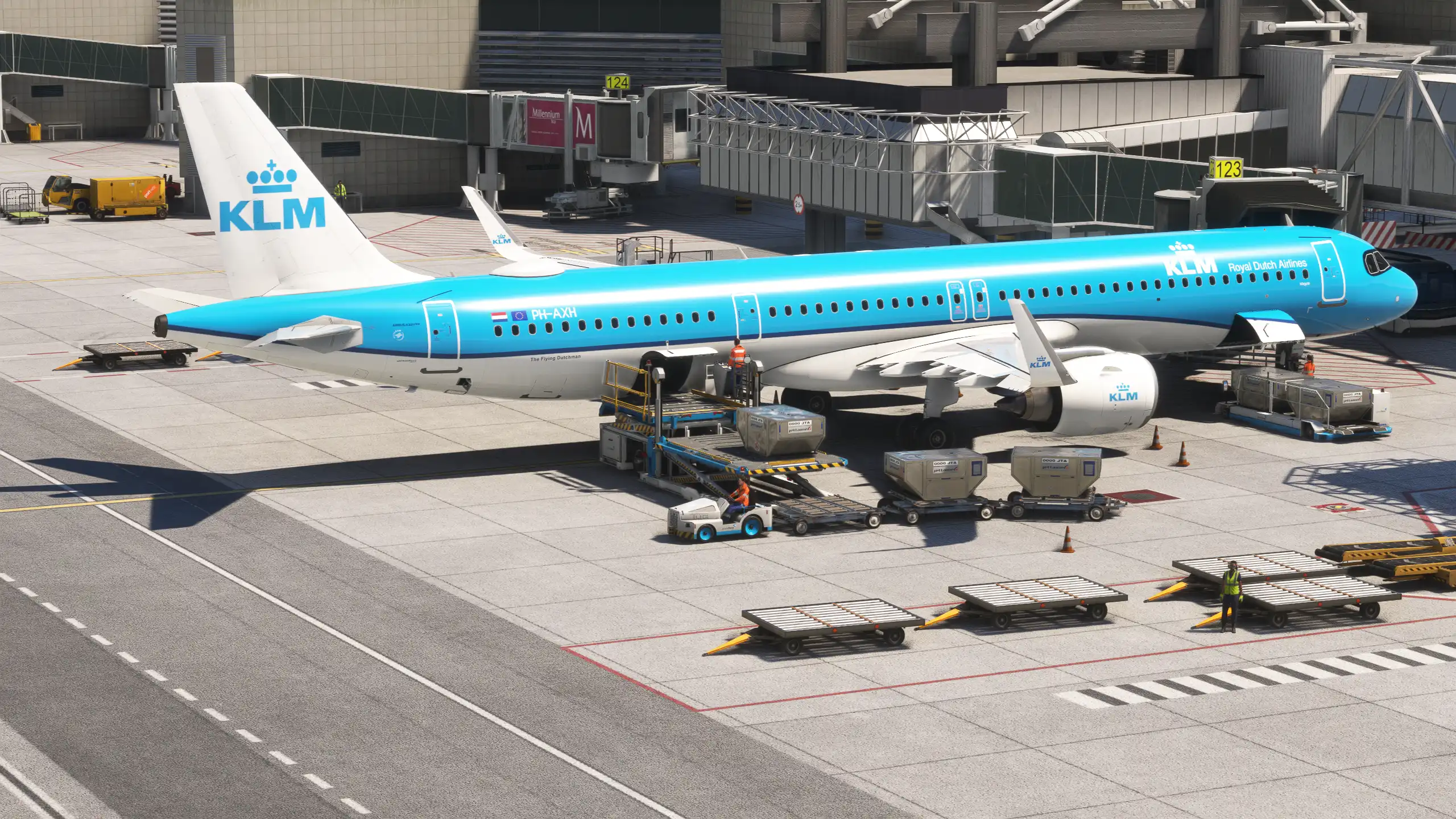
Surely enough, there's more to external sounds than engines, but they do not disappoint in that department either. The APU sounds are really solid, the hydraulic sounds on the cargo doors, everything feels just right.
Systems
The systems department is where the FSLabs truly shines. It has one of the best fly-by-wire implementations in a home simulation to date, handling anything you throw at it without a fuss and with second-to-none reliability. The autopilot is rock solid and will handle abrupt weather changes (thanks, live weather!) just fine.
The VNAV is always bang on, never putting you too high or too low, meeting the restrictions effortlessly. It did not let me down once so far through all the many flights I did with the neo.
The MCDU is very in-depth, allowing you to do almost everything you could do with the real airplane in a 1:1 fashion. It also includes a very in-depth ACARS/ATSU simulation, allowing you to fly the plane just as you would in real life, step by step.
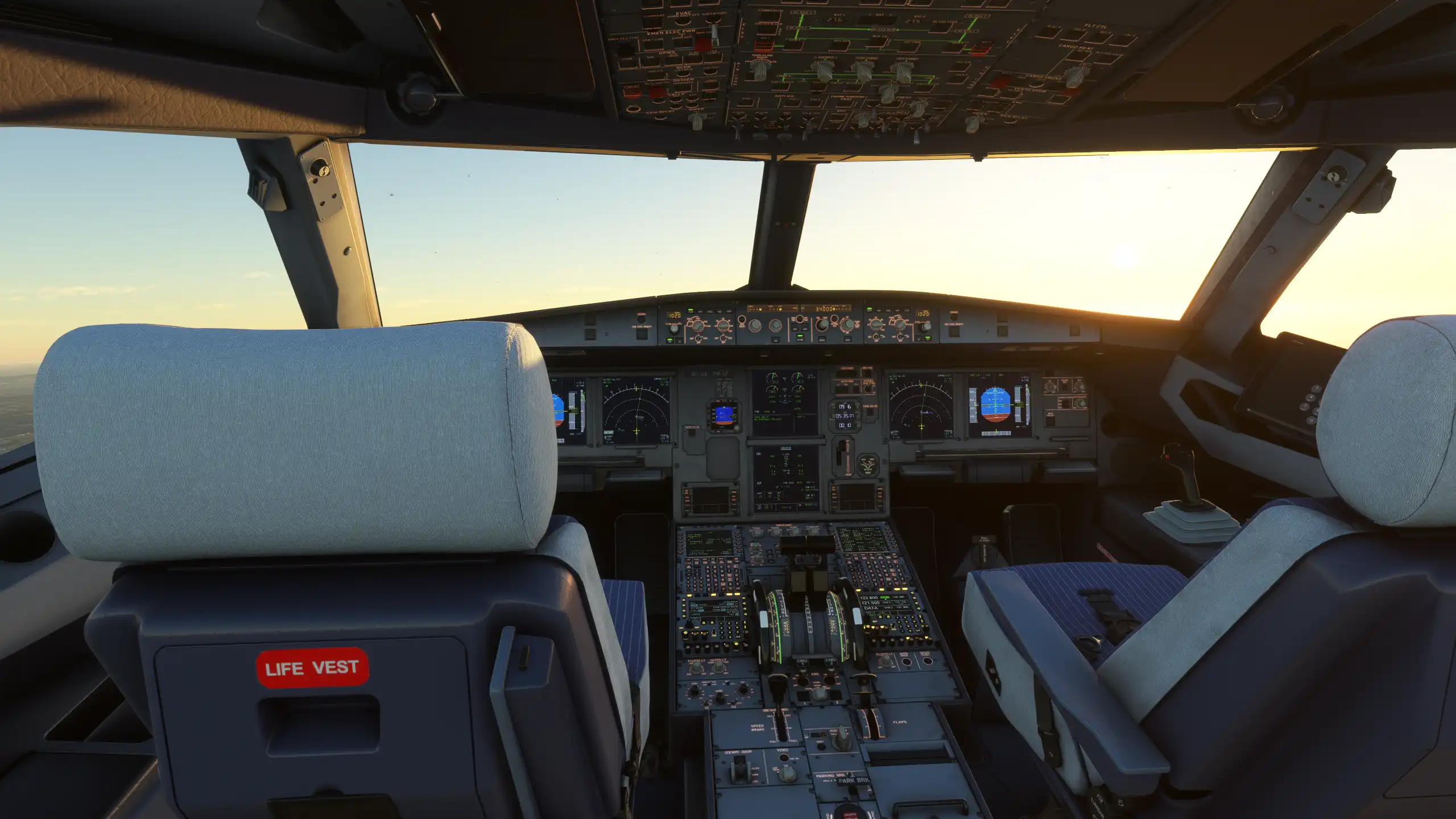
The ECAM simulation is very rich, and they have made sure to add all the new messages and logic exclusive to the neos, instead of just adding the new engines, slightly altering the FADEC, and calling it a day.
The "innards," which cannot be seen, are also taken into account: every wire, relay, electrical signal, and fluid around the airplane is simulated with real-world physics and data, which explains its highly dynamic and lively behavior as opposed to a scripted experience.
The Fly-by-wire implementation is extremely solid, making the A321neo fly like a heavy, somewhat sluggish yet responsive pencil, as you would expect. However, thanks to the significantly more powerful engines, it's far from A321ceo sluggish, especially during the climb phase. She's a mean rocket!
Handling
Hand-flying it is extremely satisfying, requiring minimal input to correct it down the slope on approach. The landing behavior is impressively consistent, as we have come to expect from the developer: stick to a technique that works, and it will work rather consistently, as long as you account for the weather. It does not take long to get used to how the Neo flies and produces consistent landing figures.
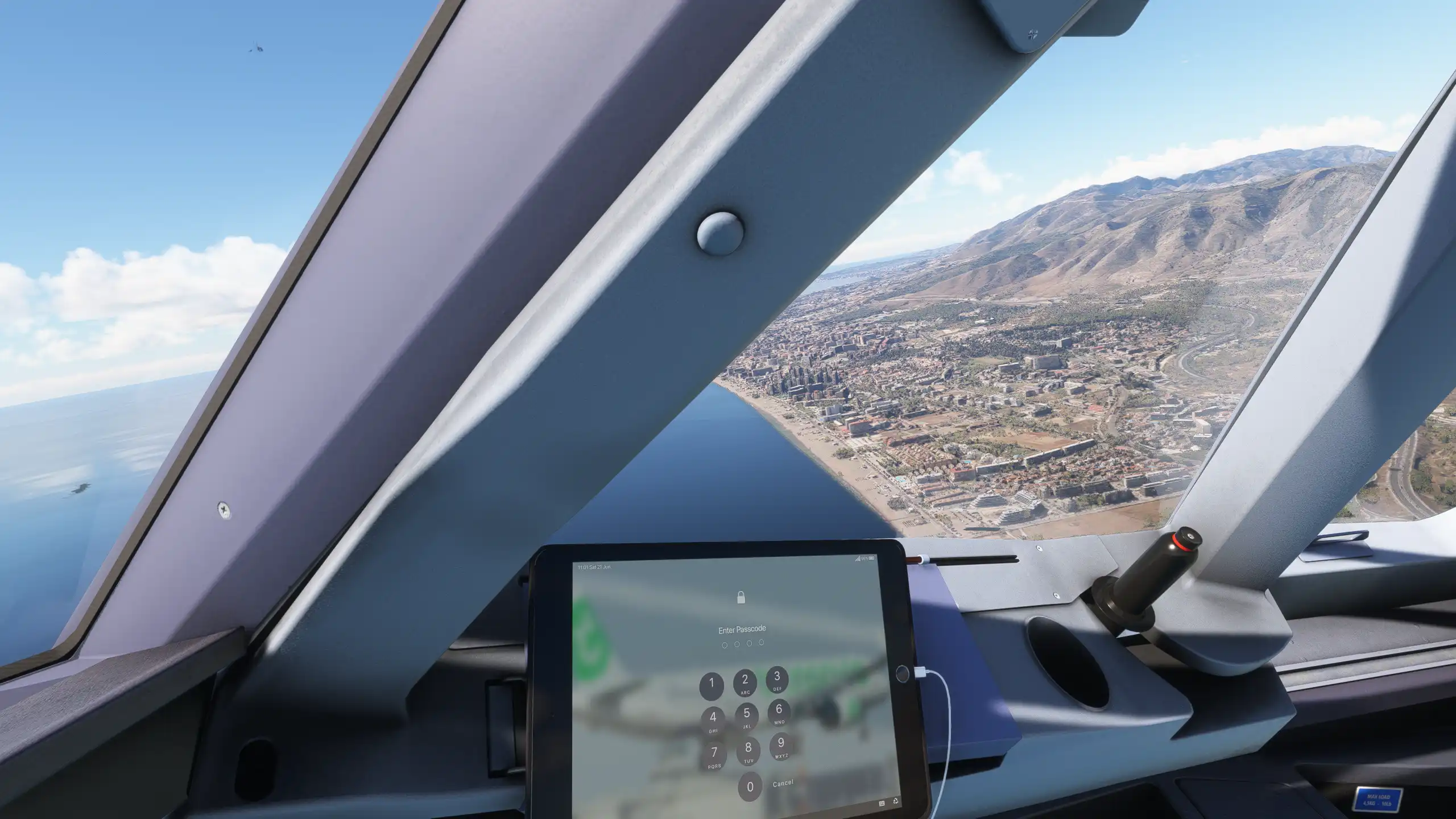
It's important to remember that the Neo does fly a bit differently than the CEO, even though Airbus has gone above and beyond with system tweaks to ensure it's as seamless as possible. The difference, whilst definitely present, is rather mild and does not take many flights, if at all, to account for.
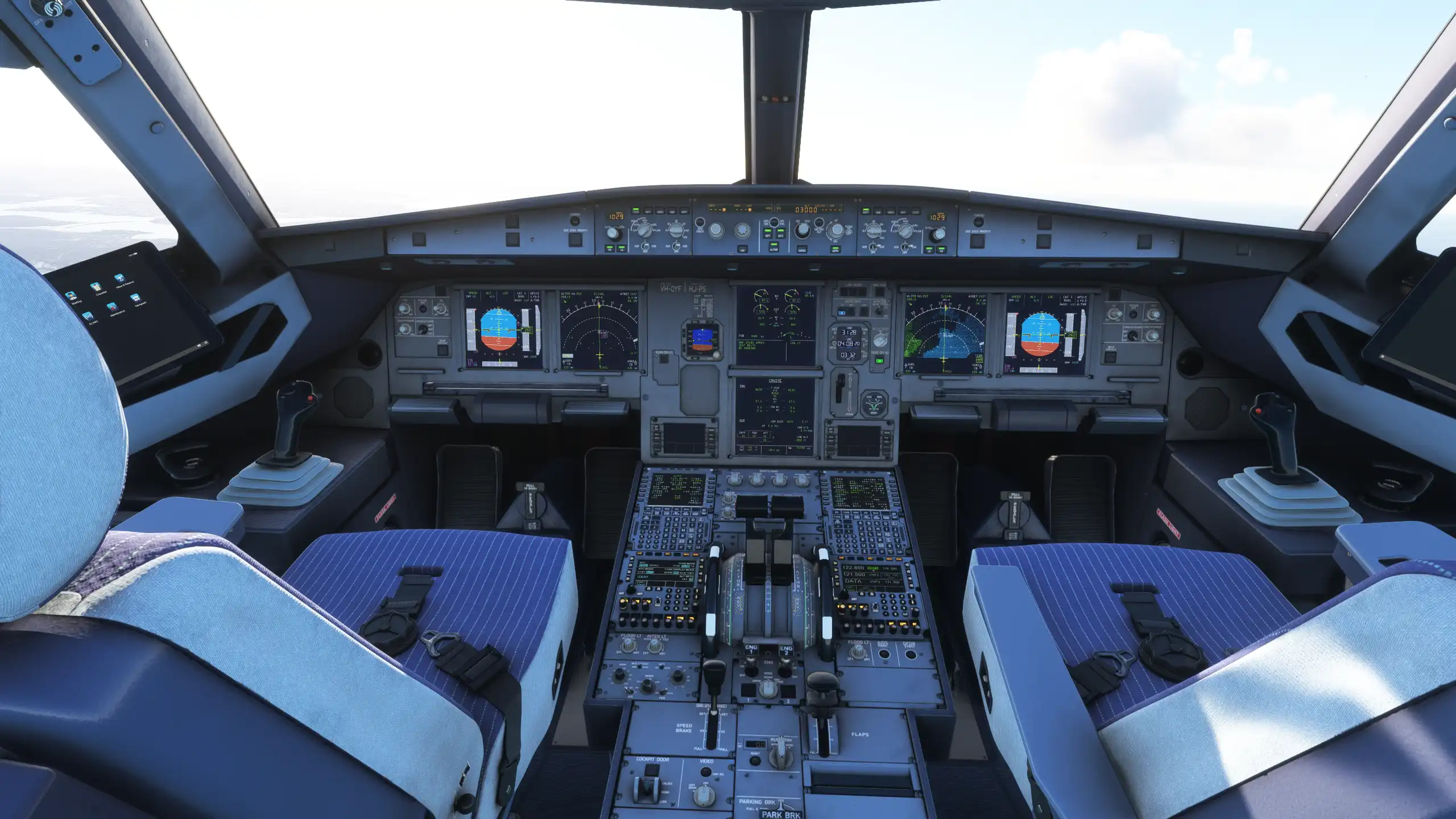
From my own observation, it feels like the A321ceo with wingtip fences and the A321ceo with sharklets had a baby (ain't that exactly what it is, though?), and the landing behavior is a hybrid between both. You can't cut the levers at 40 like you can with the sharklets, but you can't keep the power on for too long like you can with the wingtip fences. Finding that sweet spot where you can cut the throttles and have a smooth arrest without floating much might take a while, but you will feel right at home from the get-go because it still feels like an Airbus. Your first landing may be too floaty or a bit of a spanker, but the following ones will be better, provided you start figuring that sweet spot out.
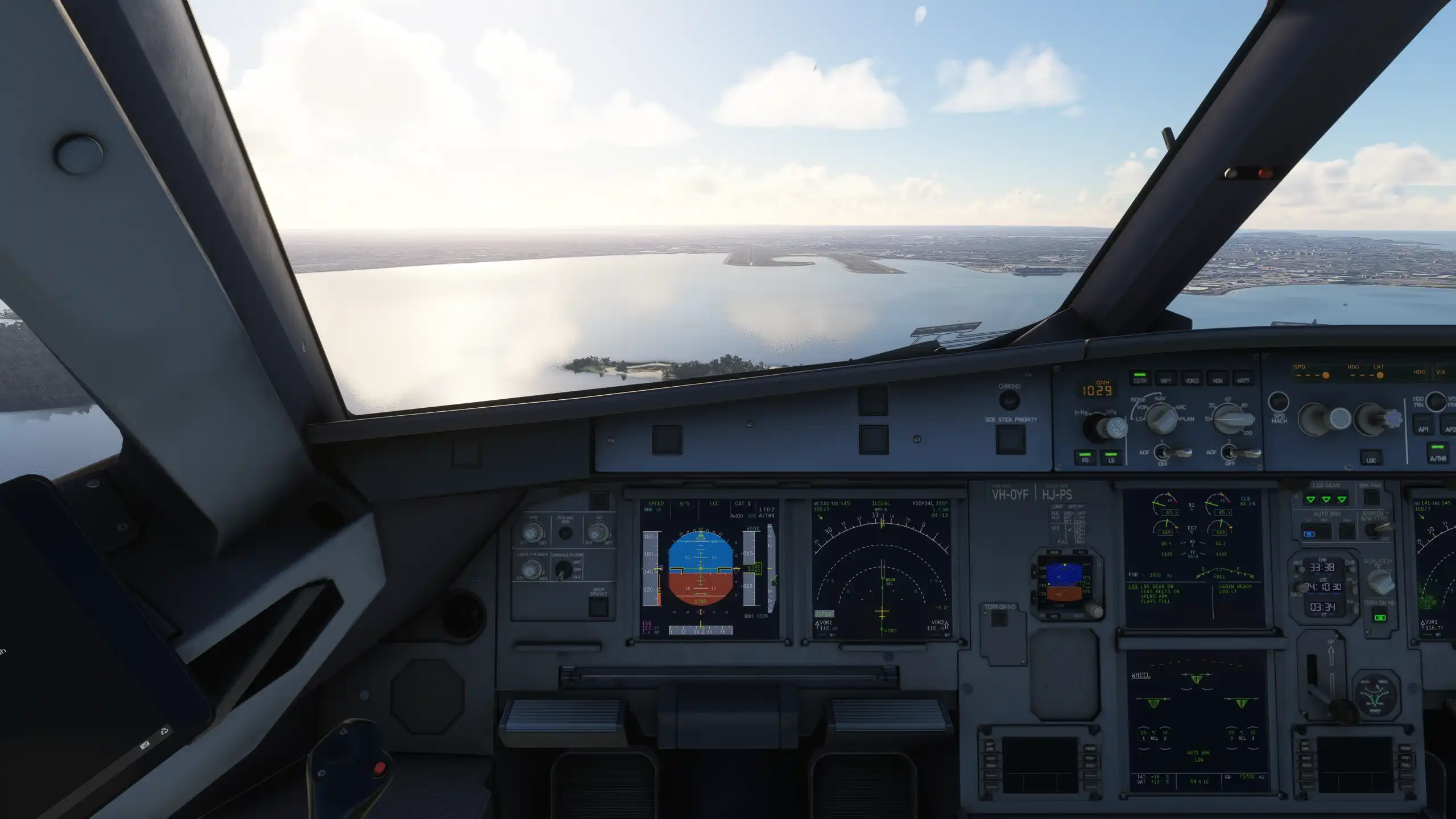
I have heard from real life pilots that the A321neo is a bit of a "bitch” to land compared to the ceos, due to the large engines creating drag and making the final 100ft a bit more unstable than usual, which is true to an extent, but I found a workaround: keep the adjustments to a minimum from that point on, especially lateral adjustments, as that might unsettle the aircraft a little bit.

After 50 hours or so with the Neo, I can finally say I've gotten pretty used to how it lands. Now that I have figured out the slight subtleties involved, it's my favourite to land out of the bunch. She's a butter machine!
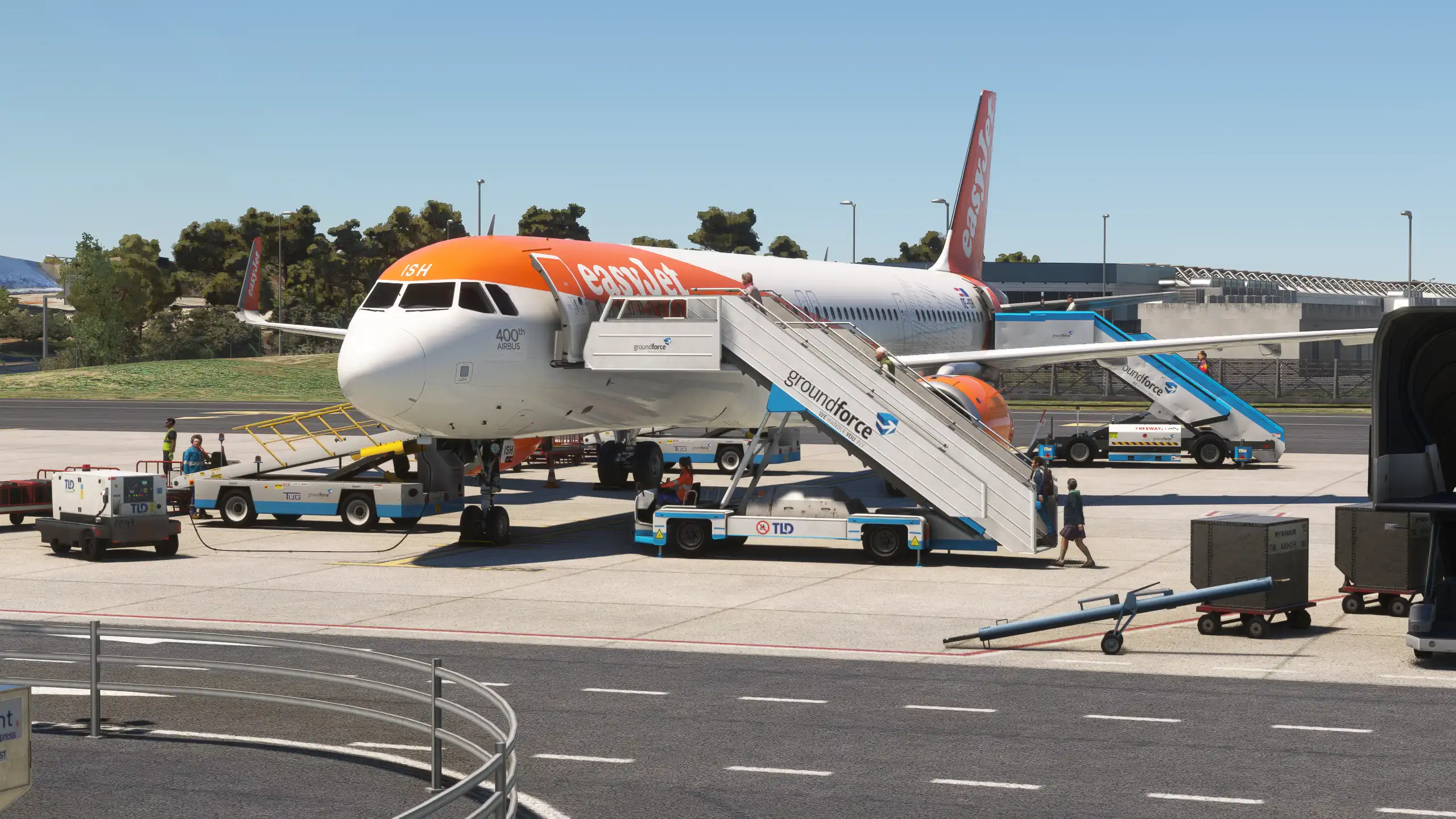
I recommend adding a little bit of speed to the Vref at first, something minor like 2 or 3 knots, perhaps a bit more if you are heavy. That will ensure it will fly rather closely to the wingtip fences, allowing you to flare at 40 and cut at 20 without slamming it or floating too much. With the stock vref, which is surprisingly slower than the ceos –, it's a bit tricky to get right at first because there's no margin. If you get the timing wrong, it will not forgive you.
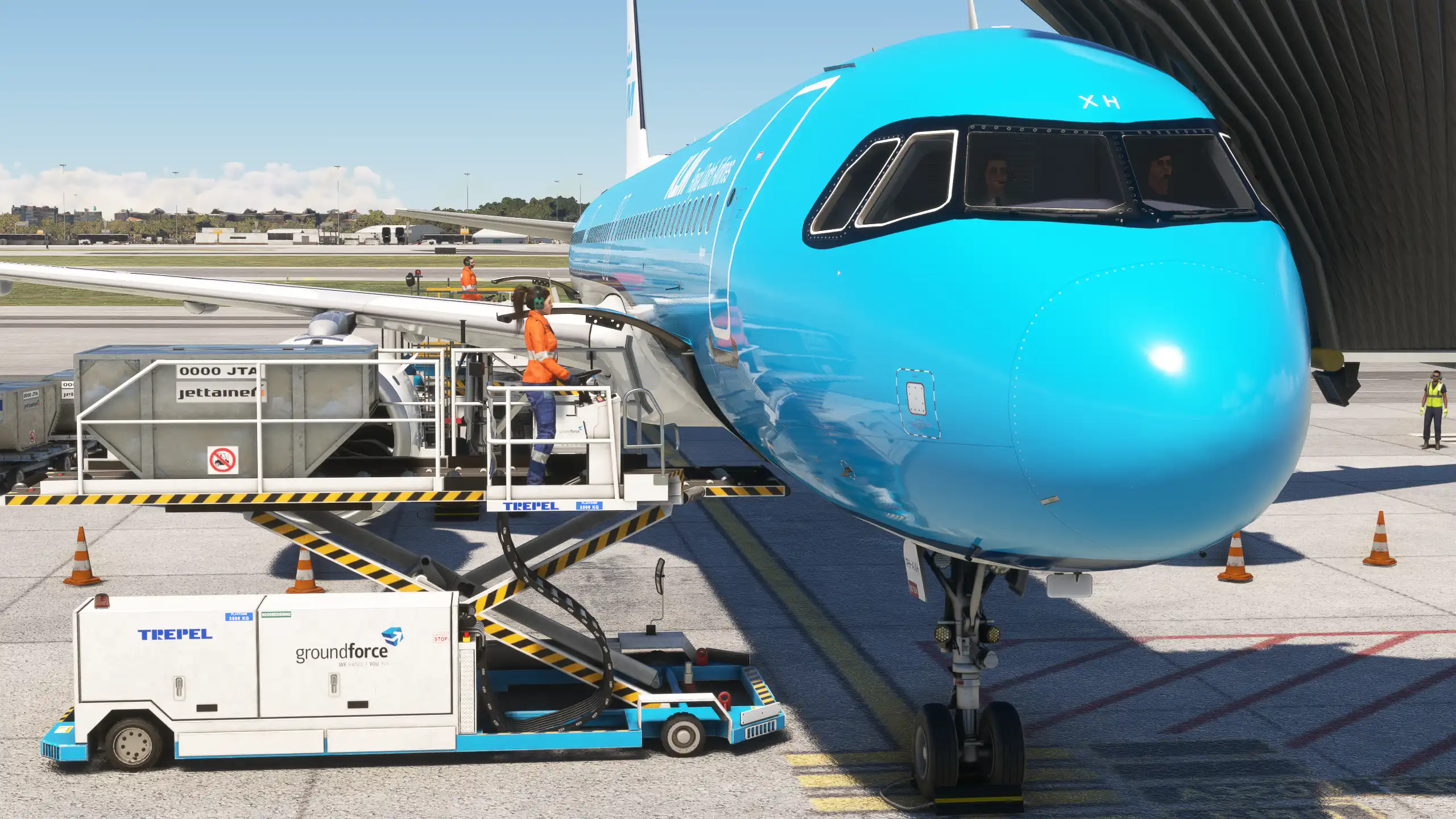
Tech Log and Service-Based Failures
The A321neo, like their A321ceo, features a service-based failure simulation, taking into account things such as airframe age (based on MSN number, flight hours, and cycles). An older neo is more likely to present failures than a brand-new one. As the oldest neo is not even a decade old yet, they are less likely to present random failures than a CEO twice their age, for obvious reasons.
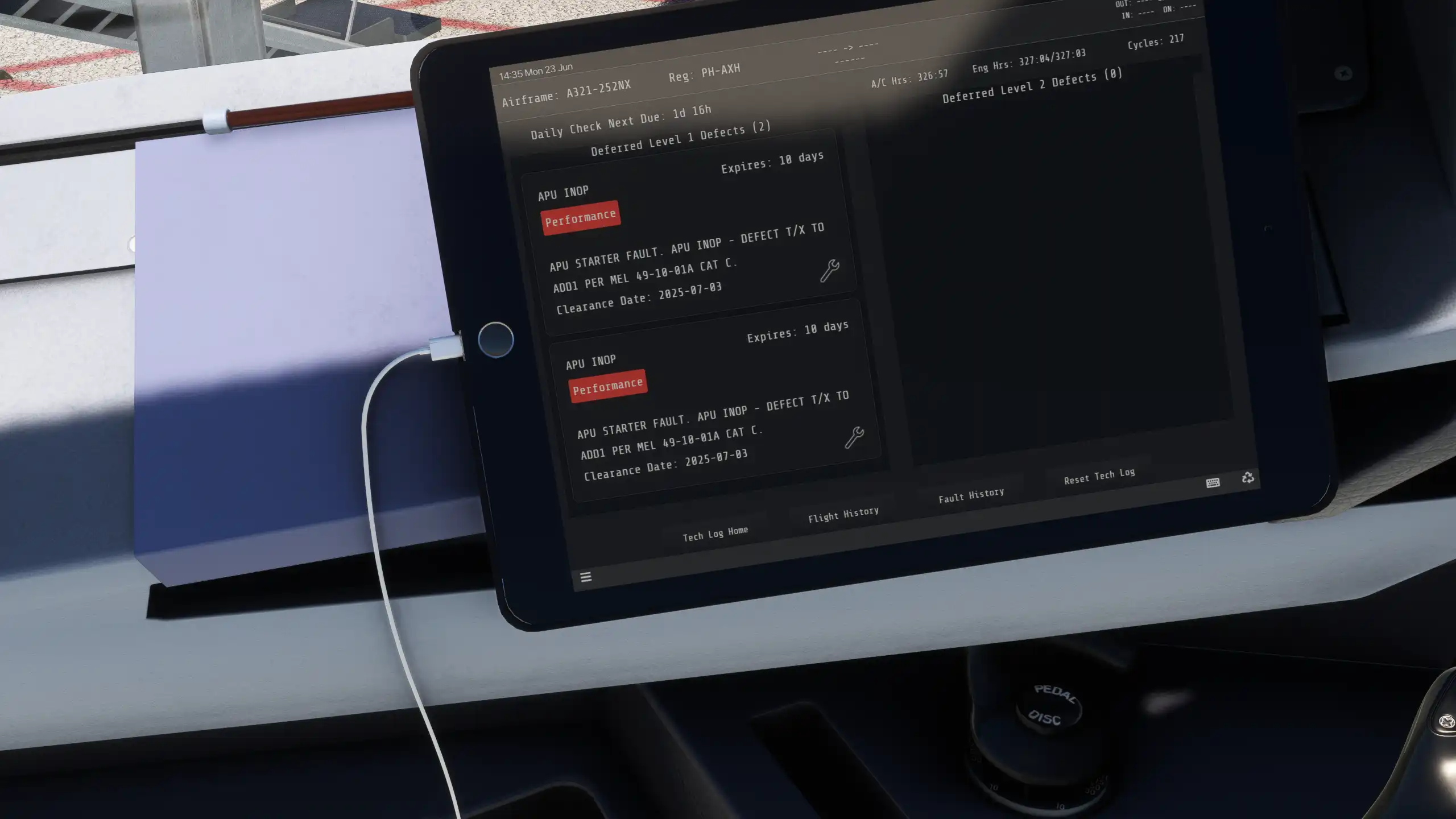
Of course, failures likely to trigger earlier rather than later will still have the same ratio, but things more correlated to multiple hours on the engine and airframes will be fairly less common.
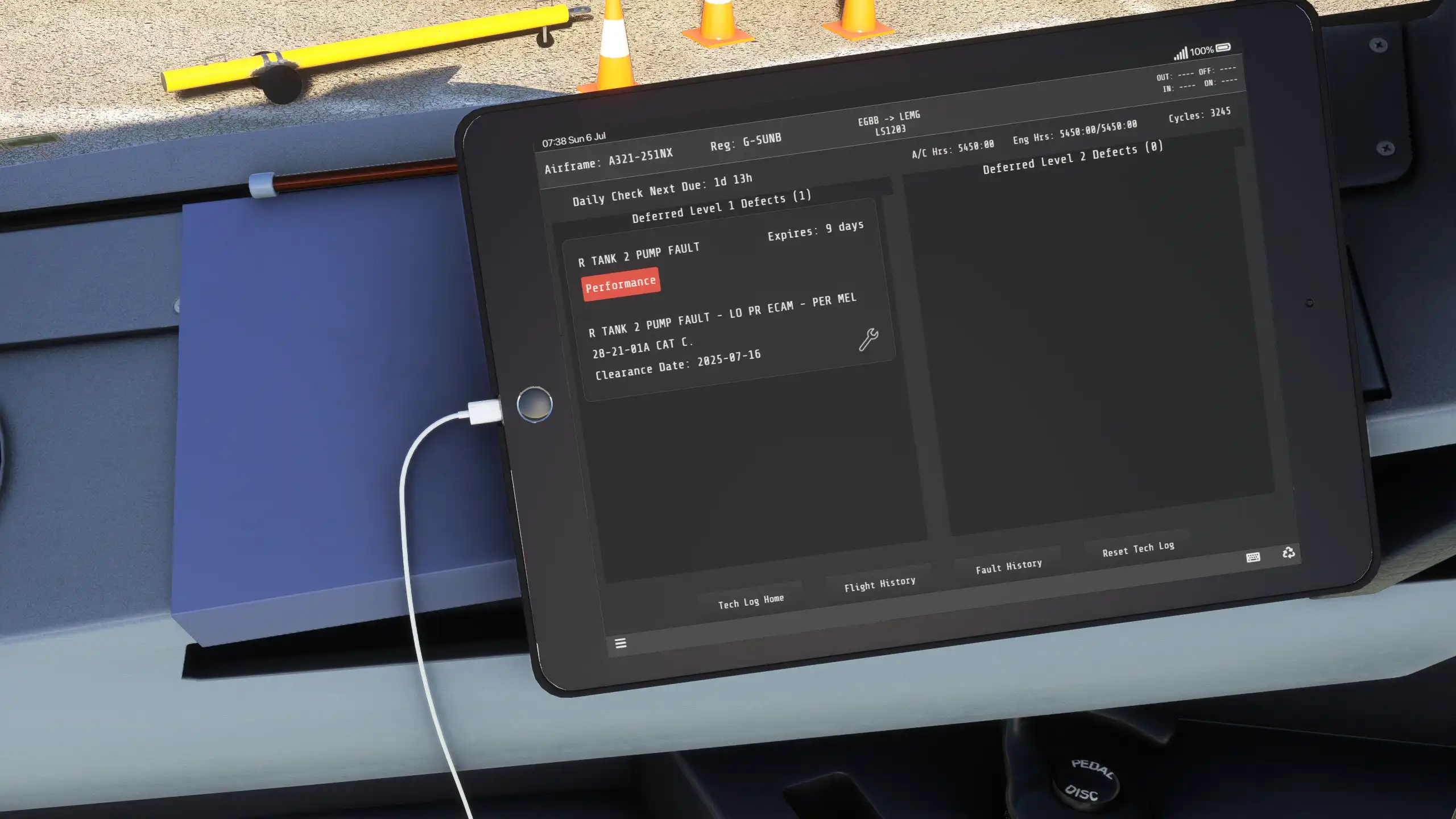
As most of the airframes I flew during the review period were less than two years old, I didn't really get to experience anything nearly as dramatic as I did with the A321ceo, but I did have ONE significant one: the APU died on me shortly after startup on a month-old airframe. Talk about a bad batch, huh?
Although the more you fly the same airframe, the more likely it is to start racking up INOP stickers, even if less frequently than with the older brother. Sporadically using a single tail will generally be fairly more predictable due to how new they are and how ideally in good working order they are.
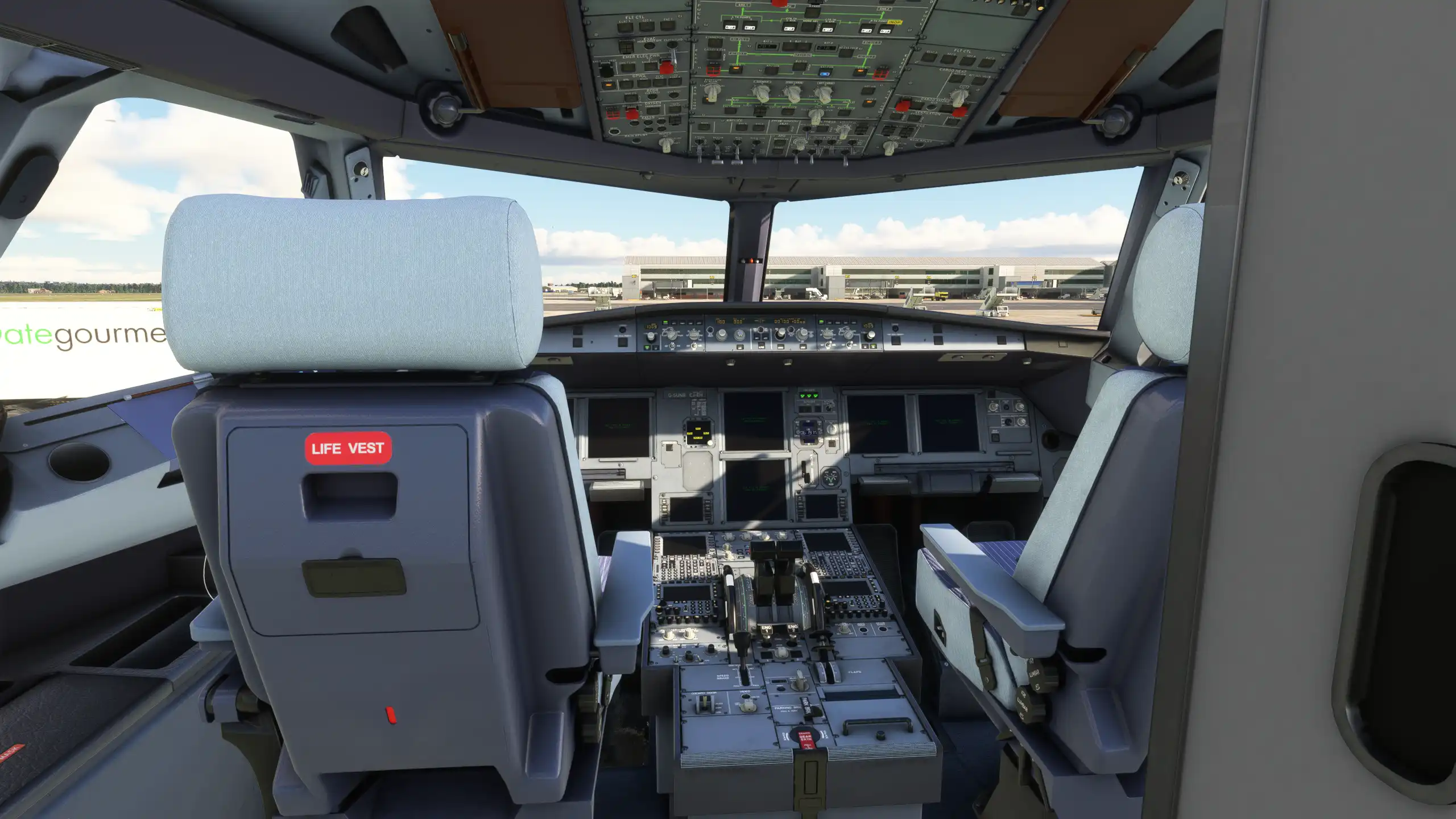
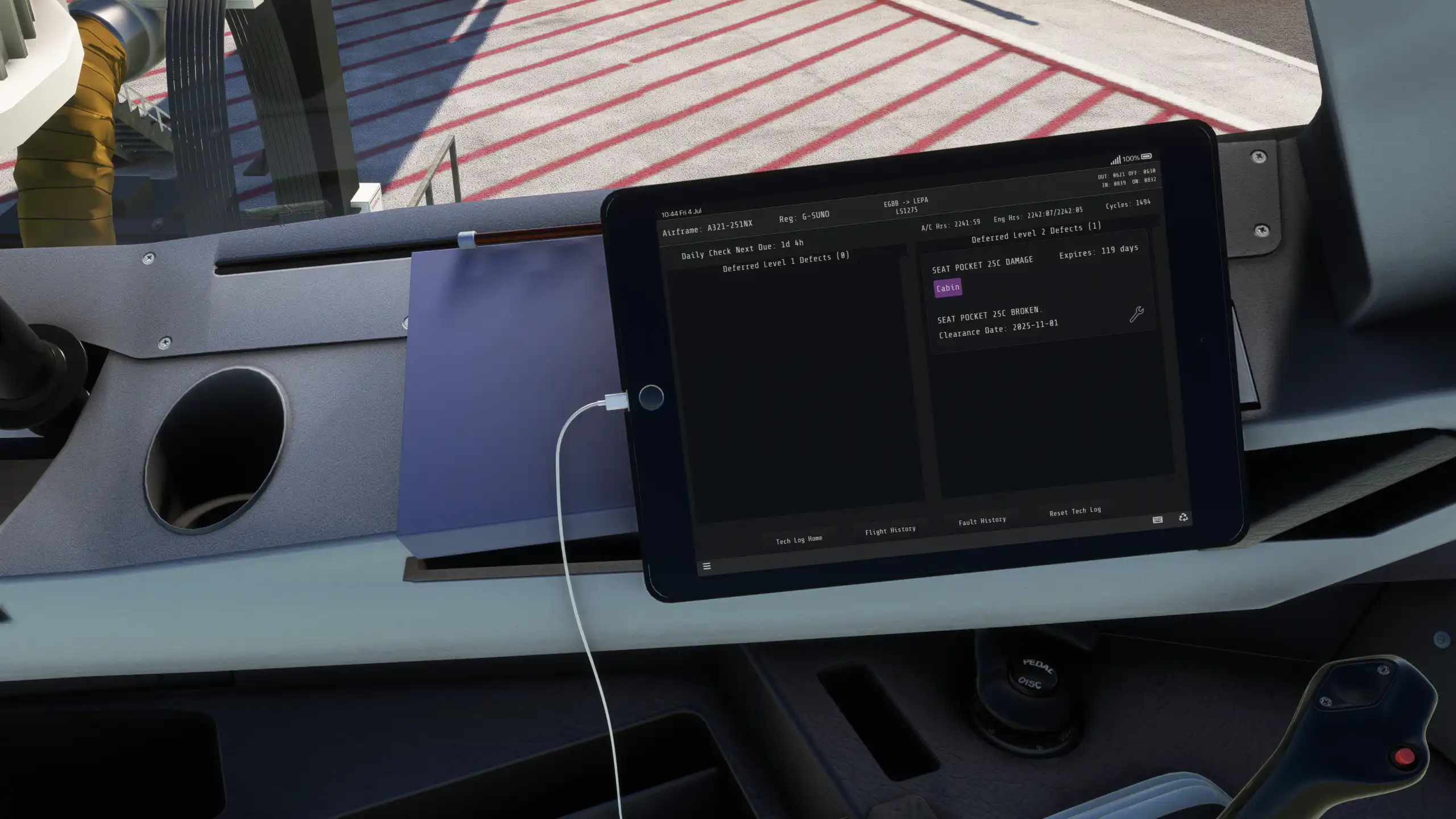
I still enthusiastically peek at the tech log before each startup to make sure my brand-new airplane is in good shape, just in case. It's a machine made of hundreds of thousands of parts, and they can suddenly decide to stop working and ruin your vacation flight to Palma de Mallorca on a Tuesday morning.
This dynamic is very much appreciated and very rare in the market (only the Leonardo MD-80 does it, if memory does not fail me), making every flight truly unique and intensifying the feeling that it is, in fact, a living machine full of dynamism.
If you find a failure, you can cross-reference its code with the Minimum Equipment List and proceed as indicated. Some failures will not ground your flight, some might ground it depending on specific conditions, and some will cause your airplane to be towed to the maintenance hangar. As you'd expect, probability-wise, most failures will be relatively minor.
It also generates tech log items entirely irrelevant to safely operating the aircraft, such as broken USB ports on row 3, a tray table that doesn't lock, a defective coffee machine (would ruin my day though, not going to lie), etc. These items also belong in the tech log, and – while it doesn't affect anything per se – it's pretty cool to have that, as these imaginary cosmetic issues surely increase the immersion factor.
Electronic Flight Bag
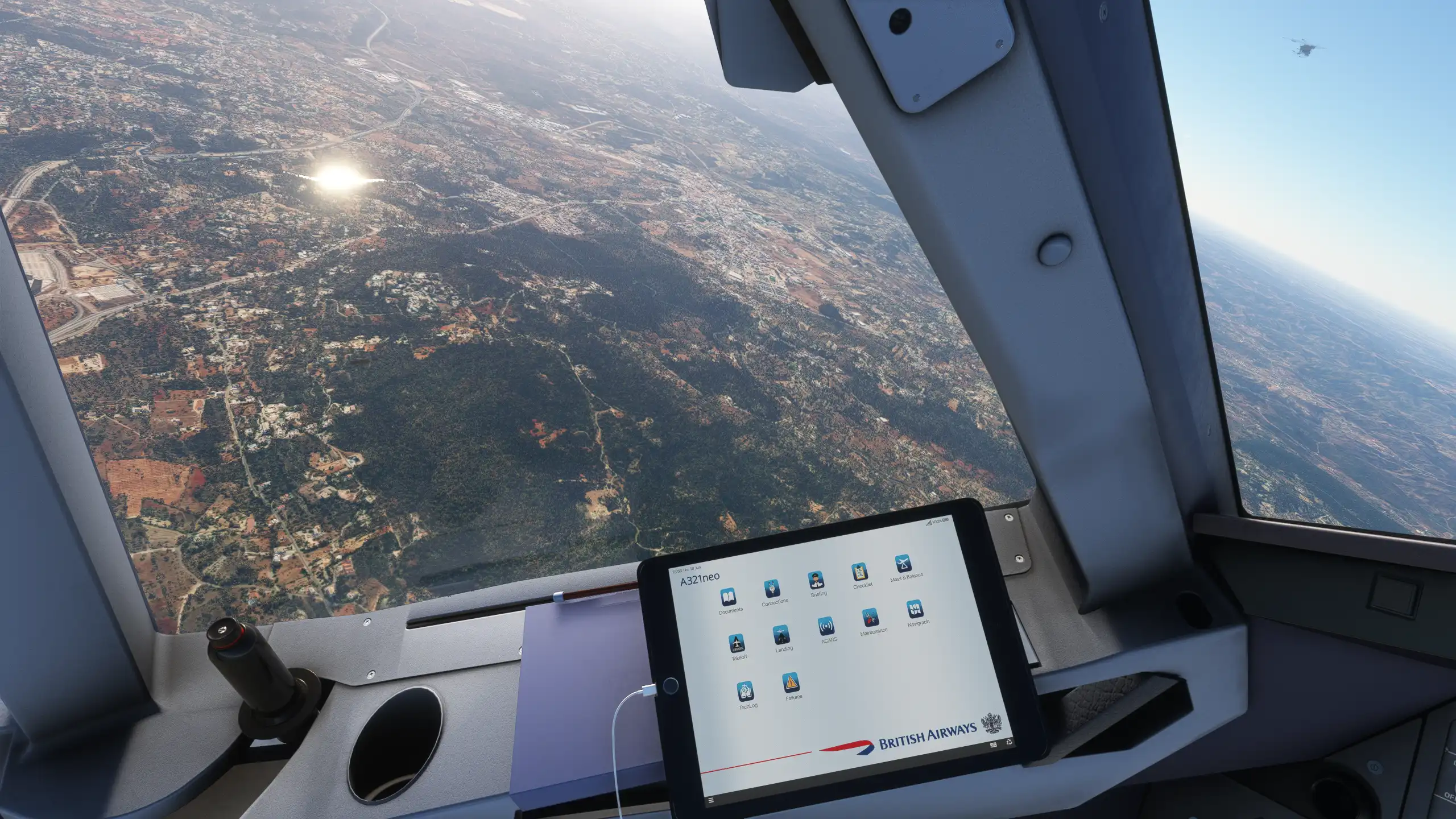
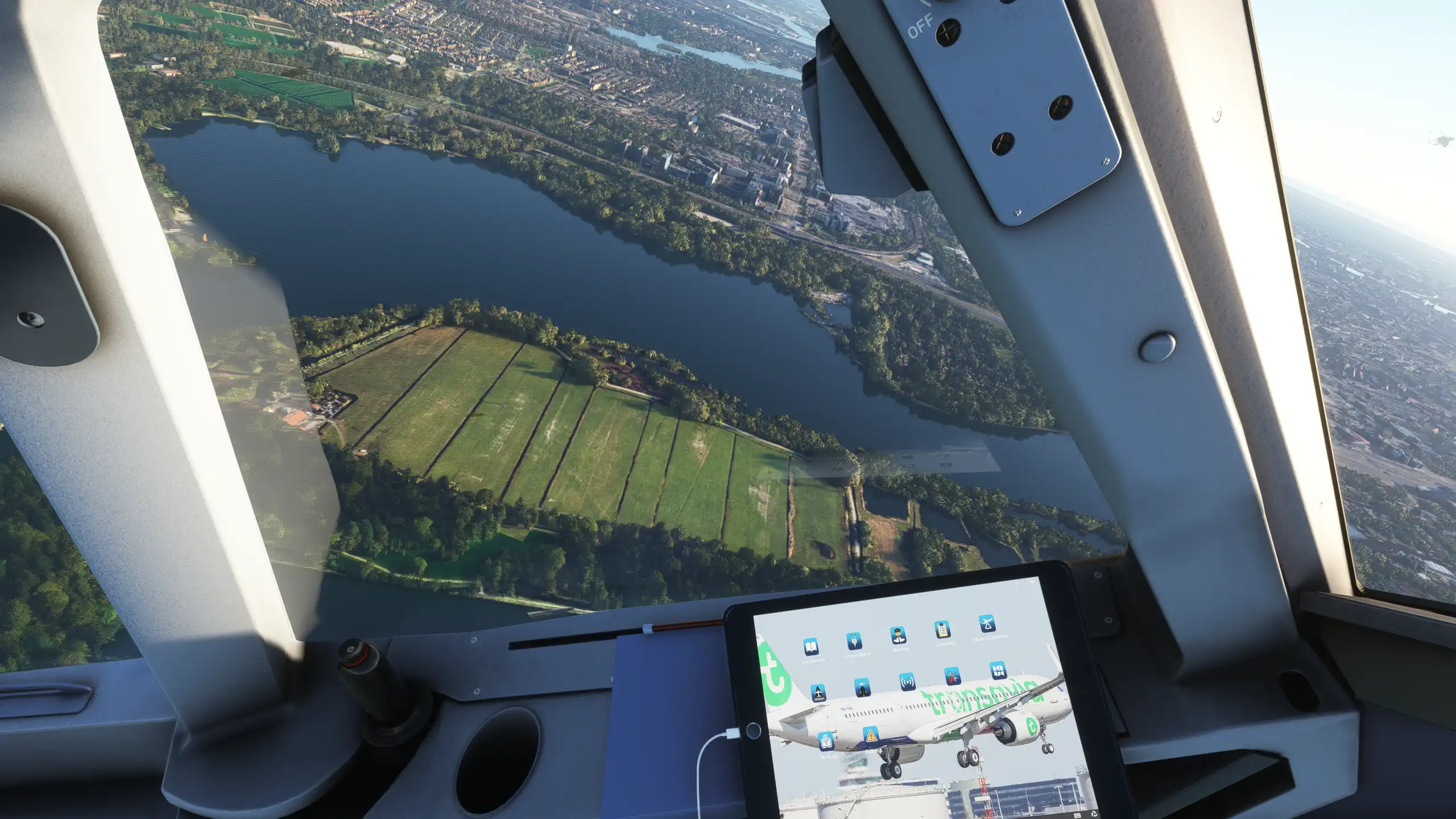
The EFB remains largely the same as the previous one, allowing you to interact with the ground crew, examine weight distribution, calculate take-off and landing performance, view Navigraph charts, and use a web browser!
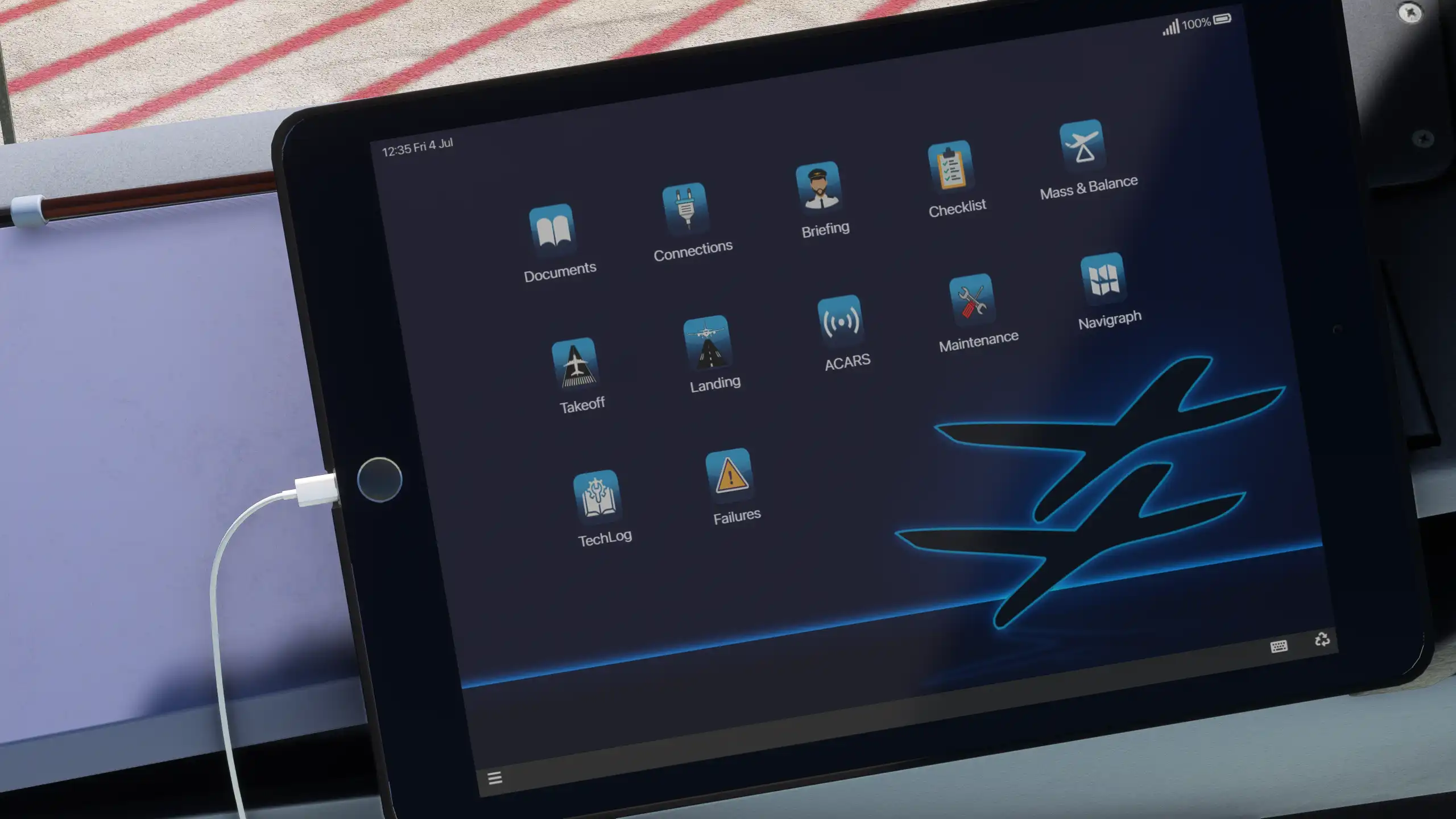
They take the experience to the next level by allowing you to interact with GSX (Ground Services X)—a ground handling add-on developed by FSDT—directly from the tablet. You don't even need to bring the GSX menu up (nor can you, as it will take you straight to the tablet anyway). It handles everything seamlessly once you do the ATSU INIT, OFP DATA, and subsequent steps via the MCDU. You can also directly interact with it via the services app.

You can also manually control the doors, set chocks, ground power unit (by pressing the MECH button on the overhead panel), air starter unit, via the same "connections" application may you not have Ground Services X installed (which is highly recommended for the best experience possible).
It also features a web browser, so you can doomscroll social networks during cruise, or watch a cooking video on YouTube. It's one of the things I missed the most from the P3D era, and it's refreshing to finally have a built-in web browser in MSFS, as much as it's not exactly the end of the world to tab out into Chrome or something like that. It's handy for stuff you'd rather not constantly tabbing in and out of.
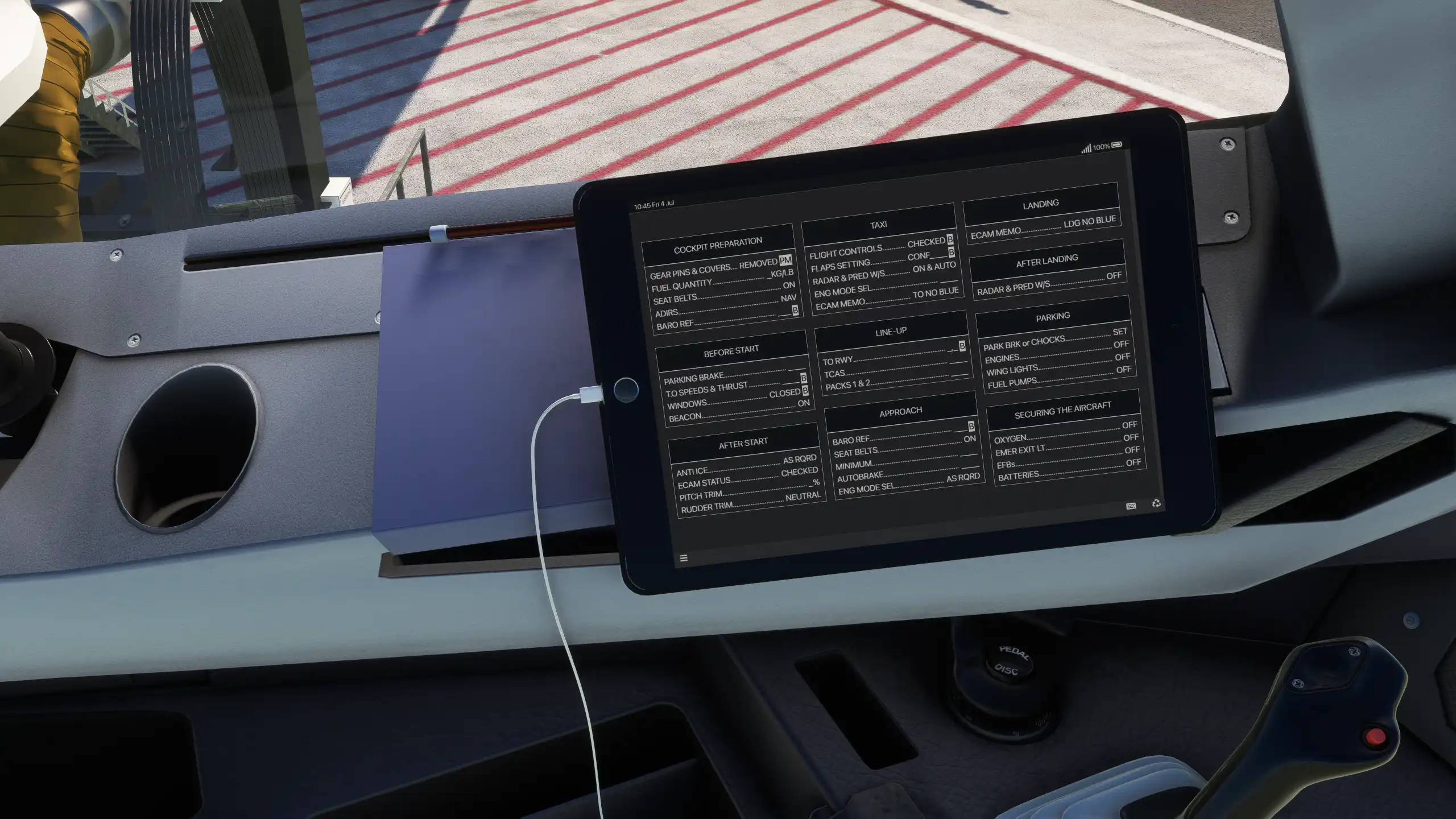
The aircraft's documentation, mentioned during the first impressions, is also accessible via the tablet. This allows you to quickly consult the user's guide should you find a roadblock or require brushing up on operating the ATSU or something of the sort. You can also add your files to the "Documents" app.
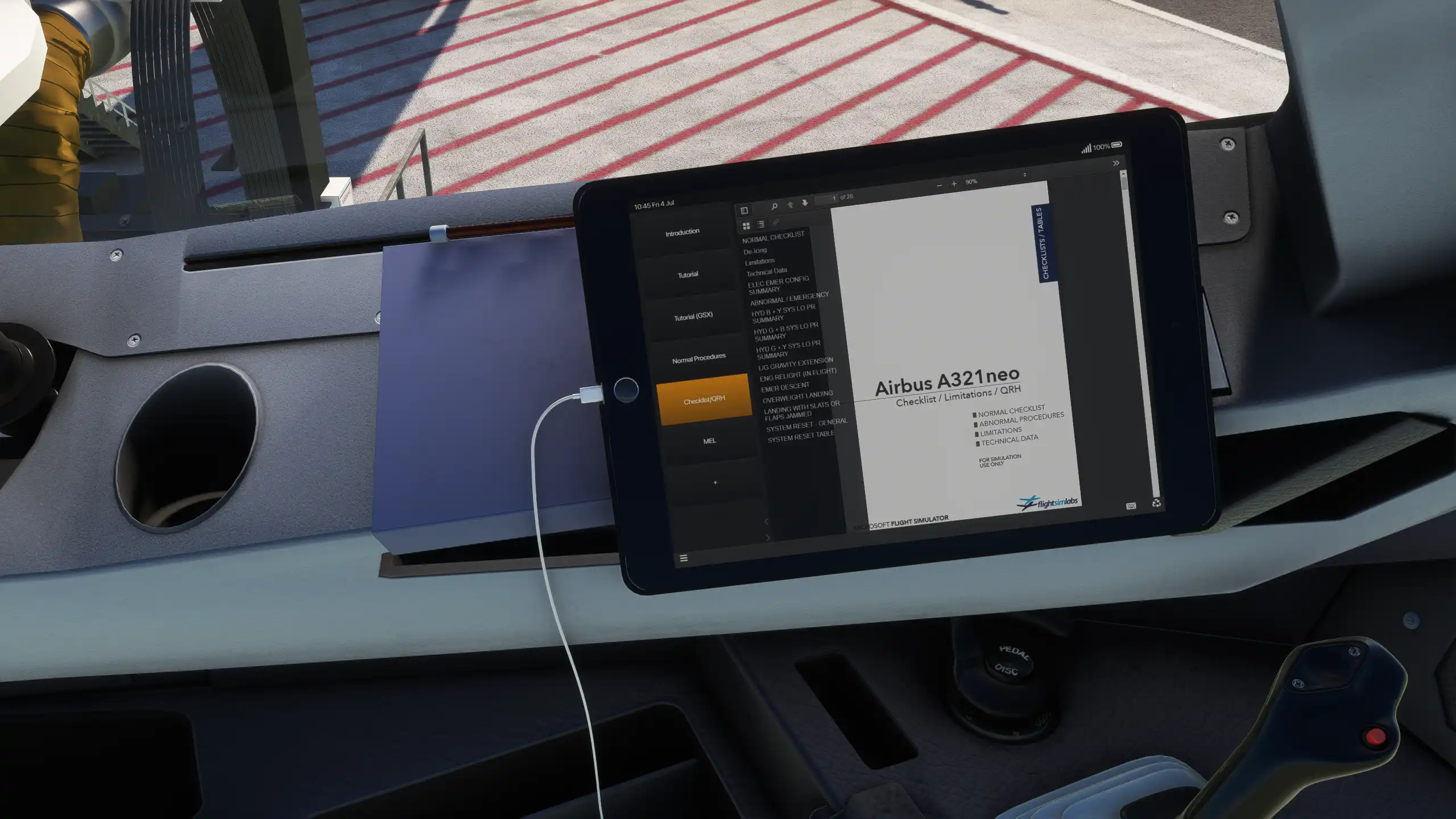
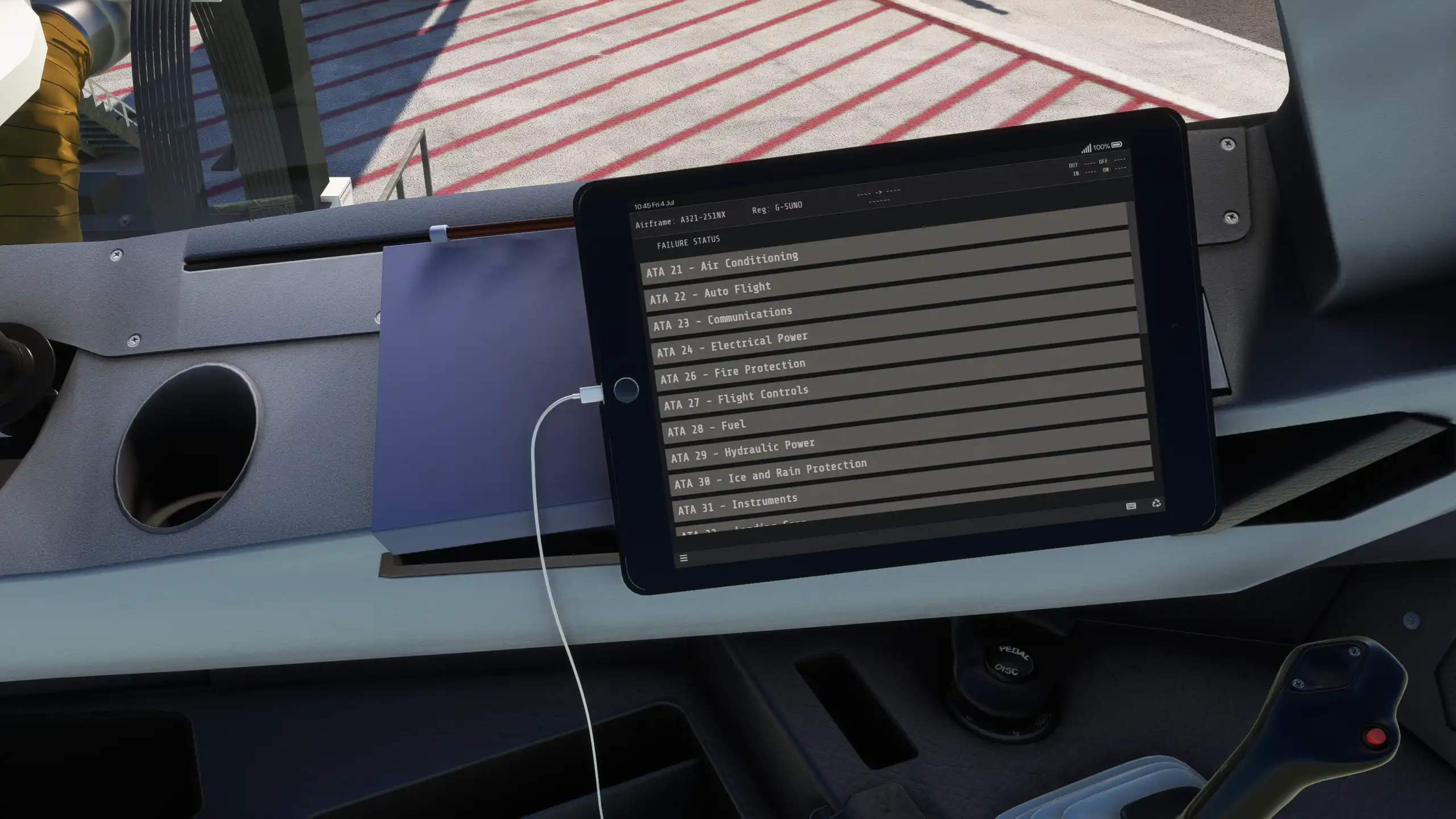
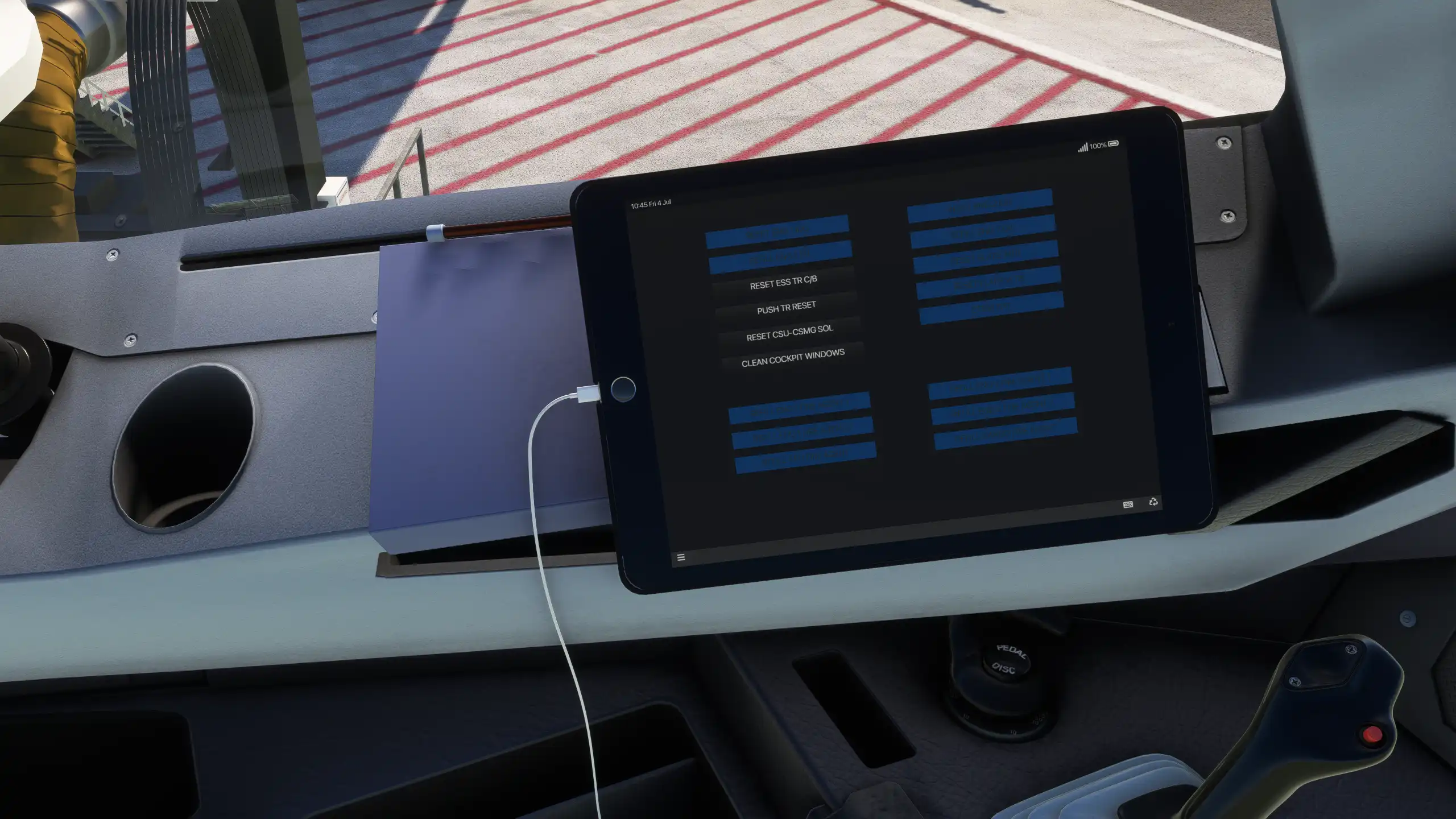
Furthermore, the EFB also allows you to access and control failures at any given time during the flight, encompassing a variety of them (FSLabs simulates an enormous number of failures). Feeling adventurous enough for an engine failure, or a major hydraulic loss? The sky's the limit (or the ground, depending on how well-versed you are in failure management).
ATSU
The Air Traffic System Unit (ATSU) is essentially the same as the A321ceo, bringing an in-depth simulation of its main features, such as the datalink with the airline for requesting flight plans, requesting weather data, automatic SIGMETS, filing fuel reports, etc. You can also request a stand or get a pre-assigned stand if you use an airline pack with its corresponding stands.ini file.
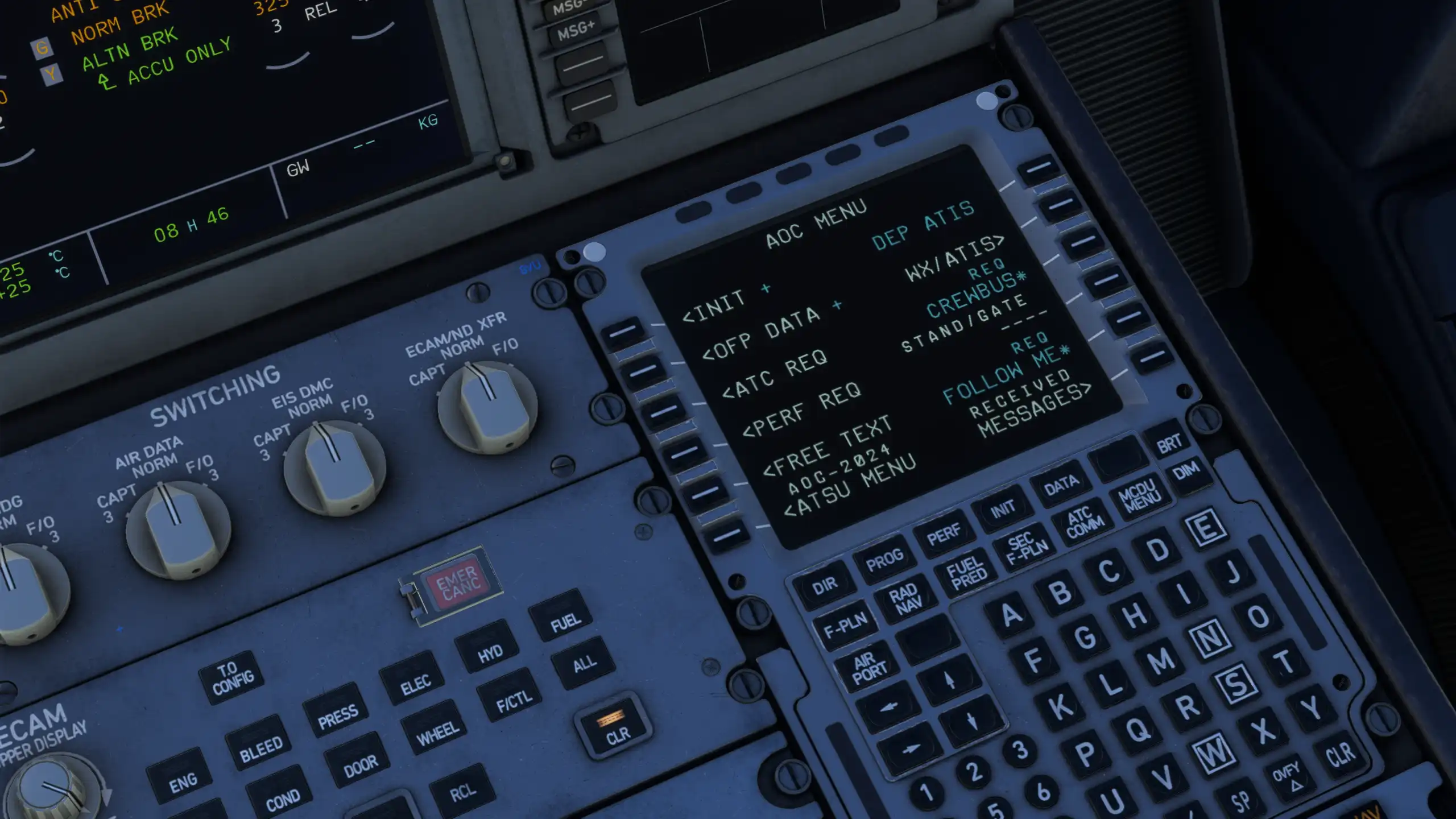
Thanks to the Hoppie integration (enabled by entering your Hoppie code on the Control Center), you can also request pre-departure clearances, send and receive messages from other aircraft and companies, and even coordinate emergencies should you get into a pickle.
Their ATSU also allows you to connect the add-on to a printer, either physical or virtual, and print relevant information such as loadsheets, fuel reports, and so on (you can manually control what gets automatically printed or not), or only choose to print things on demand by clicking on "Print". As I do not have a printer, I decided to use their Pushover integration, "printing" over the network to my cellphone. It's a good way to help the environment and easily collect hundreds of thousands of loadsheets, landing reports, METAR requests, and whatever else comes to mind.

Weather Radar
The weather radar implementation is a realistic simulation of the Rockwell Collins unit. It interacts with Microsoft Flight Simulator's live weather to provide accurate radar returns without the usual unrealistic behavior, only displaying what the real unit generally would. While I can not attest to the accuracy given my lack of experience in meteorology or weather radars, it does seem more in line with what I used to see back in the Prepar3d days, when radars worked as they should.
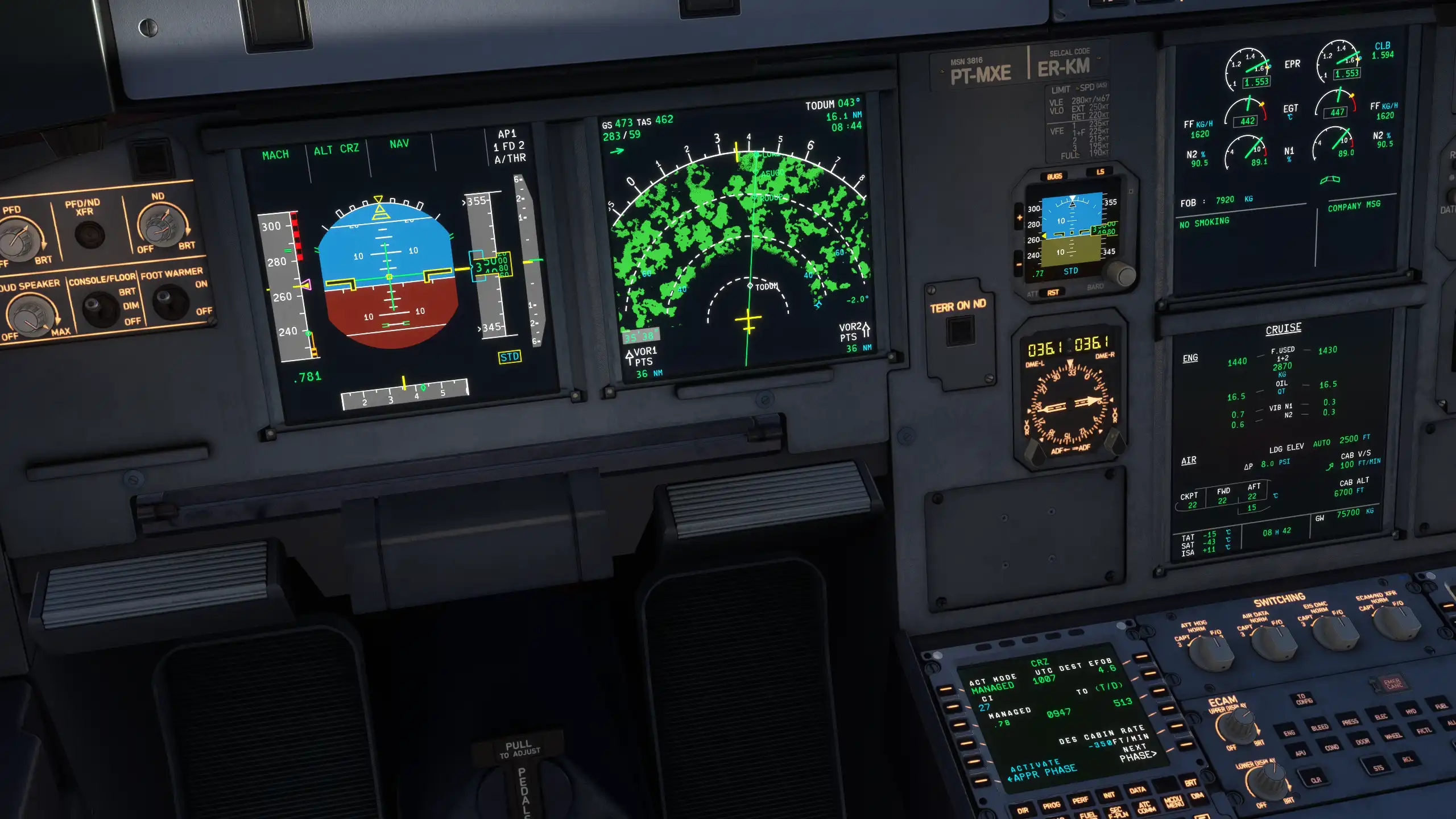
That said, it's still using the simulator's API to gather that information, and MeteoBlue does not, unfortunately, provide accurate weather layer data for the most part. FSLabs has essentially milked a rock with its custom implementation, bringing it—theoretically, at least—as close to the real unit as possible.
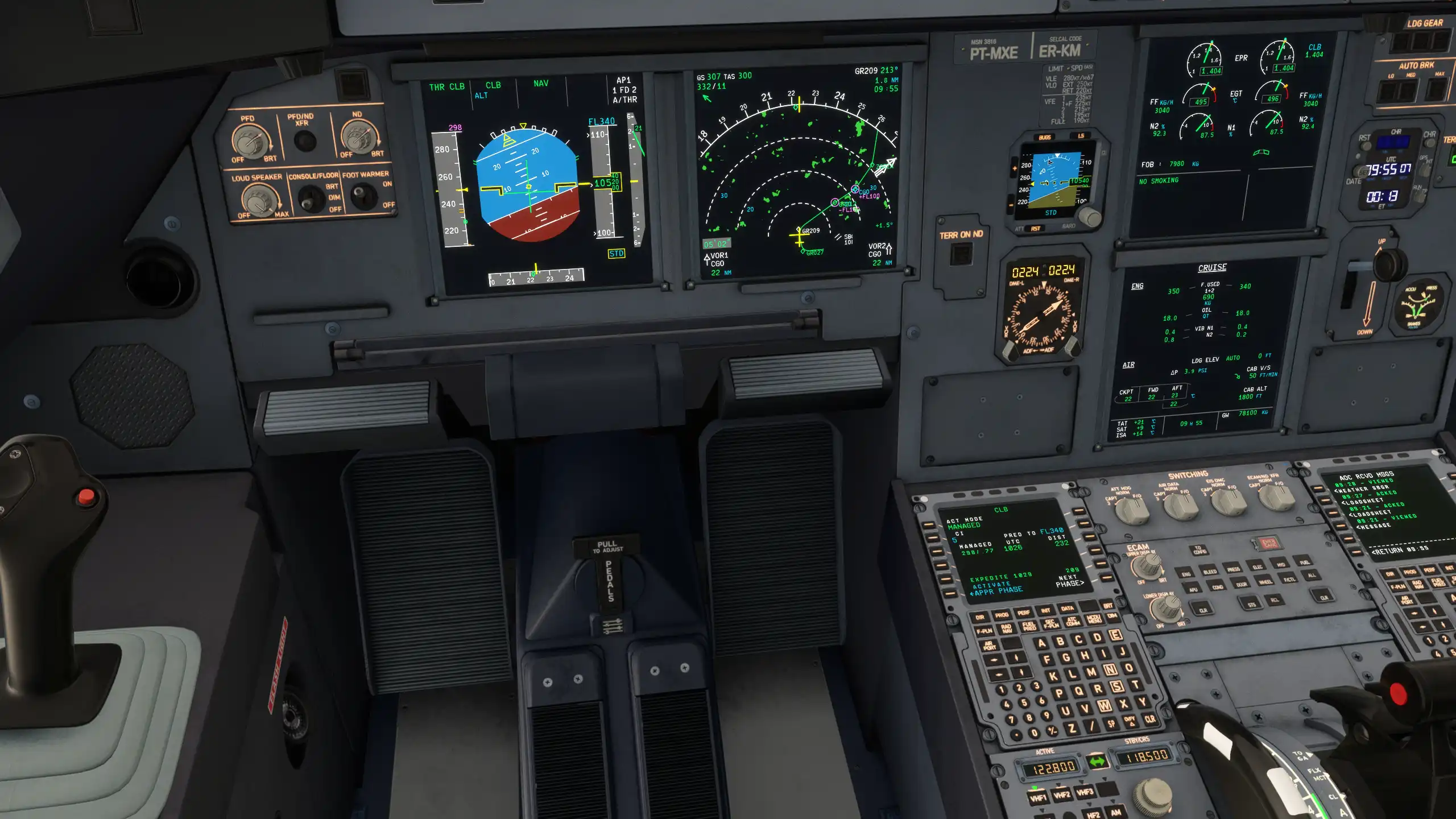
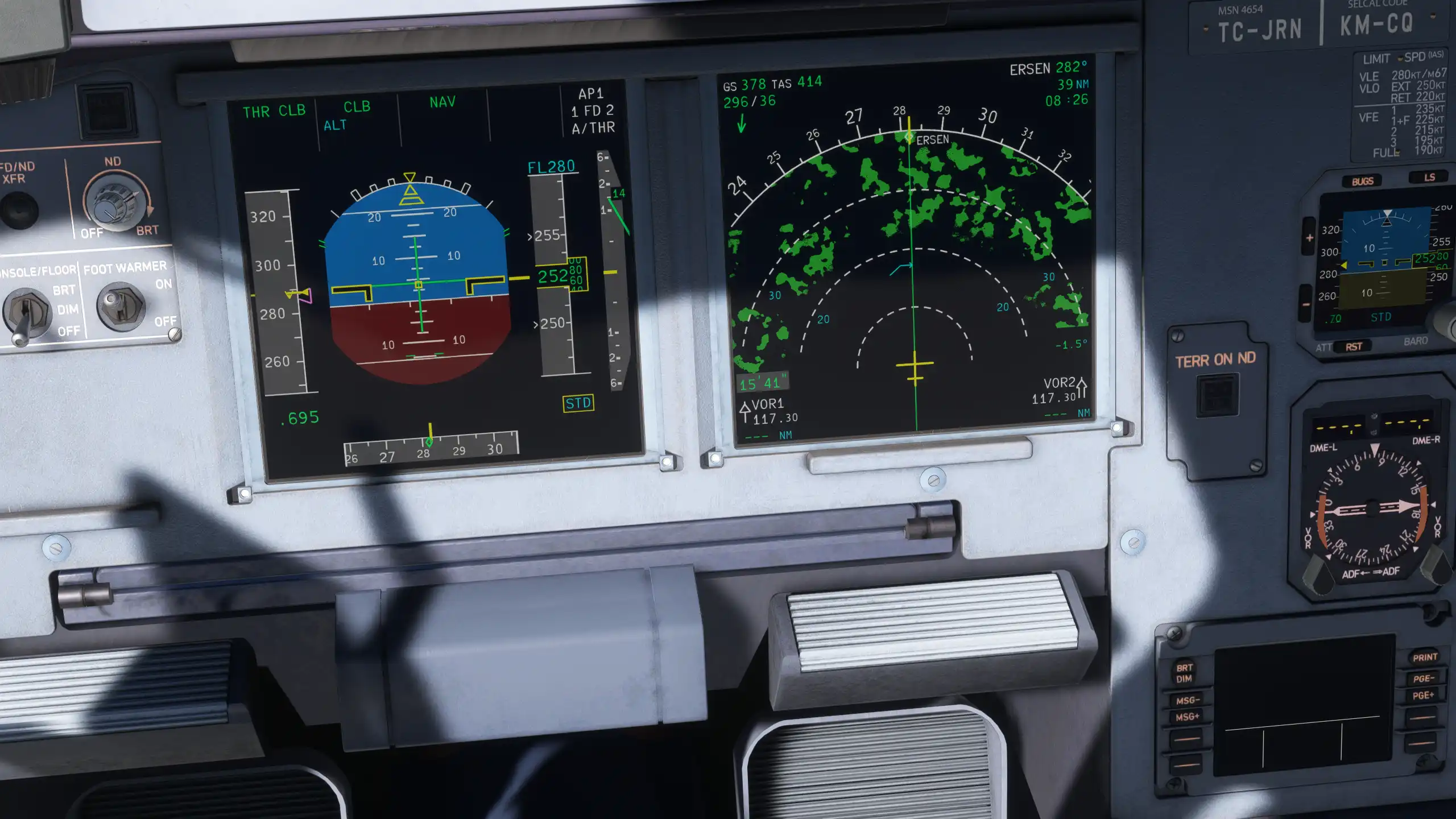
It definitely remains as one of the best, if not the best, weather radar implementations in Microsoft Flight Simulator so far. If memory does not fail me, they are the only ones filtering the data to make the radar less trigger-happy.
Performance
My Setup: 32 GB RAM DDR5 6200 Mhz, Ryzen 7 9800X3D 5.2GHz, Nvidia GeForce RTX 3080 10 GB, 2 TB SSD NVMe 6000 MB/s R&W

From a raster standpoint, the FSLabs A321neo isn't very demanding and is very much in line with their previous offering. While it does not make your core clock and memory clock skyrocket, the VRAM usage figures are on the high side, meaning you might hit the limit and have a certain performance impact, but nothing that'd make it unplayable.
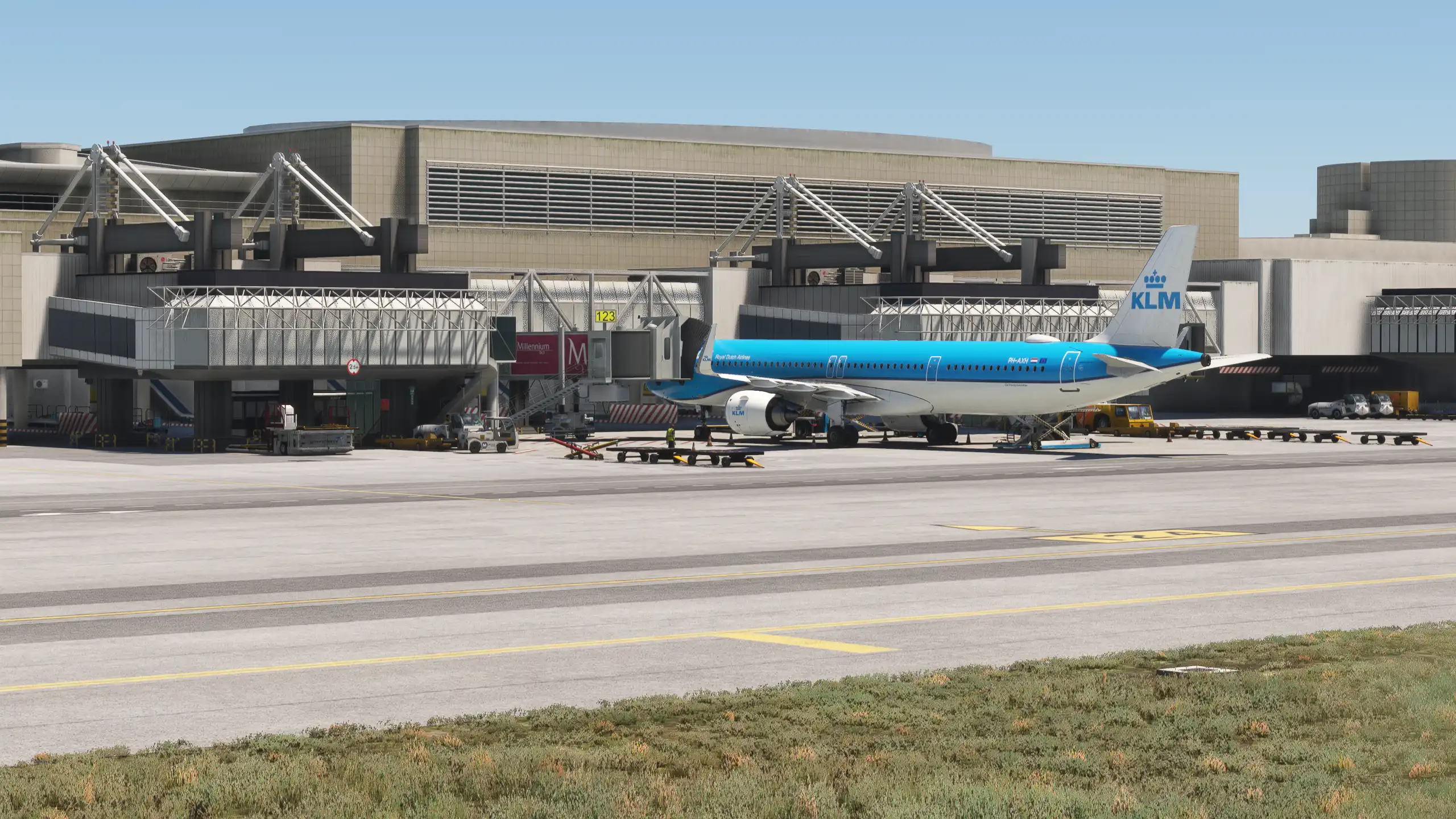
With my 10 GBs of VRAM, I always sit a bit close to the limit whenever I load into the FSLabs Neo, but it's not close enough to make the frames dip to single digits or to actually impact the gameplay in any meaningful way. It's important to keep that in mind, though, as anything less than 10 GB will be very tight for comfort.

If video memory isn't a concern, everything else is on the performant side. I average from 40 to 50 fps with my 9800X3D, whereas I'd average around 25-30 with my 3700X, meaning it scales relatively well with increased IPC (I did not upgrade the GPU, so the frame ceiling is still affected by the VRAM limitation).
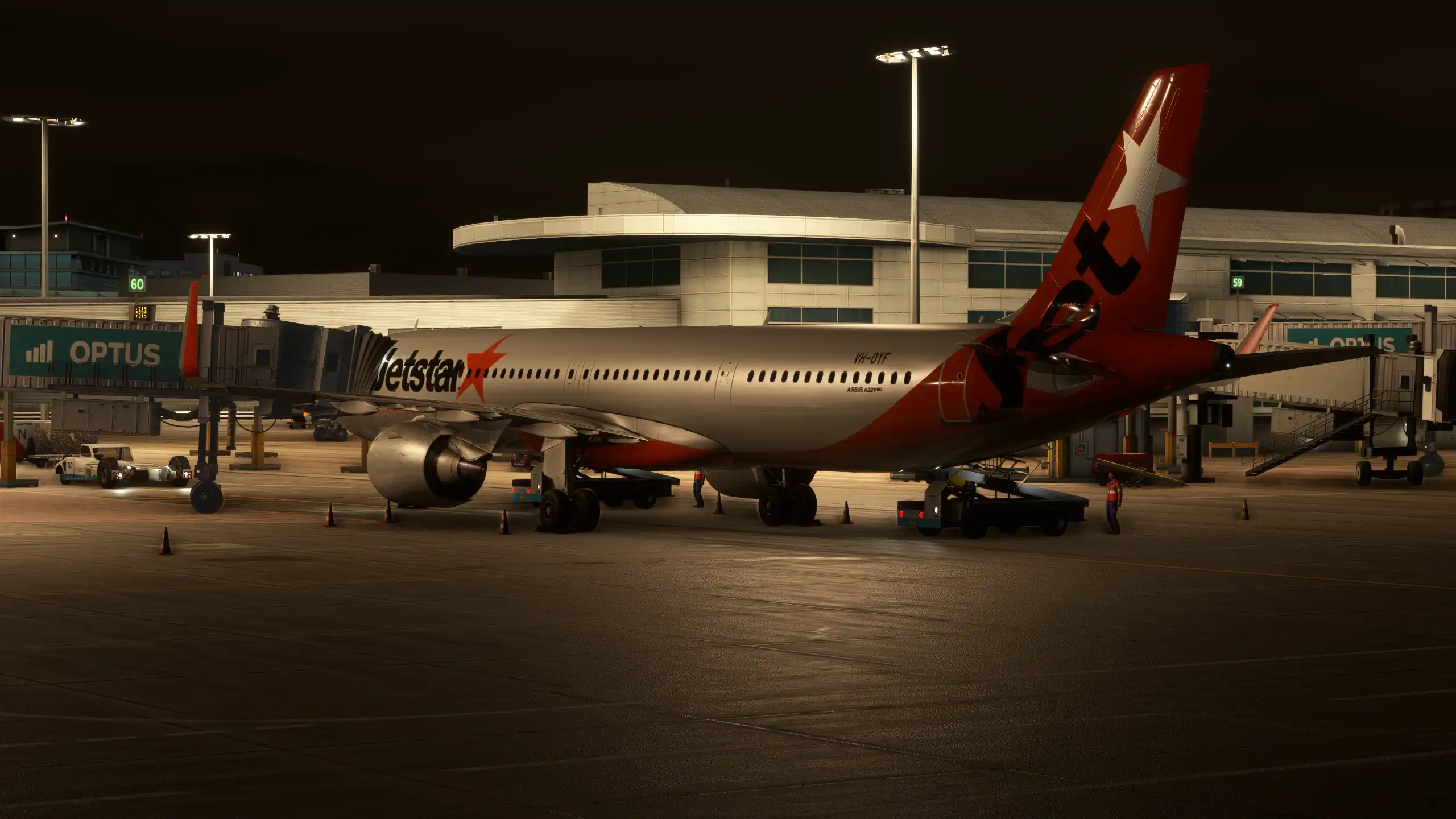
I get around 10 fps more with the PMDG 738, but that's because the VRAM usage hardly goes near 9 GB regardless of the settings at play, whereas with the Labs, it will use at least nine no matter what when parked at an airport. While DirectX 11 does play a bit nicer with overwhelmed video memory, it still affects performance to an extent. While I can not confirm that, I suspect I'd have significantly nicer frames if I had more video memory.
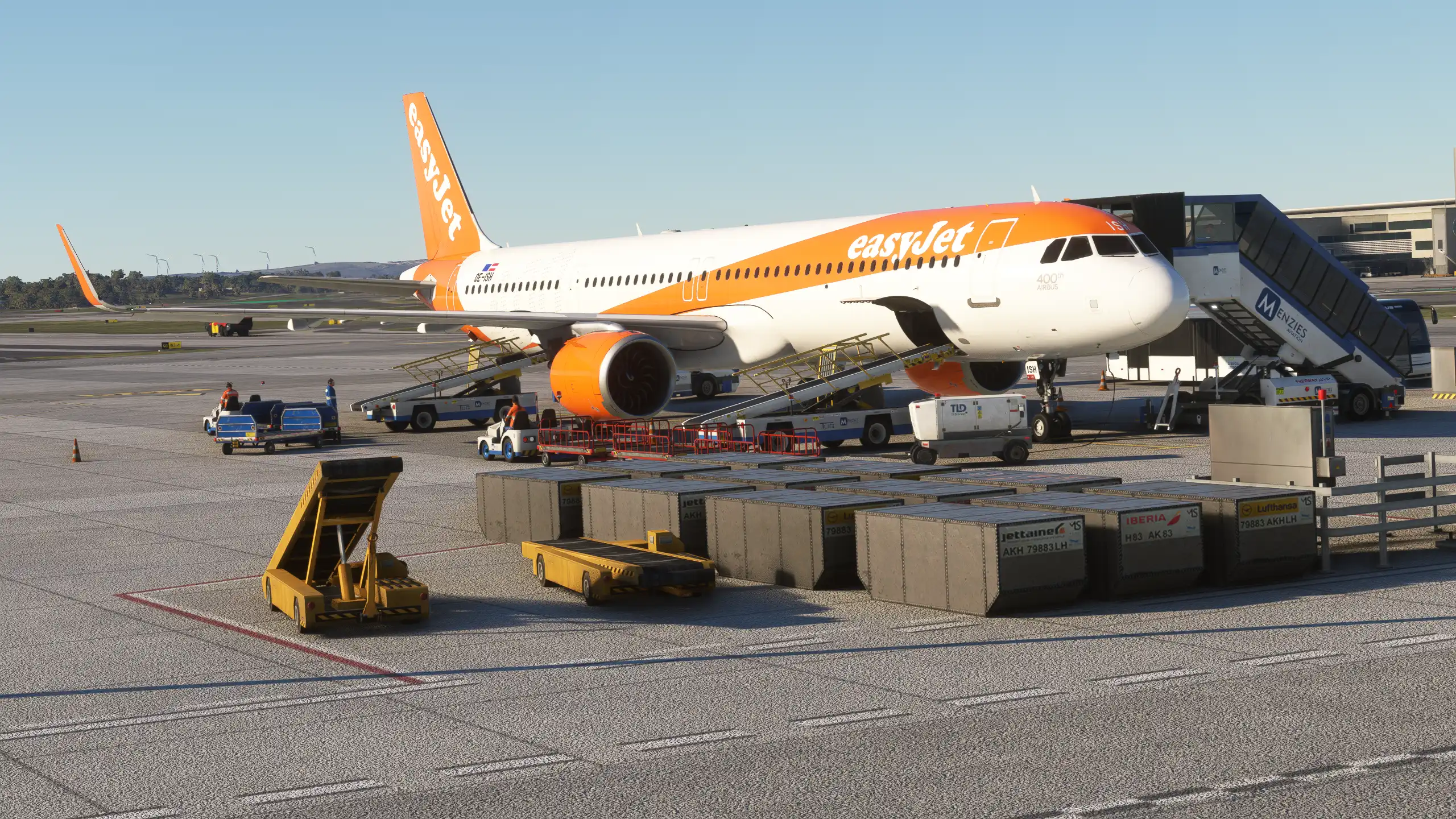
This issue can easily be remediated on the developer's side by either further compressing the textures, reducing the number of draw calls, or offering a lower resolution alternative for those less fortunate on the video memory front.
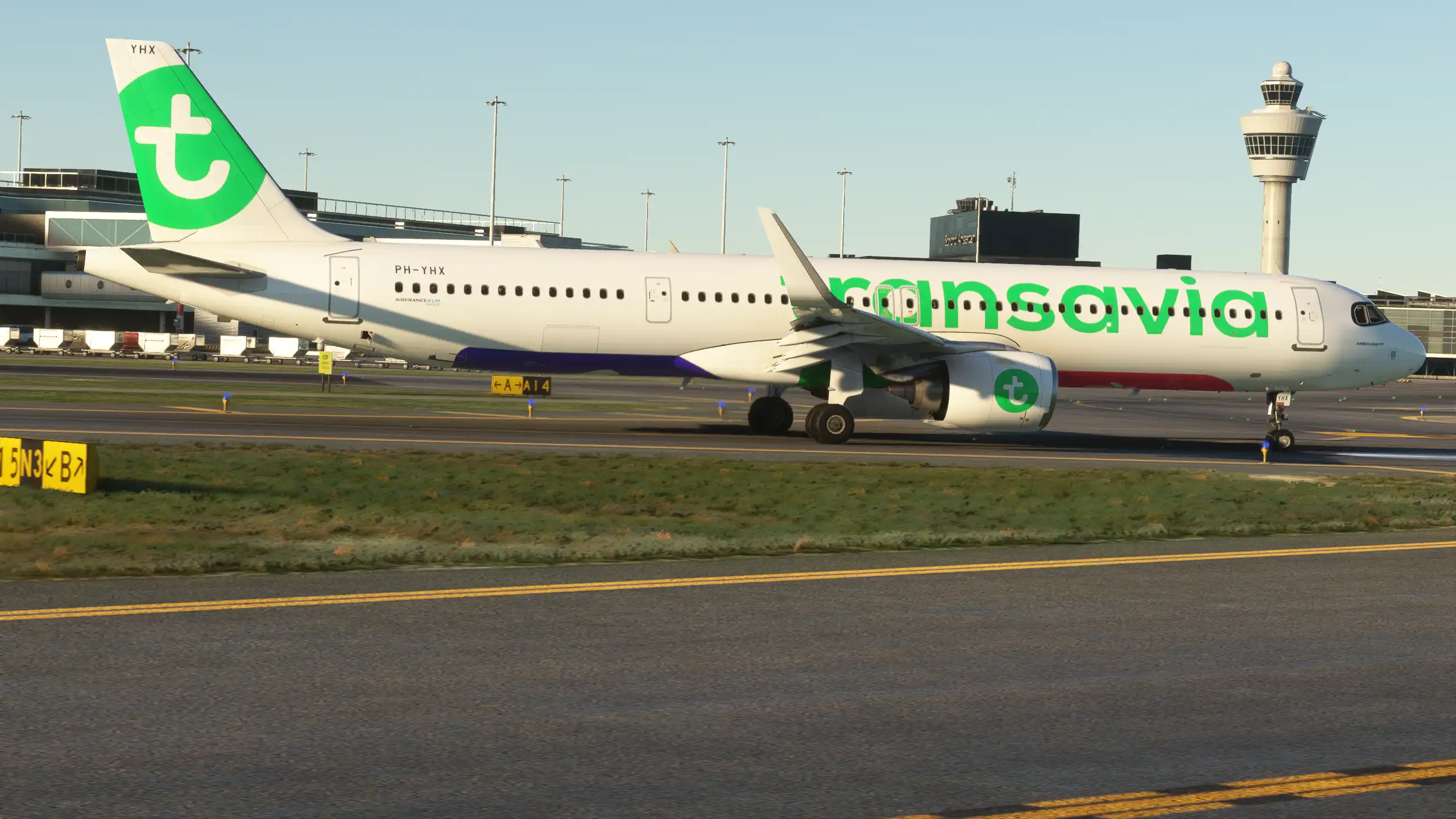
VRAM limitations aside, the performance average is very consistent, with no frame drops when moving the camera around, no random stutters, nothing. It is silky smooth. The fastest gaming processor in the world so far (at least at the time of writing this review) has no trouble running the Neo (and the ceo performs the same, really).
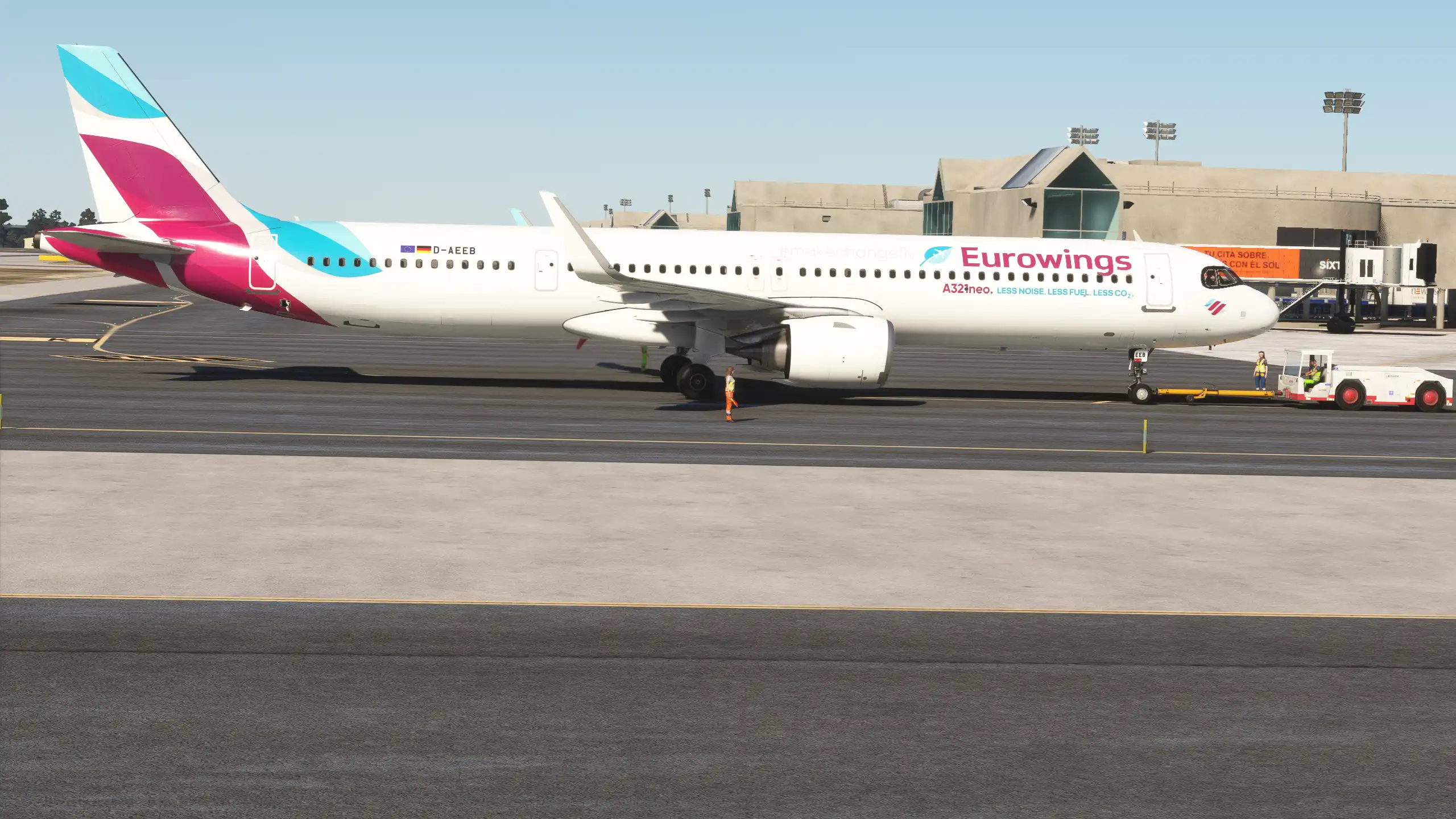
Worst comes to worst, Lossless Scaling is also an option, and it works very well with the FSLabs, with negligible impact on input lag and no wonky flight model behavior (some add-ons do not play nice at all with Lossless Scaling). It's also a better alternative than Frame Generation (especially if you are VRAM limited), as it also runs on DirectX 11. That API plays much nicer with constrained memory than DirectX 12 (it will dip to single-digit territory as soon as it maxes out).
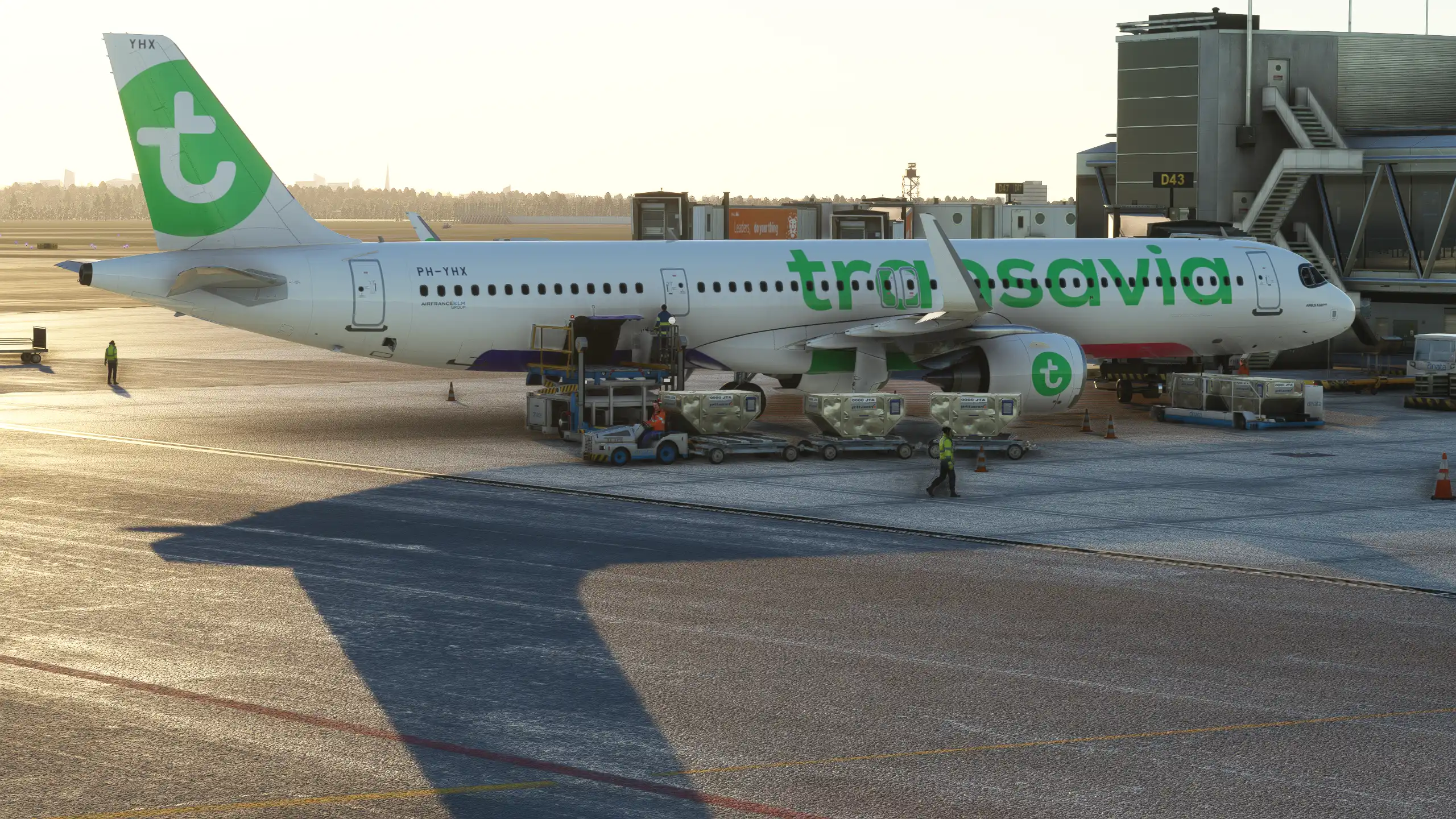
The overall consensus is that – ideally, at least -, you need an X3D processor and a GPU with at least 12 GB of VRAM for the best experience possible, but it is entirely possible to get a playable experience with inferior hardware. I ran the ceo on my 3700X + 3080 combo, and it was mostly okay, having to resort to Lossless Scaling sometimes around bigger airports, but it never overwhelmed the system enough to make it unflyable. Upgrading to the 9800X3D made the 0.1% and 1% lows much better, and of course, there was a massive increase in the performance ceiling, as I was no longer as CPU-limited as before (it's twice the IPC, so an enormous difference in that regard).
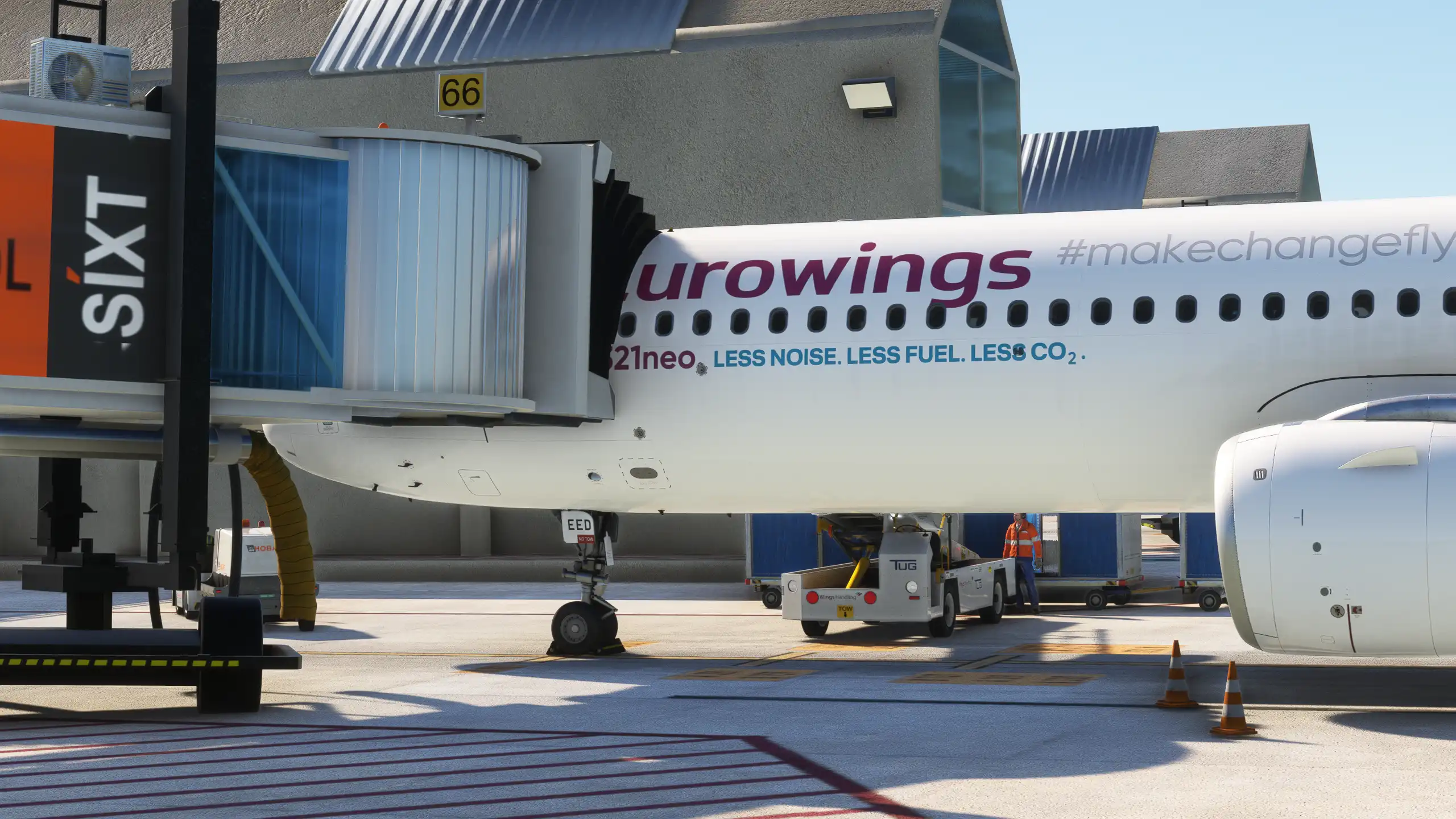
I'd keep my expectations in check with a modest machine, but the overall performance aligns with other complex airliners available for both platforms.
Conclusion
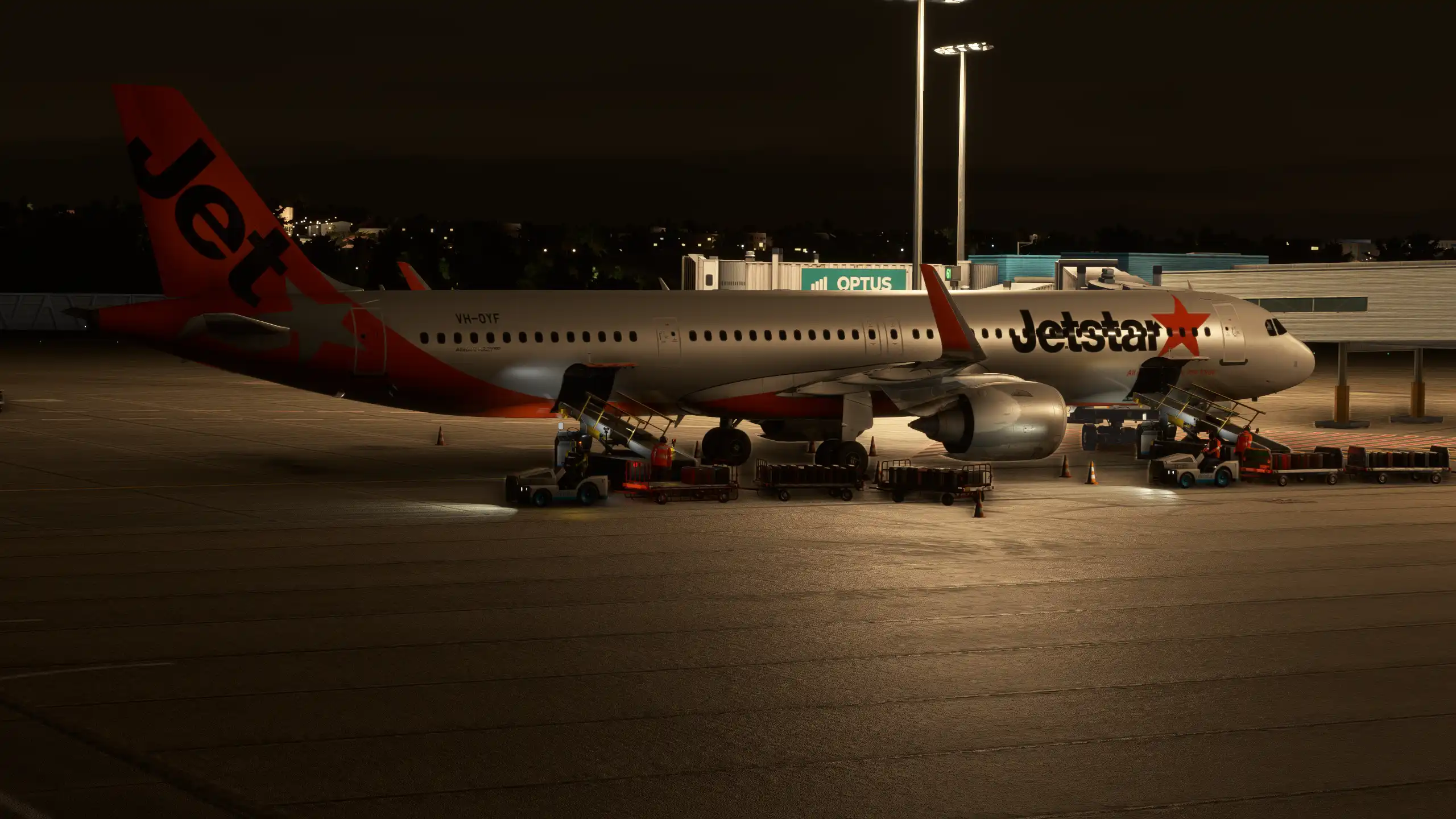
For $69.95 + VAT (if you are in the European Union), you get to fly the first study level A321neo for Microsoft Flight Simulator 2020 and 2024, offering a level of depth that goes above and beyond the current market standards, with service based failures, realistic wear and tear on the airframe, an incredibly consistent and convincing flight model that brings nothing but utter joy, making for a highly immersive experience from the moment you power it up to the moment you park it at the destination.
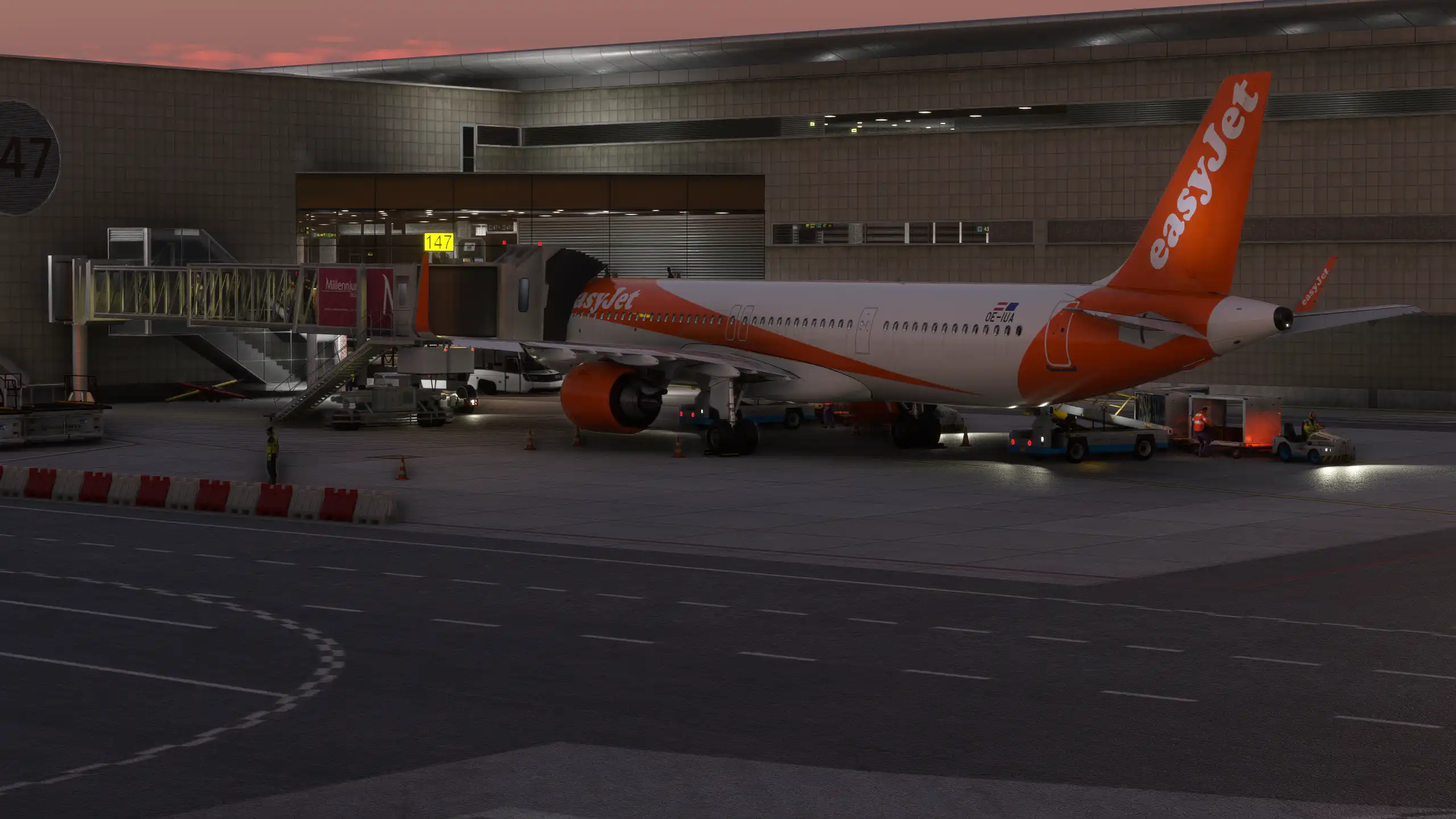
The addition of service-based failures means that every flight is never the same, forcing you sometimes to make certain decisions that you wouldn't have otherwise when a critical part or system fails. Do you continue with the flight? Do you ground the plane and ask for a different tail? Do you delay your virtual departure and virtually fix the issue? It might seem small, but it completely changes the overall experience. Planes have hundreds of thousands of parts at the end of the day, and they will not hesitate to fail if you look at them the wrong way.
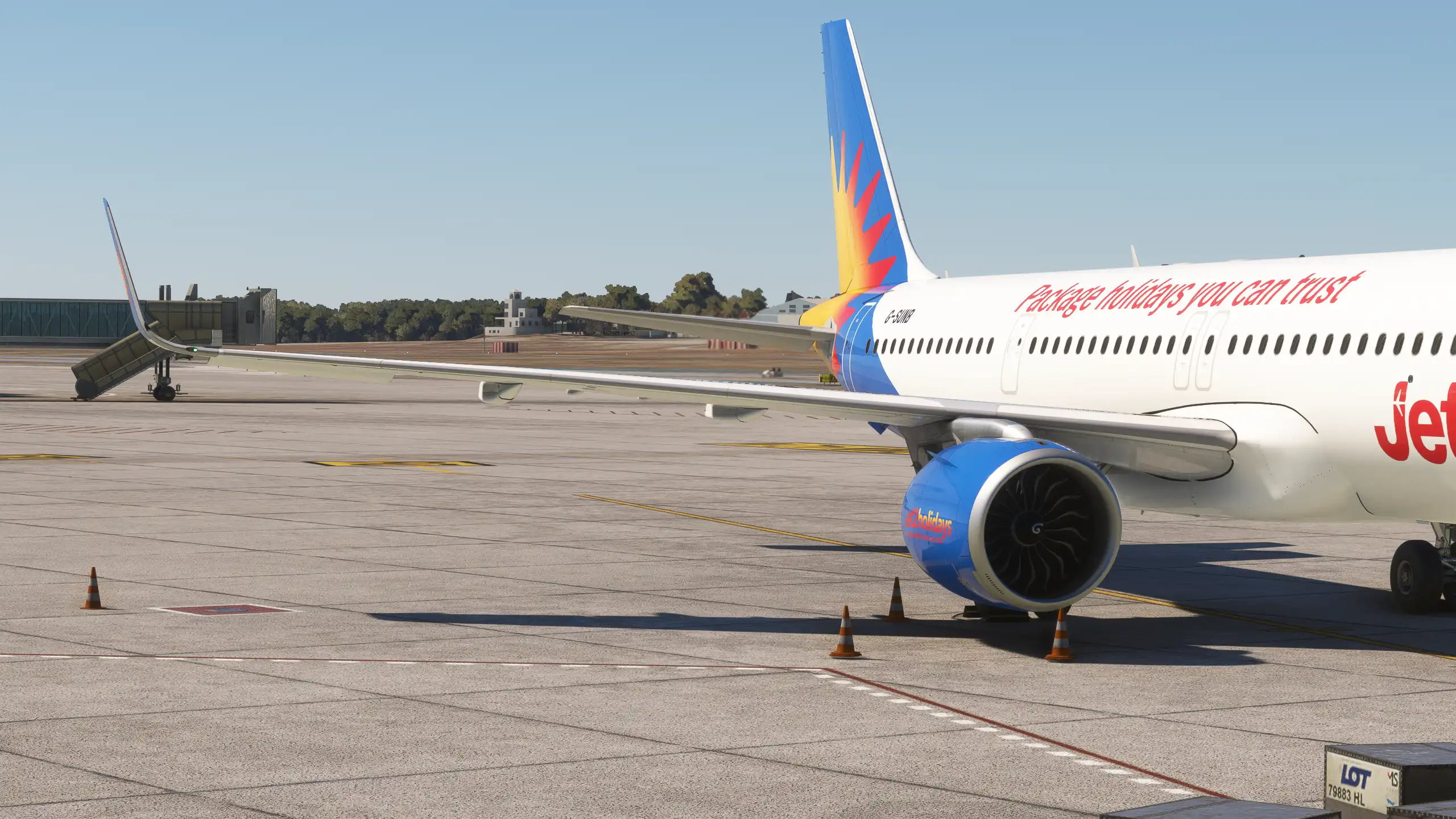
Granted, there is a lot more to a virtual airplane than systems and failures, and the overall feel is also vital, but FSLabs does not disappoint there either: the flight model is solid and consistent, producing similar results as long as the weather conditions and weights are similar, of course. It does not take long to get an overall idea of how the airplane behaves and find yourself nailing the landings almost every single time, as long as you respect the fact that it is an Airbus and it has its quirks, meaning you have to watch out for the FPM on short final (ideally no more than -800), no sudden arrests, not cutting the throttle too soon or too late, and so on. With that in mind, it always does what you expect it to do.
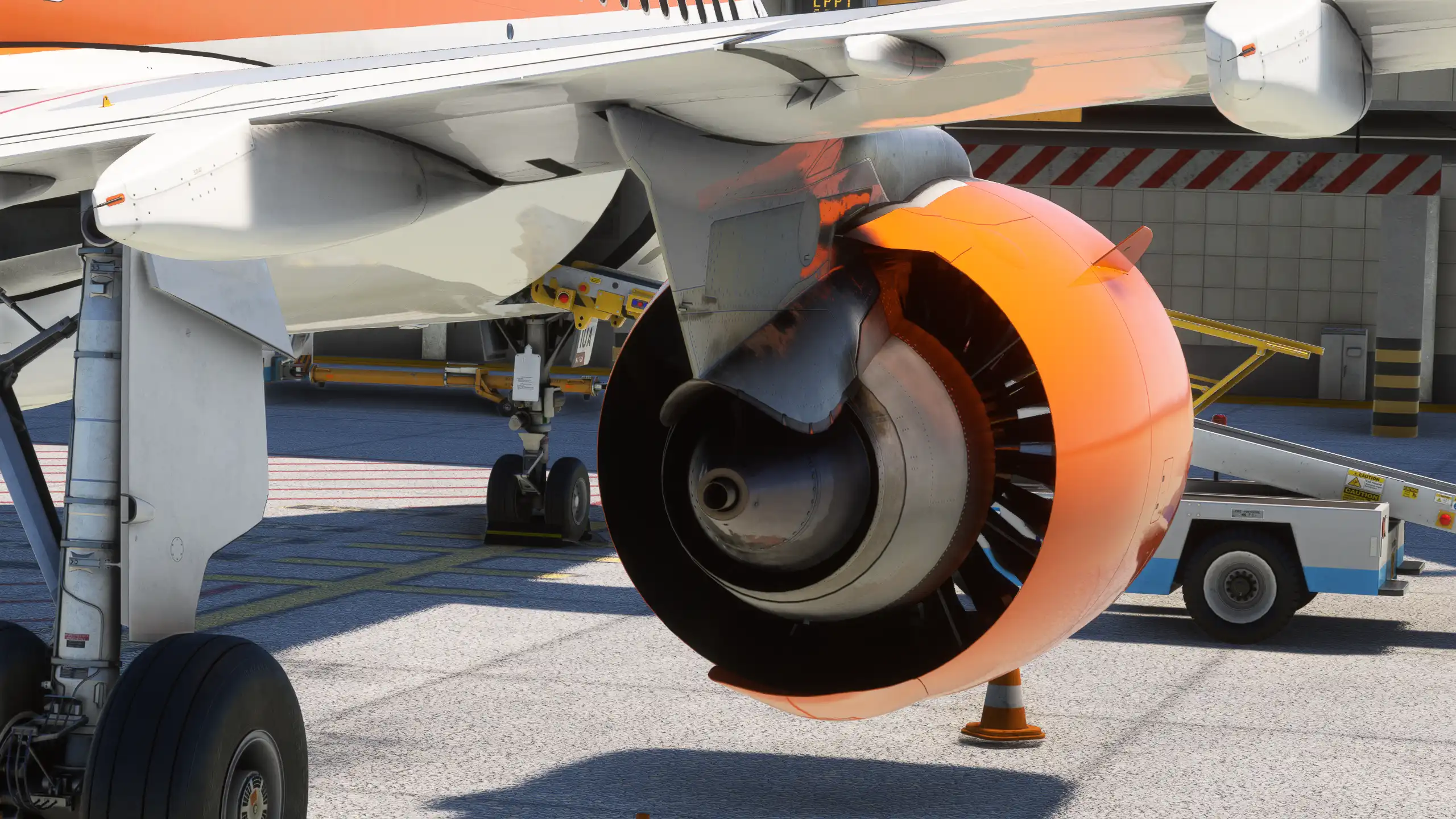
The only criticism I have is regarding the VRAM footprint, which could maybe be a bit lower so that it wouldn't nearly max out around bigger airports, allowing more breathing room even if that meant offering an option with slightly downgraded textures instead of an actual asset optimization per se.
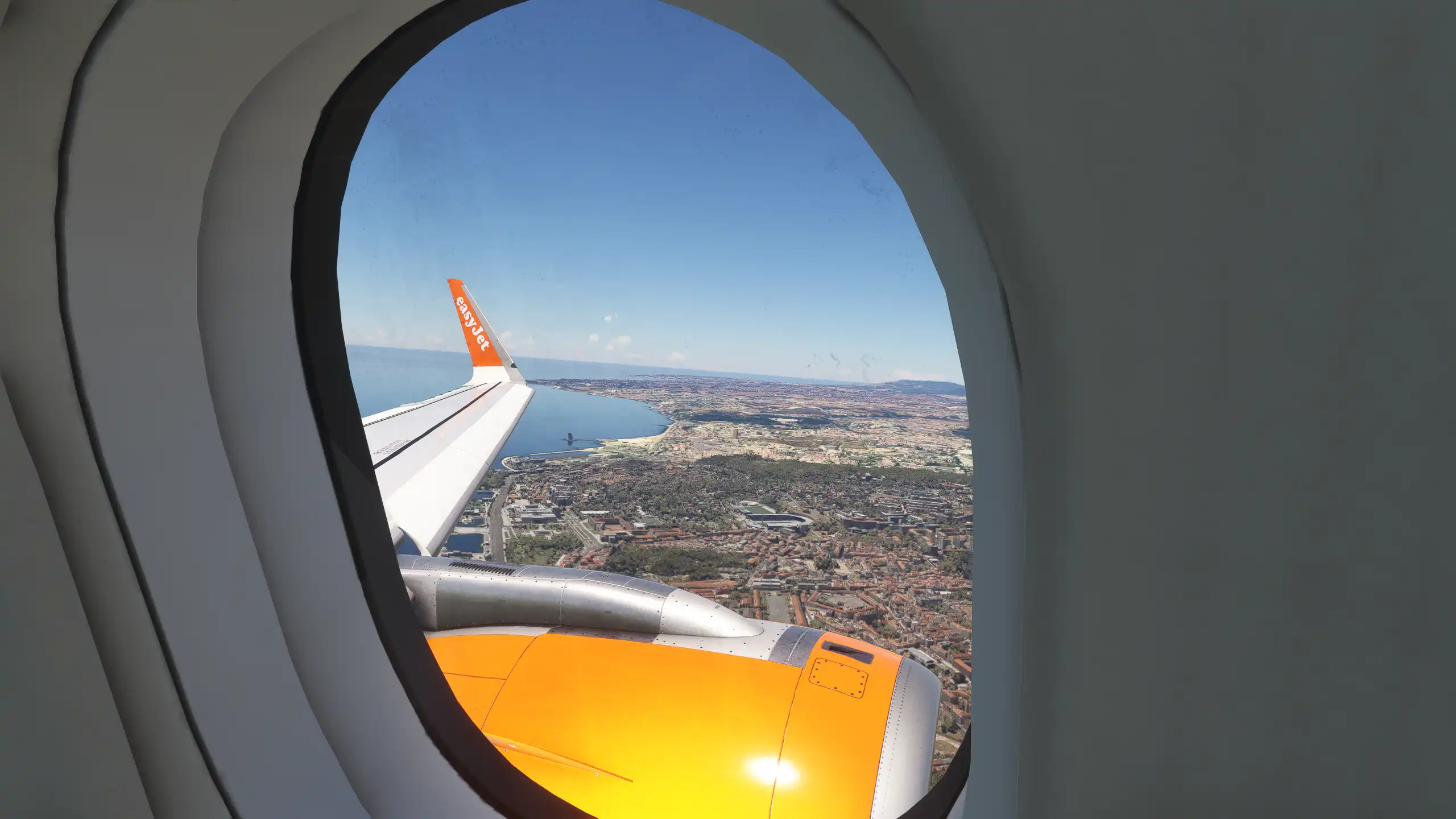
If VRAM isn't a problem for you, and your CPU is powerful enough (X3D, 12900K and beyond), the overall experience will be completely fine, and I can not recommend it enough in that case. It's a really solid rendition of the neo, with superb system depth, cool never-seen-before stuff as far as Airbus add-ons go, and an absolute joy to fly around.
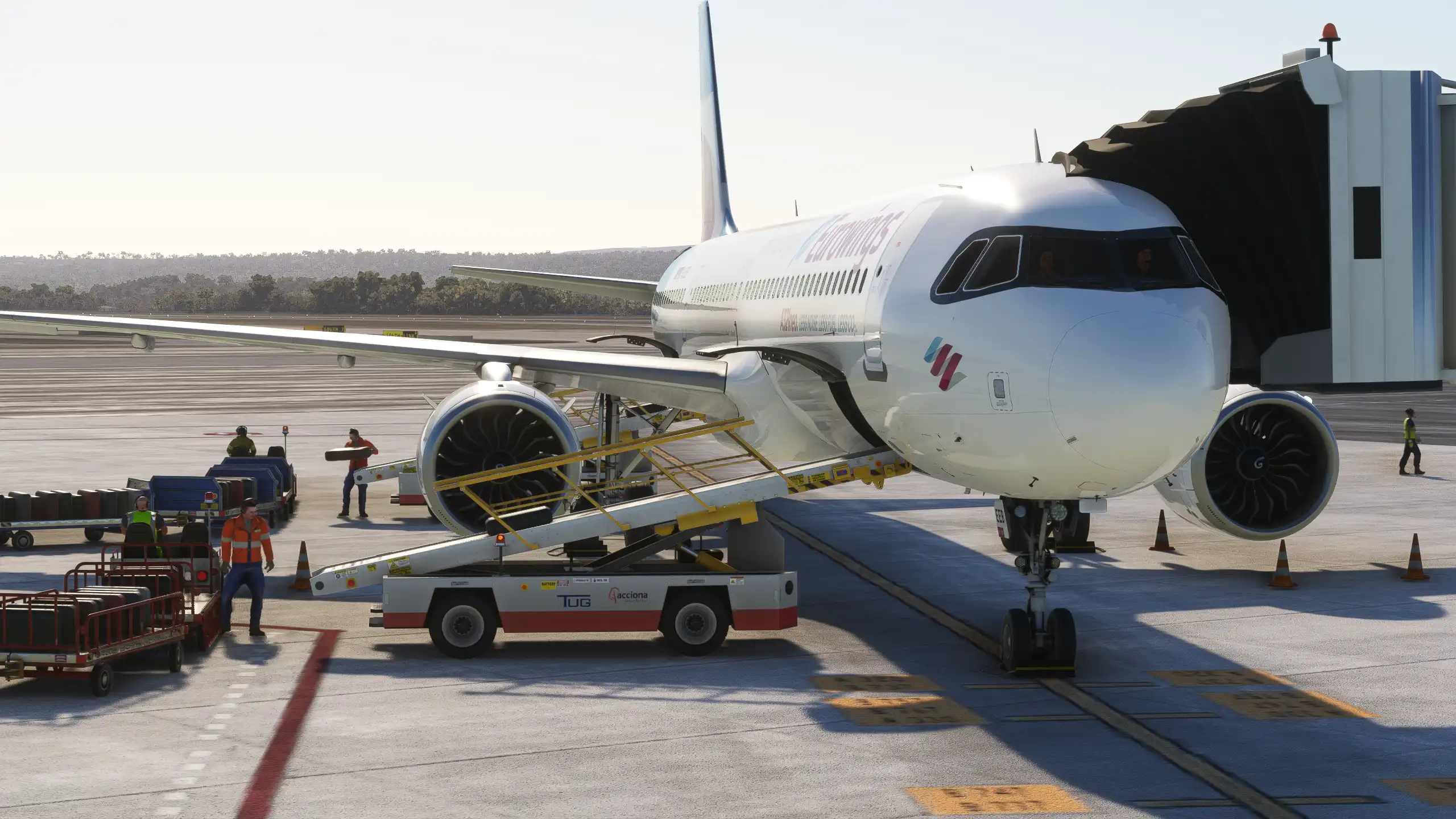
The PW engine update is said to be coming soon and will then complete the lineup, with the exception of the XLRs (there's no information on whether FSLabs will develop those or not). Essentially, it's basically every variant of the A321neo for $70, which really isn't a bad price tag at all if you look at what the industry generally charges for study-level products.

Fenix—their competitors—charge a bit less for their products, but their Neo is still under development, and there's no ETA for it yet. Nor do we know how it will stack up in regards to flight model, overall depth, etc. A321ceo-wise, though, the Labs has a slight edge on flight model and overall depth, although they lose in terms of 3D model and texturing. At the end of the day, it all boils down to what you prioritize in an add-on aircraft.

At the end of the day, competition is very important to avoid complacency and fuel improvement. I consider ourselves, fellow flight simmers, very lucky individuals to live in an era where we have the freedom of choice rather than a single-developer monopoly where they can do as they please.
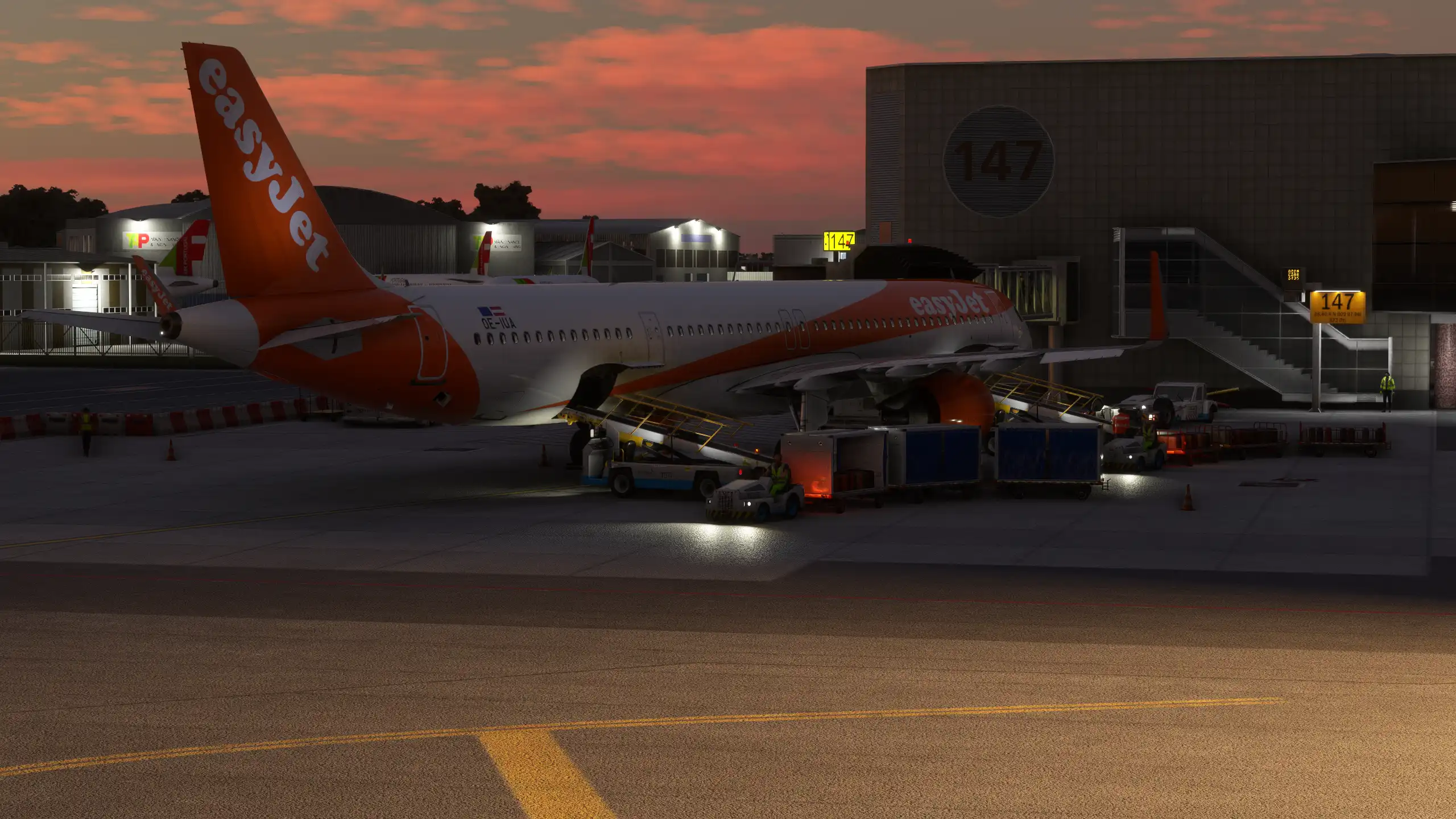
I had nothing but fun with the FSL neo during my many flights, as I wanted to test it properly before publishing my review, allowing me to get a better idea of how consistent the flight model is, how stable the systems are, and how it performs under different weather conditions, airports, and so on. I did not have a single CTD during the testing period, which is an excellent sign. And no oddities to speak of either (other than the issue with my external storage, which is not their fault or Asobo's).
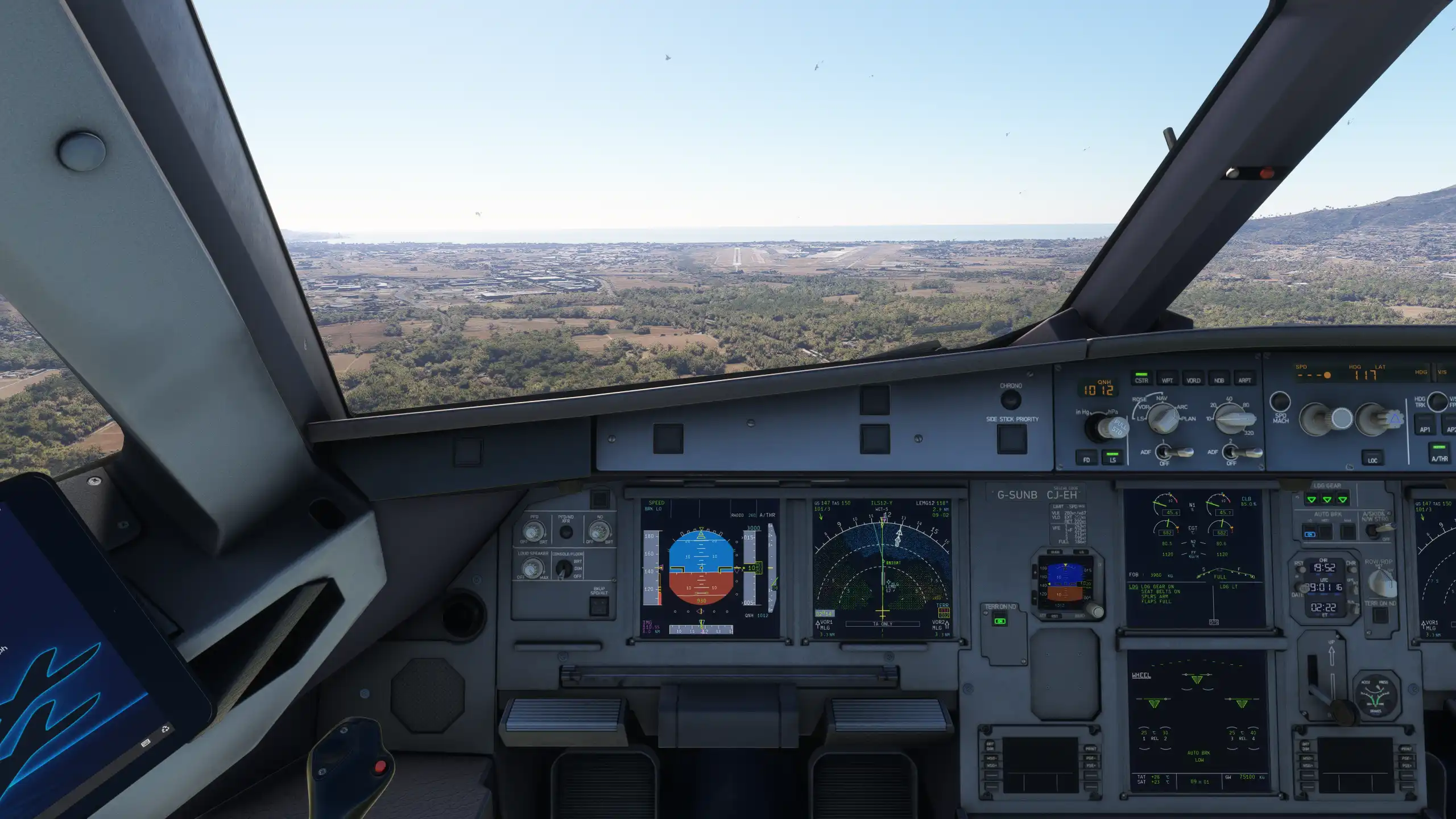
A huge thank you to FSLabs for providing us with a review copy!
Share this page

COMMENT ADVISORY:
Threshold encourages informed discussion and debate - though this can only happen if all commenters remain civil when voicing their opinions.